Hi all,
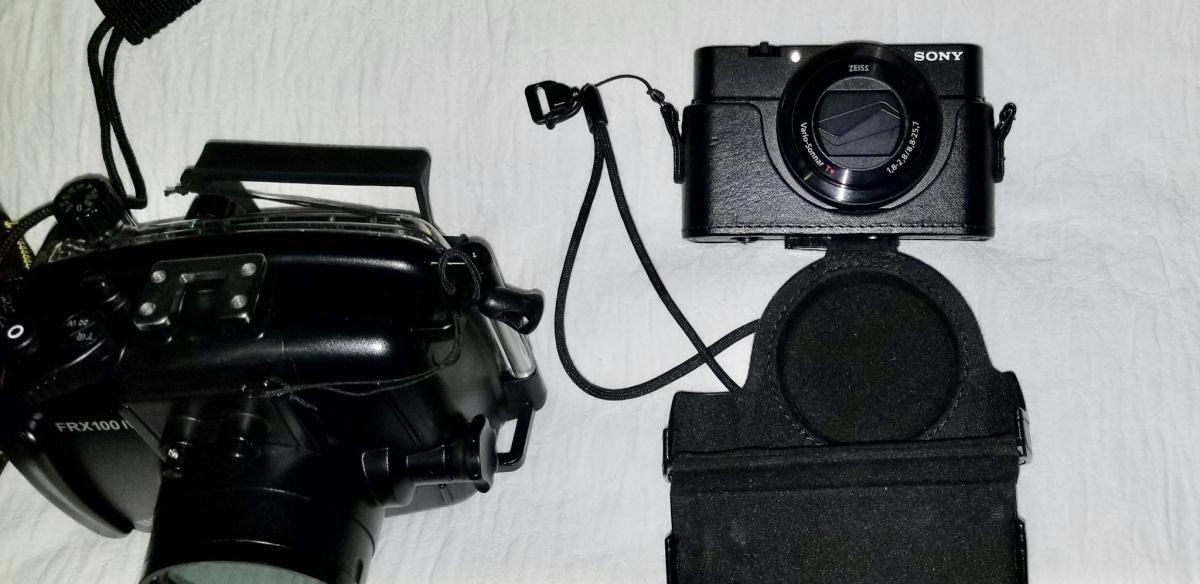
Im selling the following gear. Its barely used (less than 10 dives). The reason for selling is that I got a more expensive system. The whole package is in great condition.
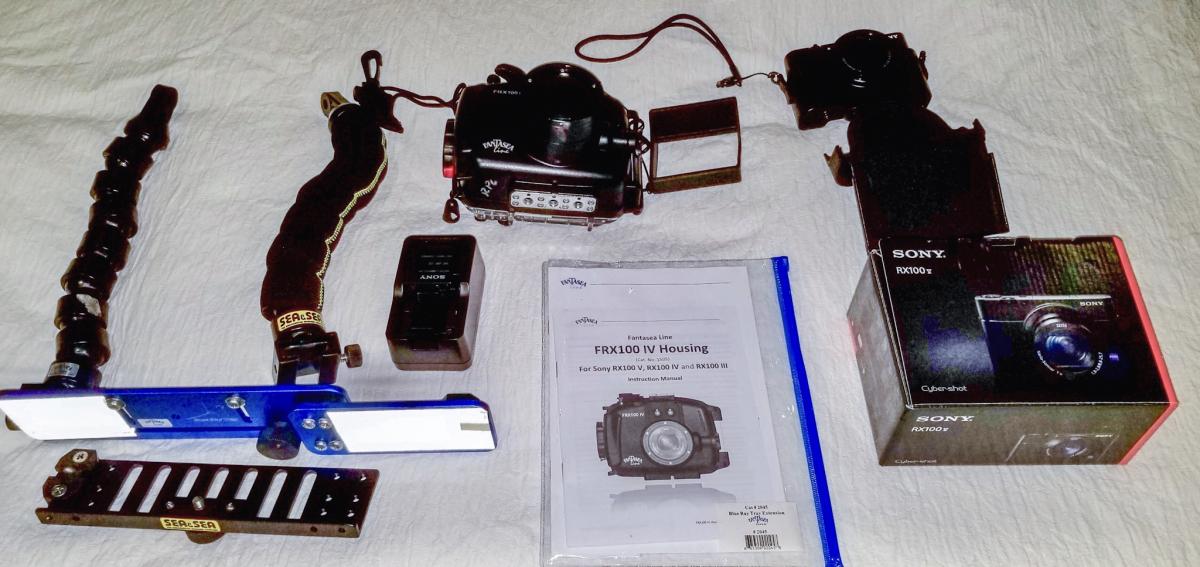
The items are as follows and it would be ideal to sell as a package:
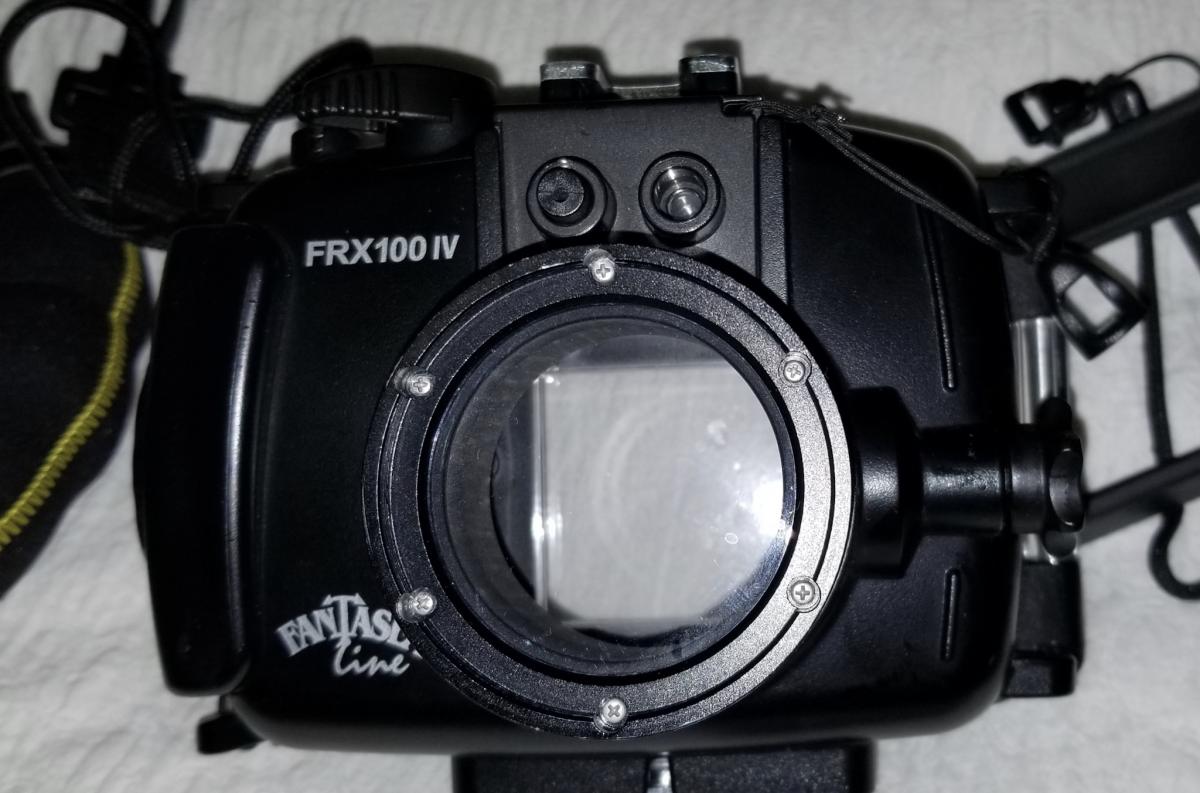
1) Fantasea FRX100 IV Underwater Housing (Works perfectly for RX100 V). PRICE: $350 dollars
Regular Price: $399.95
http://reefphoto.com...roducts_id=8637
2) Sony DSC-RX100 V. PRICE: 750 dollars
Regular Price: $950 dollars
https://www.amazon.c...rds=DSC-RX100 V
3) 5 (five) Sony NP-M8 Batteries for Sony camera. PRICE: $100 dollars
Regular price: $37.99 (per unit)
https://www.amazon.c...0?ie=UTF8&psc=1
4) Fantasea Blue ray tray Double tray
Regular price: $69.95
https://www.backscatter.com/Fantasea-Blue-Ray-Double-Tray
5) TWO flex arms
Regular price: 25.95 per unit
https://www.backscatter.com/Fantasea-Flex-Arm-15
TOTAL: $1,100 dollars plus half of the shipping costs. (regular price of $1,661.95 + 100 dollars shipping)
I can accept payment via Paypal. I am 100% reputable and will honor the sale. I will be posting pictures soon.
Buyer pays HALF for shipment from Mexico City (I am willing to subsidize half the amount for shipment to the US other locations are not included-). Please send me a message if interested.
Rodrigo