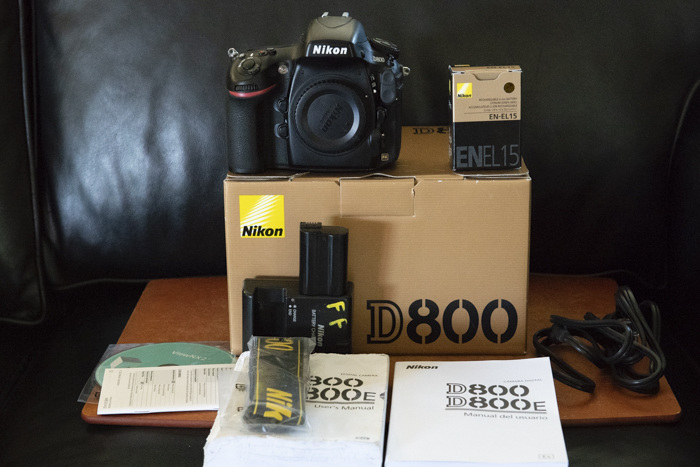
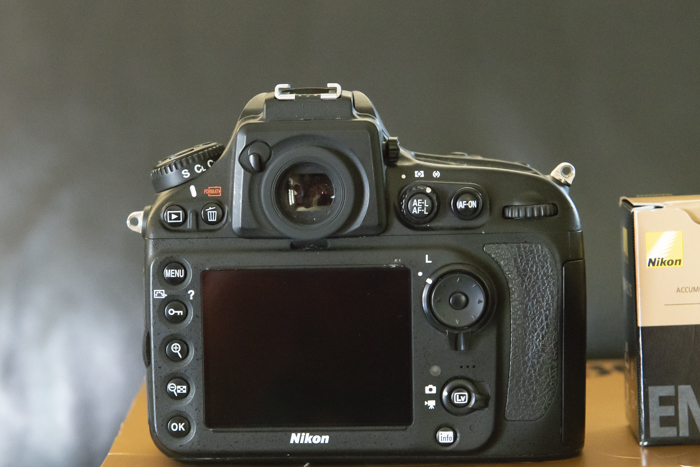
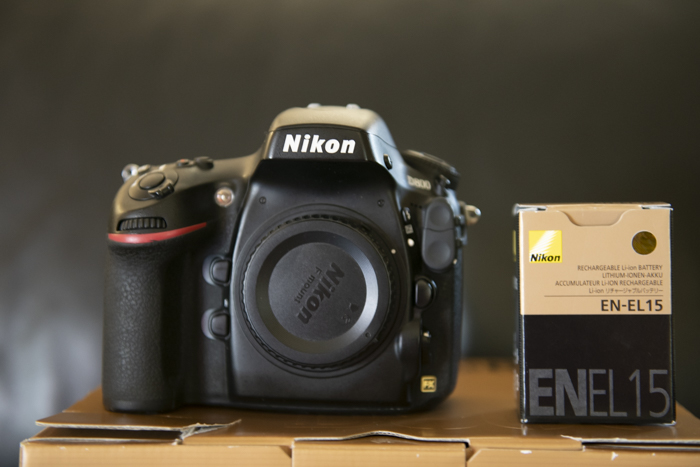
I am selling my D800 body with the Subal housing body. Camera pix below. The housing is presently at Reef Photo getting its final maintenance check and reinstalling the standard viewfinder. I'll post photos of the housing as soon as it is returned.
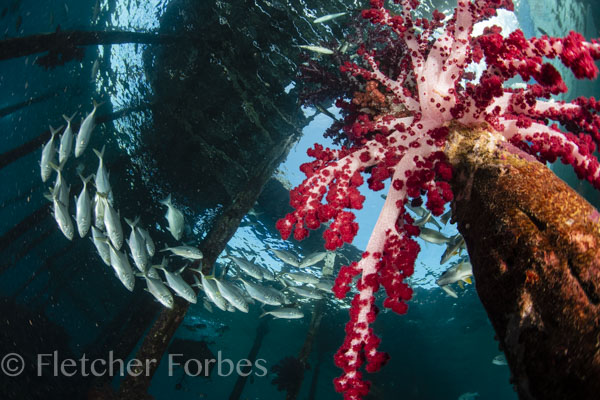
Caveat(s): Subal issued a retrofit for the back of the housing a couple of years ago because the buttons were sticking. There is no problem since the retrofit, but you do have to work the buttons some after a day's diving. I do that anyway with every housing, just makes sense. The camera has never been flooded, but the housing has been, quite a while ago ( worn port o-ring). Luckily, the flood was an hour away from Reef Photo, so it had a full checkup and moisture alarm replacement within the afternoon. ( The camera was toast, I am selling the replacement Nikon D800.) I've been using the setup ever since with no issues. I've included a photo from my last trip with it, three weeks ago. It is a 36 megapixel camera, full frame, with everything it came with, box, manuals, DVD, camera strap, battery charger, two batteries. The housing is set up for fiber optic cables (two), and standard viewfinder. Selling them both together for $2300.