Now I have gotten my new setup (Nauticam and Fujifilm XT-2), I need to sell parts of my current setup. I'm selling a fully equipped and working configuration built around the Olympus EPL-7 camera with the PTWC-01 wide angle wet lens from Olympus.
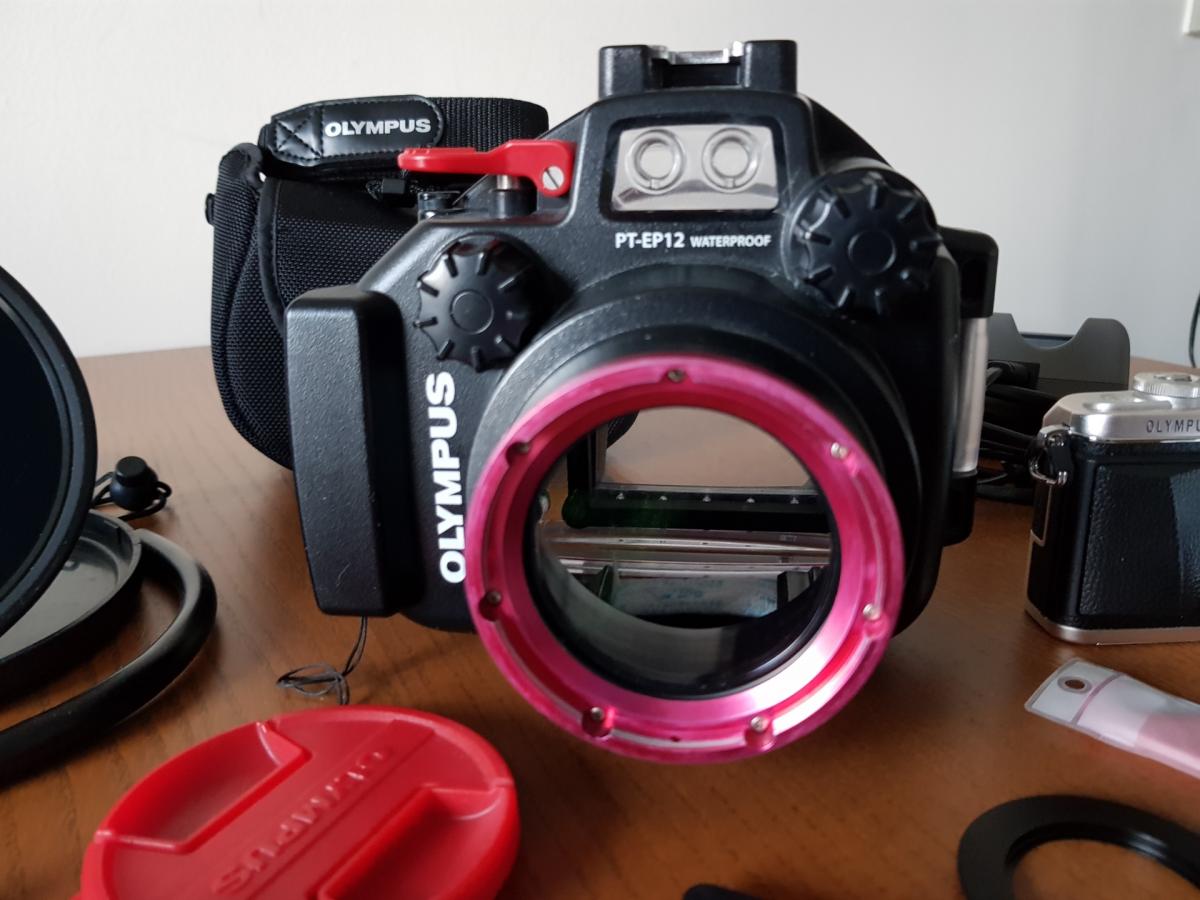
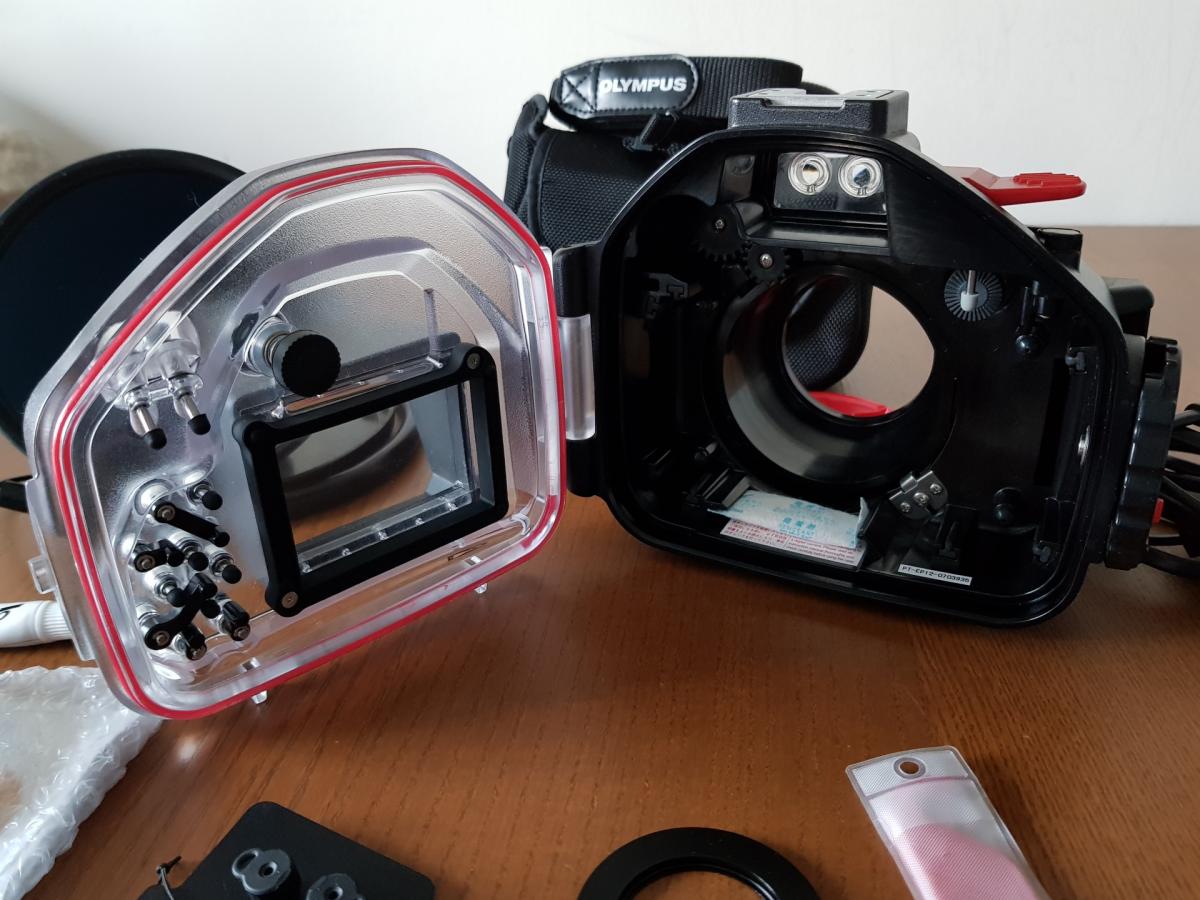
I bought it in Kuala Lumpur in November 2016 at Divers Den, a shop specialized in underwater photography. I will provide all the receipts. The housing has been always very carefully maintained, never been flooded and without scratch. I have dived with it 110 times or so.
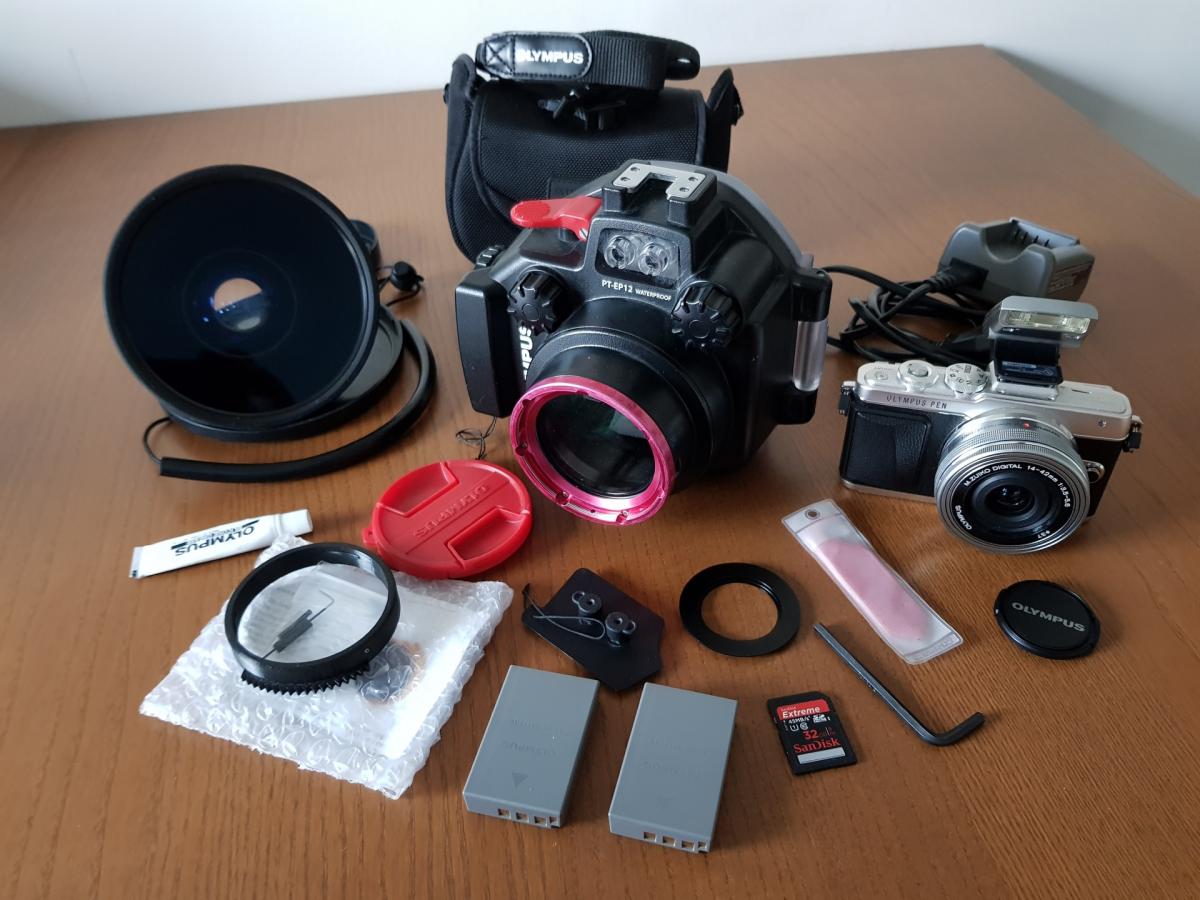
The package contains the following elements:
-
Olympus EPL-7 Silver Camera Body (4846 clicks)
-
Olympus M.Zuiko ED 14-42mm F3.5-5.6 EZ
-
Olympus Genuine Battery Charger + 2nd Battery BLS-50
-
Olympus Underwater Housing (PT-EP12) + Olympus Lubricant
-
Olympus Anti-Reflection Ring for 14-42mm EZ (POSR-EP07)
-
Deepshots 3D Printed Zoom Gear for 14-42mm EZ
-
SanDisk Extreme 32GB SD Card
-
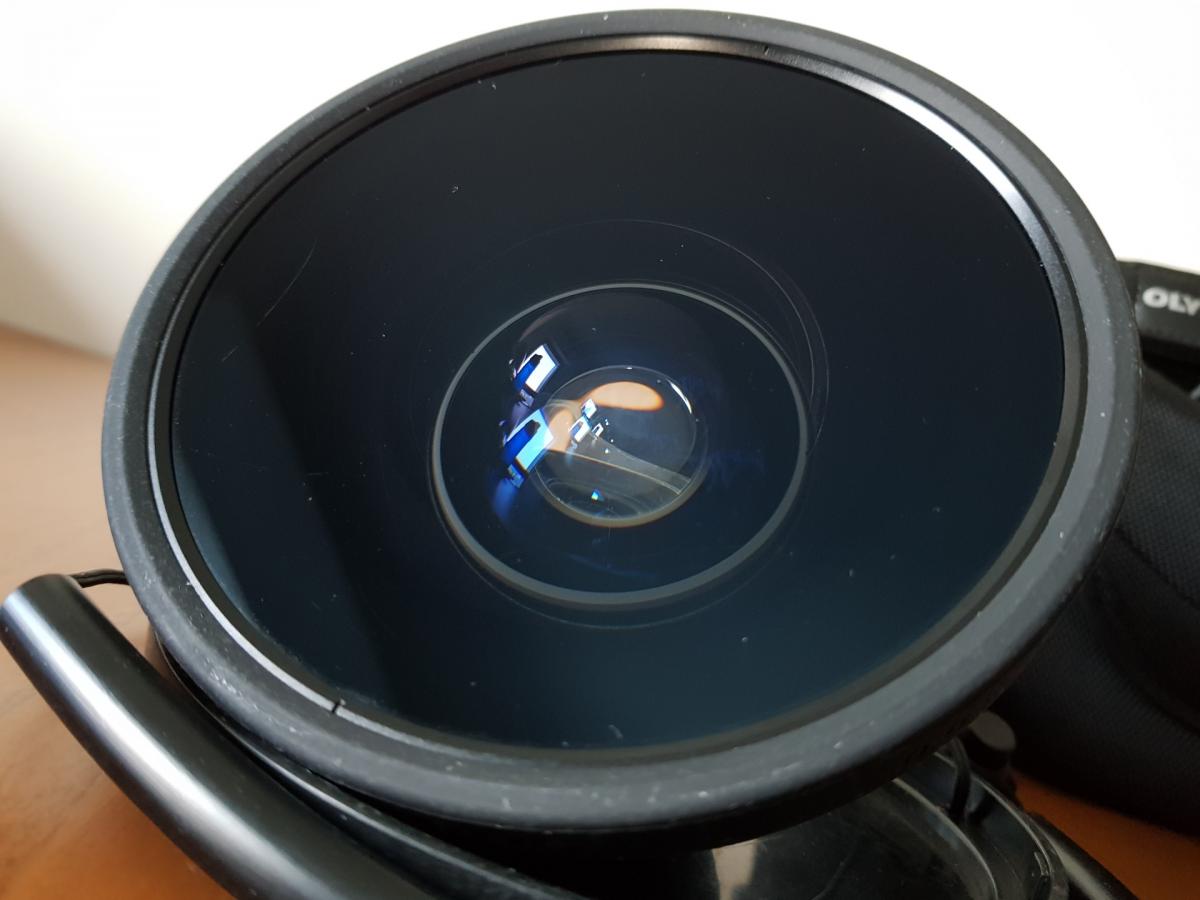
Olympus Underwater Wide-Angle Converter (PTWC-01)
The Olympus Wide Angle Converter (PTWC-01) fits the housing and converts the field of view to 100 degrees underwater. The lens is good condition with normal wear and tear (a few tiny scratches) but it does not affect in any ways the image quality. I can share some recent wide-angle shots and some macro stuff done with the CMC-1 from Nauticam (which I'm not selling by the way).
This underwater photography gear is visible in Paris area (Boulogne-Billancourt) and I can ship it to buyer's costs.
Price: 900 EUR (or nearest offer)