Skip to content

Classifieds / Archived topic

Olympus TG-5, PT-058, KRL-02 and Sealife Tray

Started by Travi the Diver ·

  • 2Posts
  • 2Replies

Read-only discussion

Olympus TG-5, PT-058, KRL-02 and Sealife Tray

2 posts
  1. Selling my TG-5 setup as Im upgrading to an OM system! ?


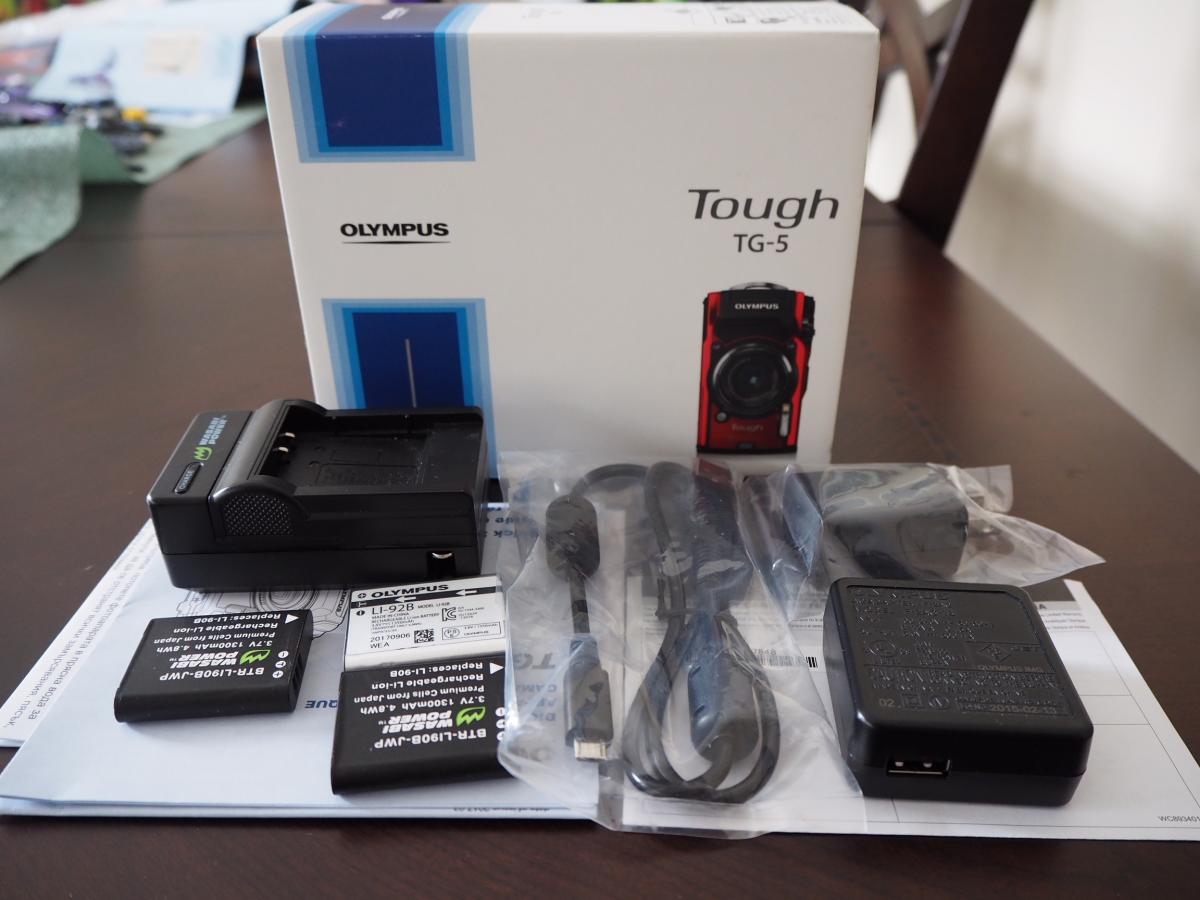
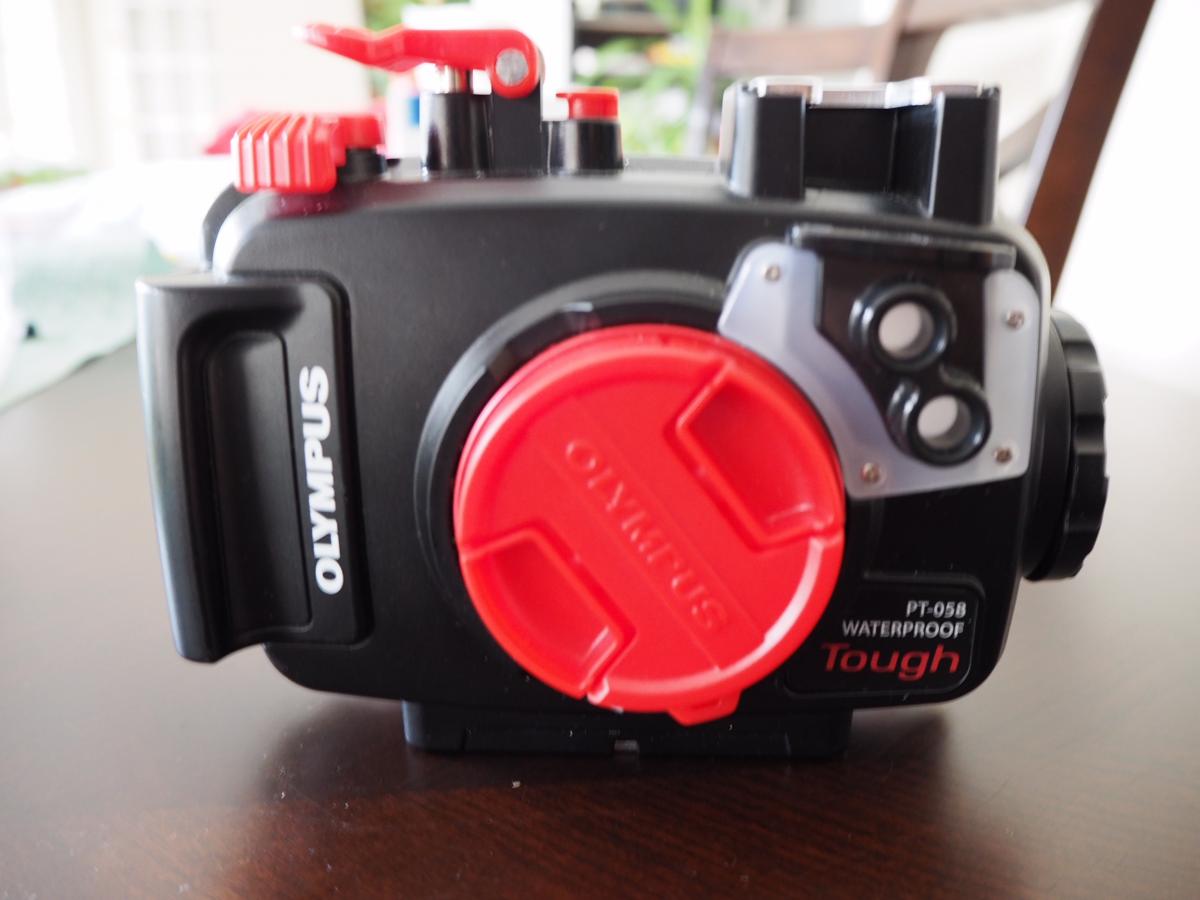
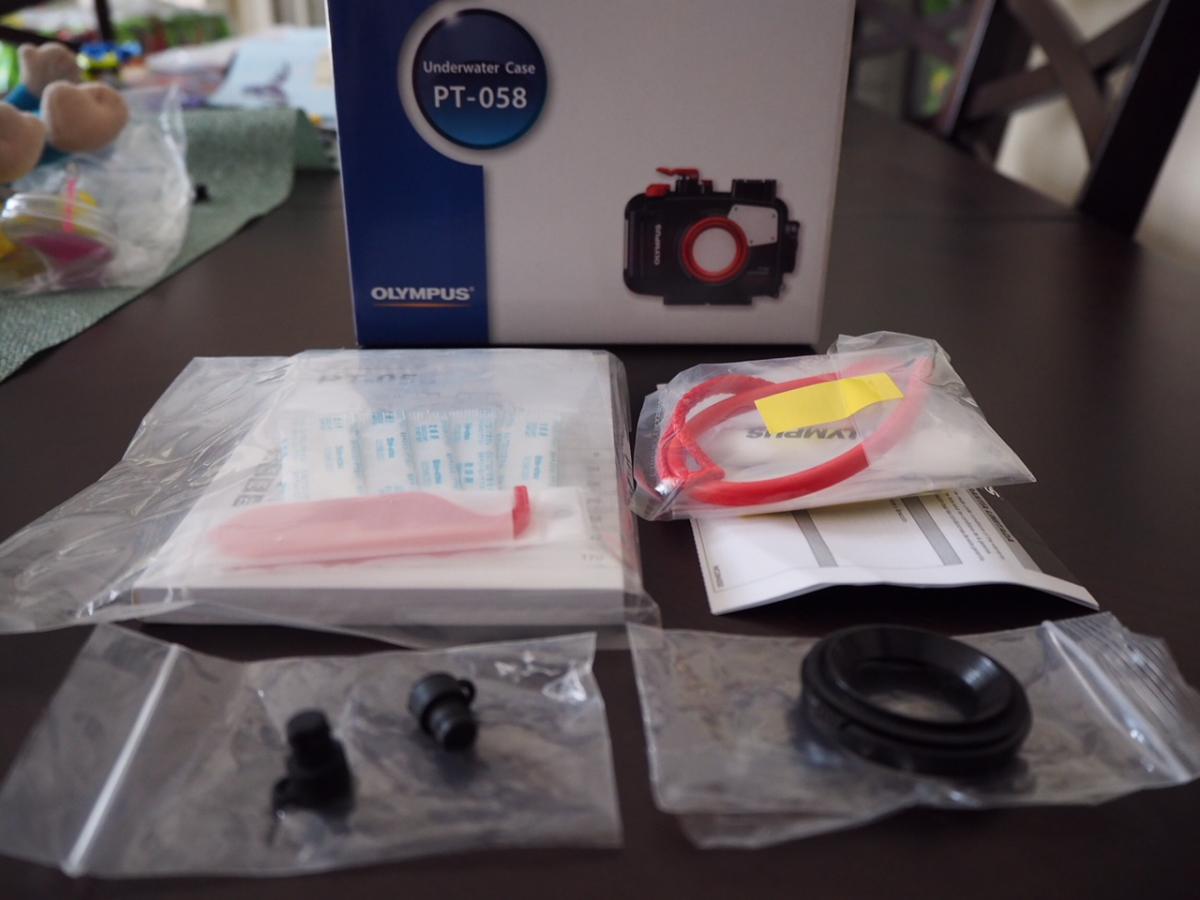
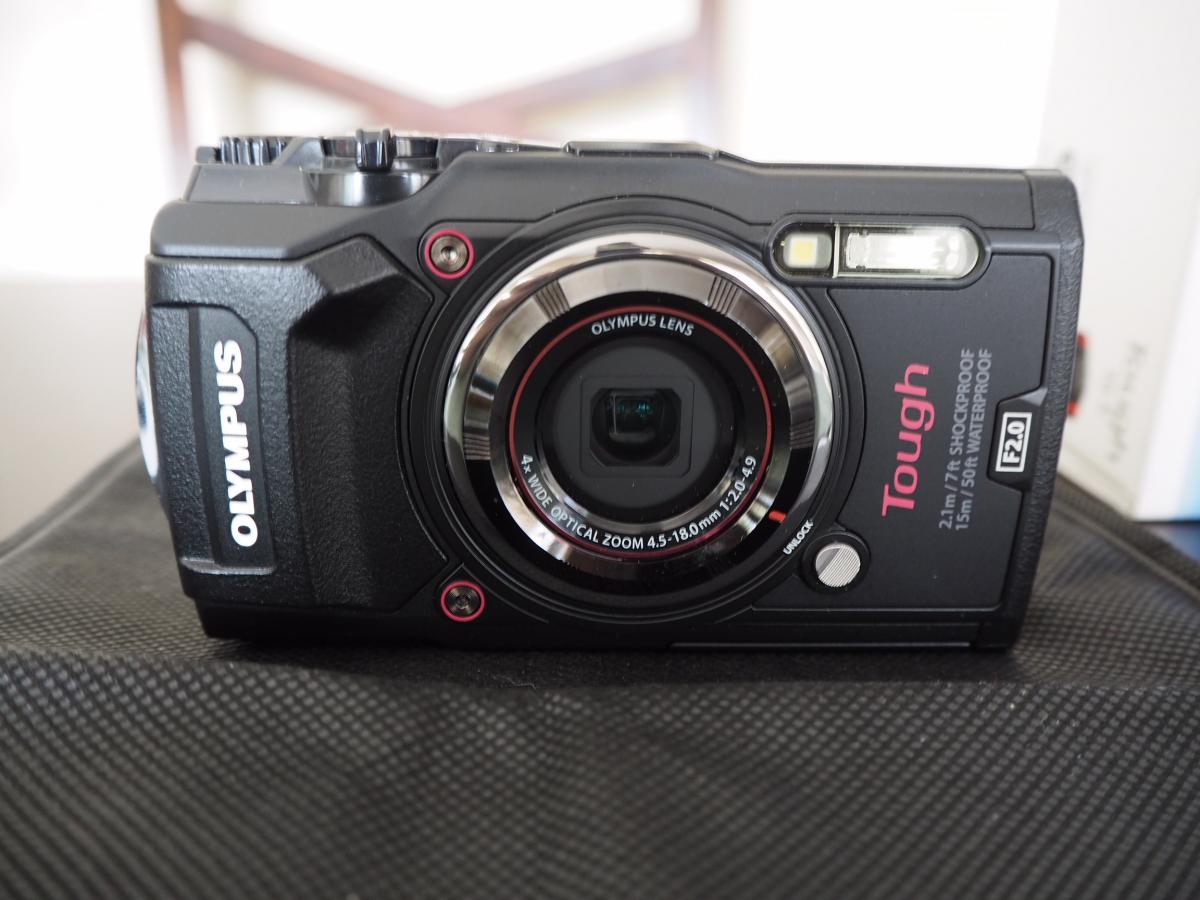
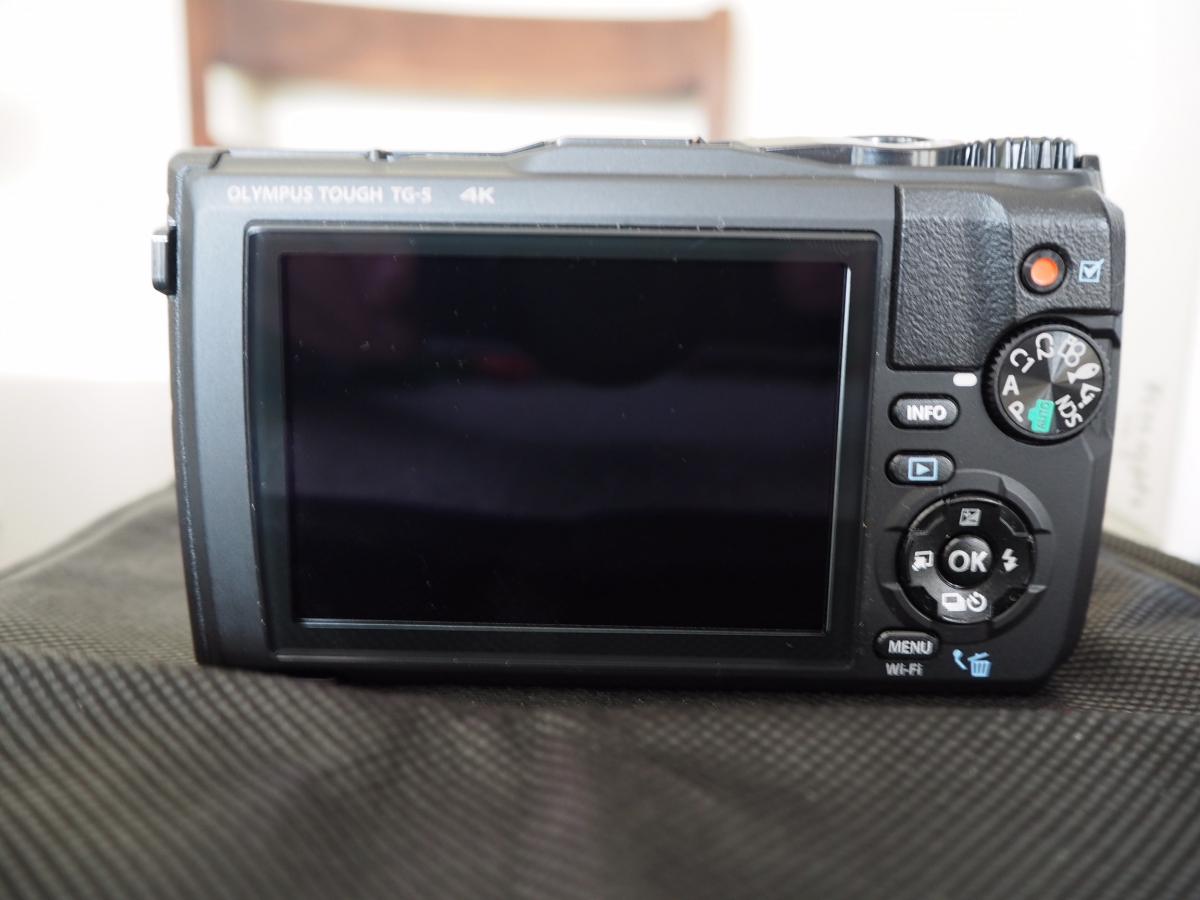
    TG-5 and PT-058 housing both 6 months old and like new condition. Comes with all original accessories including warranty card. Camera was only used inside housing so the screen and body are in great shape. Also includes 2 extra Wasabi batteries and extra charger.


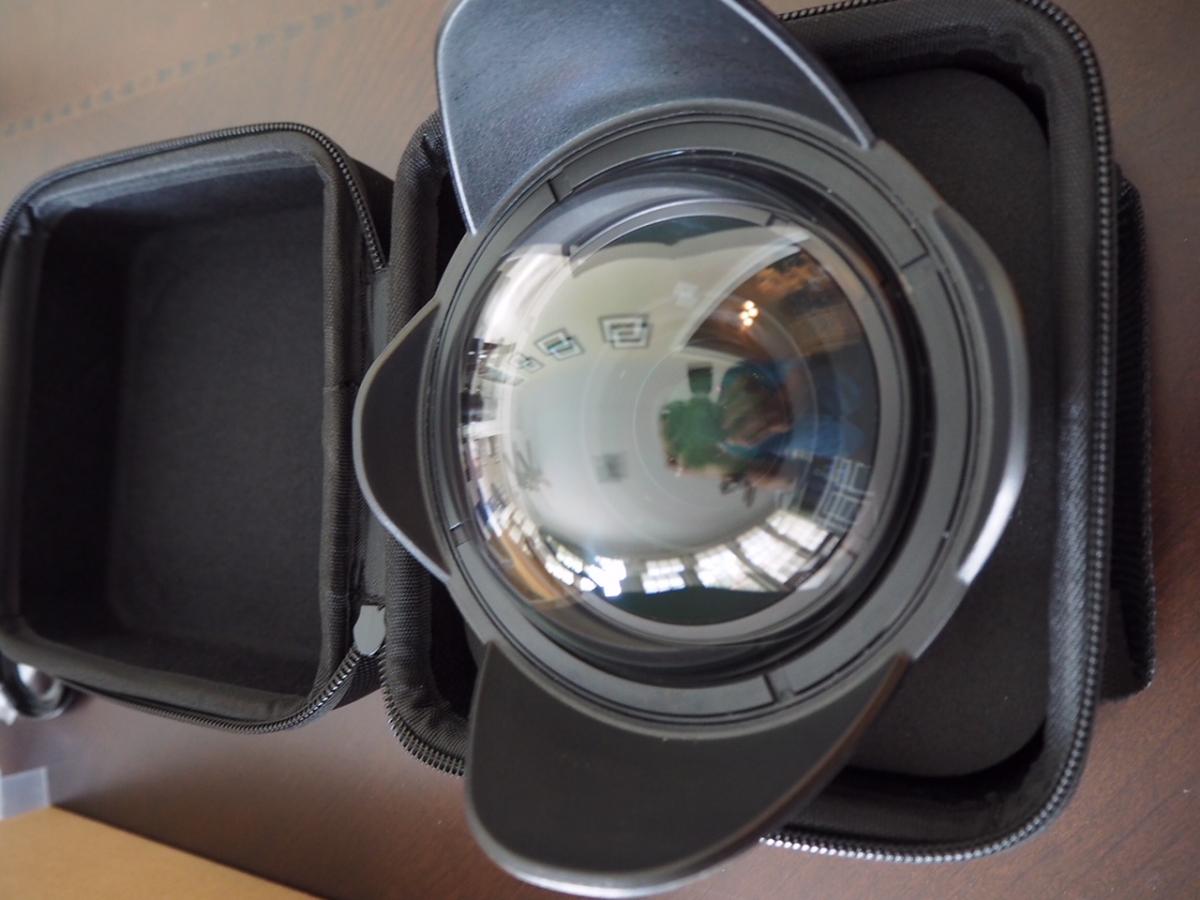
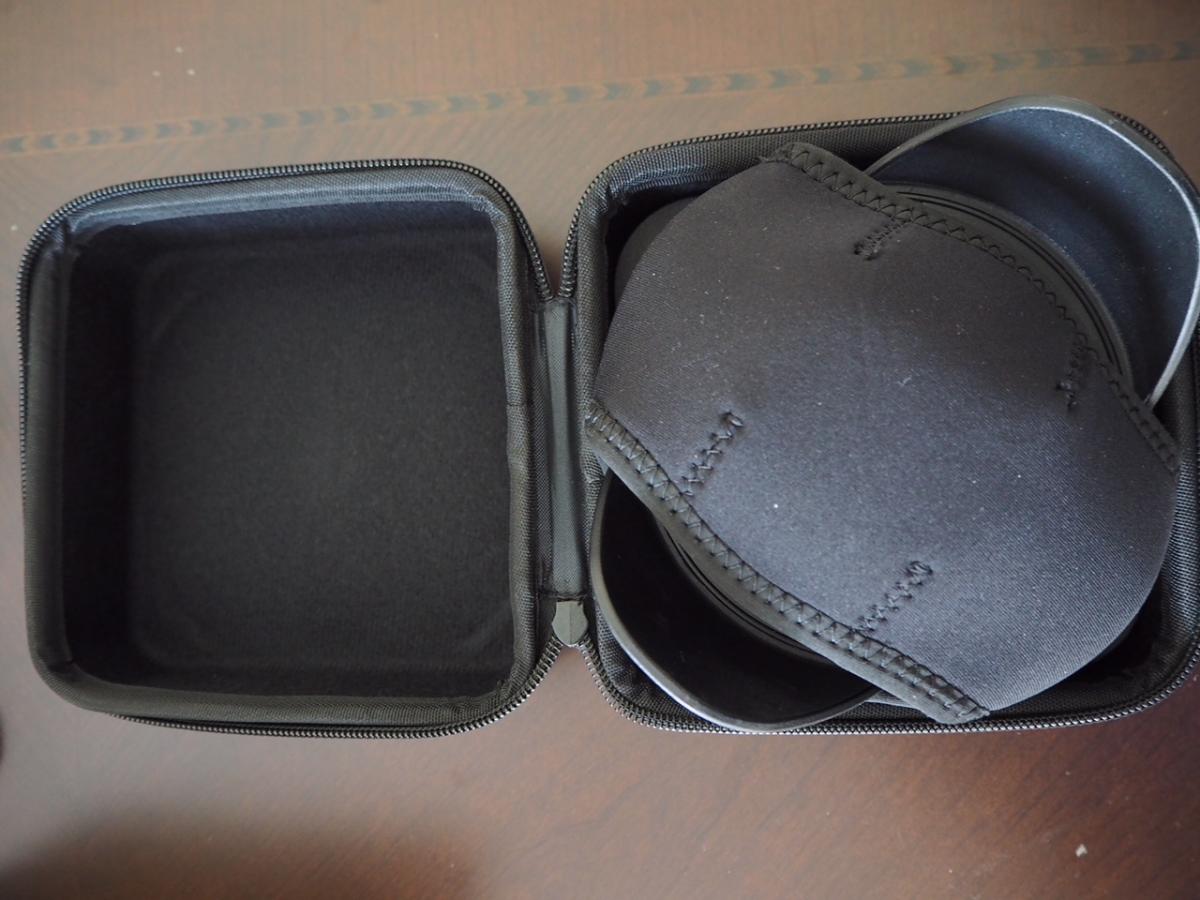
    Kraken KRL-02 wet wide lens also 6 months old. Great wide angle lens and really adds to the TG-5s abilities. Comes with original case and a Bluewater neoprene cover. There are a few scratches on the glass but nothing deep enough to show up in photos.


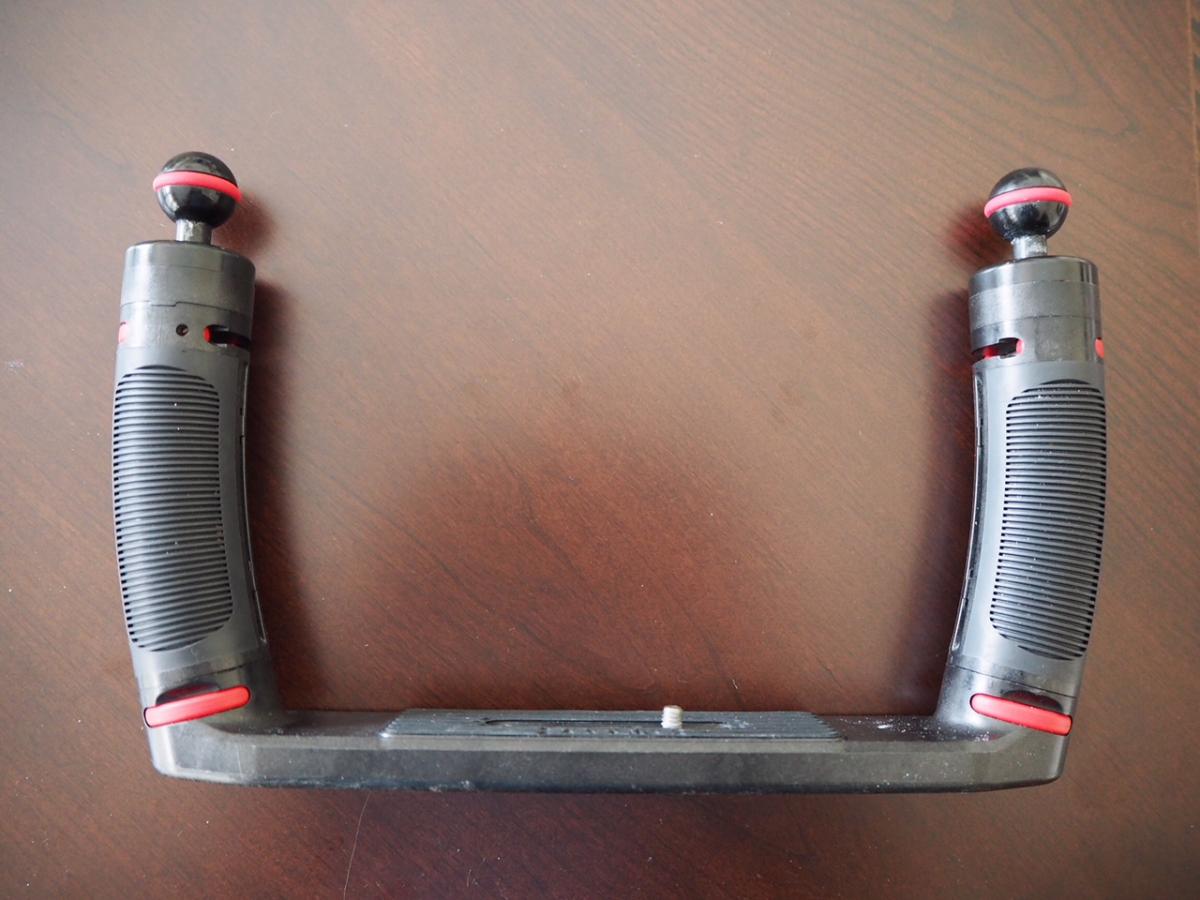
    Sealife double tray with arms and ball joint adapters. About a year old. Great shape and all release buttons work well. The ball joint adapters have typical wear marks from carrying handle shackles.


    This is a really great rig for the beginner to intermediate photographer. I really learned a lot with this setup and gave me the confidence to move up to mirrorless.


    $1000 USD buyer pays shipping and PP fees. Would be willing to split up but Id prefer to sell the camera and housing together.
    post-76239-0-40431400-1529886837_thumb.jpeg

    post-76239-0-75095300-1529886851_thumb.jpeg

    post-76239-0-64038200-1529886861_thumb.jpeg

    post-76239-0-35116900-1529886885_thumb.jpeg

    post-76239-0-61762700-1529887045_thumb.jpeg

    post-76239-0-87216500-1529887056_thumb.jpeg

    post-76239-0-17971200-1529887070_thumb.jpeg

    post-76239-0-18988100-1529887080_thumb.jpeg

  2. Camera and housing sold!


    Kraken and tray still available.

Keldan

Account

Navigation

Search

Search

Configure browser push notifications

Chrome (Android)
  1. Tap the lock icon next to the address bar.
  2. Tap Permissions → Notifications.
  3. Adjust your preference.
Chrome (Desktop)
  1. Click the padlock icon in the address bar.
  2. Select Site settings.
  3. Find Notifications and adjust your preference.