Skip to content

Classifieds / Archived topic

FS: Olympus OMD EM-5 body with Nauticam housing

Started by dirkhh ·

  • 4Posts
  • 4Replies

Read-only discussion

FS: Olympus OMD EM-5 body with Nauticam housing

4 posts
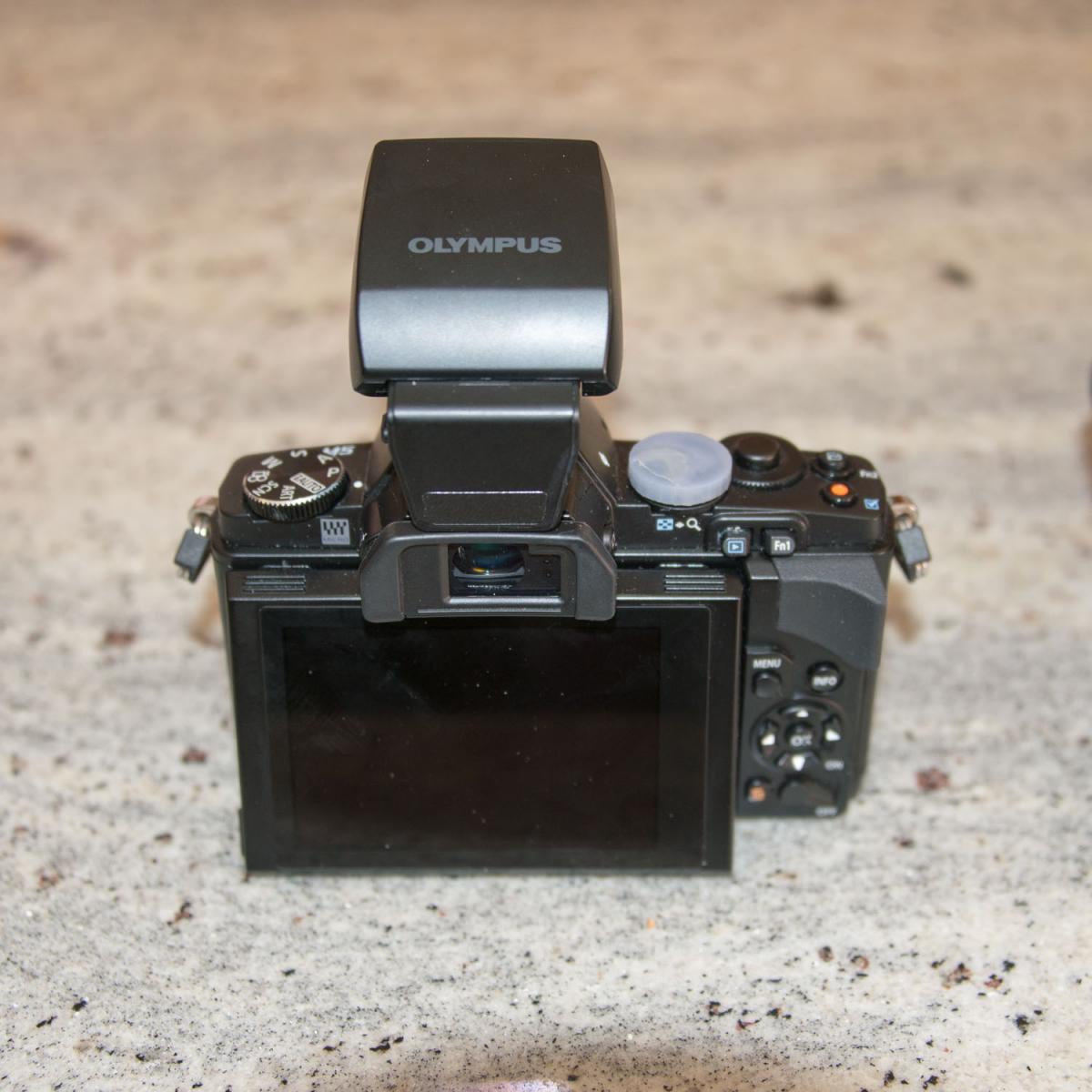
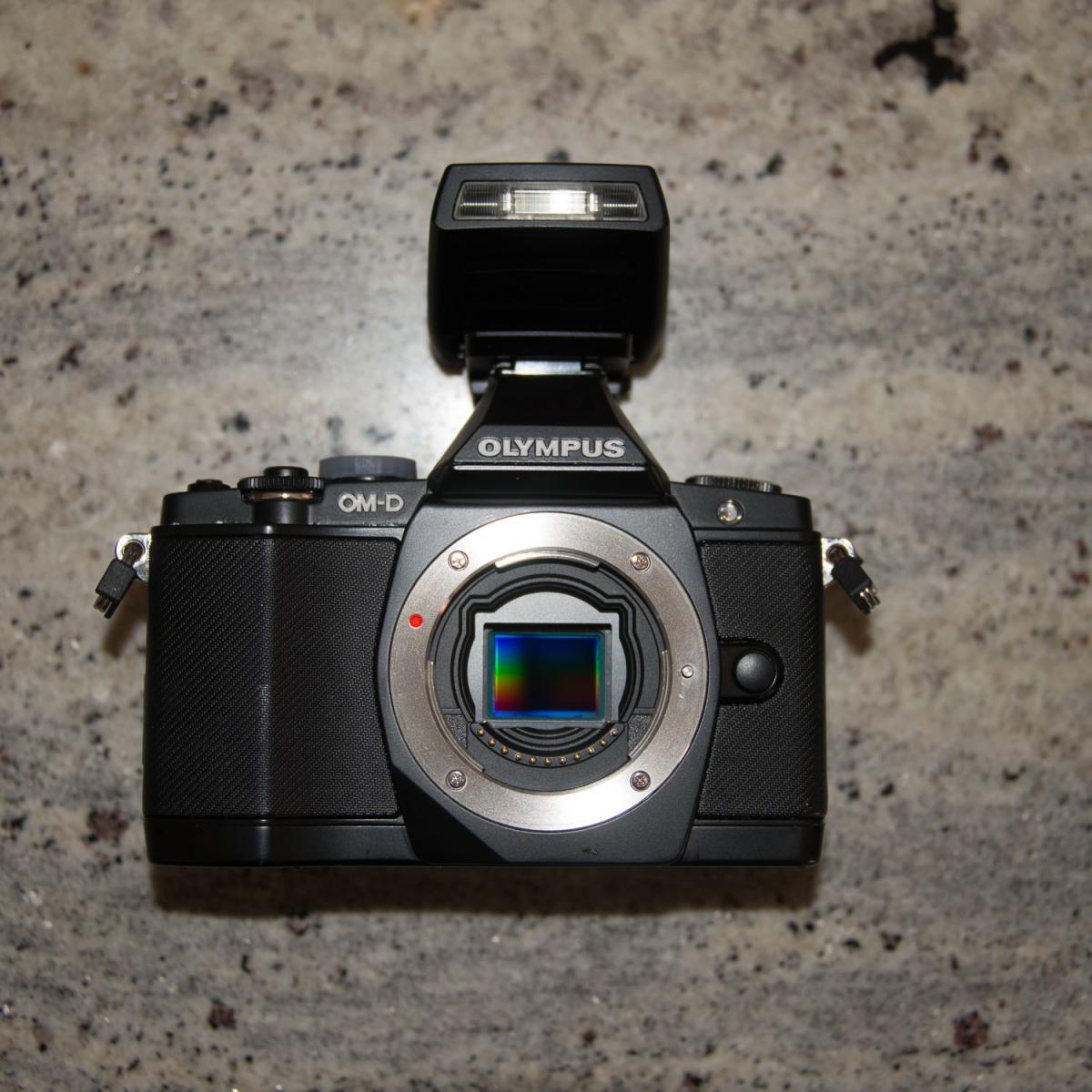
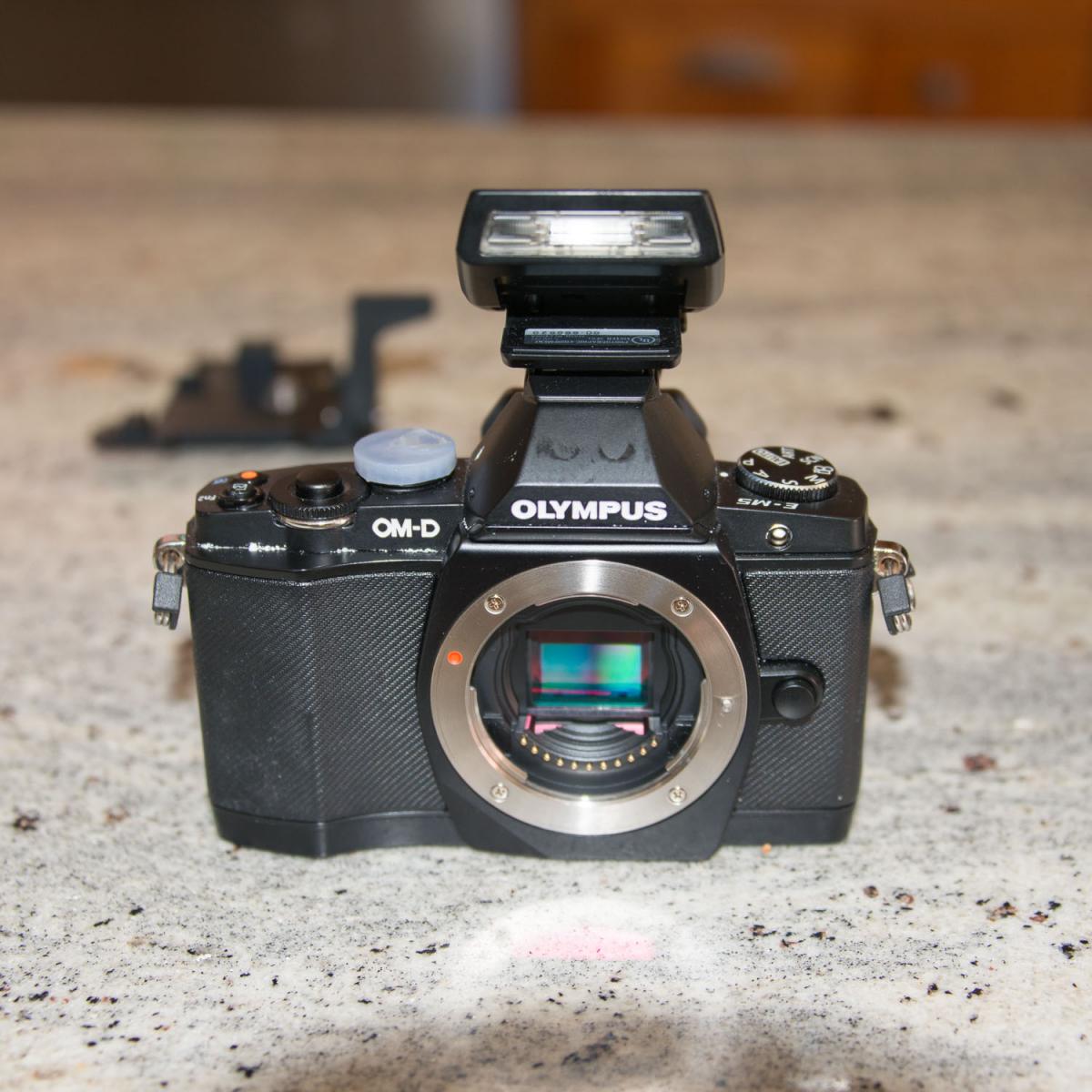
  1. Olympus OMD EM-5 body

    1 original battery, 2 after market batteries

    after market battery charger

    flash

    please note that one of the knobs on top had fallen off and was replaced with a 3D printed one. Looks odd, is 100% functional both in and out of the housing.


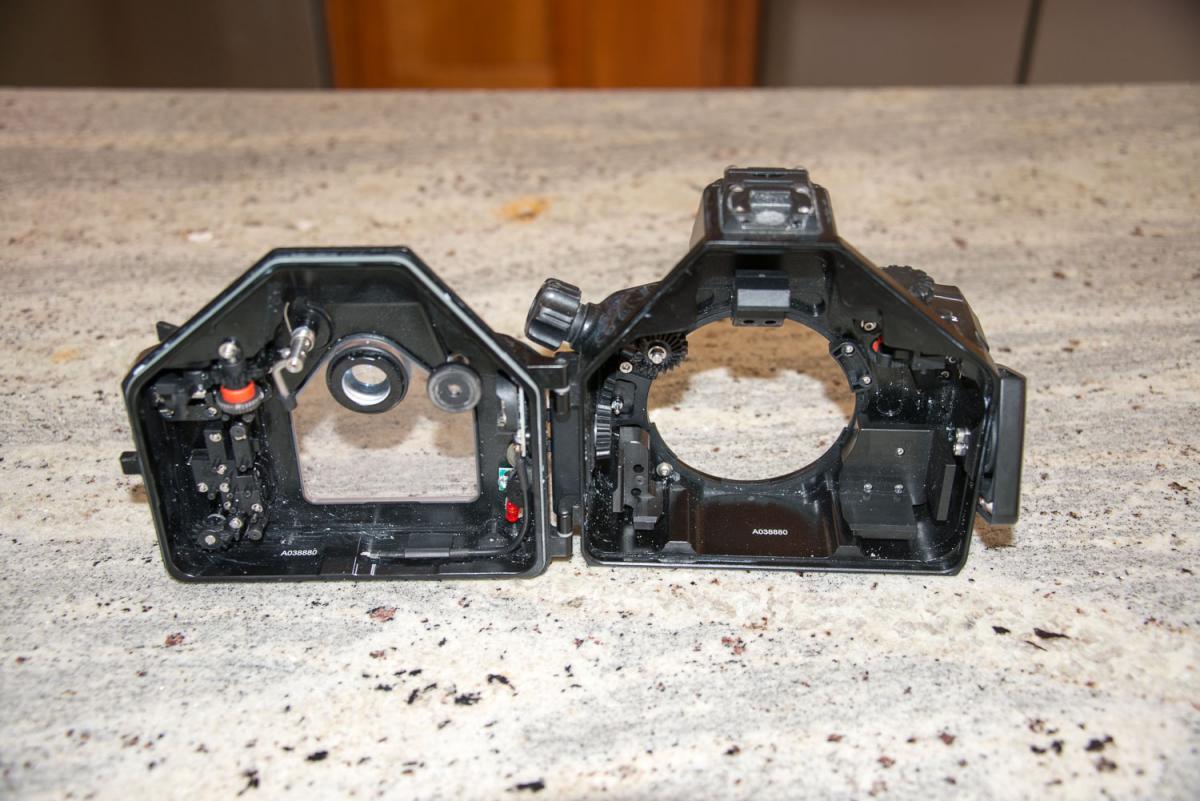
    Nauticam NA-EM5 housing

    iDas tray with two ball mounts


    Good condition, some signs of usage, but nothing that would cause functional issues.


    Location Portland, Oregon.


    USD 900 plus shipping


    (Housing new costs $1350, used typically $700, camera sells typically around $300 used)
    post-76737-0-42278200-1531001707_thumb.jpg

    post-76737-0-04359700-1531001715_thumb.jpg

    post-76737-0-84438200-1531001721_thumb.jpg

    post-76737-0-54432000-1531001779_thumb.jpg

  2. Some more data:

    according to the "hidden menu" the camera had 12586 shutter actuations and 11664 shots with flash (well, yeah, used pretty much exclusively under water)

    The housing has never flooded.

    Let me know if you want more data / more pictures.

    For those worried that I am a brand new member here - I use this same userid many places, e.g. Google+, Gmail, GitHub, Twitter (almost - there it is @_dirkhh and you can see the camera in action in my header photo: https://twitter.com/@_dirkhh)

    Googling any of these will give you my full name and tons of history :-)

    Happy to do a phone call to establish identity.

    Payment via PayPal.

    I think that covers the main suggestions in the "Watch out for fraudsters" post.

  3. Still available, dropping price to $850

  4. Still available. $750

Scuba.com

Account

Navigation

Search

Search

Configure browser push notifications

Chrome (Android)
  1. Tap the lock icon next to the address bar.
  2. Tap Permissions → Notifications.
  3. Adjust your preference.
Chrome (Desktop)
  1. Click the padlock icon in the address bar.
  2. Select Site settings.
  3. Find Notifications and adjust your preference.