Skip to content

Classifieds / Archived topic

FS: Complete Olympus OM-D E-M5 setup with Nauticam Housing, Ports and Lens

Started by Eric Gebhard ·

  • 6Posts
  • 6Replies

Read-only discussion

FS: Complete Olympus OM-D E-M5 setup with Nauticam Housing, Ports and Lens

6 posts
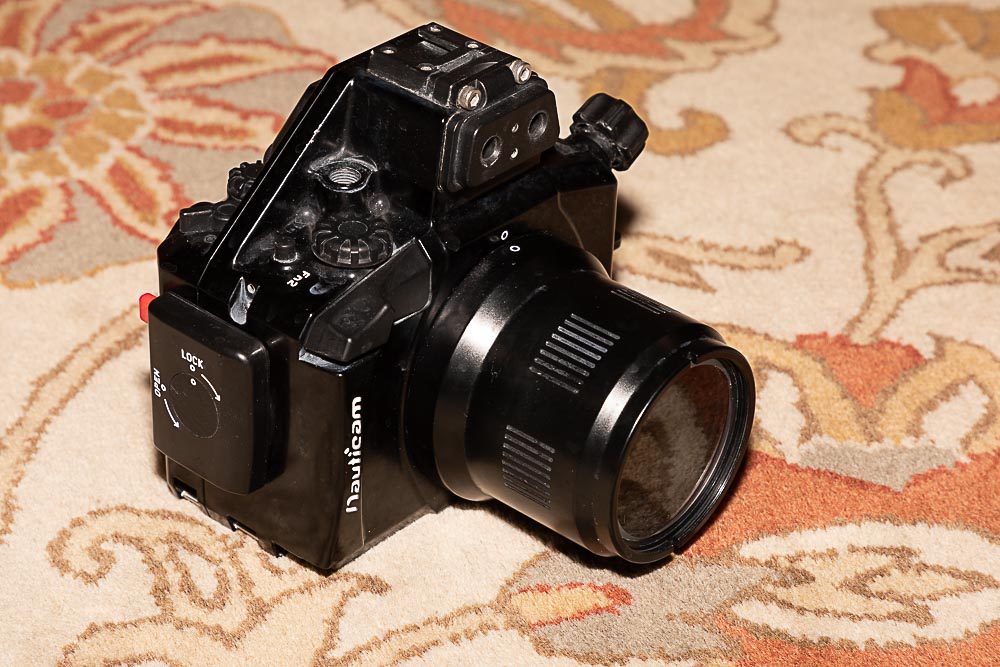
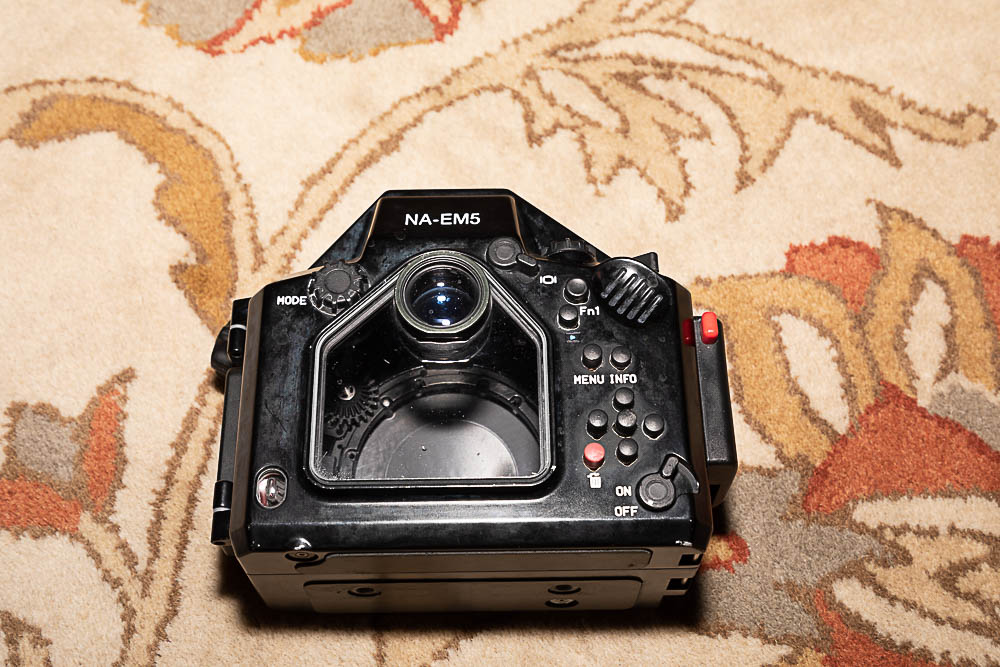
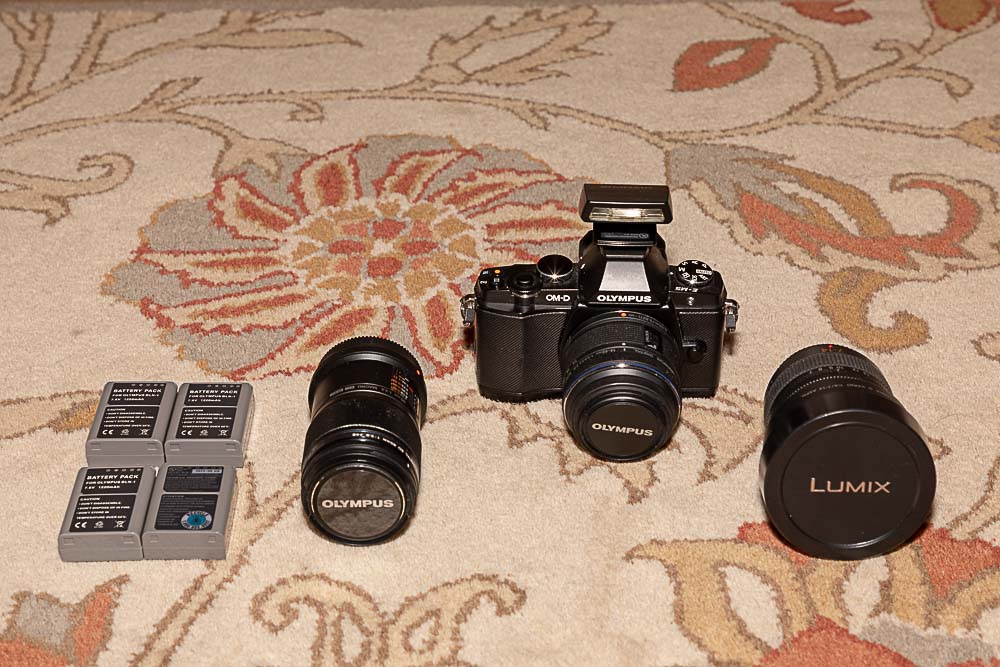
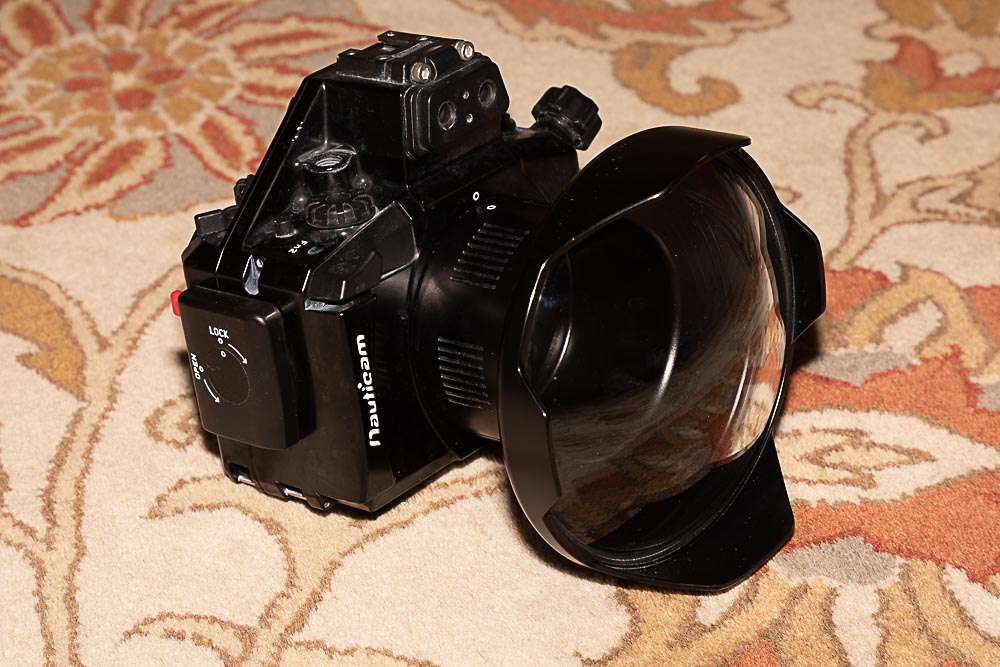
  1. For Sale: complete underwater camera setup with macro and wide angle lens. The only thing not included are strobe arm and strobes. The housing has never been flood and everything is in great shape.


    Camera: Olympus OM-D E-M5 with kit 18-42mm lens and flash

    Wide Angle Lens: Panasonic Lumix G Vario 7-14mm

    Macro Lens: Olympus M.Zuiko 60mm

    Housing: Nauticam

    Dome Port: Nauticam 6in Dome Port

    Macro Port: Nauticam Macro Port 65

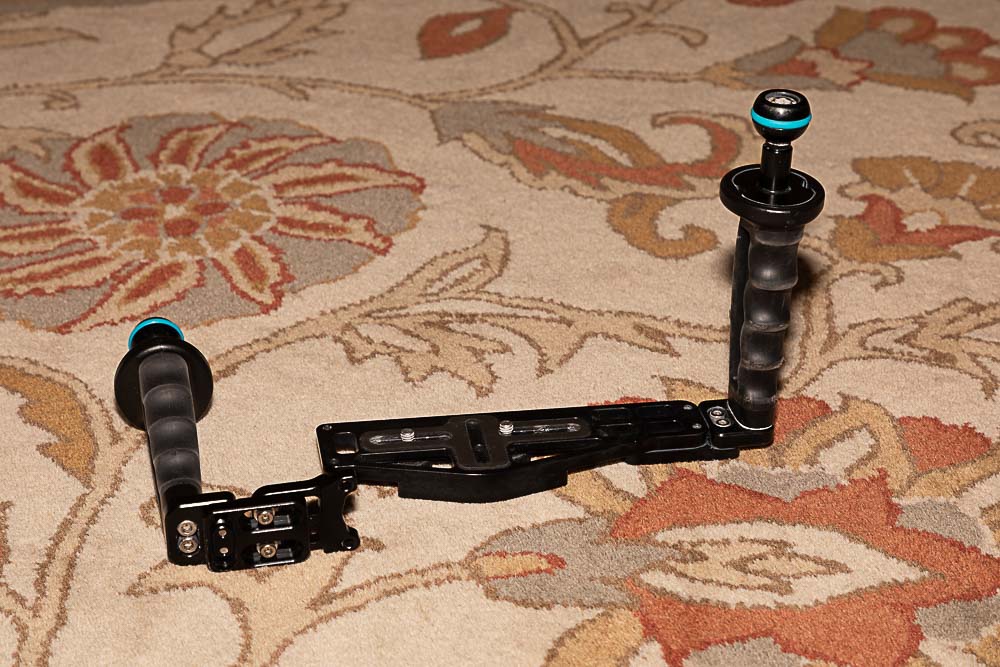
    Tray: Nauticam Flextray II with Right Handle

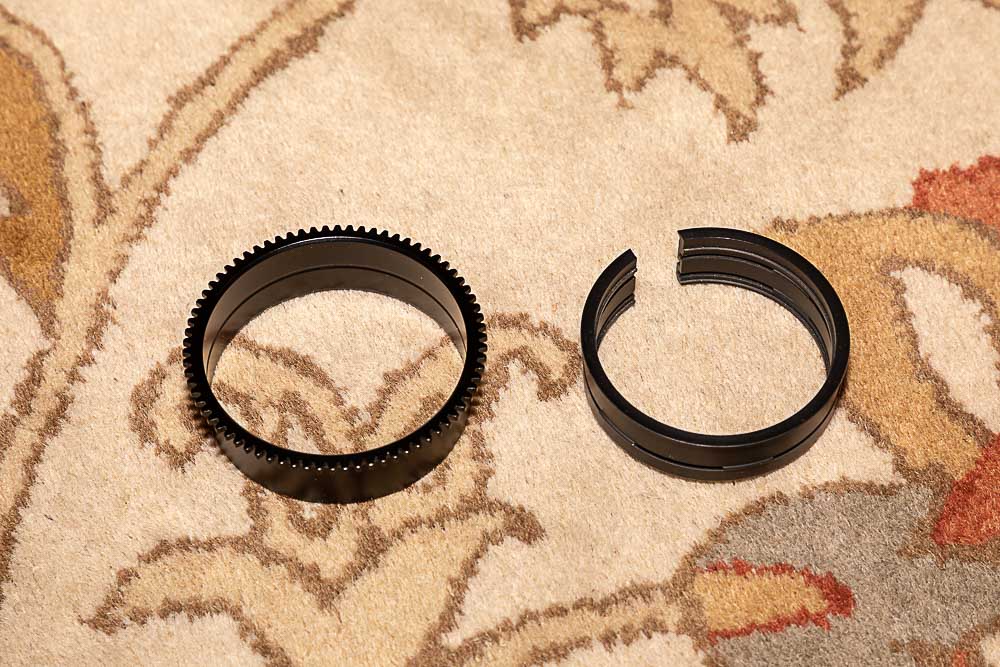
    Misc: 4 batteries, travel charger, Olympus charger, Nauticam zoom gear for 7-14 lens


    $1,950 + Shipping for entire package. Item is located in Arizona


    Please contact me if you are interested or have any questions.

    Payment by PayPal only.
    post-29908-0-69286100-1531697283_thumb.jpg

    post-29908-0-57976900-1531697293_thumb.jpg

    post-29908-0-45557300-1531697319_thumb.jpg

    post-29908-0-67202200-1531697336_thumb.jpg

    post-29908-0-85927100-1531697355_thumb.jpg

    post-29908-0-61100900-1531697369_thumb.jpg

    Edited by Eric Gebhard
  2. I am interested in the Panasonic 7-14 Wide Angle and the 6" Dome Port. Do you want to sell it separately?

  3. PM sent

  4. Interested in the 60mm, port and gear also if you decide to split up.

  5. 60mm Lens and Port have been sold.

    Price reduced to $1,400 + Shipping for everything remaining.


    I am willing to split up the remaining items. Please contact me if you are interested.


    Eric


  6. Sent PM

Ultralight Control Systems

Account

Navigation

Search

Search

Configure browser push notifications

Chrome (Android)
  1. Tap the lock icon next to the address bar.
  2. Tap Permissions → Notifications.
  3. Adjust your preference.
Chrome (Desktop)
  1. Click the padlock icon in the address bar.
  2. Select Site settings.
  3. Find Notifications and adjust your preference.