Hi Wetpixel!
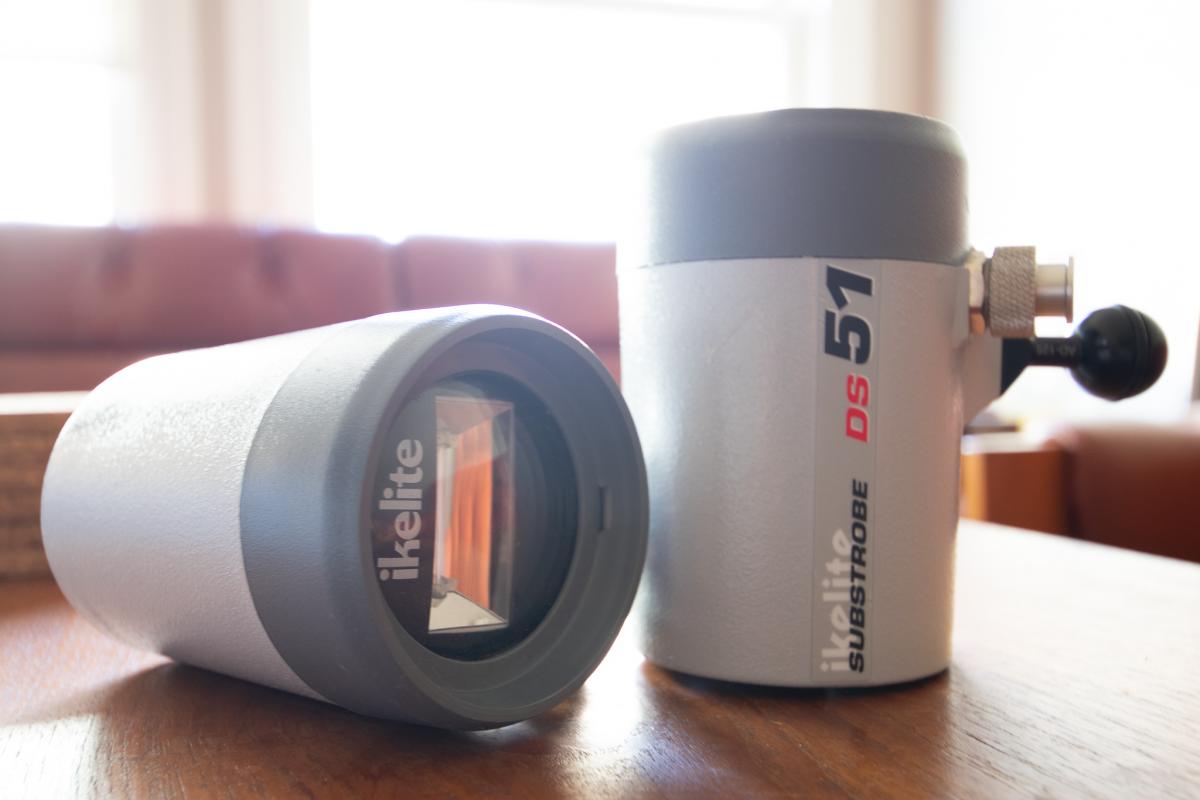
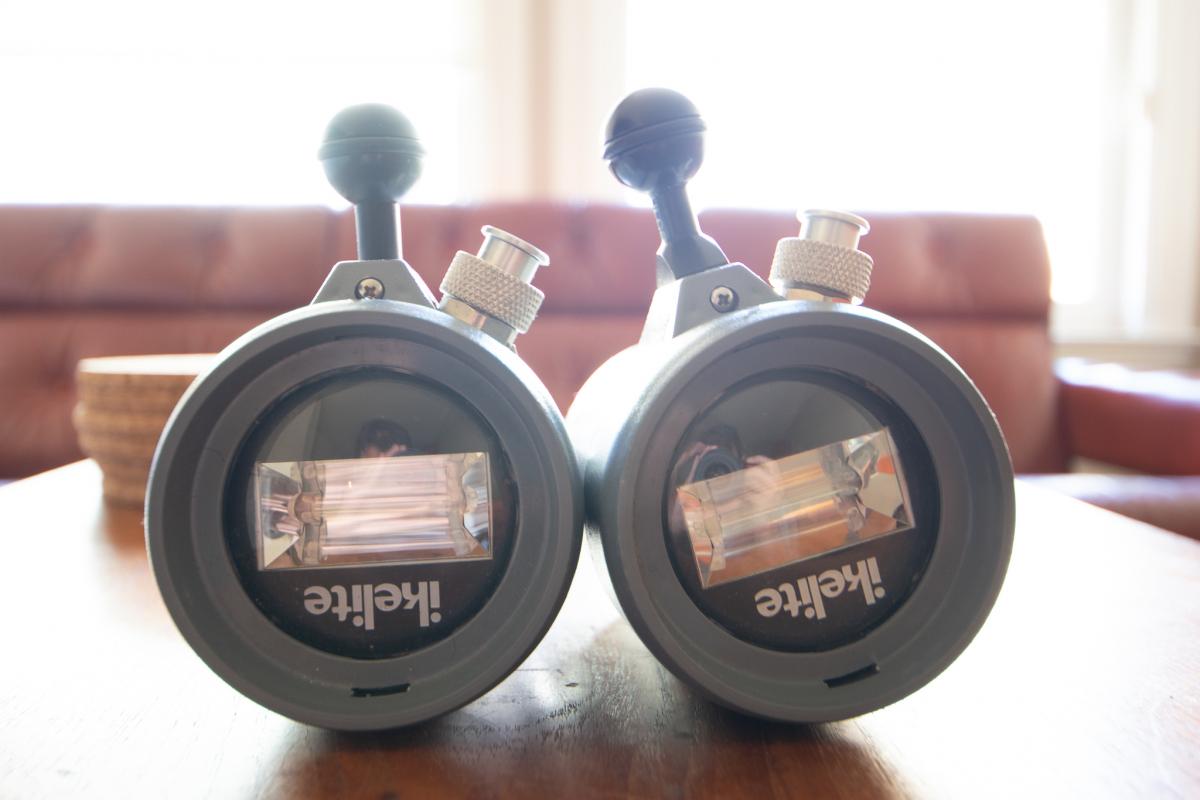
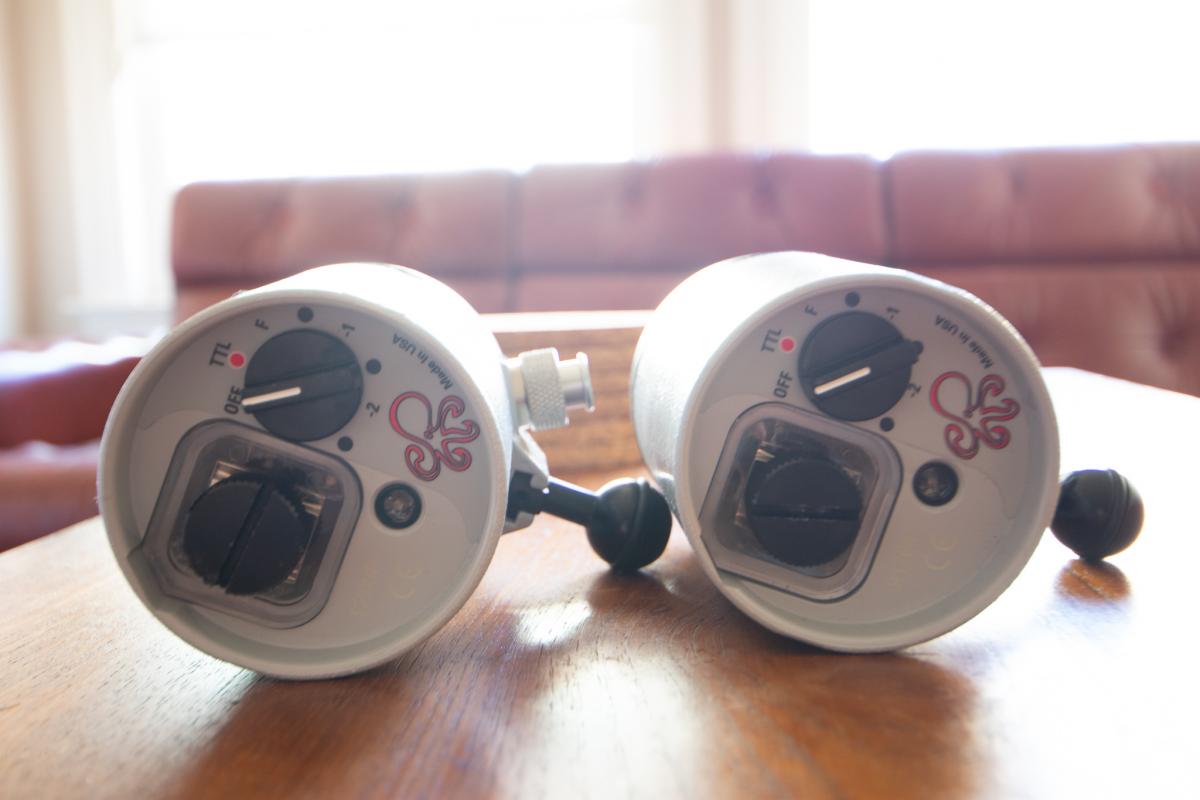
I have been carrying these two strobes as a “back-up” on several trips now, so I am now selling these to fund my next body upgrade  . Both these strobes are in excellent working condition, like new, and are phenomenal travel strobes. Neither have ever flooded. DS-51s specs as well as info on each strobe can be found at the bottom. PM me if you have any questions. For a faster response, please email me directly: husseinhasan27@gmil.com
Willing to sell each strobe individually. Offering $680 if you buy both. Sales terms:
- PayPal is preferred method of payment
- Invoice(s) will be provided
- Buyer is responsible for the cost of shipping and insurance
Strobe 1: Serial Number 91765 (left on images)
- Date of purchase: January 02, 2018
- # of Dives: 26
- Asking: $ 350
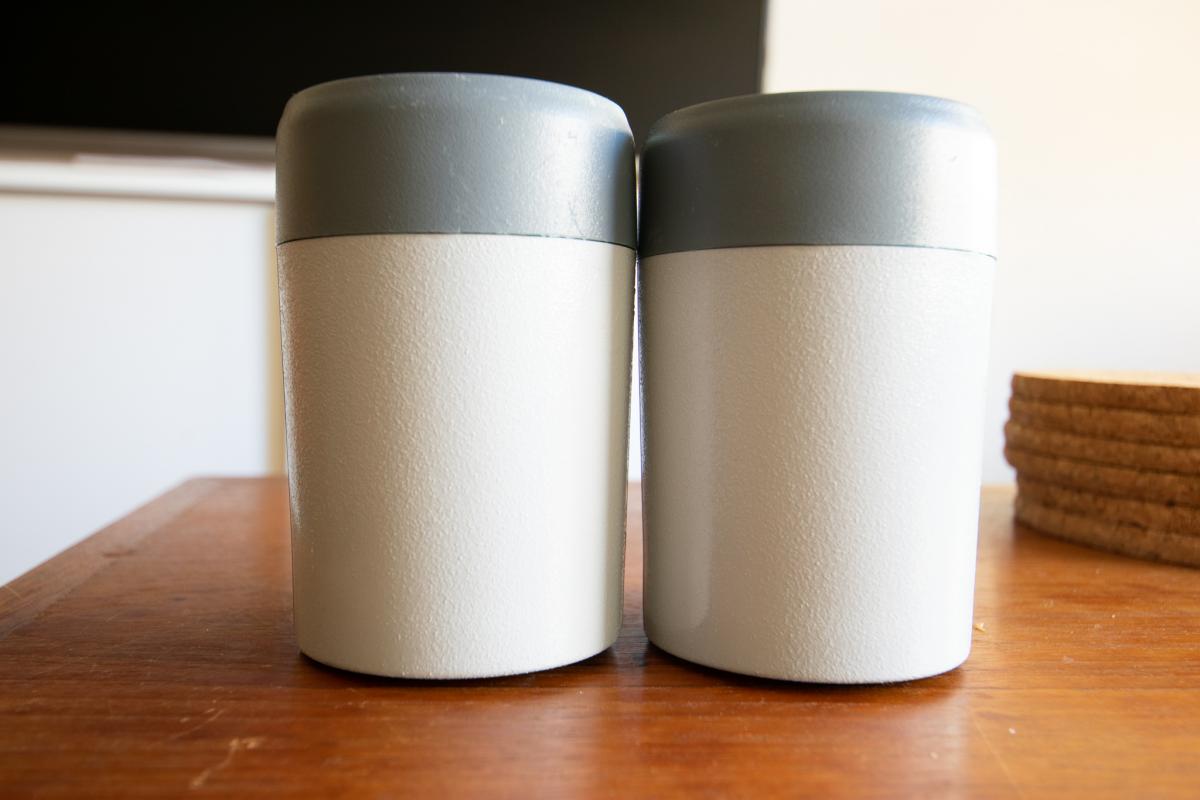
- Notes: Light scratches can be found on the exterior body (gray area, see picture #4)
Strobe 1: Serial Number 92898 (right on images)
- Date of purchase: March 12, 2018
- # of Dives: 9
- Asking: $ 380
- Notes: This strobe is practically new!
Specifications:
Size
8cm x 12cm - 3.2" x 4.7"
Weight
0.6 kg - 1.3 pounds
Energy Rating
50 watt-seconds
Coverage Angle
70 degrees, 80 degrees w/diffuser
Guide # (ISO 100) feet
56 surface, 28 underwater
Guide # (ISO 100) meters
17 surface, 9 underwater
Color Temp
5700 degrees K
Power Source
4 "AA" alkaline - NiCad - NiMH
Flashes
200 full power
Recycle Time
3.5 seconds
Firing Modes
TTL/Auto - 6 Manual Power Settings
Depth Rating
90m - 300 feet