



Hi All
Is anyone using a Canon 8-15mm F4 with a Kenko 1.4 teleconverter with minidome? If so can you link your gallery/sample images
Thanks
Photography Gear and Technique / Archived topic
Started by Chris Kippax ·
Read-only discussion
Hi All
Is anyone using a Canon 8-15mm F4 with a Kenko 1.4 teleconverter with minidome? If so can you link your gallery/sample images
Thanks
Hi Chris,
I am using the Canon 8-15mm with 1.4x Kenko Telekonverter, Nauticam 140mm dome with OM-EM5II, 1x Metabones adapter in Nauticam housing. With MFT sensors, the combination covers the angle(s) of view, similar to e.g. a rectilinear 7-14mm (115o - 75o), just wider (115o - 60o). The results are very good. I do not have a public gallery, but see here a sample image:
1/250 s; f: 6.3; @11mm (zoomed out); ISO 200; 2x Sea and Sea YS-D2.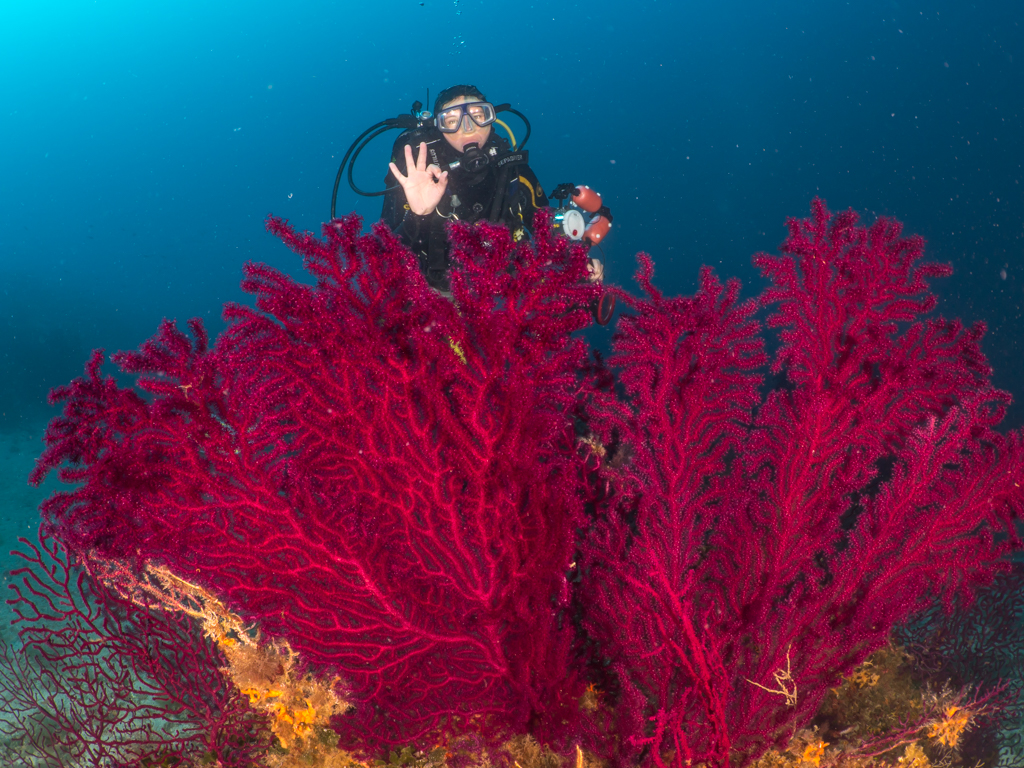
When I have time, I will write a separate post on this topic...
Wolfgang
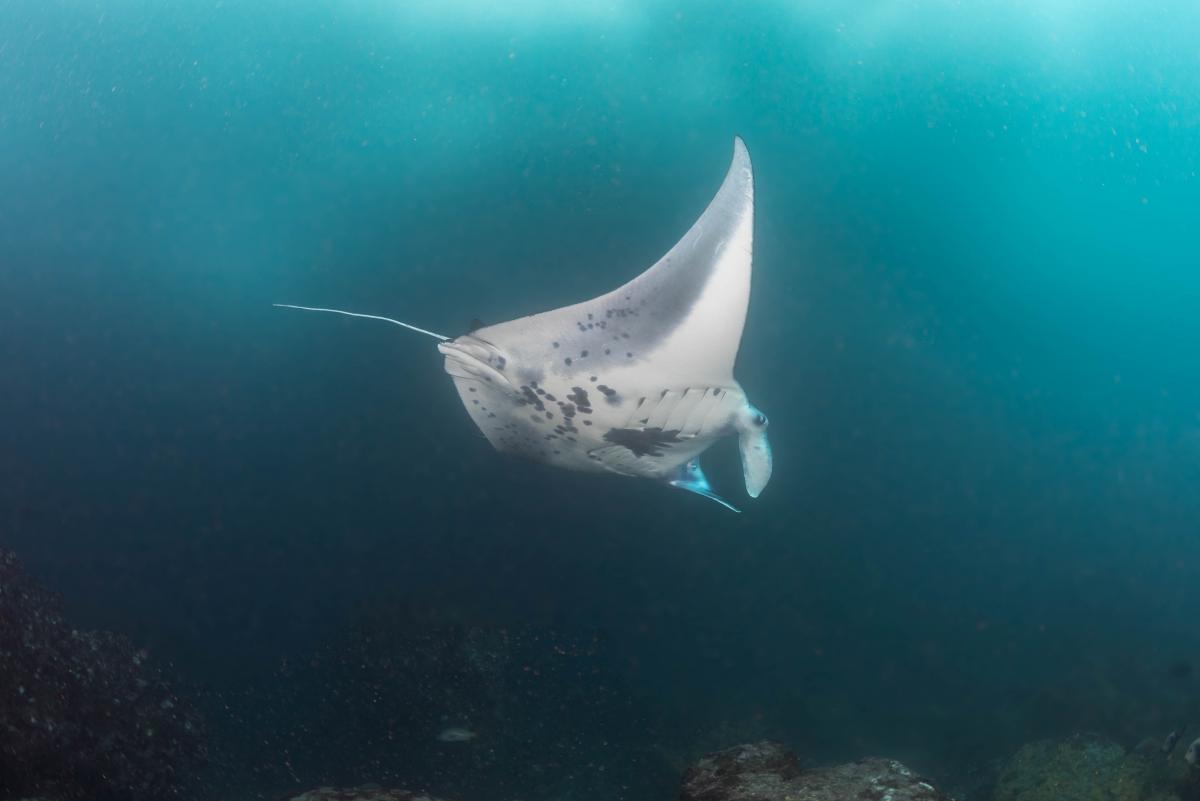
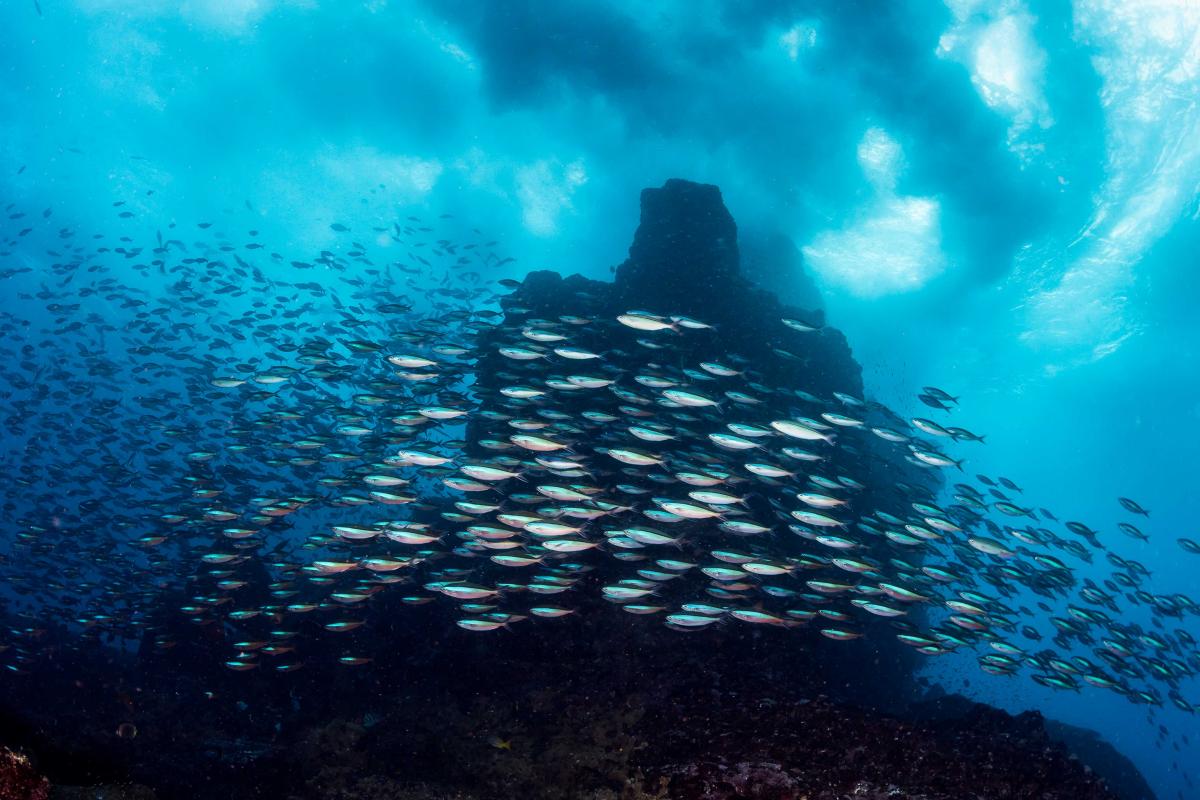
I shot these with the Canon 8-15 and Kenko 1.4 TC behind a 140mm Nauticam mini dome. Frankly, it's really hard to tell the difference in quality between that set up and just the 8-15 alone (I know that's hard to believe). I shot all these in the Marquesas where the viz was between 10' and 25' so these are quite a bit softer than they would be in good viz. I used two S&S YS-D1 strobes and a 5Dmv body.
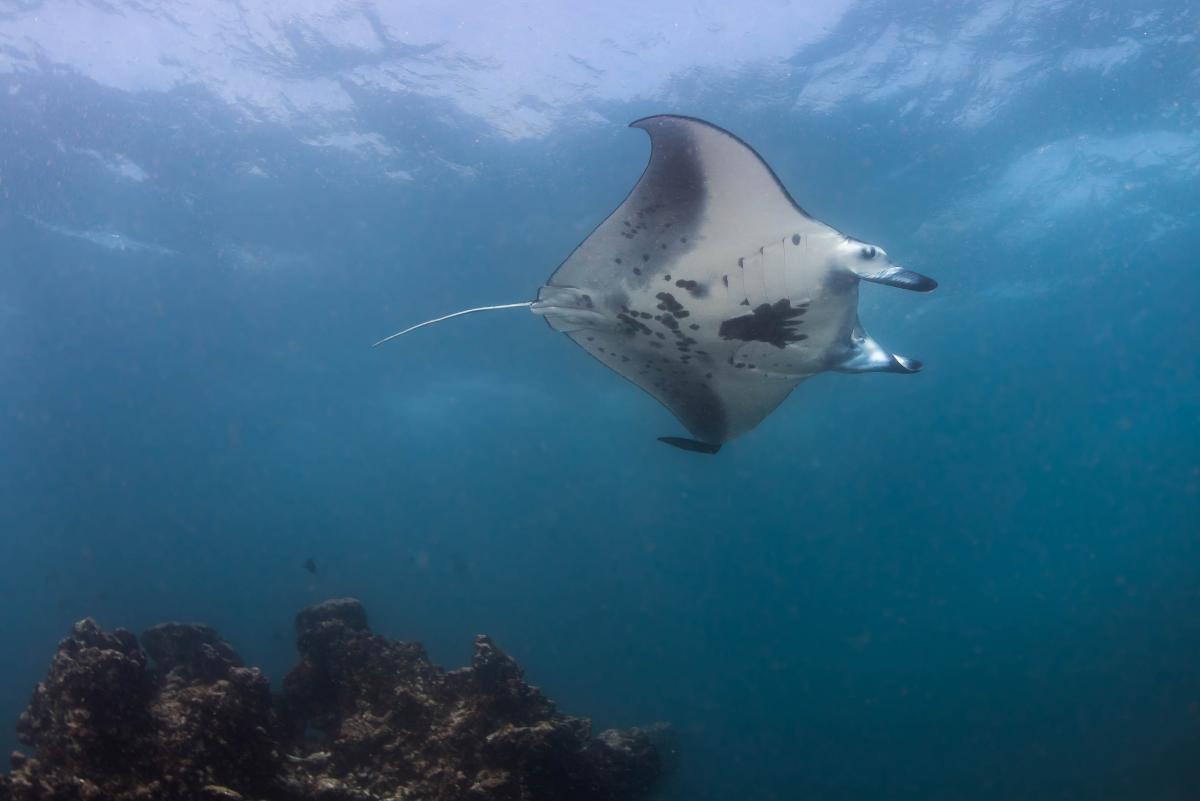
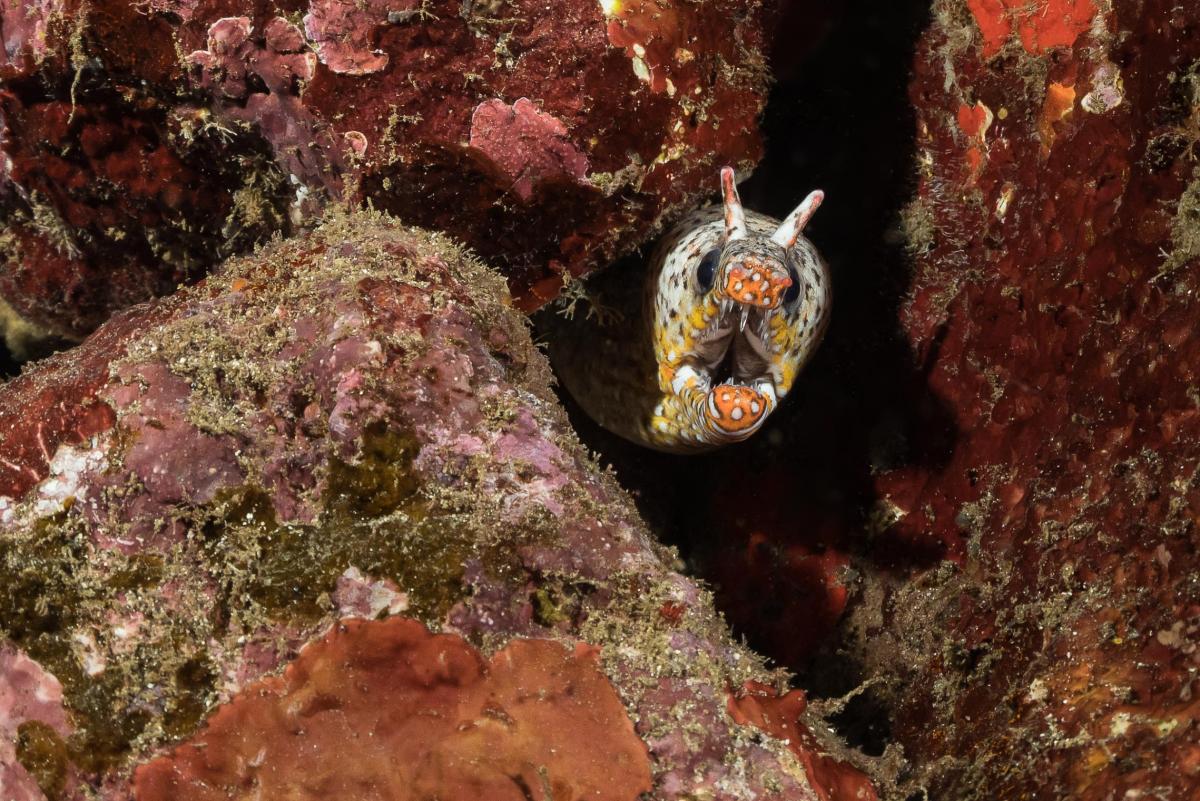
Here are two more. It was really tough in the terrible viz.
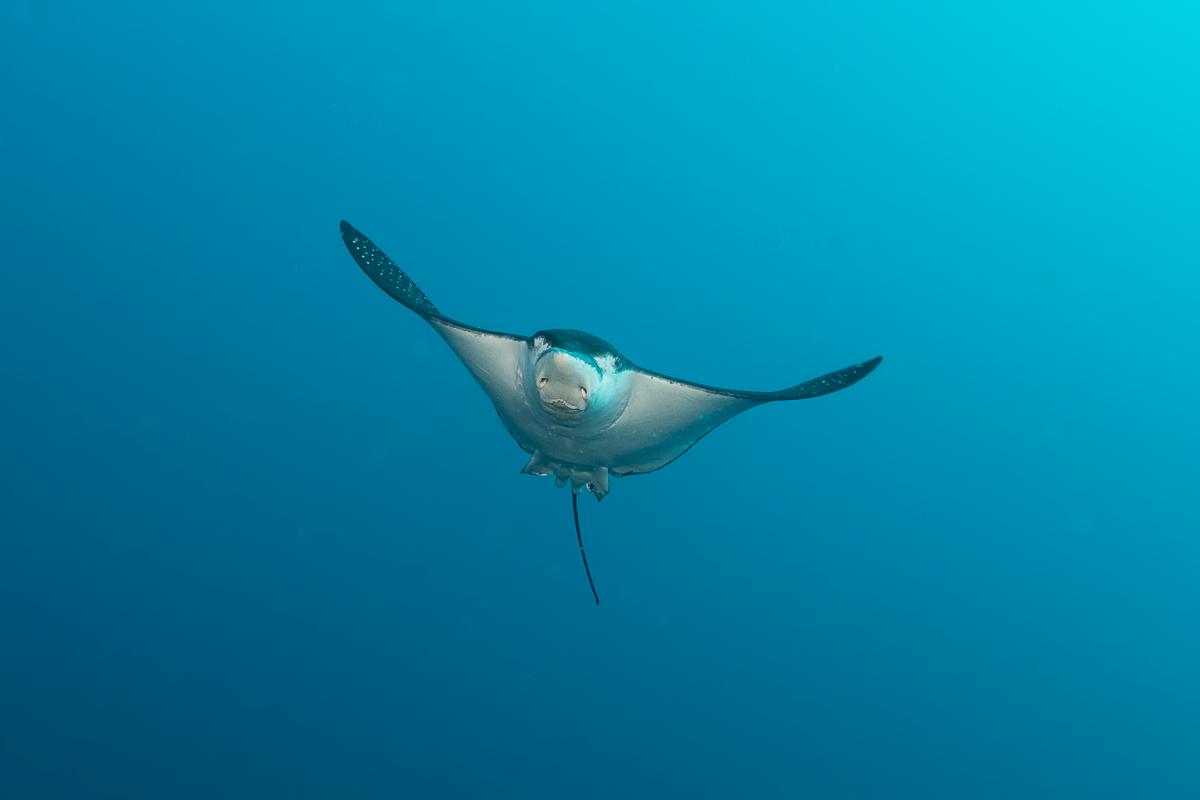
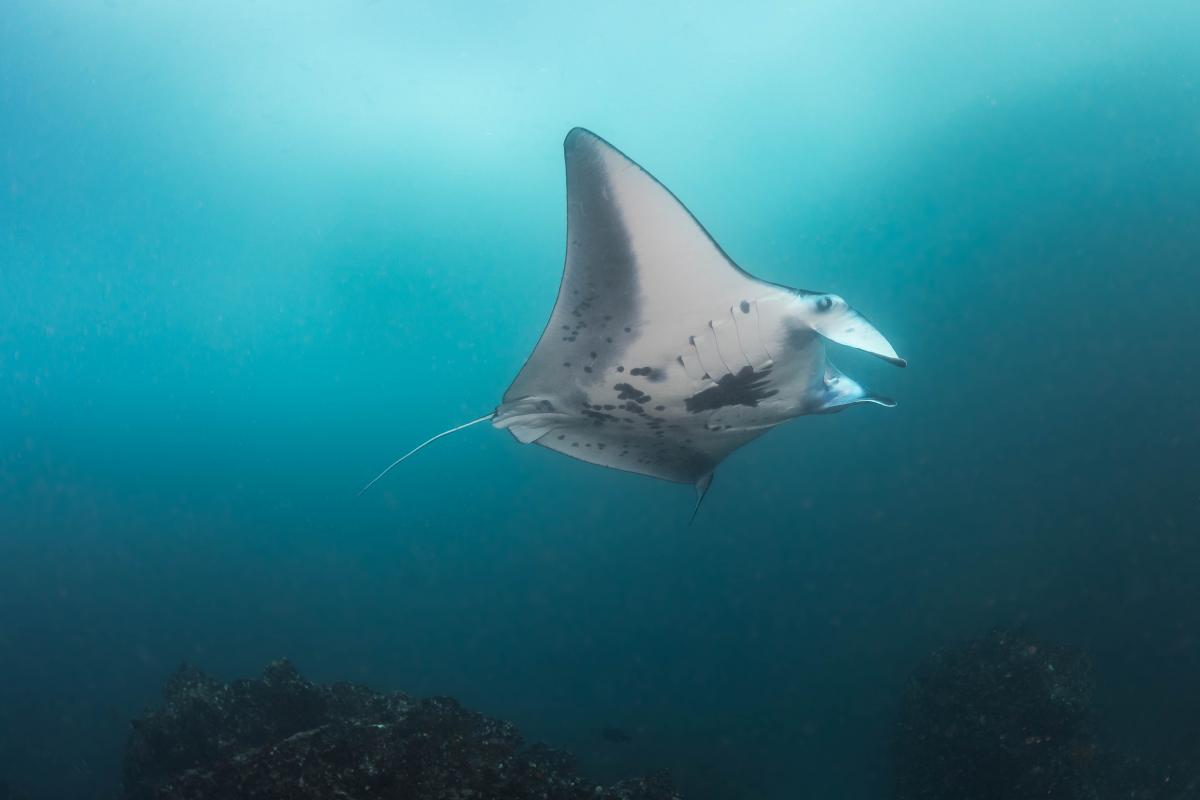
Thanks guys
Much appreciated

Terms of Use Privacy Policy Guidelines We have placed cookies on your device to help make this website better. You can adjust your cookie settings, otherwise we'll assume you're okay to continue.

A worldwide community for underwater imaging.
