Skip to content

Lights, Strobes, and Lighting Technique / Archived topic

Can someone identify this fiber connector please, and educate this newbie?

Started by jviss ·

  • 4Posts
  • 4Replies

Read-only discussion

Can someone identify this fiber connector please, and educate this newbie?

4 posts
  1. Greetings,


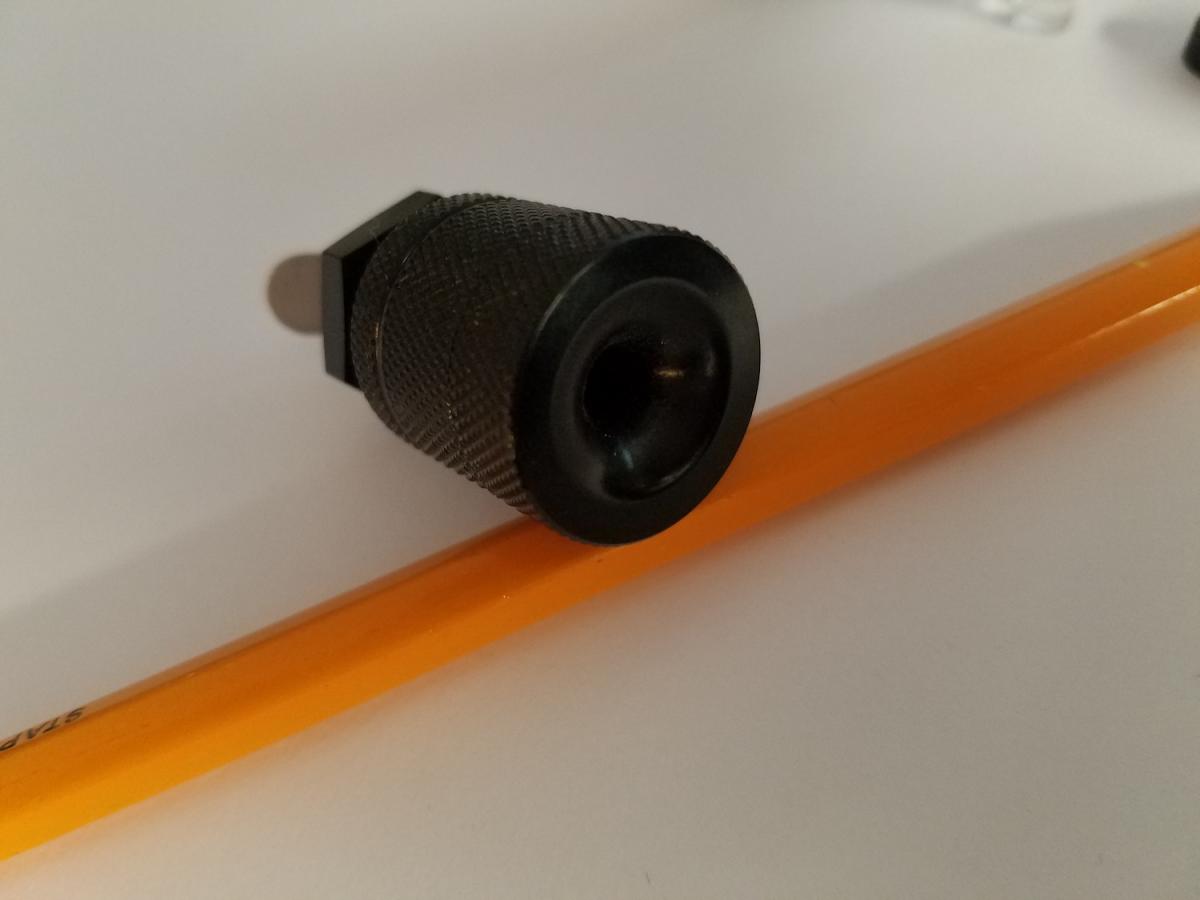
    I have a Watershot WDS-450D housing and it has two fiber optic bulkhead connectors. The divert light from the popped-up camera flash to fire external strobes.


    I do not know much of anything about fiber connectors and protocols. I'd like to know what this is that I have, who makes it, what kind of cable is used, and so forth.


    In the annotated, exploded view you can see that the clear piece (5) presses into the body (4), sealing via the O-ring on the plastic piece. The deflector (3) is placed on the projection of (5) and the E-clip is pressed into the bottom groove on (5) to secure it. Item (6) is dropped onto (5) with the O-ring on (6) facing (5). The cap (7) screws down on this this. (4) passes through the blukhead and has an O-ring on the facing surface. The nut (1) secures it.


    Any help on this is sincerely appreciated.


    Thanks,


    jv
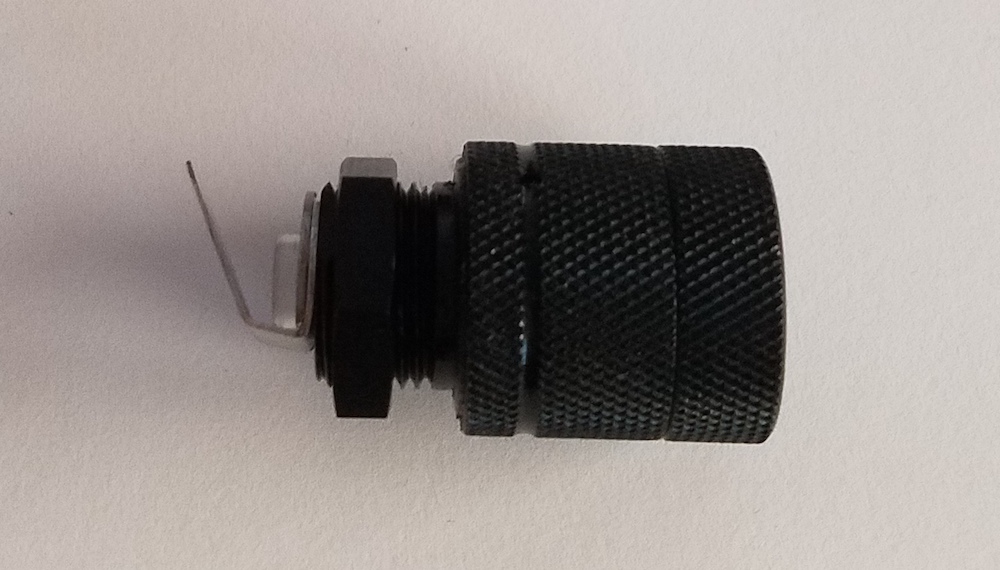


    post-4152-0-25449200-1539556364_thumb.jpeg

    post-4152-0-37006300-1539556381_thumb.jpeg

    post-4152-0-45161200-1539556394_thumb.jpeg

  2. It looks like after you install it it takes a standard plug in sync cord - Sea & Sea, Olympus, etc. We call the connector SSHL.


    Jack

  3. Thanks, Jack. I must say, with the funnel-like entrance to my connector, it looks more like it would accept a bare fiber, i.e., no connector. Is this done?

  4. It might. or maybe both. You could contact Watershot.

Scuba.com

Account

Navigation

Search

Search

Configure browser push notifications

Chrome (Android)
  1. Tap the lock icon next to the address bar.
  2. Tap Permissions → Notifications.
  3. Adjust your preference.
Chrome (Desktop)
  1. Click the padlock icon in the address bar.
  2. Select Site settings.
  3. Find Notifications and adjust your preference.