For Sale : Underwater Zen DP-170-SS, sea & sea to nauticam 120 adpater
Started by logzz ·
6Posts
6Replies
Read-only discussion
For Sale : Underwater Zen DP-170-SS, sea & sea to nauticam 120 adpater
6 posts
Hi there
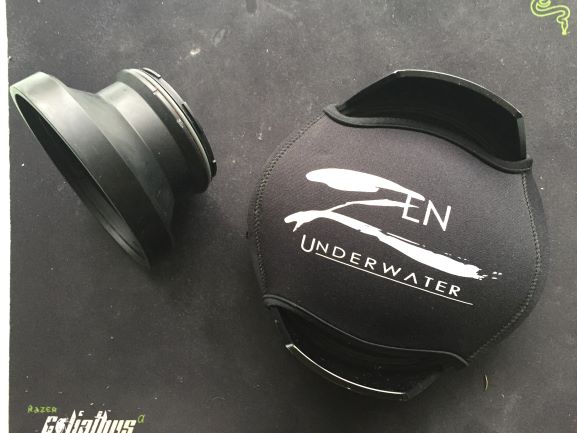
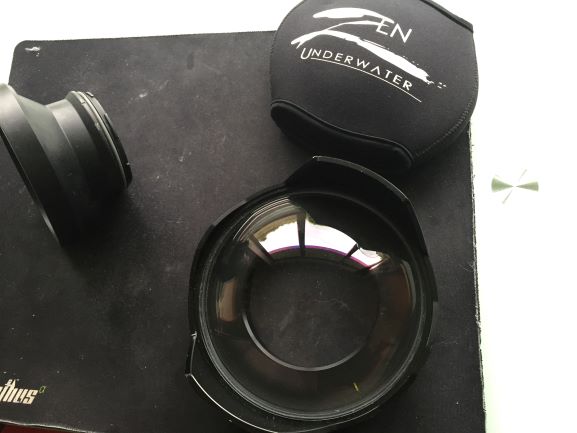
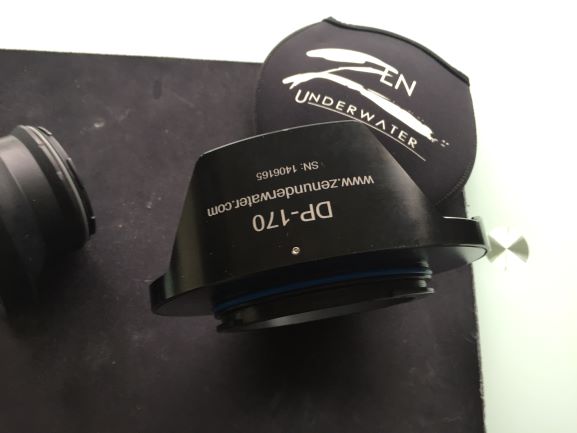
Have decided to sell my zen underwater port and adapter, the port overall is in excellent condion and comes with protective cover. The adapter converts from sea and sea which is on the zen port to nauticam 120. This was used as my wide angle setup. Can sell both together with port and adapter or each seperate. Port also comes with o-ring which is still in good condition.
Probably looking for around $700 US for the port and Probabaly $50 for the adapter. Open to offers. The port retails at zen for $999
Feel free to ask questions have taken some amazing shots with this setup
Hi there
Have decided to sell my zen underwater port and adapter, the port overall is in excellent condion and comes with protective cover. The adapter converts from sea and sea which is on the zen port to nauticam 120. This was used as my wide angle setup. Can sell both together with port and adapter or each seperate. Port also comes with o-ring which is still in good condition.
Probably looking for around $700 US for the port and Probabaly $50 for the adapter. Open to offers. The port retails at zen for $999
Feel free to ask questions have taken some amazing shots with this setup