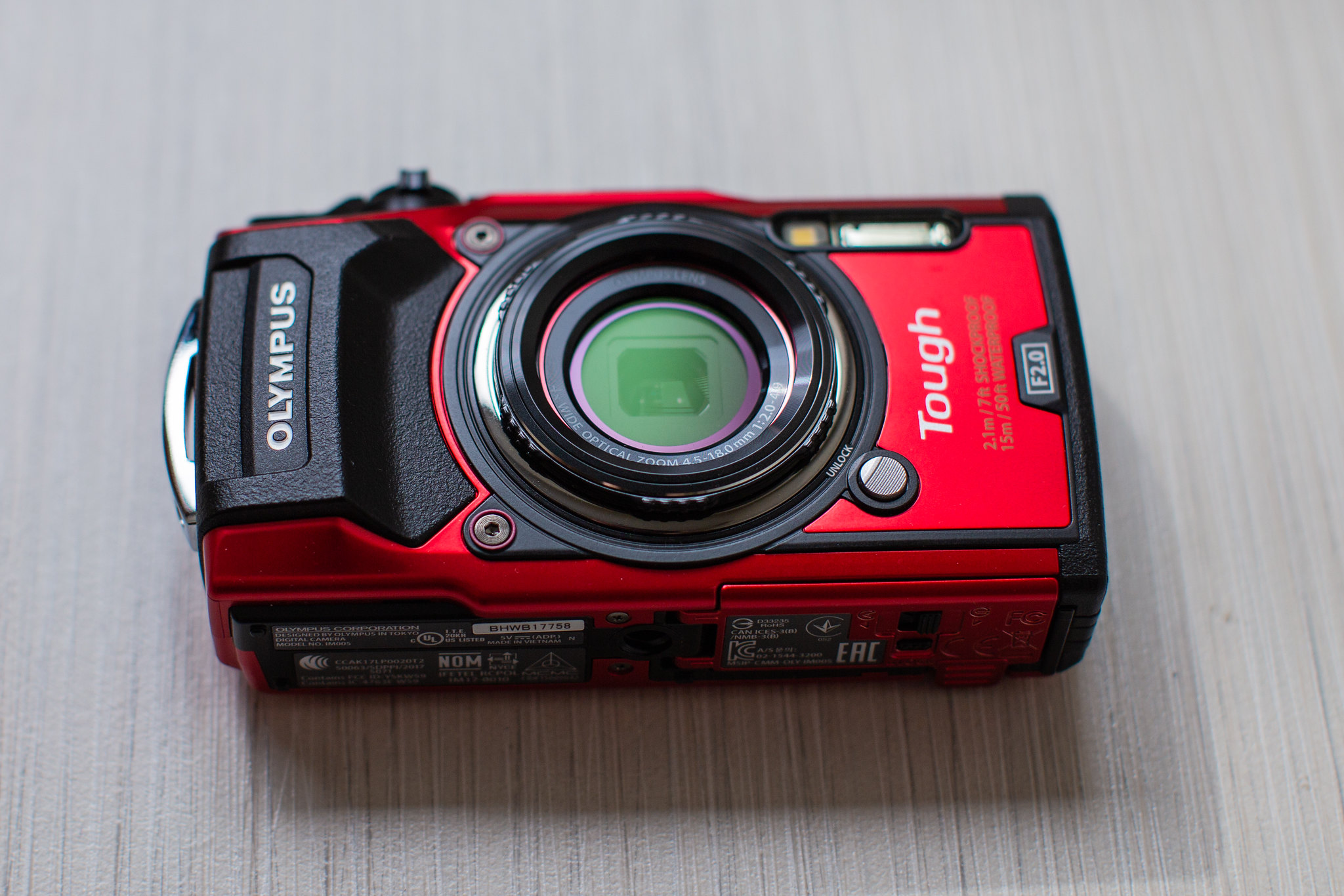
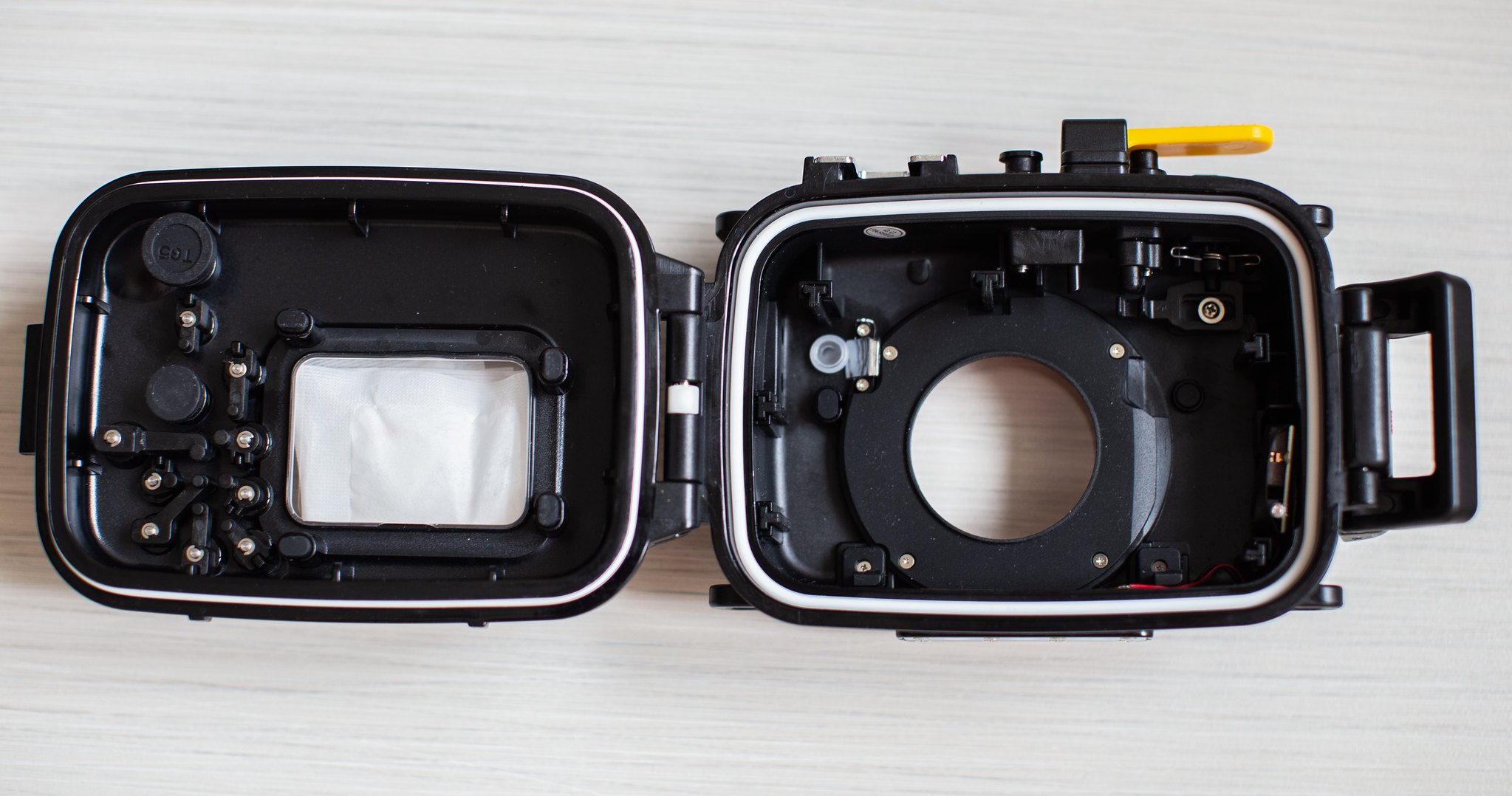
I am selling a pretty new TG-5 setup (4 months old). This setup is very good for beginners who want to start up underwater photography. The TG-5 Microscope mode is very good for macro photography that you do not need to use a macro wet lens to shoot critters.
The TG-5 does not come with warranty because it was bought from Amazon.
Looking to sell the entire set for SGD 1000 nett.
Can split the items as follows:
1. Camera + Housing @ SGD850 nett
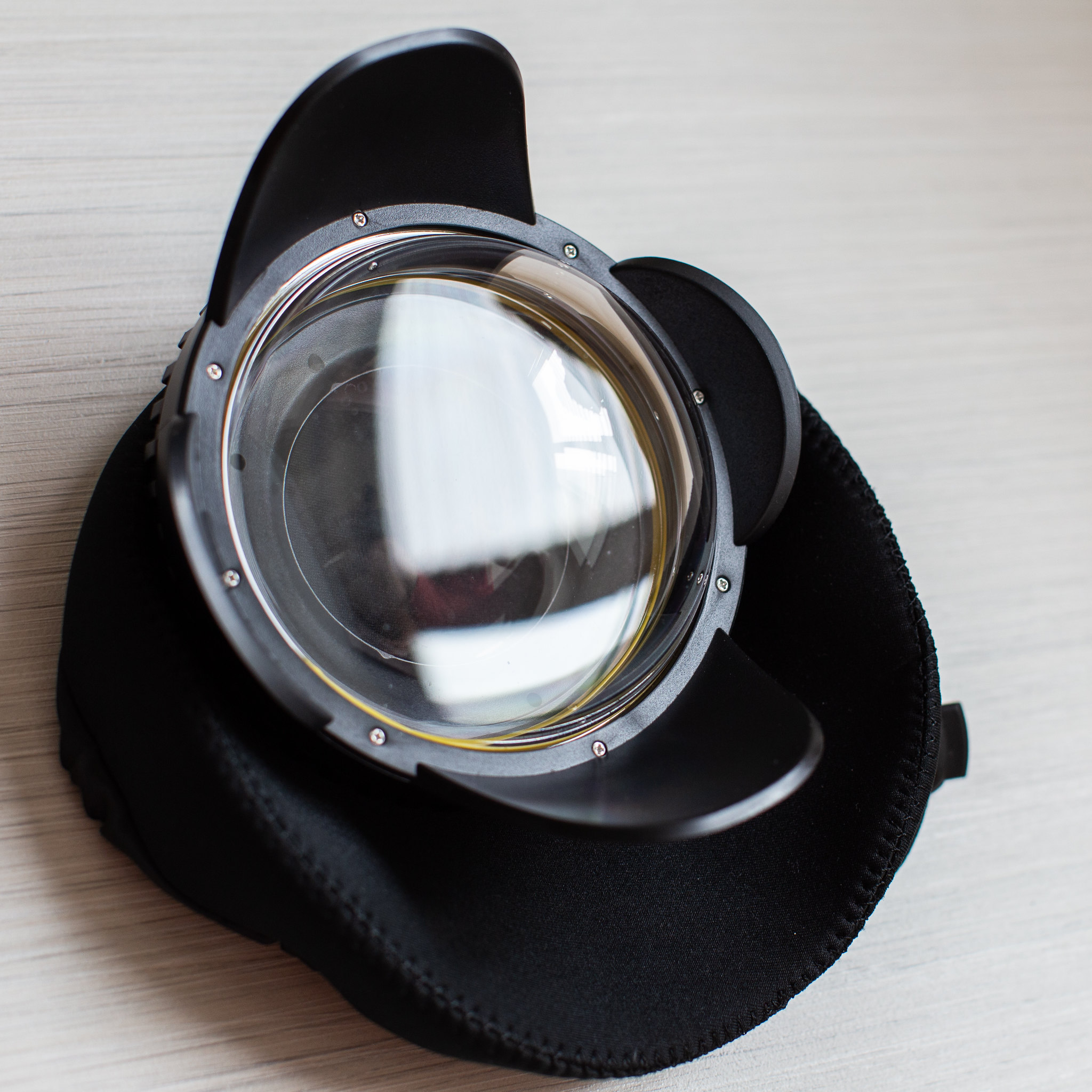
2. Wide angle lens @ SGD 200 nett
Looking to deal in Singapore.
Olympus Tough TG-5 includes:
1. Camera
2. USB Charging Cable
3. Charging plug (2-pin US)
4. Battery
5. Warranty card (Amazon US)
6. Manual
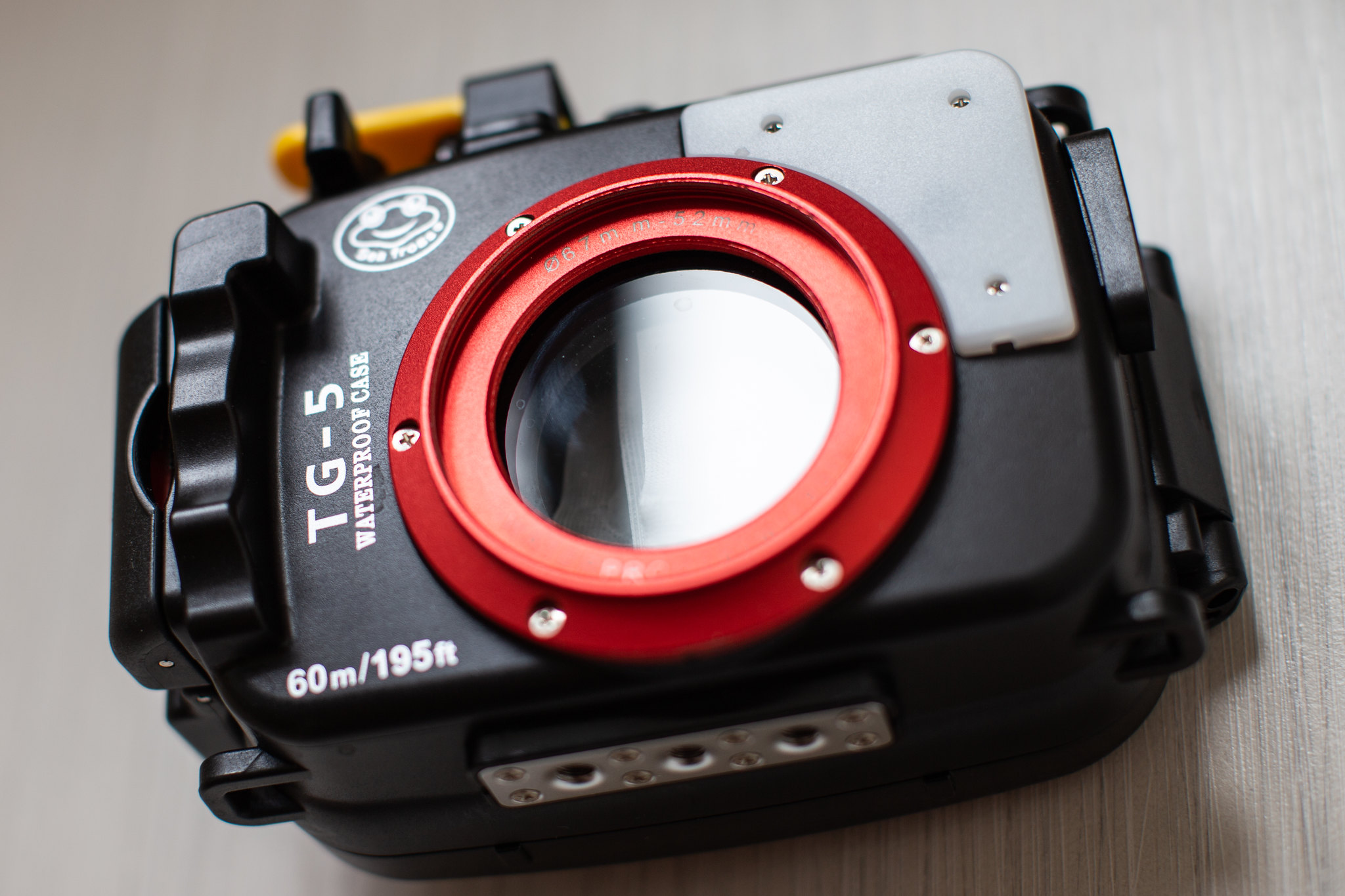
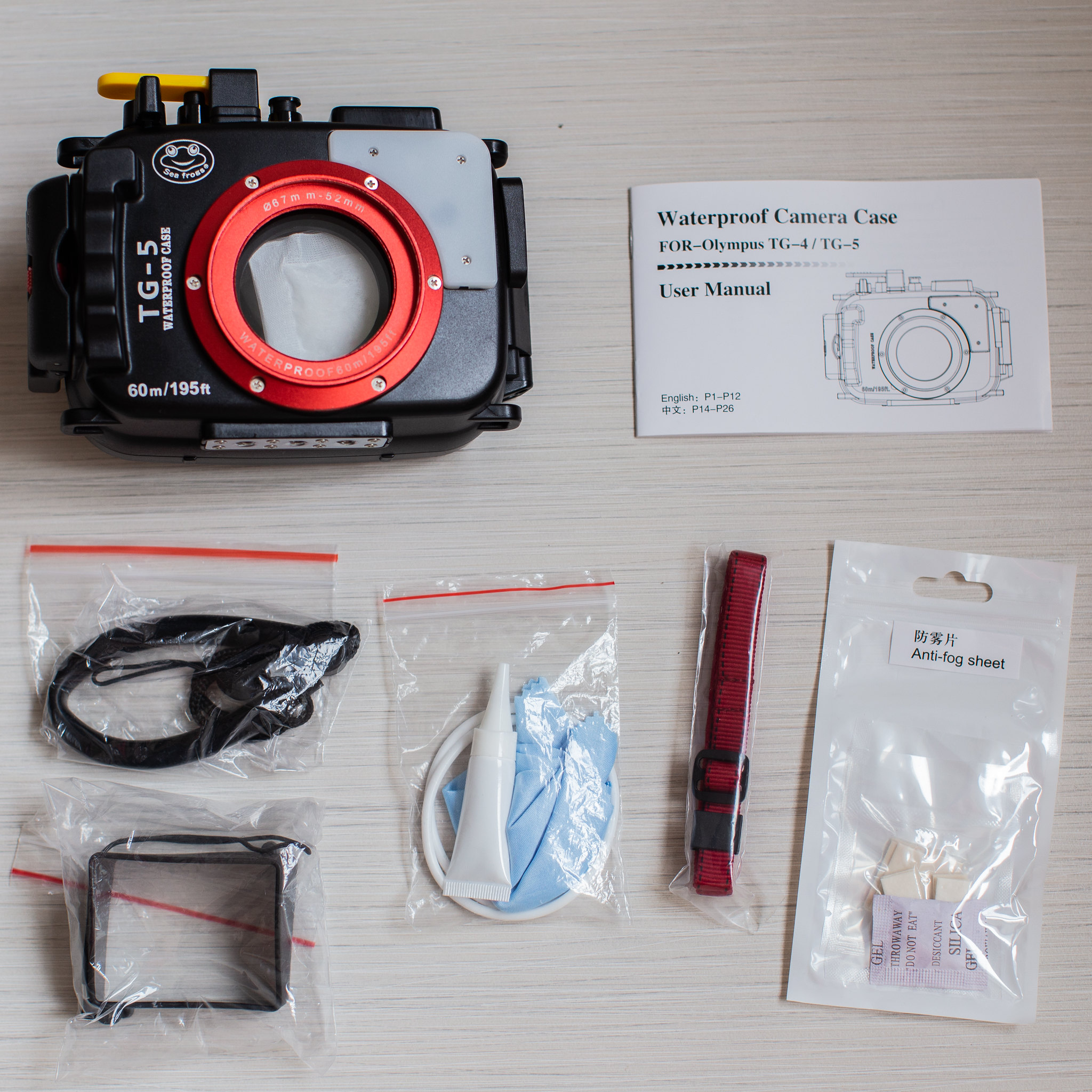
Seafrog Housing for TG-5 includes:
1. Housing
2. Manual
3. Wrist strap
4. Screen shade
5. Spare O-ring, cleaning cloth, and lubricant
6. Neck strap
7. Anti-fog inserts
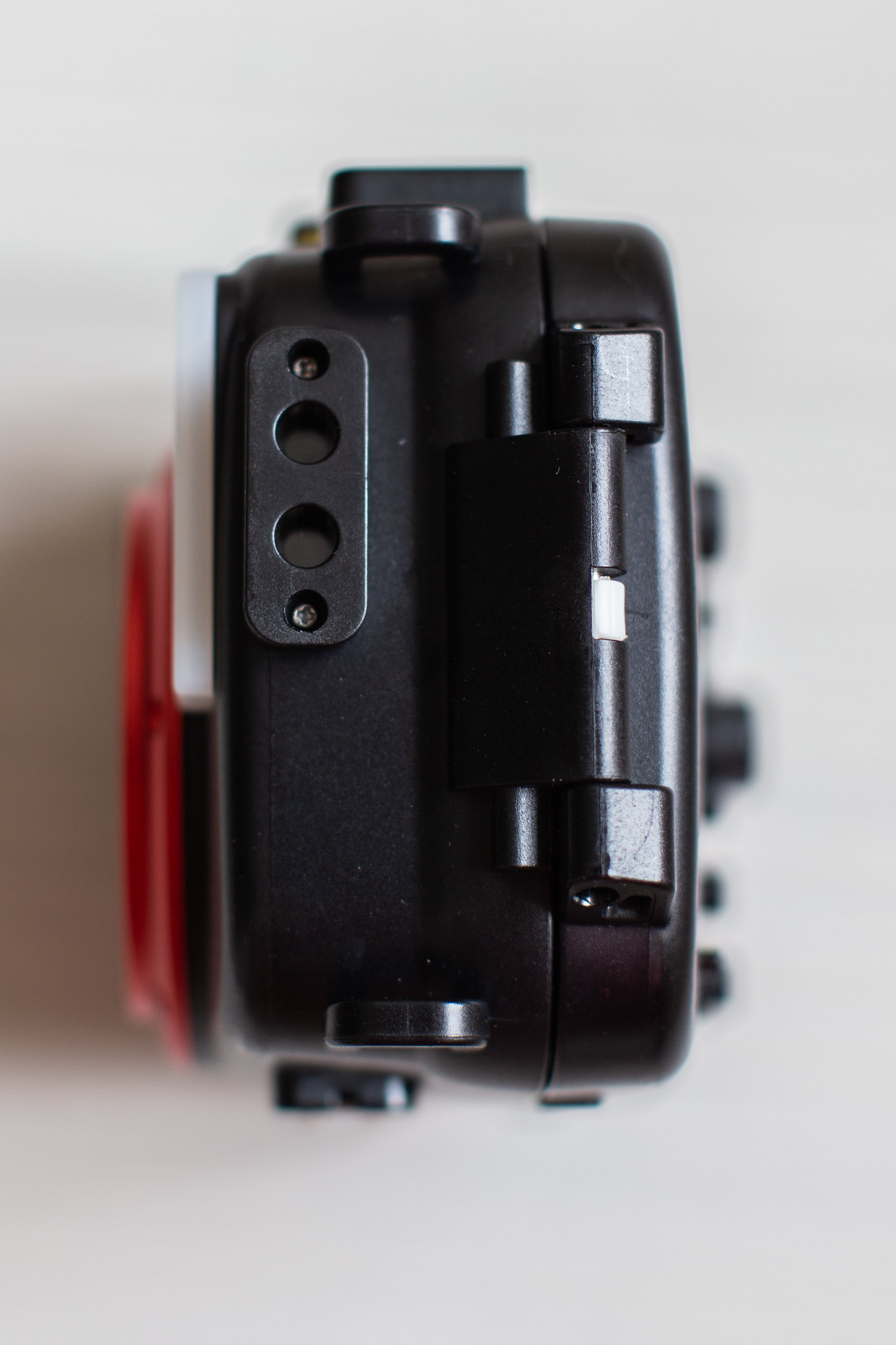
The unique features on the Seafrog Housing that outperforms the Olympus original housing are:
1. Depth rated to 60 meters
2. Double threaded front 52mm & 67mm
3. Dual O-ring seals with Leak Detector
4. Dual fiber optic ports on the side so that the cables do not cross path with the lens
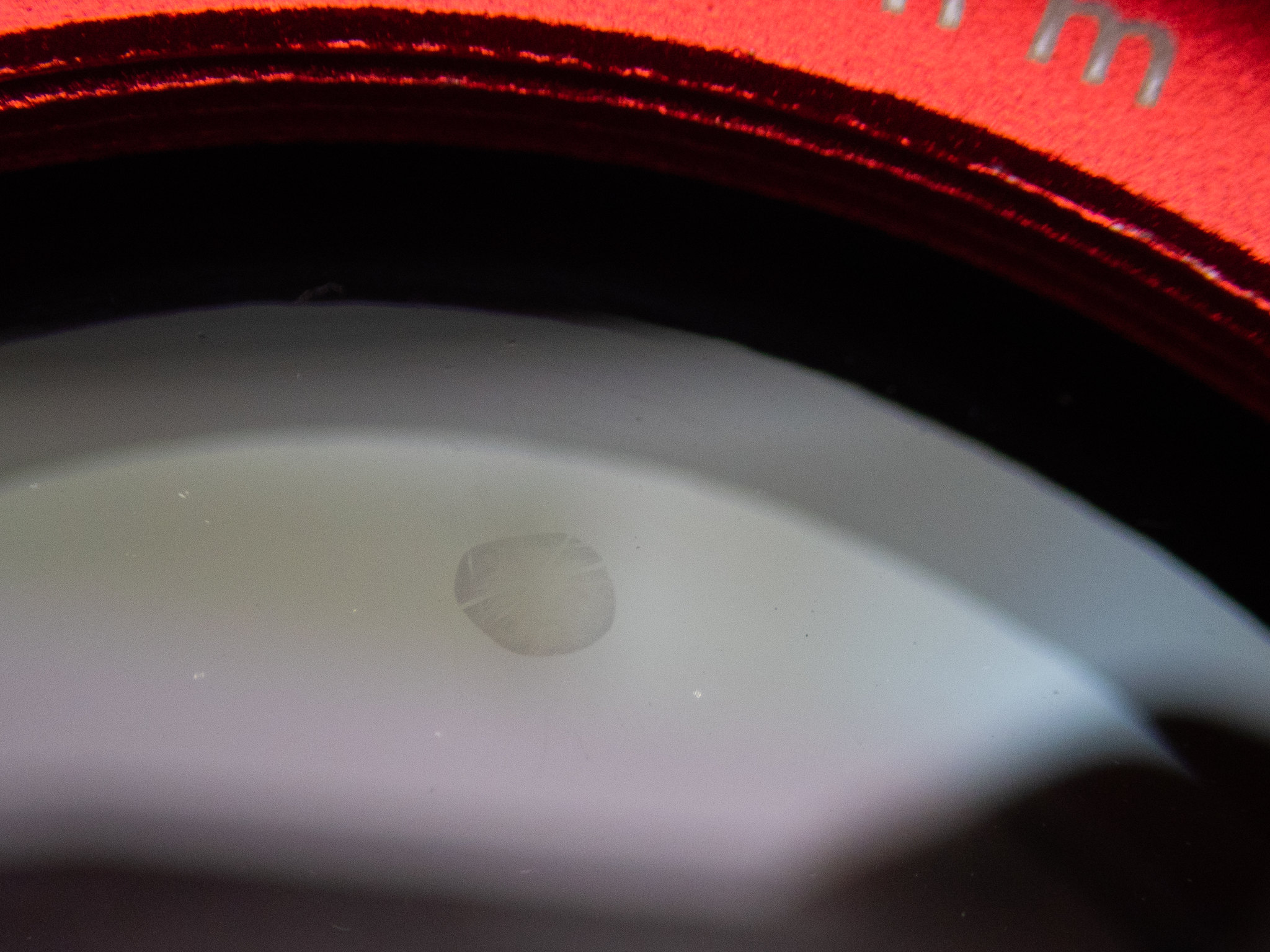
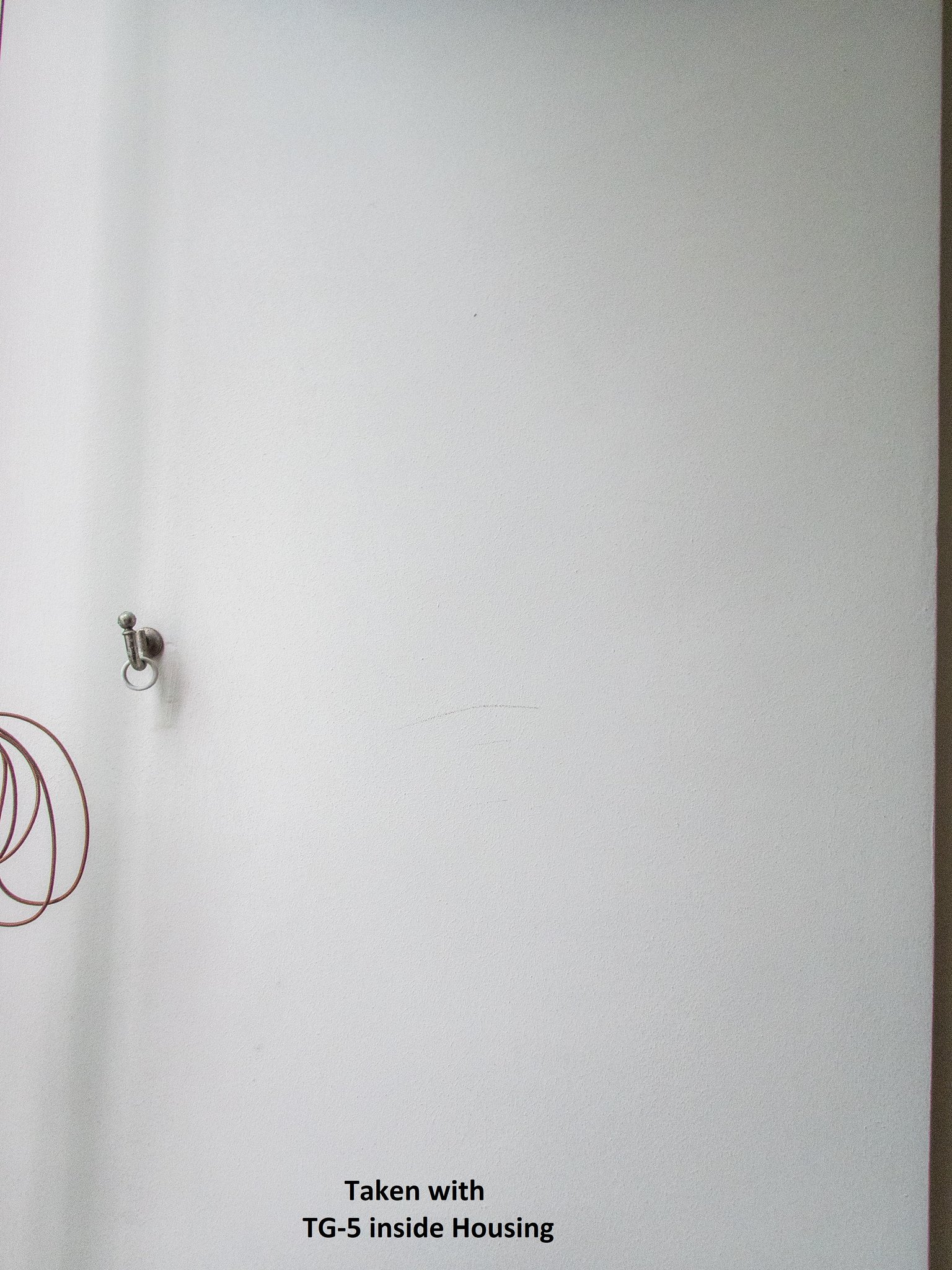
Disclaimer: There is a small spot on the housing front glass, but I did a test shot with the camera in the housing and the spot cannot be seen in the picture.
Test shot:
Wide Angle Wet Correctional Dome:
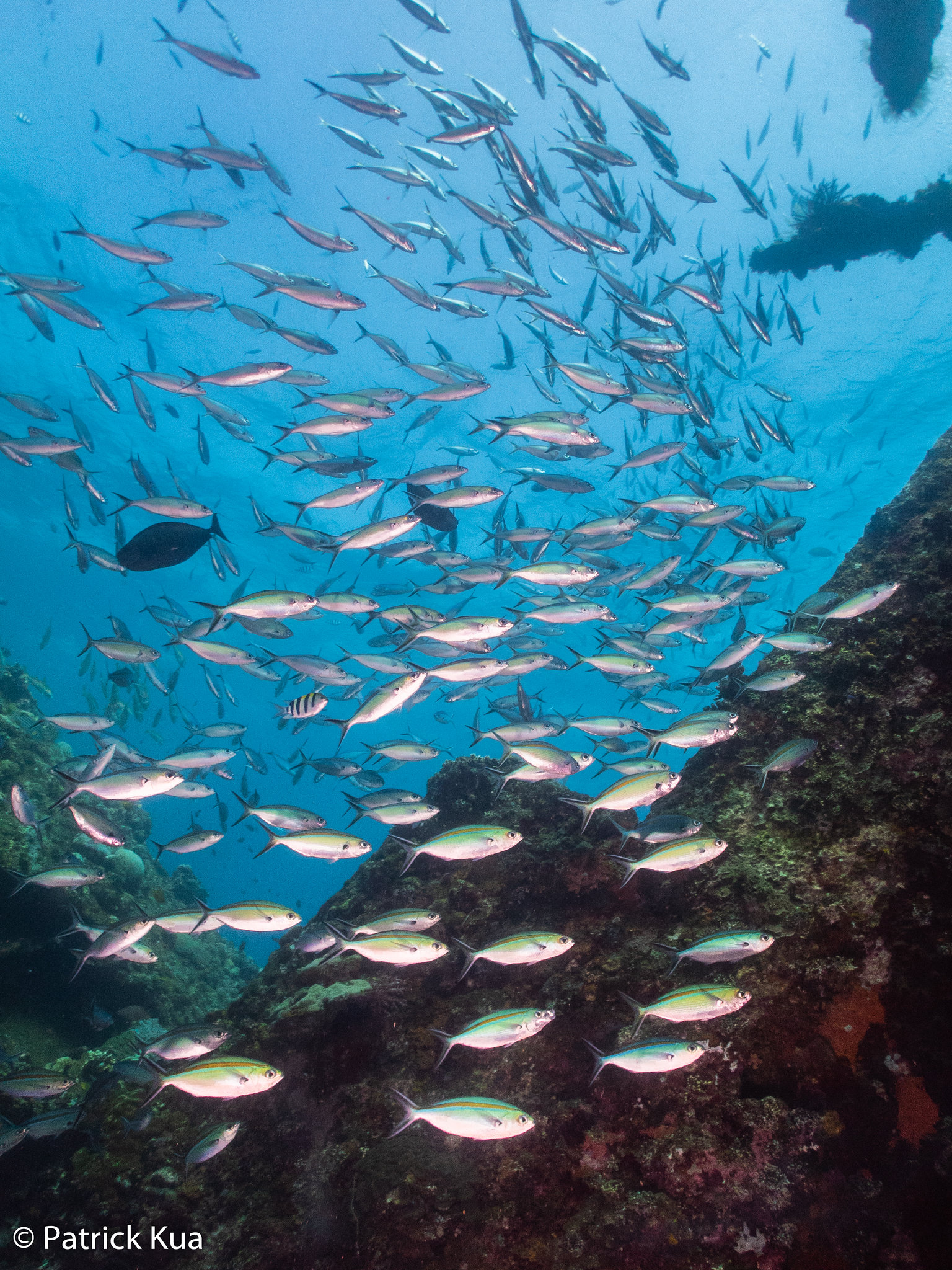
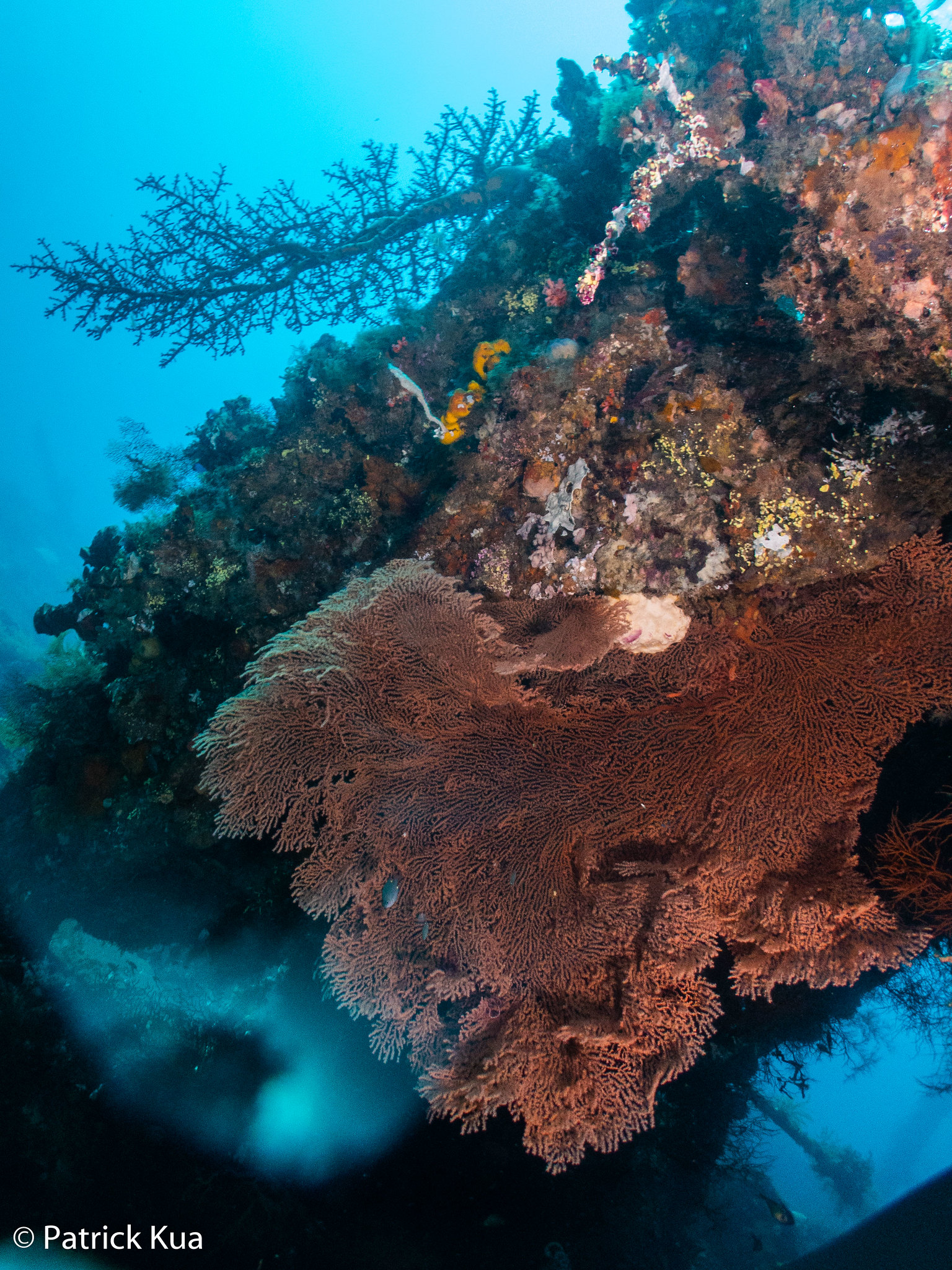
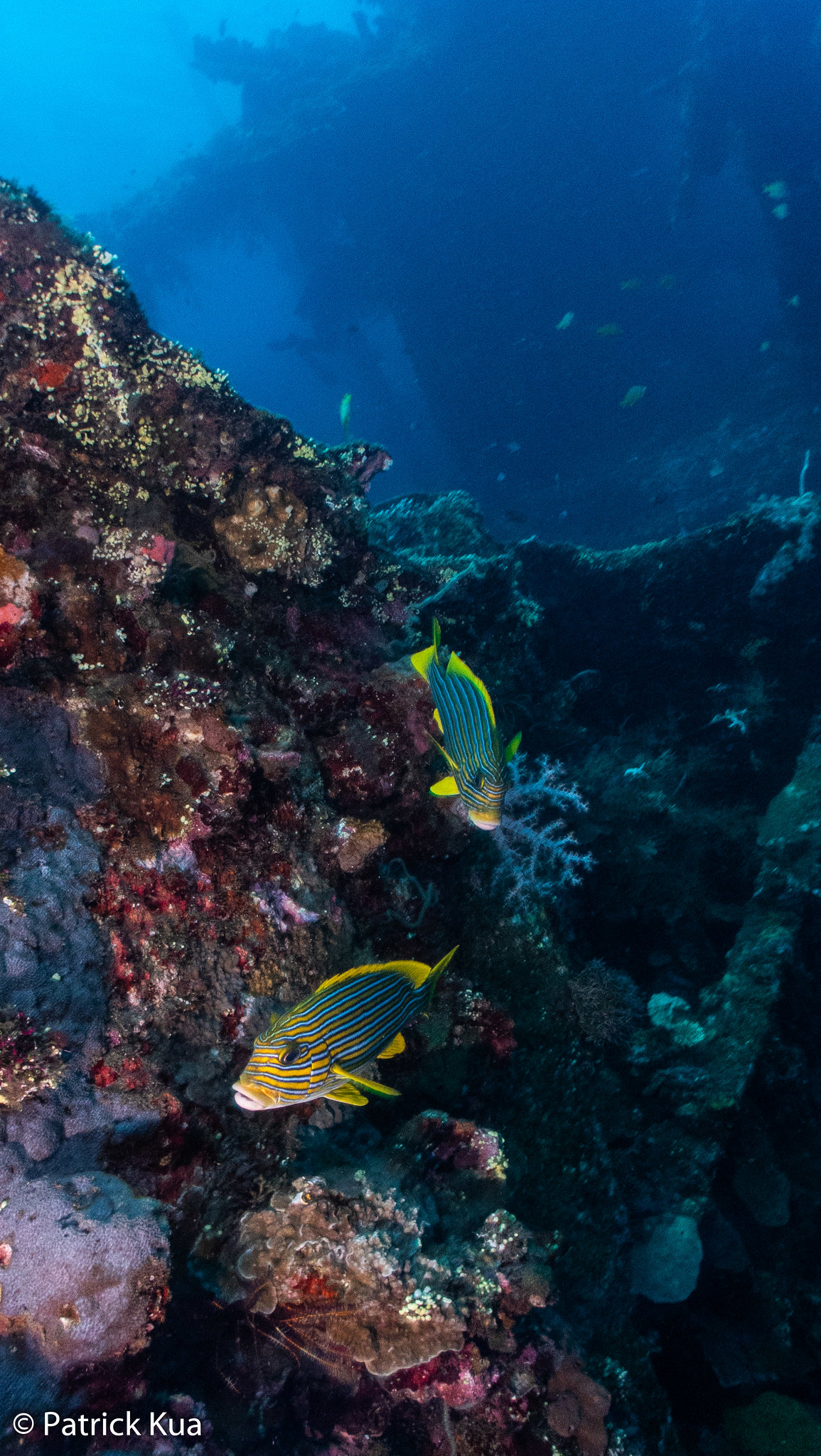
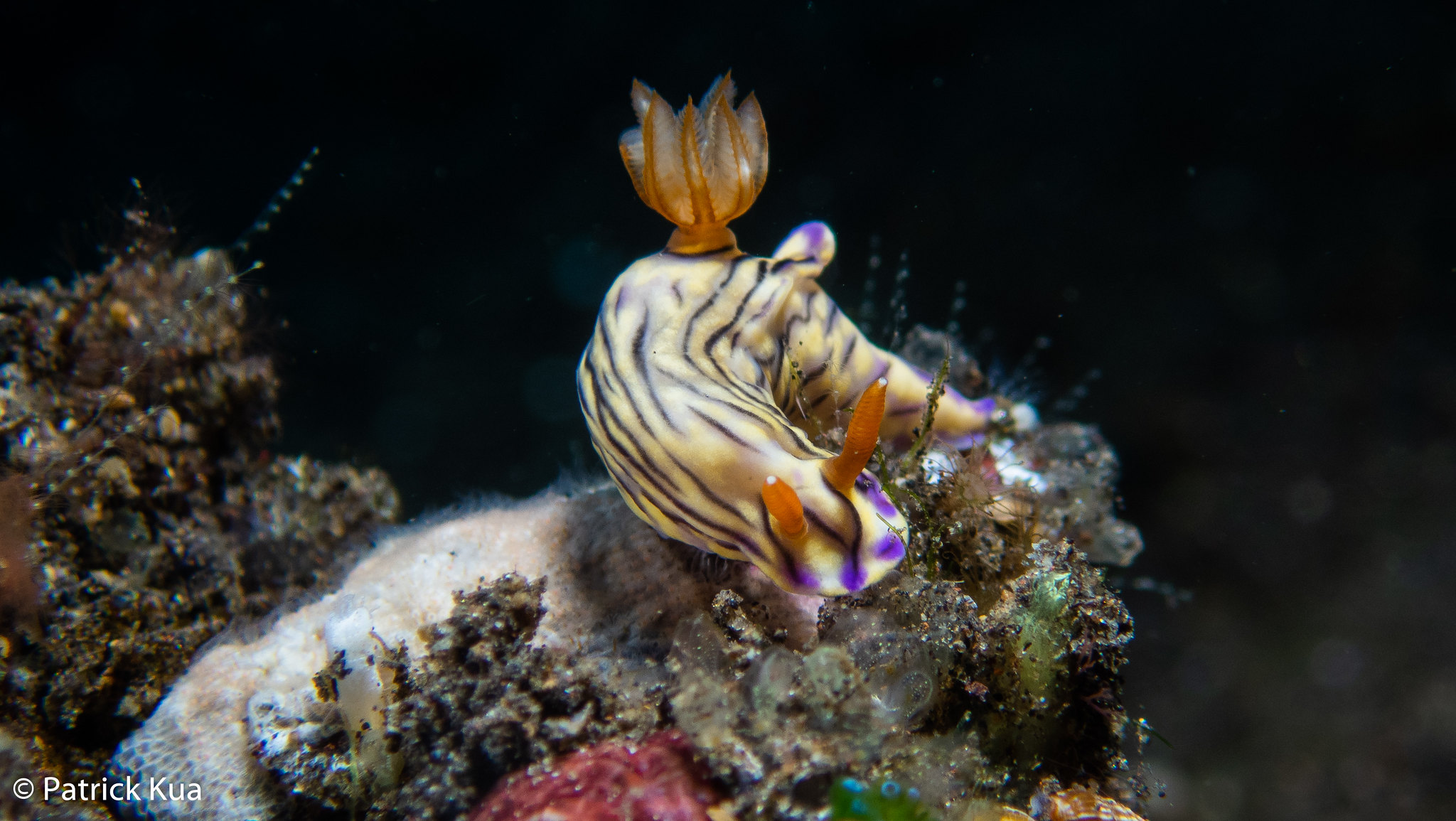
Sample underwater shots taken with this setup and strobes (For macro shots, no lens was used):
Wide angle
Macro