



I finally upgraded to the full frame SLR. Selling my beloved compact rig. I am a perfectionist so this rig was taken care of very well. Never flooded, always meticulously maintained.
For those of you on the fence about the compact, I was able to get some awesome results on this little camera. See here https://photos.app.goo.gl/noEyQHBDRbVCNyoo9
Yes, these were all taken on this exact rig with only one strobe and a not included focus light.
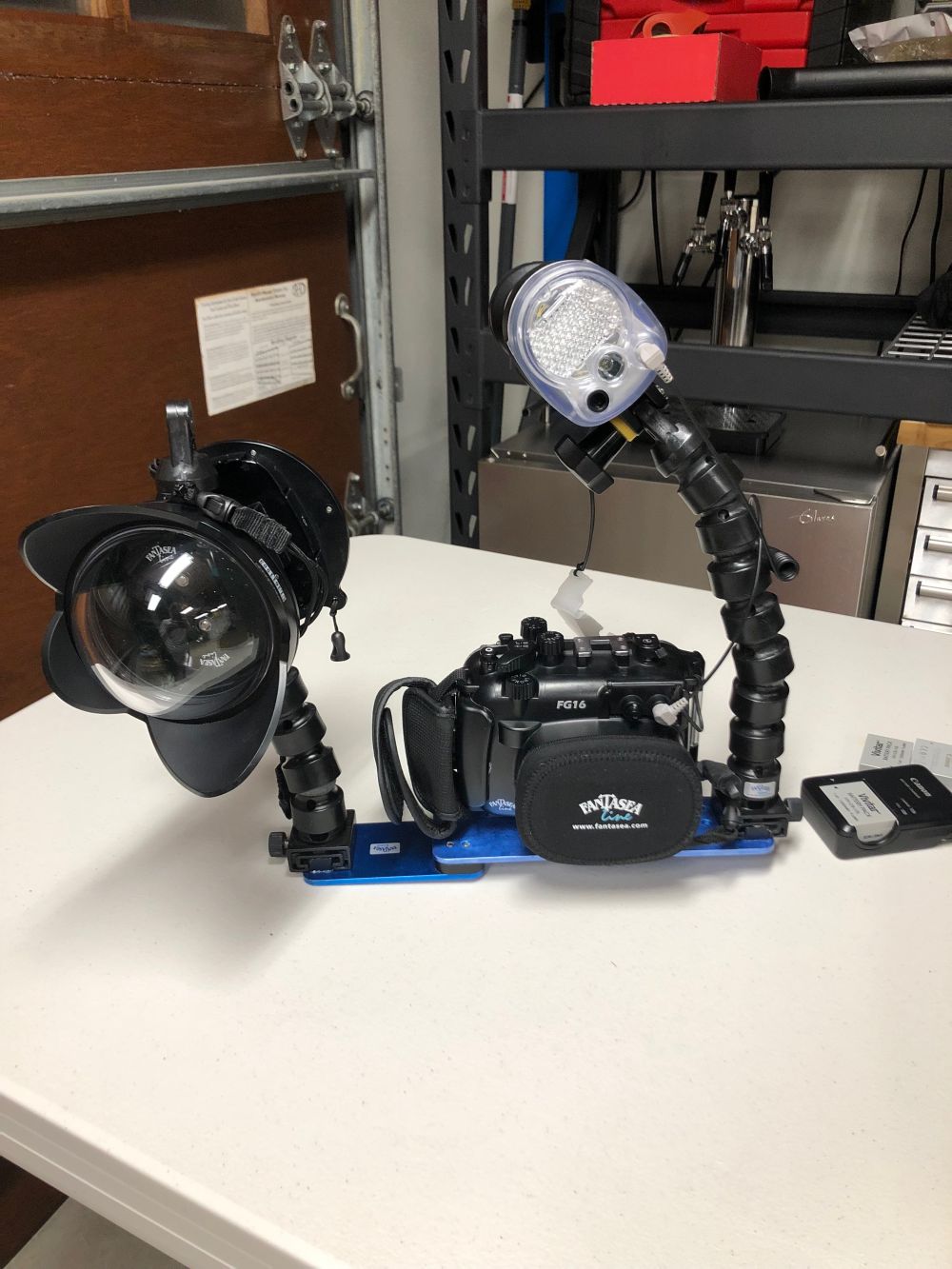
Here's photos of all the equipment: https://photos.app.goo.gl/QZbgsLCWipp3JaPG8
Includes the following. (I am open to selling pieces individually)
-Canon G16 camera, charger, 3 batteries, camera strap Retails 600
-Fantasea G16 housing + lens covers + extra new o ring. Liquid sensor has new battery Retailed 400
-Fantasea blue tray + two arms + wet lens pop on / pop off mounts Retailed like $40?
-Fantasea Big Eye Wide Angle Wet Lens x2 Retails 300 each
-BlueWater Photo +7 Macro lens including fantasea housing mount Retails 160
-Fantasea Bluetray + 2 arm sets Retails 100-150ish
-Sea and Sea YS01 Retails 430
-Olympus Fiber Optic Cable Retails 80
-Generic Fantasea padded case
-All other accessories that were included when I bought it.
-I can also include manuals. I kept everything...
.jpg.857dbbfbdc4d79d9c6ebf7b4ba96ed1b.jpg)

