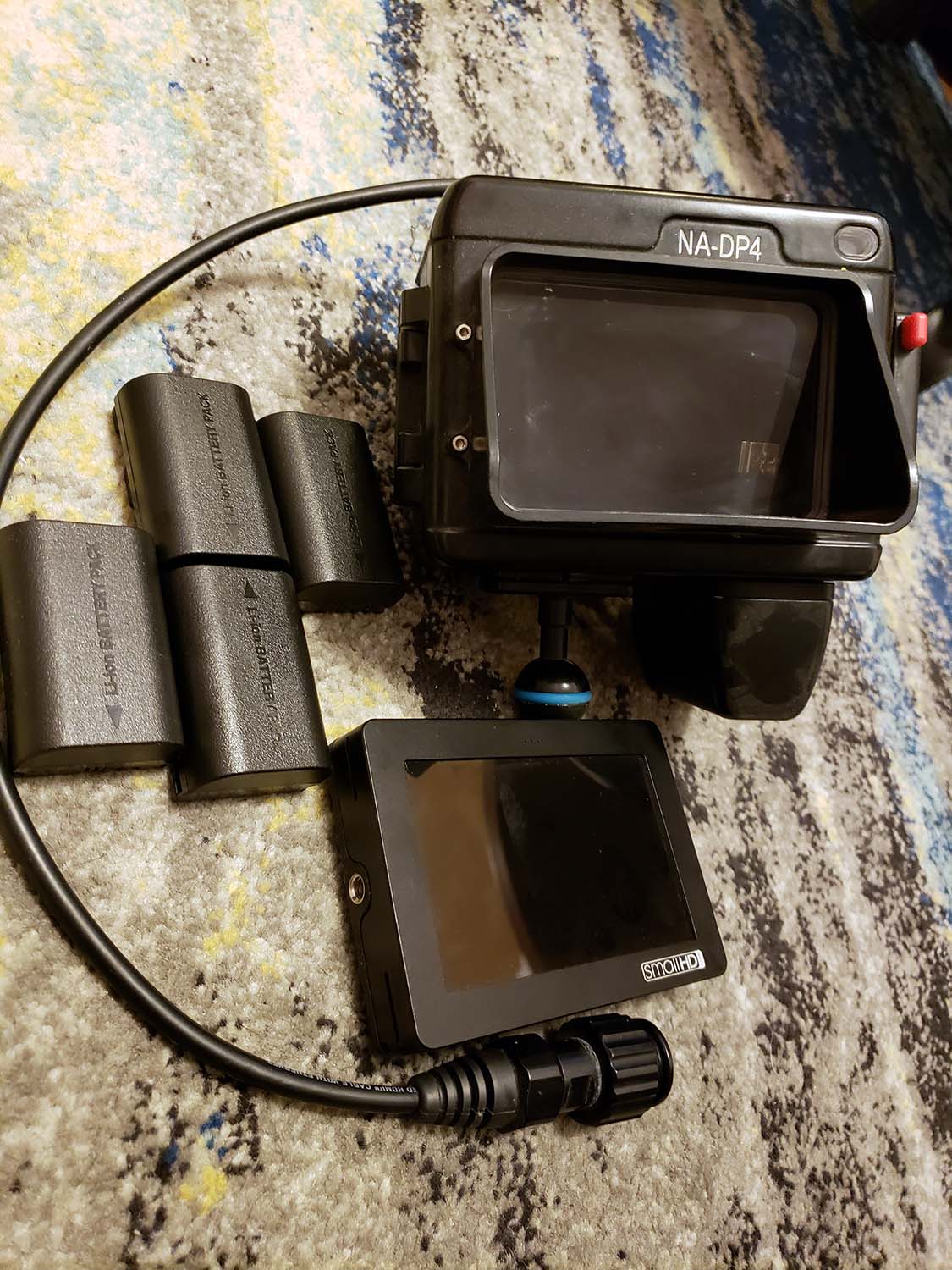
Selling my used but in great condition SmallHD DP-4 monitor + Nauticam housing. I used this to monitor video off of GH4 / A7 setups. Worked great for a little extra screen space to nail focus and allowed access to edge and exposure peaking functions, but honestly I mostly used it to increase the volume of my video systems for significantly more stable video. (Yes, the monitor shade on the housing is installed upside down in the photos, I used it flipped).
Housing allows access to all controls, and the monitor is powered off two Canon LP-E6 batteries (I am including 4 Wasabi LP-E6 equivalents that work well, & charger)
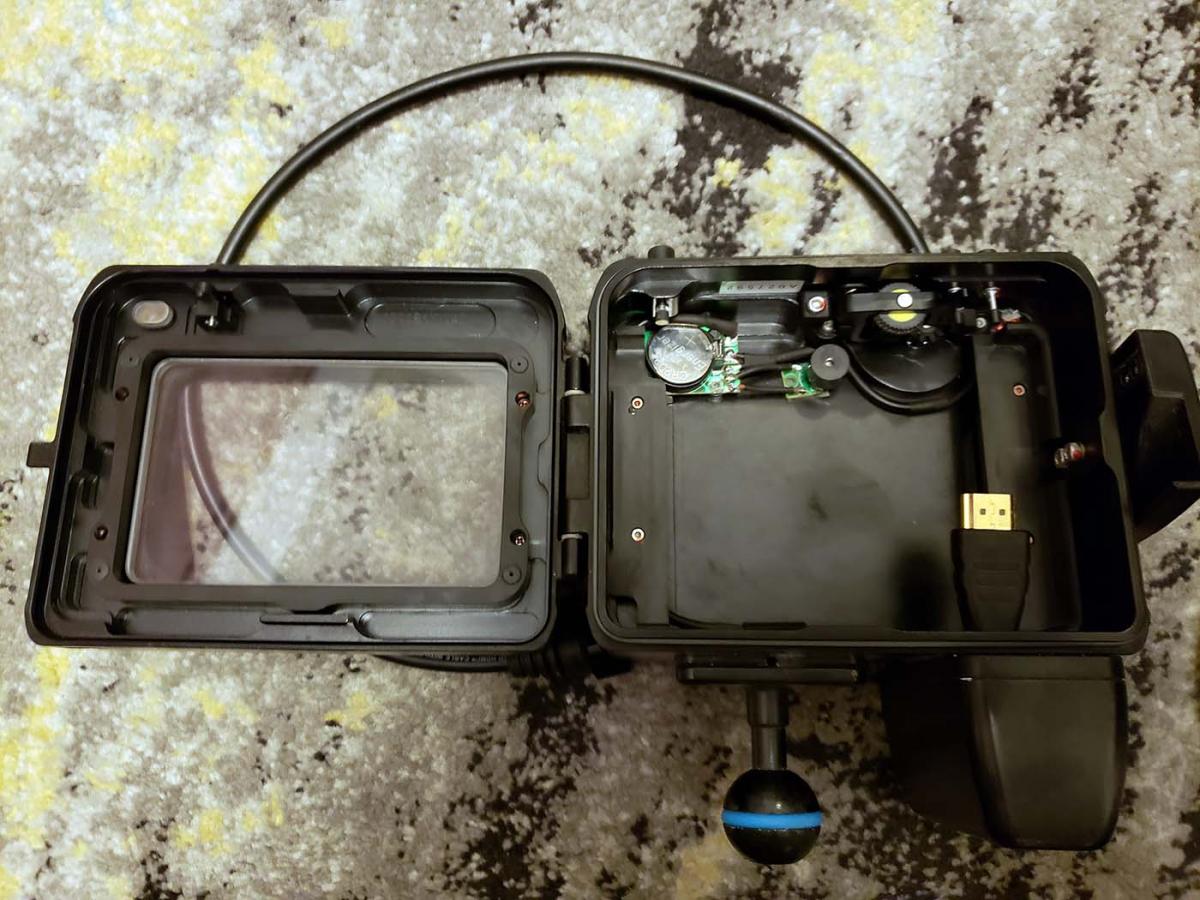
Monitor housing also has leak alarm. Housings with M16 ports are compatible, you will need to purchase the Nauticam HDMI bulkhead for your camera housing.
What's Included:
•Nauticam NA-DP4 Monitor Housing with attached HDMI cable
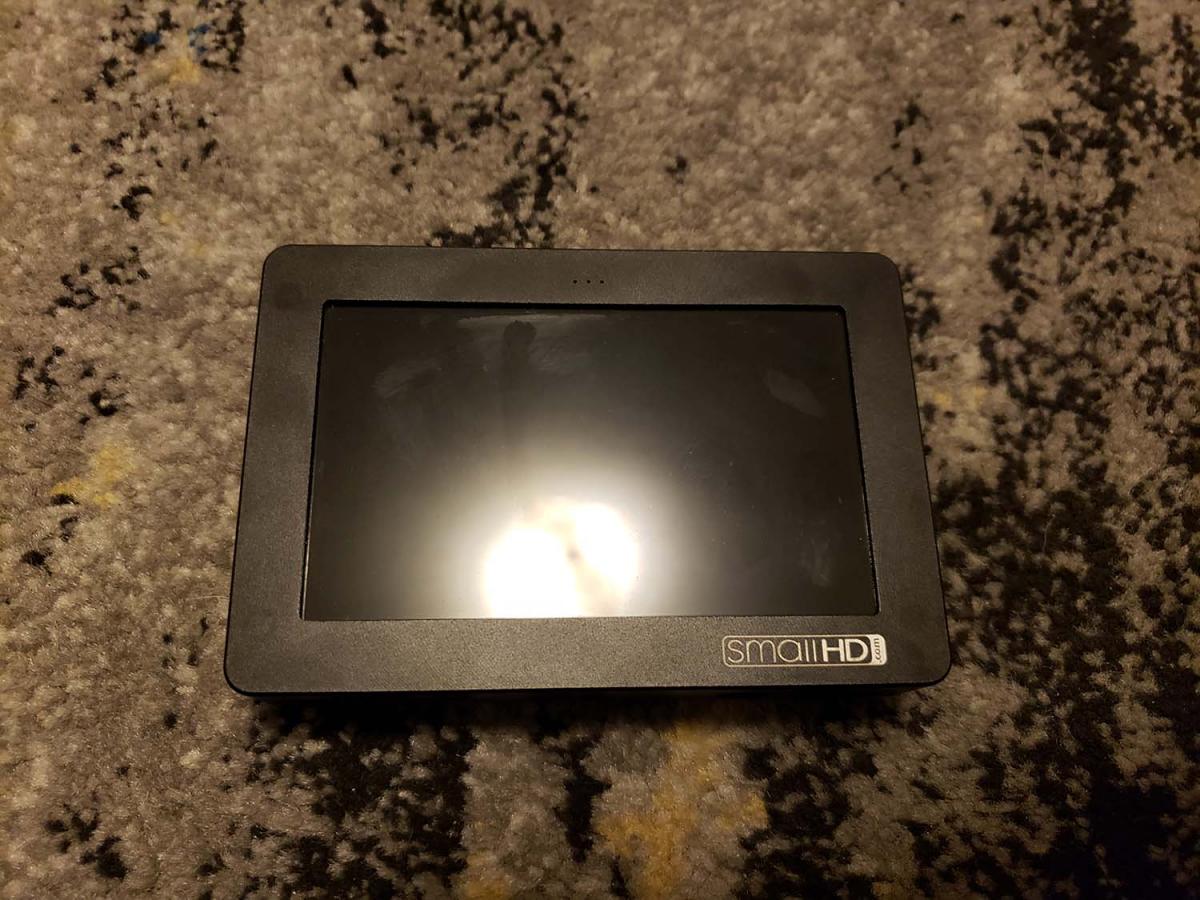
•Small HD DP4 4.3" LCD Monitor
•4 Wasabi LP-E6 batteries
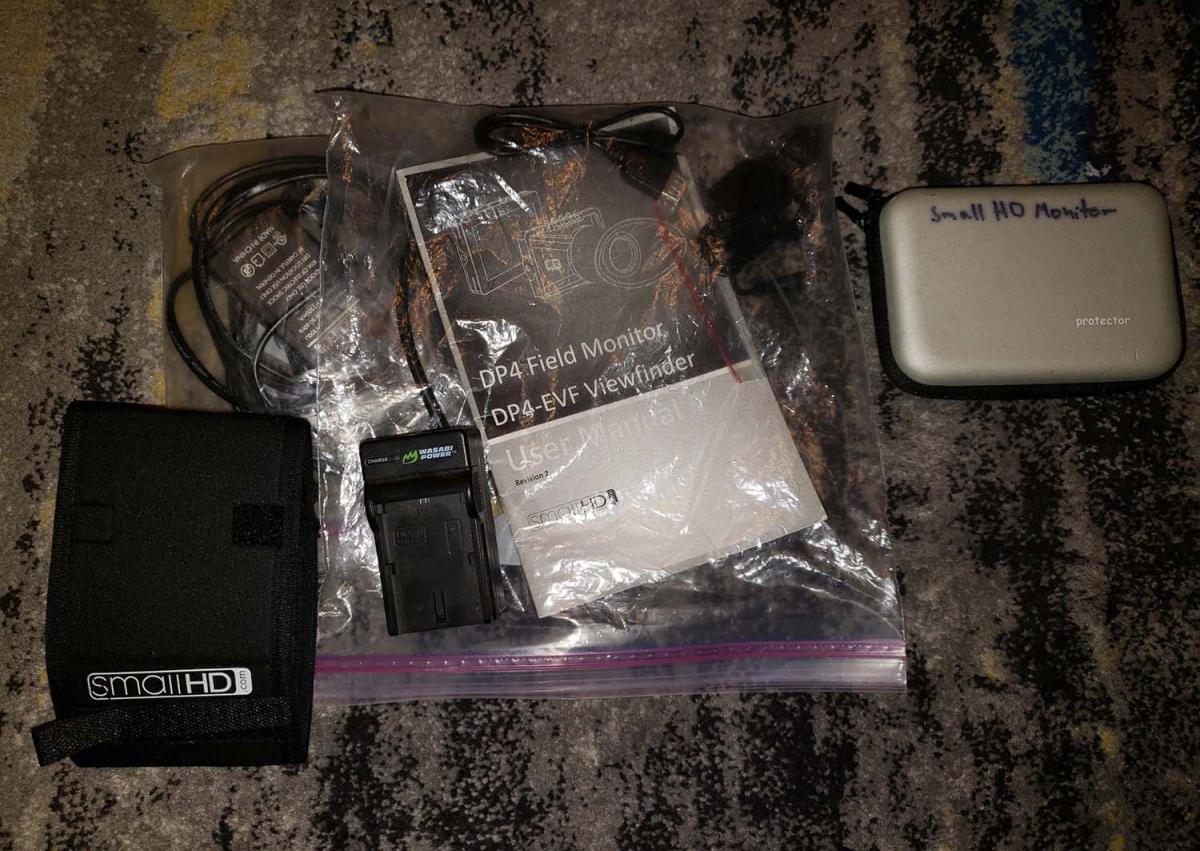
•ACCESSORIES: topside monitor shade, protective monitor travel case, various HDMI to mini HDMI cords, original manual, DC power for monitor and others.
$450 - buyer pas shipping and insurance.
Located in San Diego, California.
Let me know if you have any questions!