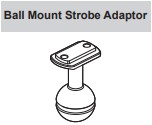
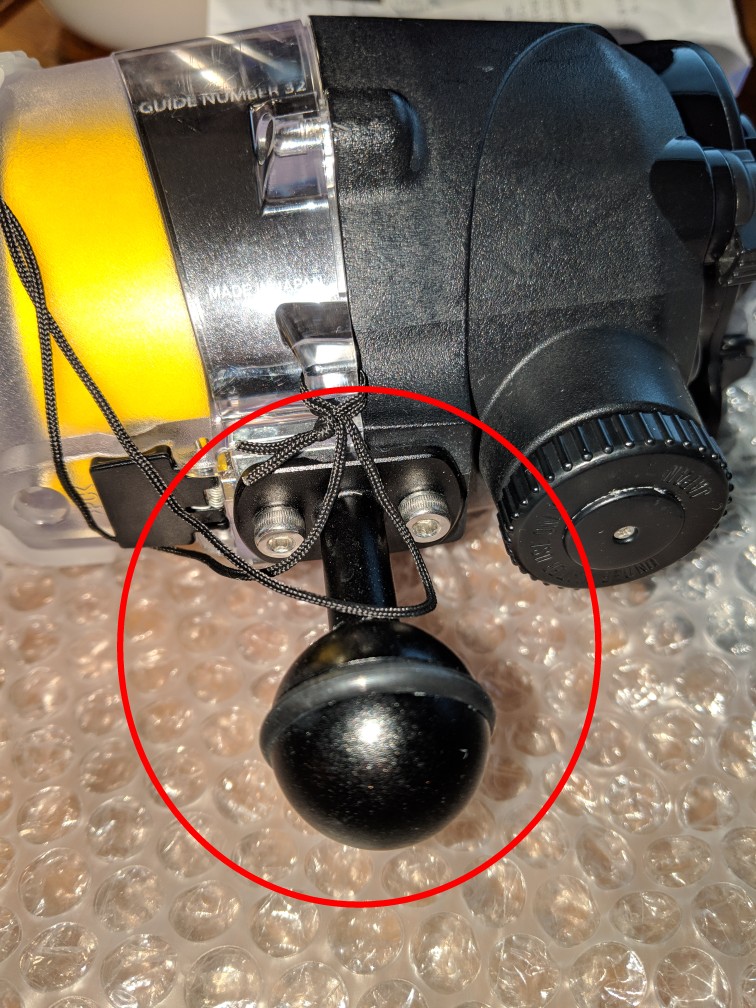
So close, but not quite there. Those are more like Sea & Sea 22119 (https://www.bluewaterphotostore.com/sea-sea-ball-mount-22119). Those have a completely flat bottom, whereas the piece that attaches to the strobe directly and replaces the normal YS adapter has a raised ridge to fit into an indentation. But thanks - I'll scour Ebay some more.
I've been looking for the OTHER attachment, the YS-mount to Sea&Sea. I'm using the balls now, but I'm wondering if I can eliminate a couple of clamps by going YS at the strobe end. Cannot find the YS mount either. Used or new.
I've been looking for the OTHER attachment, the YS-mount to Sea&Sea. I'm using the balls now, but I'm wondering if I can eliminate a couple of clamps by going YS at the strobe end. Cannot find the YS mount either. Used or new.
If you have any luck tracking them down, let me know. I'd be willing to trade for the ball mounts. I have 2 of the YS mounts that are unused. I previously used the YS mounts, but I found that the screw part was always subject to a lot of buildup (even after rinsing), so I prefer the direct ball mounts.