



Hello
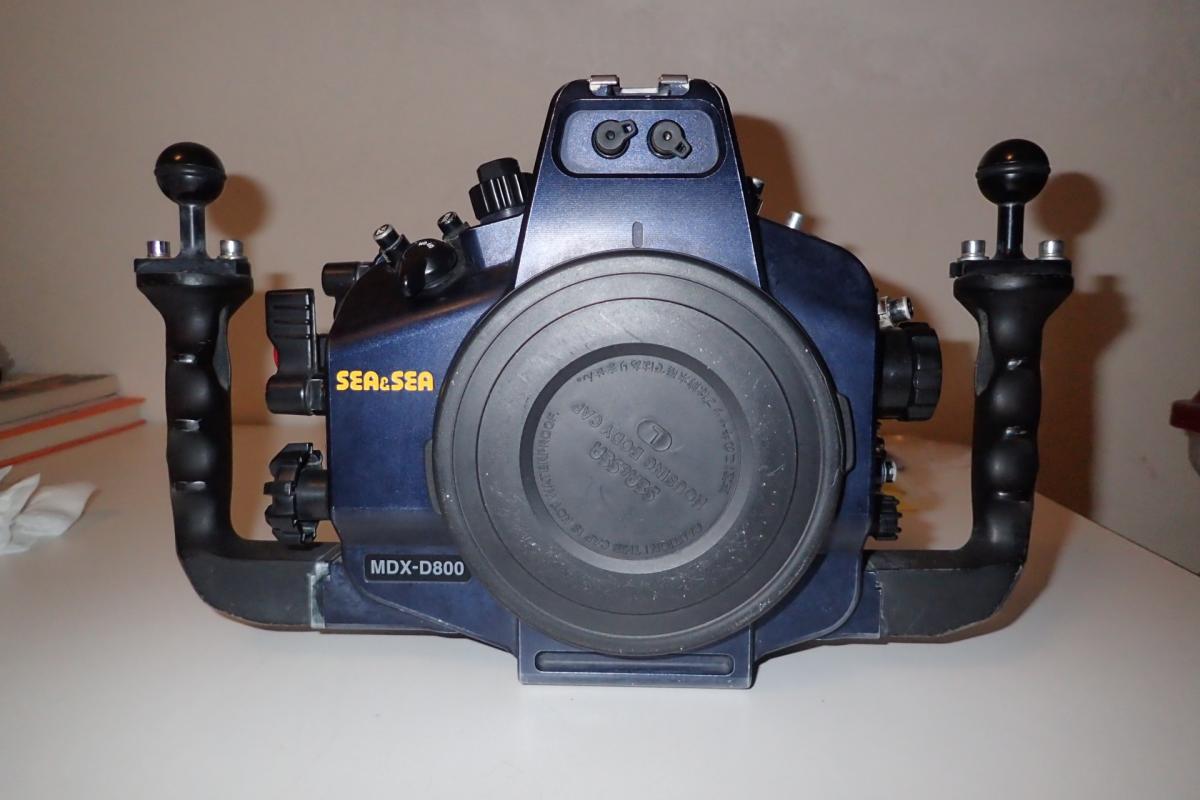
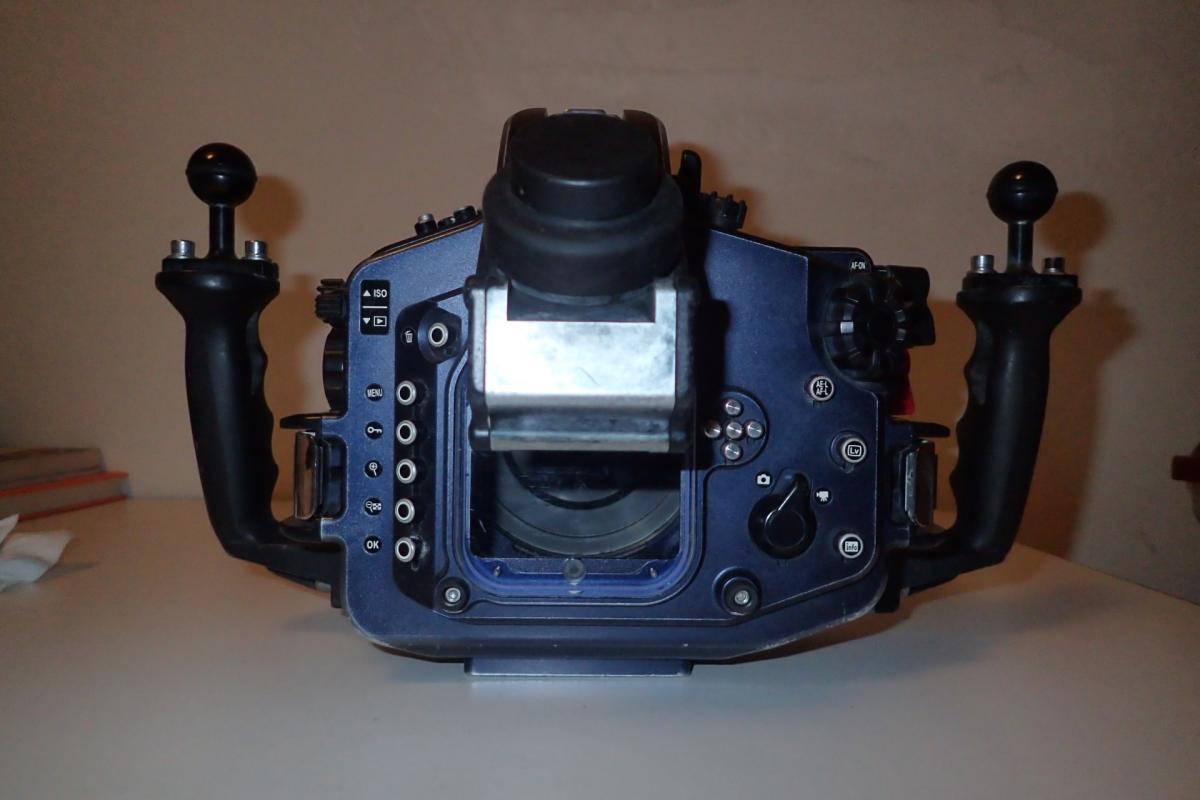
I am selling my Sea & Sea MDX-D800 housing and Nikon D800 body. The camera body is in new-like condition having been protected by this housing for the six years I used it. I love using Nikon DSLRs and have moved on to a D850. The housing is in excellent condition. All the buttons and levers work, everything works. It never leaked or flooded. There is some wear and scratches visible on the blue anodizing.
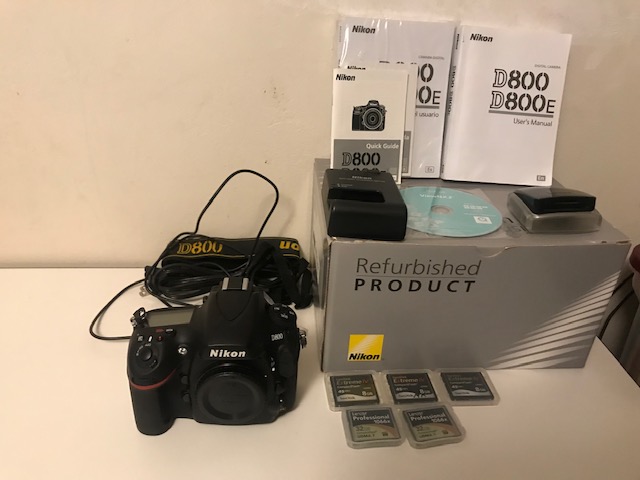
I bought the D800 body from Adorama on 1/10/2013. This had been refurbished by Nikon. The camera includes two Lexar Professional 1066x UDMA 7 32 GB CF cards and three Sandisk Extreme IV UDMA 8GB CF cards. Also included are one battery and charger, a Lexar CF and SD card reader, manuals and Quick Guides in English and Spanish, and the shoulder strap.
Asking $900. for the D800 body and accessories.
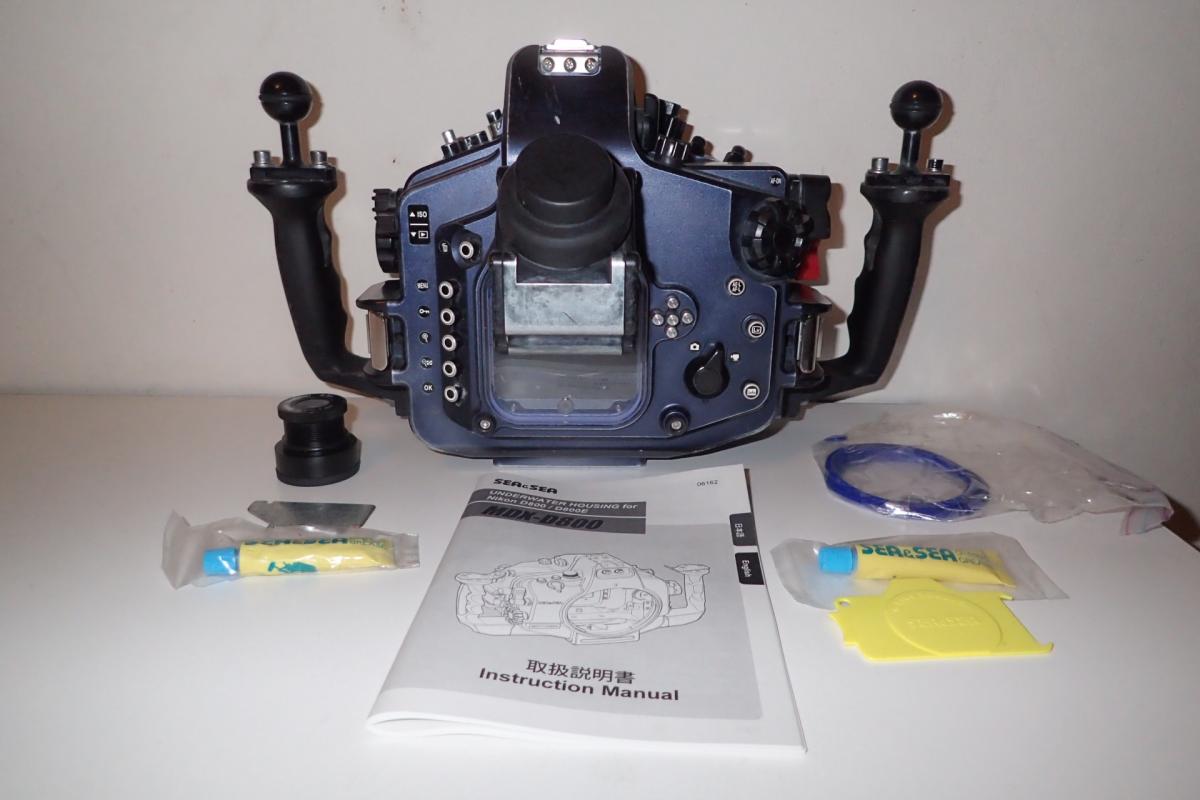
I bought the MDX-D800 housing from Backscatter on 1/26/2013 for $3199. It is set up for fiber optics not sync cords. It is also ready to attach a Backscatter Airlock vacuum valve to it. I used an Airlock with it-not included. This also includes an Inon 45º viewfinder which cost $900.00, the original viewfinder and a compact spanner wrench I made to put the smaller viewfinder on for travel, a main body O-ring, manual, two tubes of O-ring grease and an O - ring remover.
Asking $1500 for the MDX-D800 housing and accessories.
Mark Krag
.jpg.857dbbfbdc4d79d9c6ebf7b4ba96ed1b.jpg)

