Skip to content

Classifieds / Archived topic

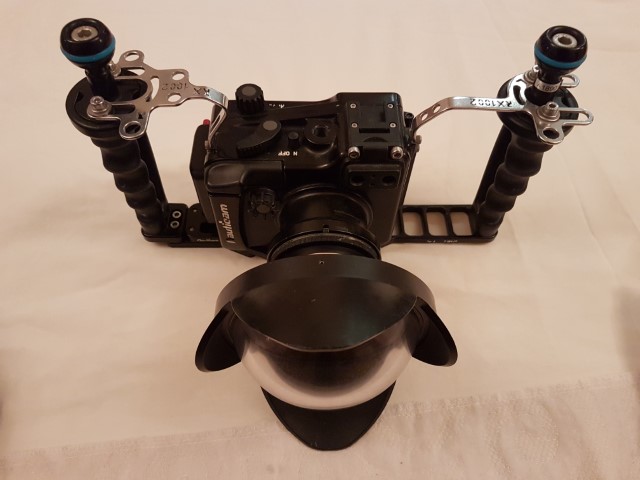
Sony and Nauticam Camera Package

Started by HCIdiver ·

  • 3Posts
  • 3Replies

Read-only discussion

Sony and Nauticam Camera Package

3 posts
  1. Sony RX100M2 + Nauticam housing + UWL-04 28mm Wide Angle Wet Lens


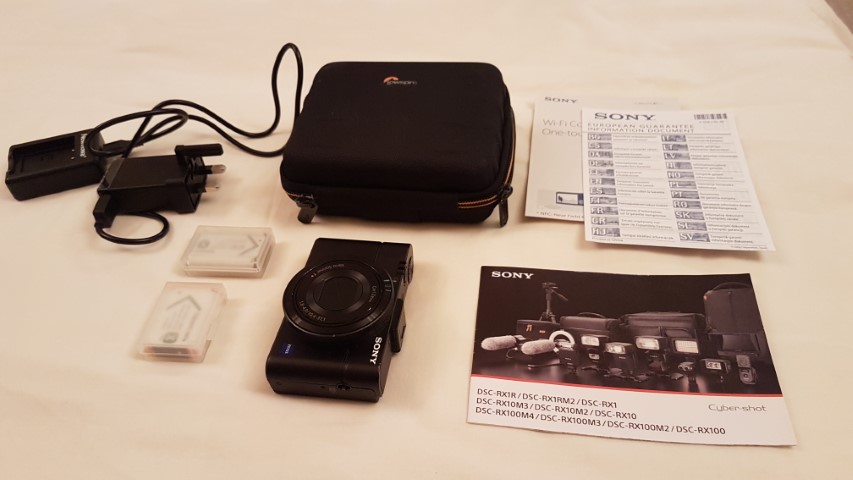
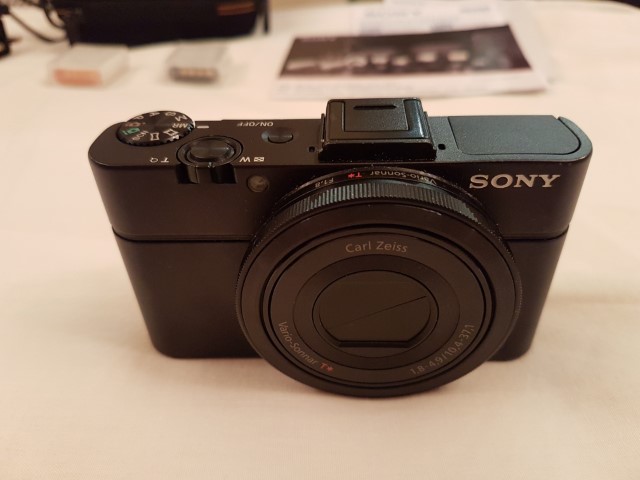
    I have upgraded my beloved Sony Rx100m2. Never flooded. Selling the camera, with double battery charger and 3 x batteries, plus Lowepro case.

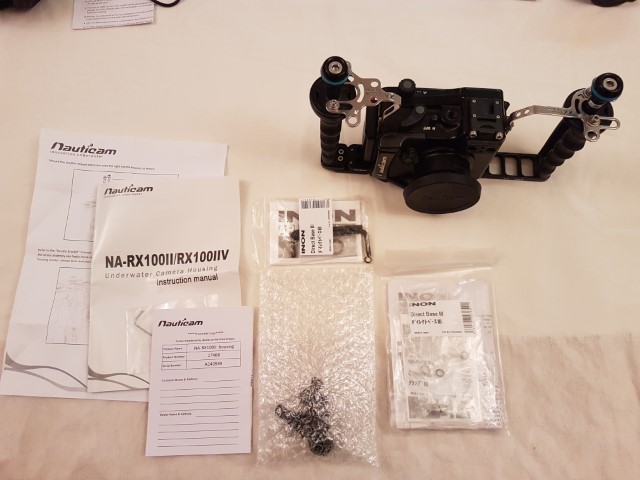
    Also selling Nauticam housing for the Rx100m2 - includes Tray, right and left handles and 2 x ball mounts.


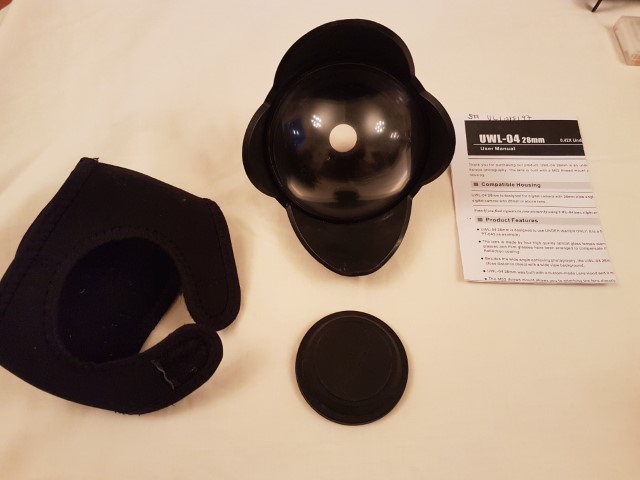
    In addition I am selling the wet wide angle lens with M67 adapter compatible with this setup.


    Cost 1400 sterling new - asking less than half - 750 euro obo.


    Please look at my Instagram account for example of what this camera can do. https://www.instagram.com/hcidiver/


    Add a strobe and arms and u have a complete setup.


    Original Sterling Prices:

    17408 NA-RX100II housing for Sony = 684.17

    UWL-04 Wide angle lense w/dome x 0.41 for 28mm DC M52 = 304.13

    71206 Easitray II with left handle (with 2pcs 1/4'' screws)= 65.00

    71208 Adjustable right handle II (for Easitray II & Flexitray II) = 29.17

    2 x 71311 Strobe mounting ball for Easitray& Flexitray 2 x 11.67 = 23.34

    Sony RX100II Sony RX100II camera = 316.67


    post-88937-0-48335400-1549879473_thumb.jpgpost-88937-0-71527300-1549879495_thumb.jpgpost-88937-0-22102800-1549879516_thumb.jpgpost-88937-0-97117500-1549879535_thumb.jpgpost-88937-0-49998600-1549879556_thumb.jpg

    Edited by HCIdiver
  2. Getting a few messages directly on this.


    I am advertising in a few places - not looking to drop the price after one day.

    If its still unsold after two weeks i would consider a lower offer.

    Please let me know where you are located and if you can pay by paypal.


    Thanks in advance.

  3. Sold!

Marelux

Account

Navigation

Search

Search

Configure browser push notifications

Chrome (Android)
  1. Tap the lock icon next to the address bar.
  2. Tap Permissions → Notifications.
  3. Adjust your preference.
Chrome (Desktop)
  1. Click the padlock icon in the address bar.
  2. Select Site settings.
  3. Find Notifications and adjust your preference.