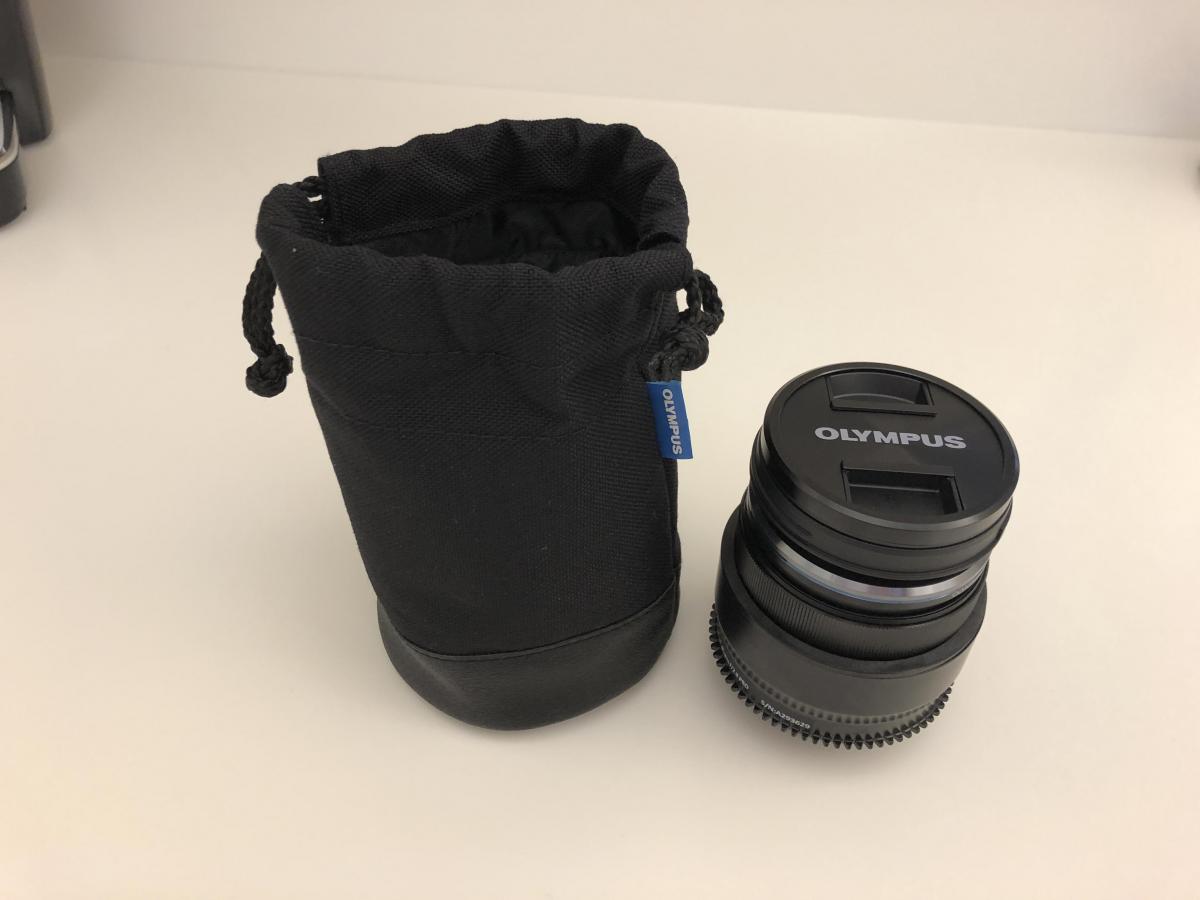
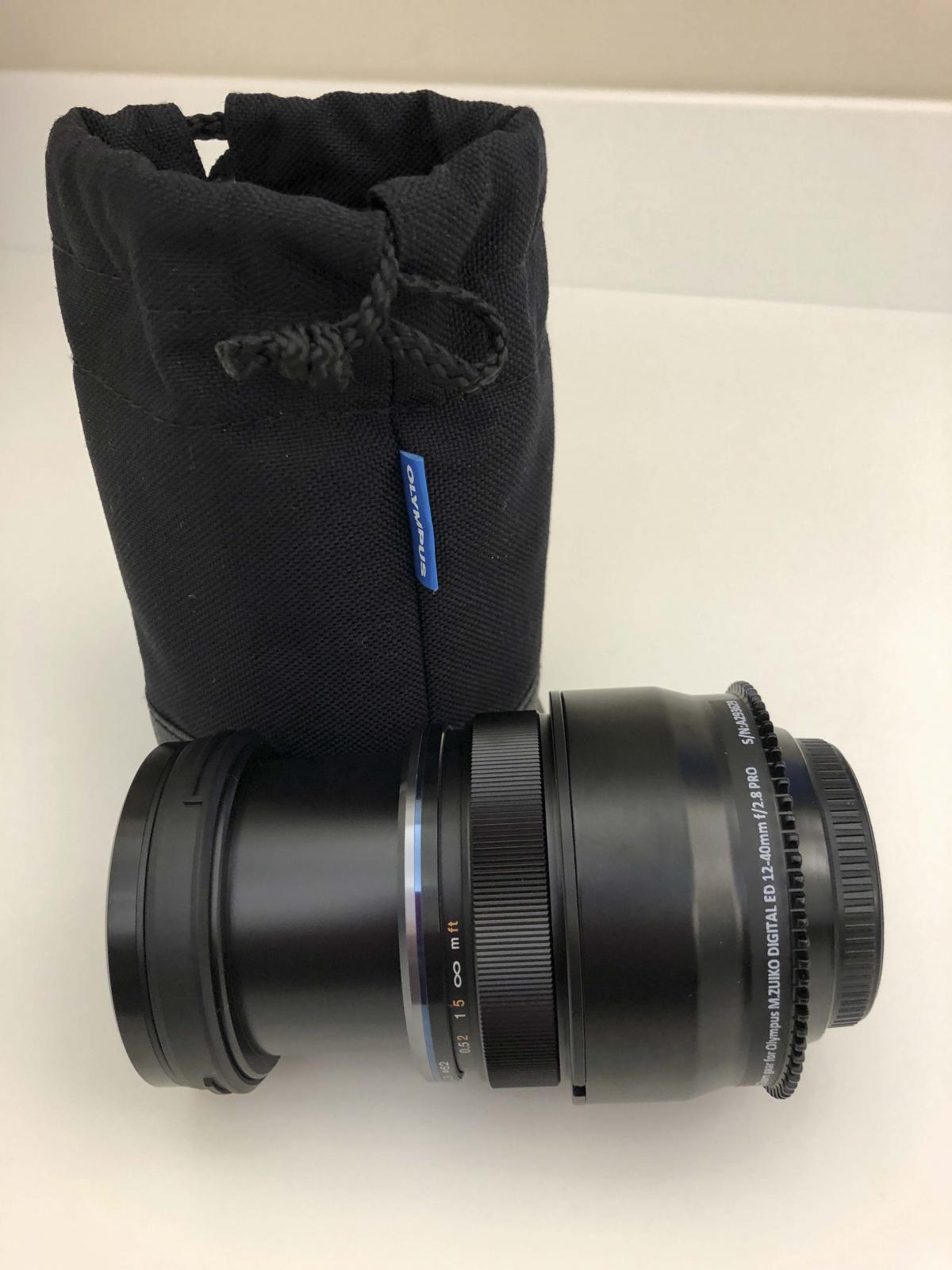
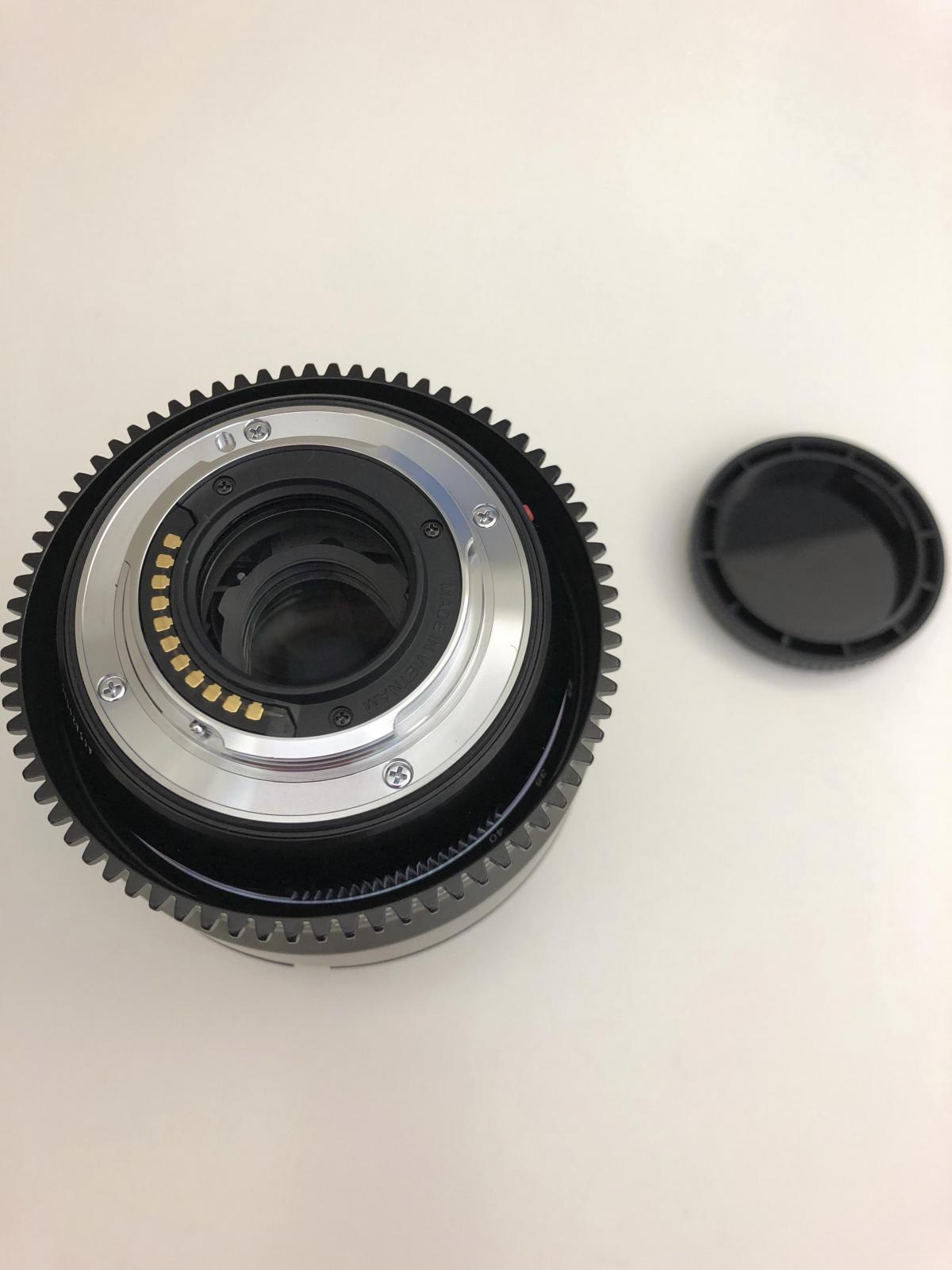
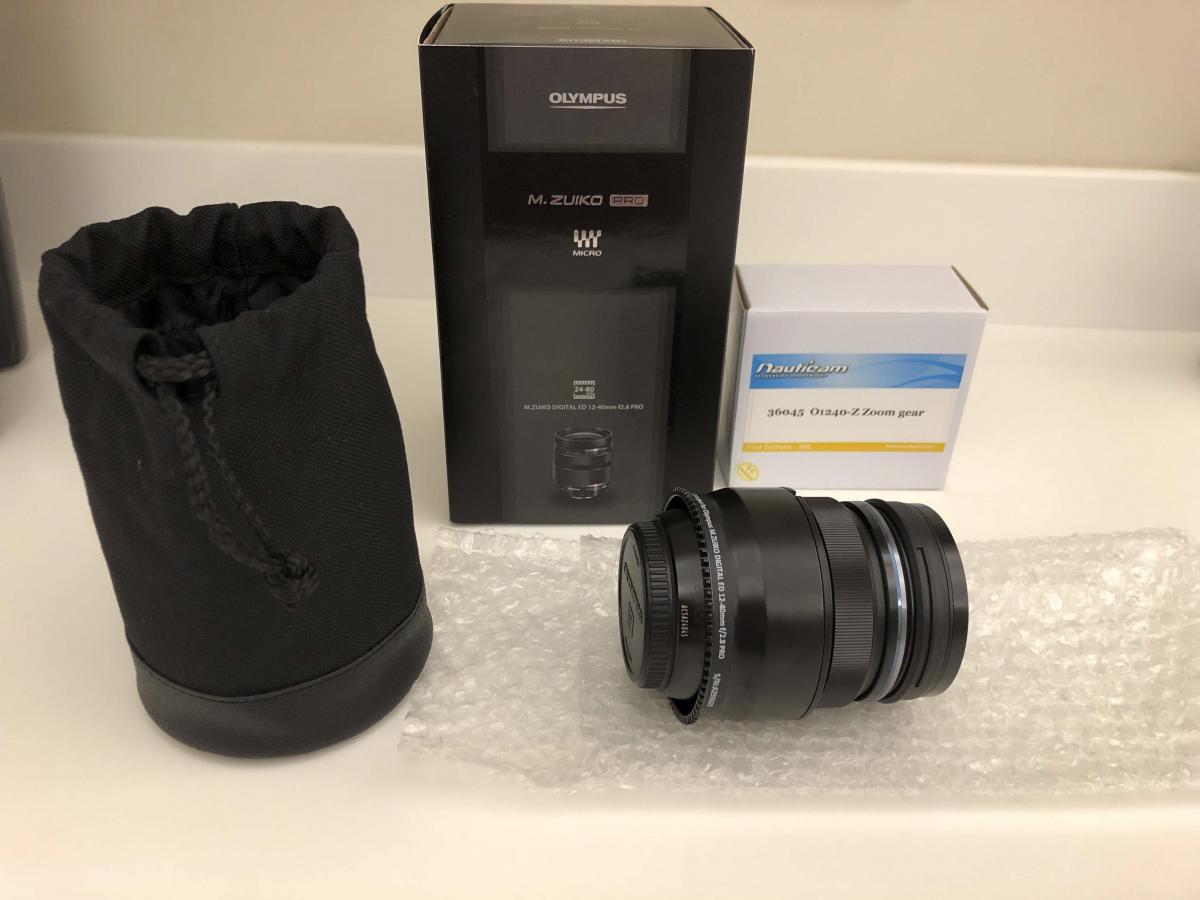
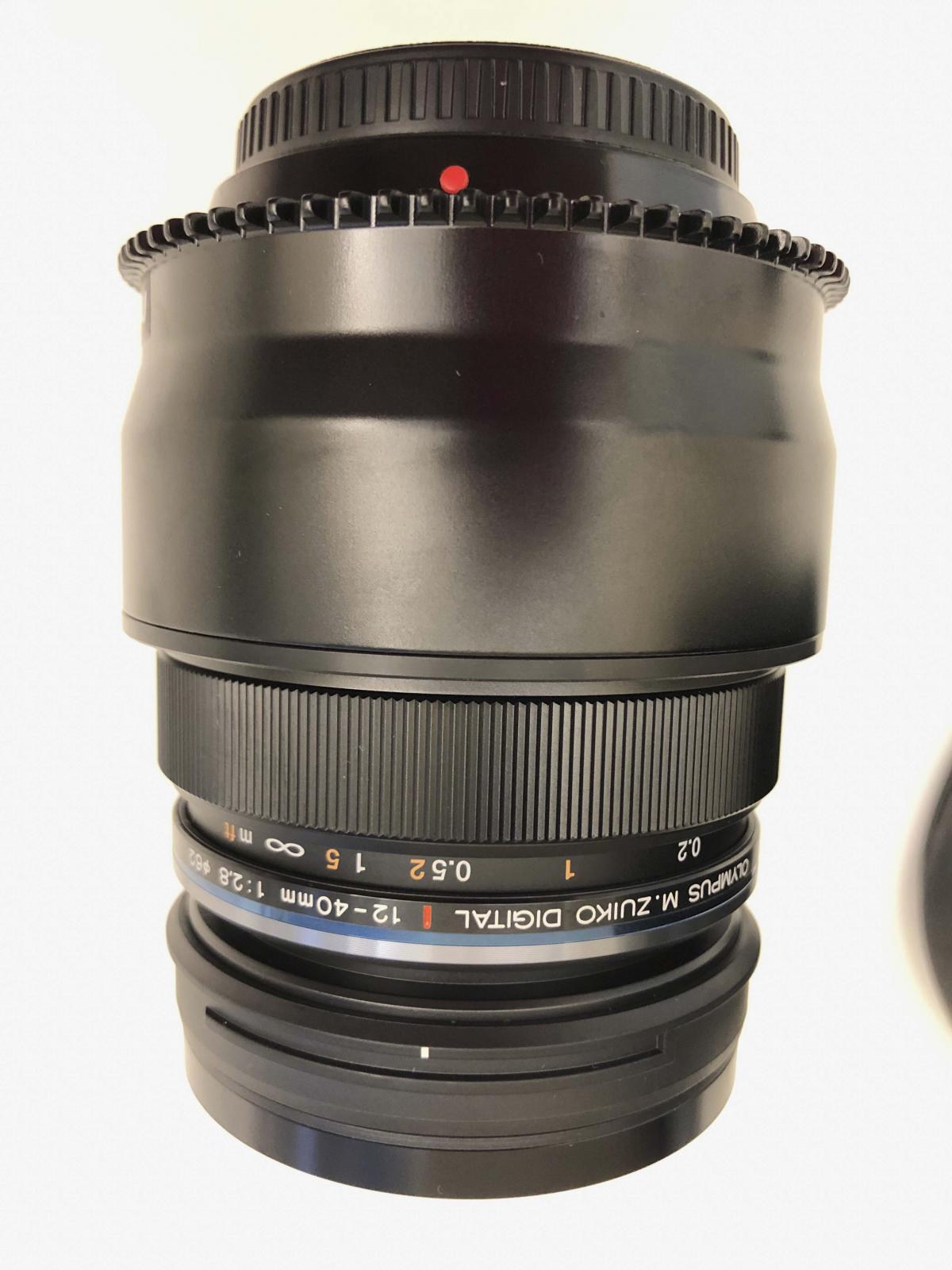
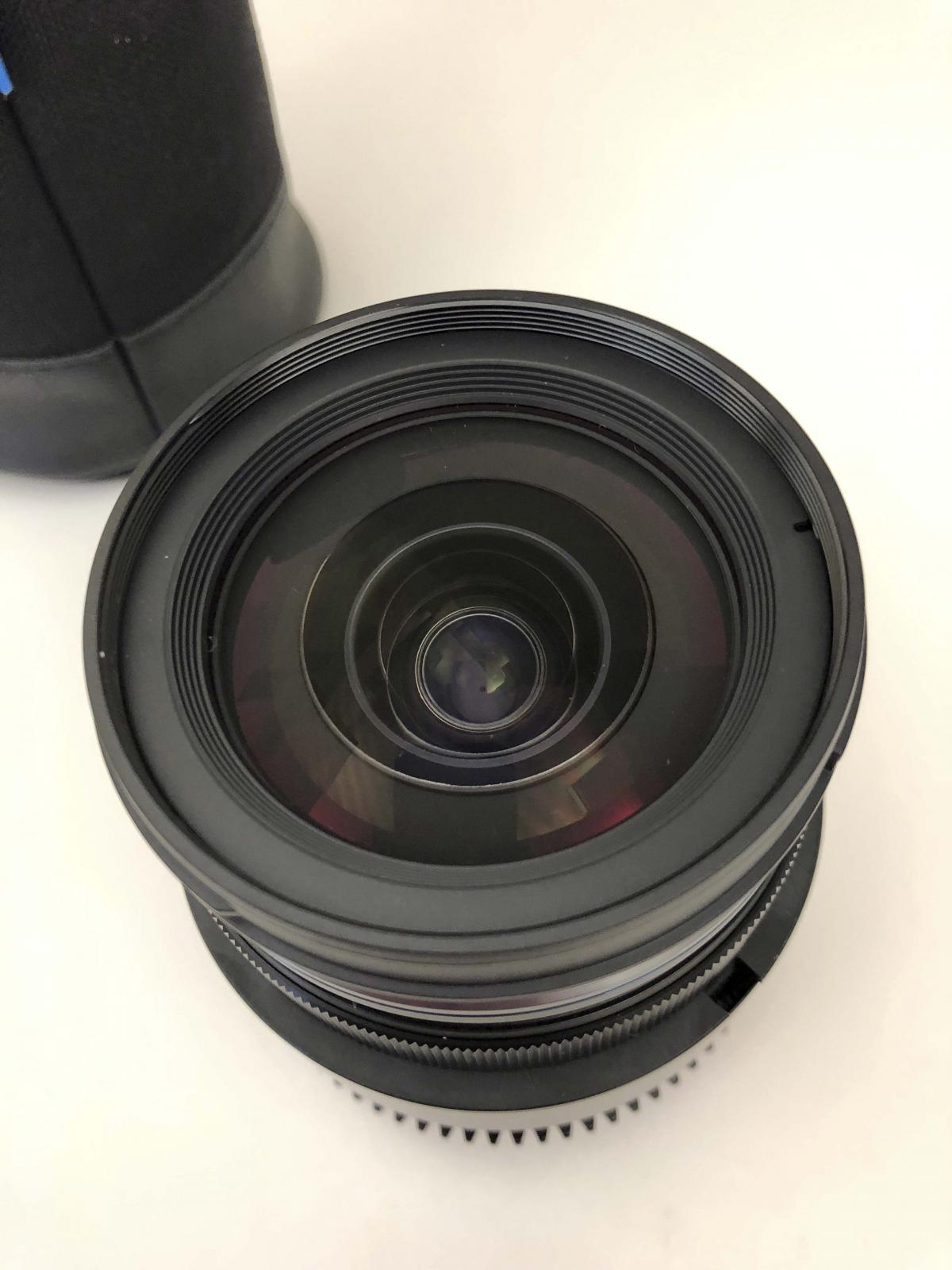
Olympus M.Zuiko 12-40mm f/2.8 PRO lens and Nauticam zoom gear $825
Started by dawallace99 ·
5Posts
5Replies
Read-only discussion
Olympus M.Zuiko 12-40mm f/2.8 PRO lens and Nauticam zoom gear $825
5 posts
I have a barely used (maybe 3 times?) Olympus M.Zuiko 12-40mm f/2.8 PRO lens and Nauticam zoom gear for sale. Both are in PERFECT condition. The only reason I'm selling it is that it mounts from the port side and it's not convenient enough for me...LOL....
Brand new for lens is $999 (USD) and zoom gear is $200 (USD). Will sell both for $825 (USD) and buyer pays shipping. I only accept PayPal.
Thanks!
just FYI I found it can be mounted from camera side on both my EM-5 MkII and EM-1 MkII Nauticam housings, a tight fit but definitely possible. I was told I needed to mount from the port side but found it will fit through with the Zen type II N170 dome, believe it won't fit through N85 extension tubes with locking mechanism though.
Chris,
Hmmm, for some reason my Zen type II N170 dome will not work - too tight.
I think the housing is what makes the difference, I thought that with my EM-5 II initially but eventually found it would fit with some jiggling, it was a close fit! I've upgraded to an EM-1 MkII and that seems to have slightly better clearance and fits more easily. I just tried on my N170 Type-II dome and there is clearance to fit the zoom gear through the opening. I recall the stop down lever used a long curved arm to actuate the stop down button on the camera and that ran very close to the zoom gear on the EM-5 II.