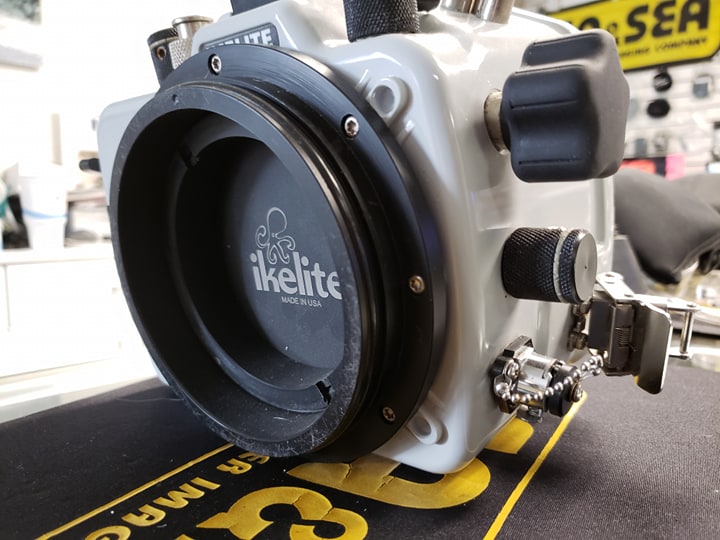
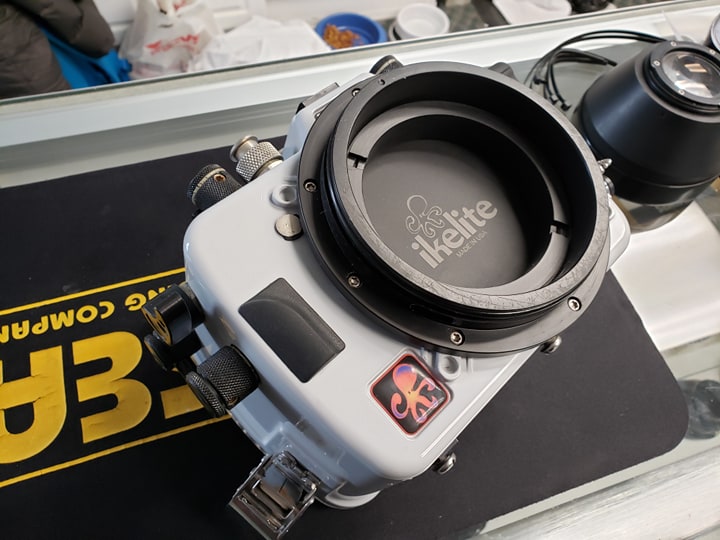
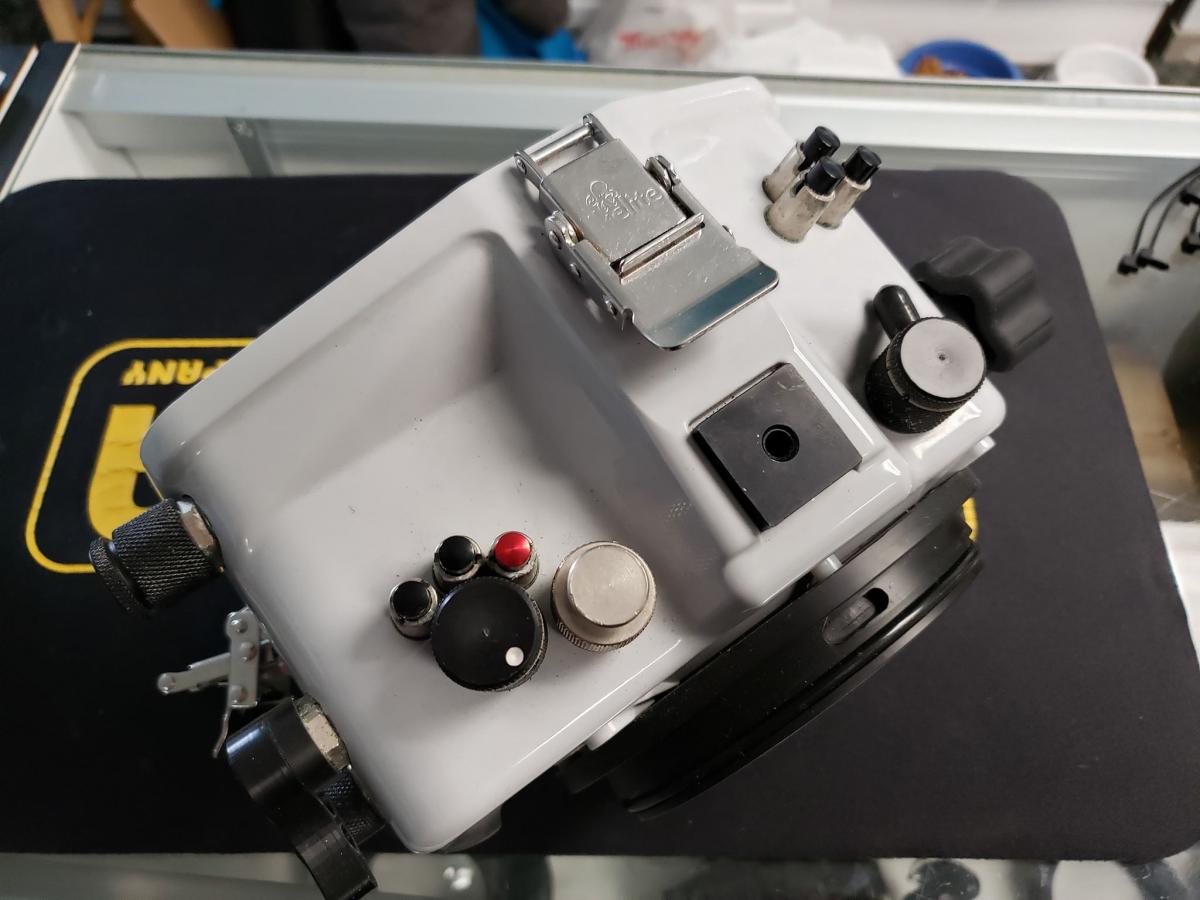
Had this for sale a year ago or so but took it down and used it a bit more. Up for sale again now. The list is below, looking to sell asap so make an offer and lets get you in the water. The only thing you need to add to this is handles, the handles I had are broken so not part of the sale.
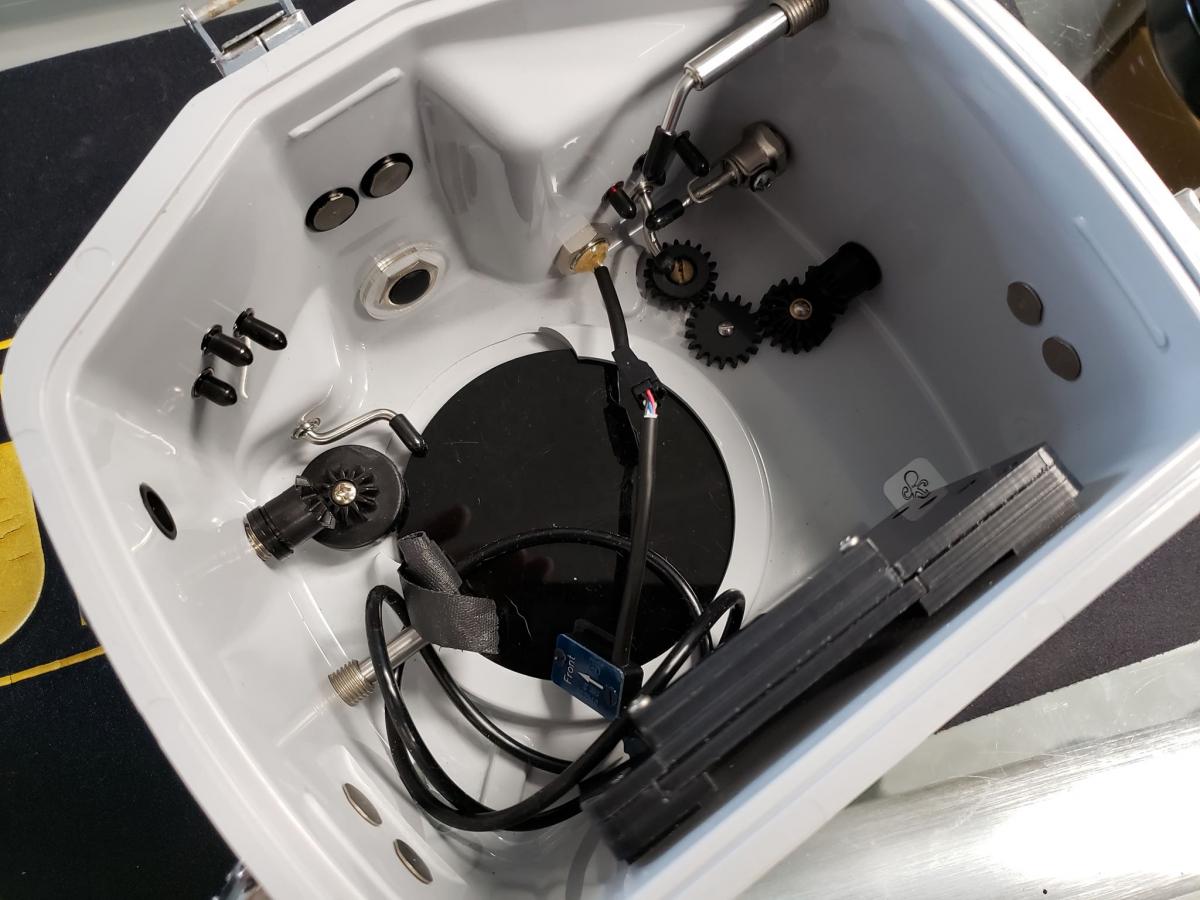
This is the surf housing back so it will only go to 50 feet, they sale the dive back for I think $600 that will take you down to 200 feet.
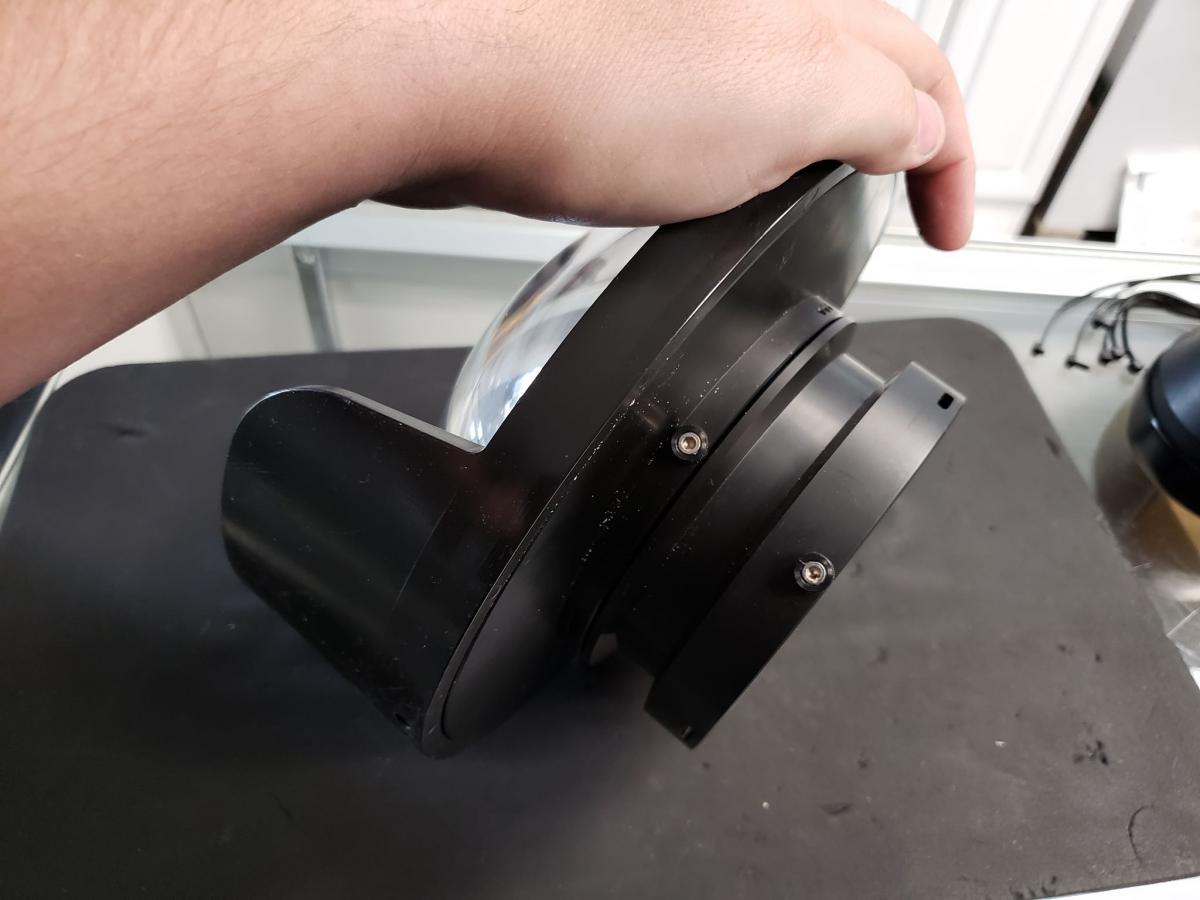
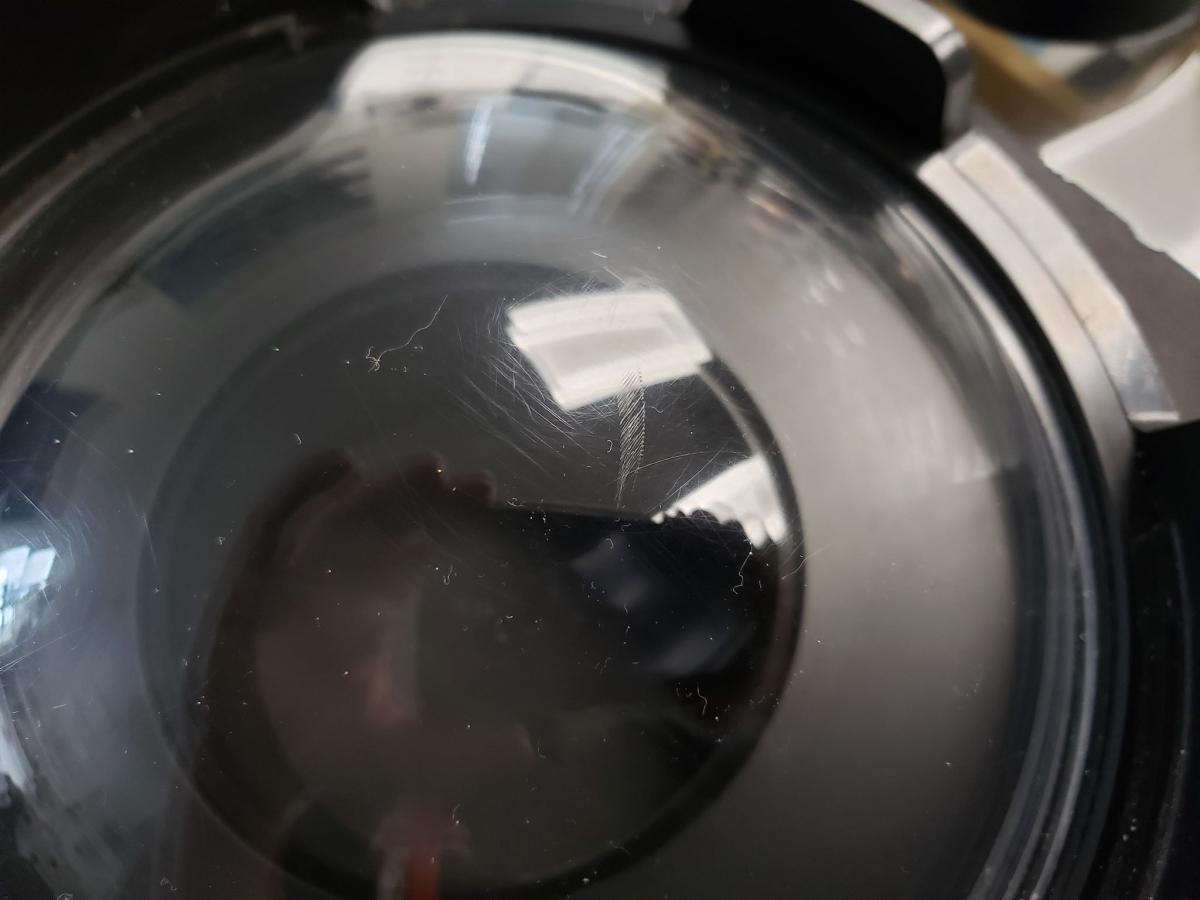
Everything is in good shape except the dome. It has a mark inside the dome that can be fixed if you need, I never had an issue with it in terms of photos but I have discounted the dome in the kit overall to a very low price to make up for it. (Photo Below)
Nikon D500 Housing + Surf Control Back
Ikelite 8 Inch DL Dome
Ikelite DL 42mm Port Extension
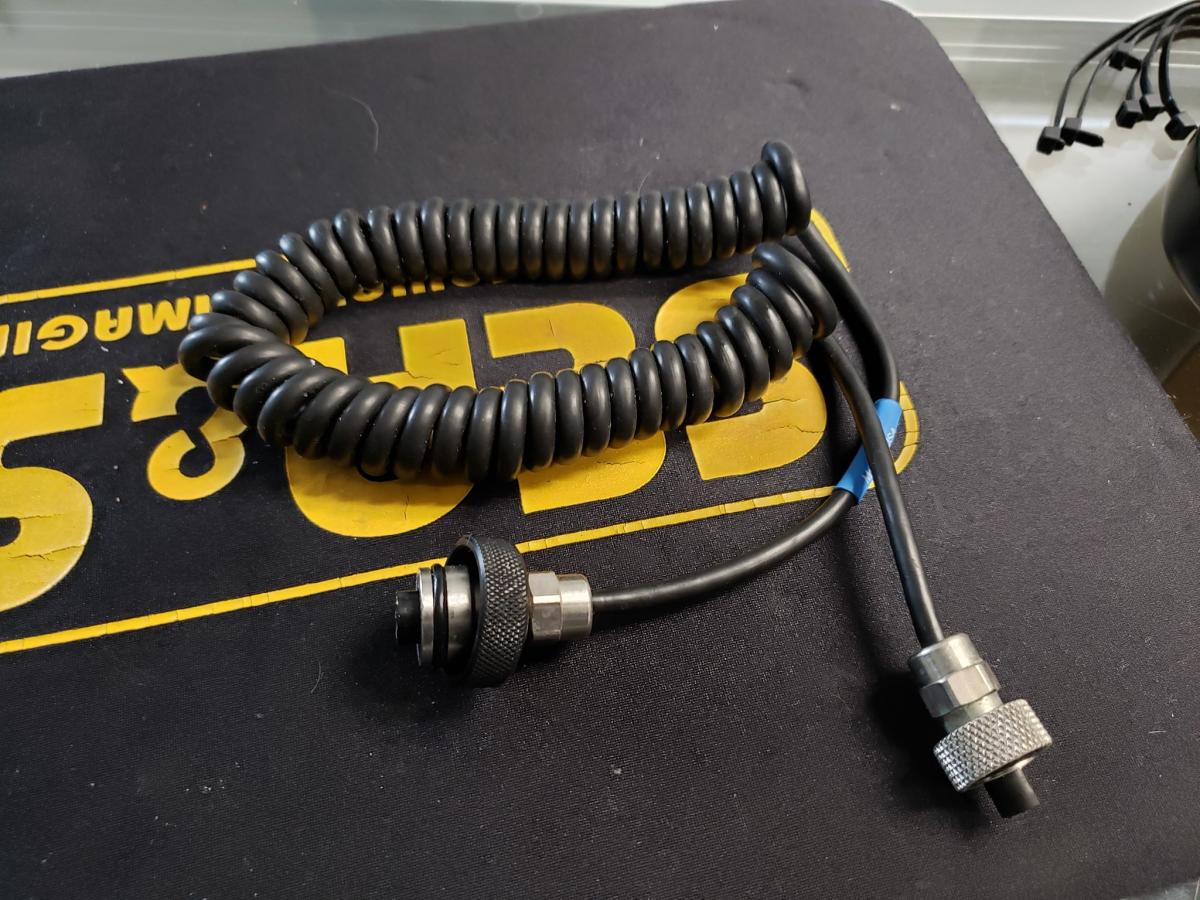
Ikelite to Sea & Sea Sync Cable
Shipping is free in the Lower 48, not looking to ship out of the country. Payment is via my business. I can send you an invoice for the goods and upon payment, I will ship them out. If you want to do PayPal then you must also pay the fees on top of the total price.
Asking $1200 OBO for the whole kit.