



I am looking to purchase a dome port so that I can use my A7iii Seafrogs housing with a 16-35mm Sony lens (either the G master f/2.8 or Zeiss f/4). Are there any port setups for this lens that have a zoom gear to use the full range of zoom?
Photography Gear and Technique / Archived topic
Started by jtmess ·
Read-only discussion
I am looking to purchase a dome port so that I can use my A7iii Seafrogs housing with a 16-35mm Sony lens (either the G master f/2.8 or Zeiss f/4). Are there any port setups for this lens that have a zoom gear to use the full range of zoom?
Seafrogs doesn't make a zoom gear for the 16-35 mm lens. I have their a7Rii housing and made my own zoom gears that fit the 24-70, 28-70, and 16-35. It required a mini-mill, mini-lathe, and specially designed 3D printed gears. I wouldn't do it again.
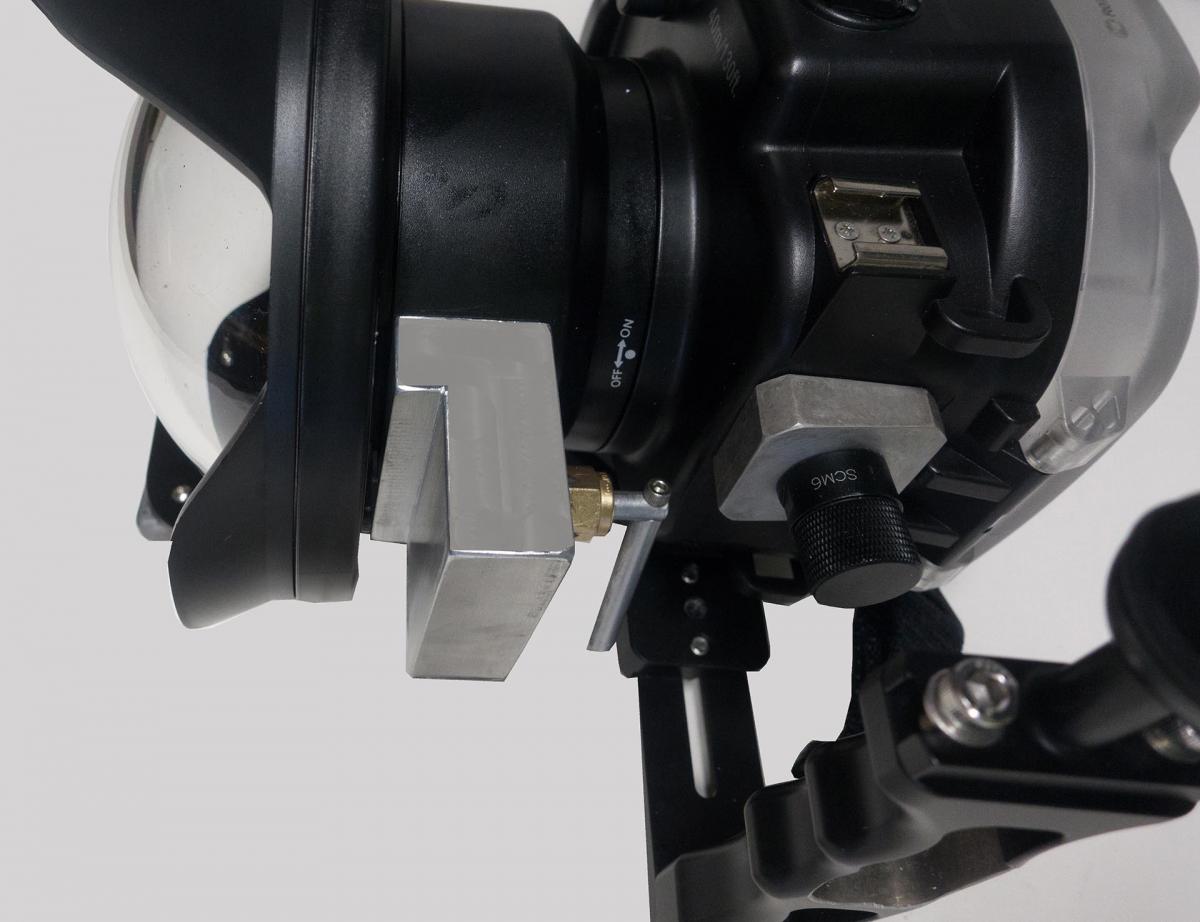
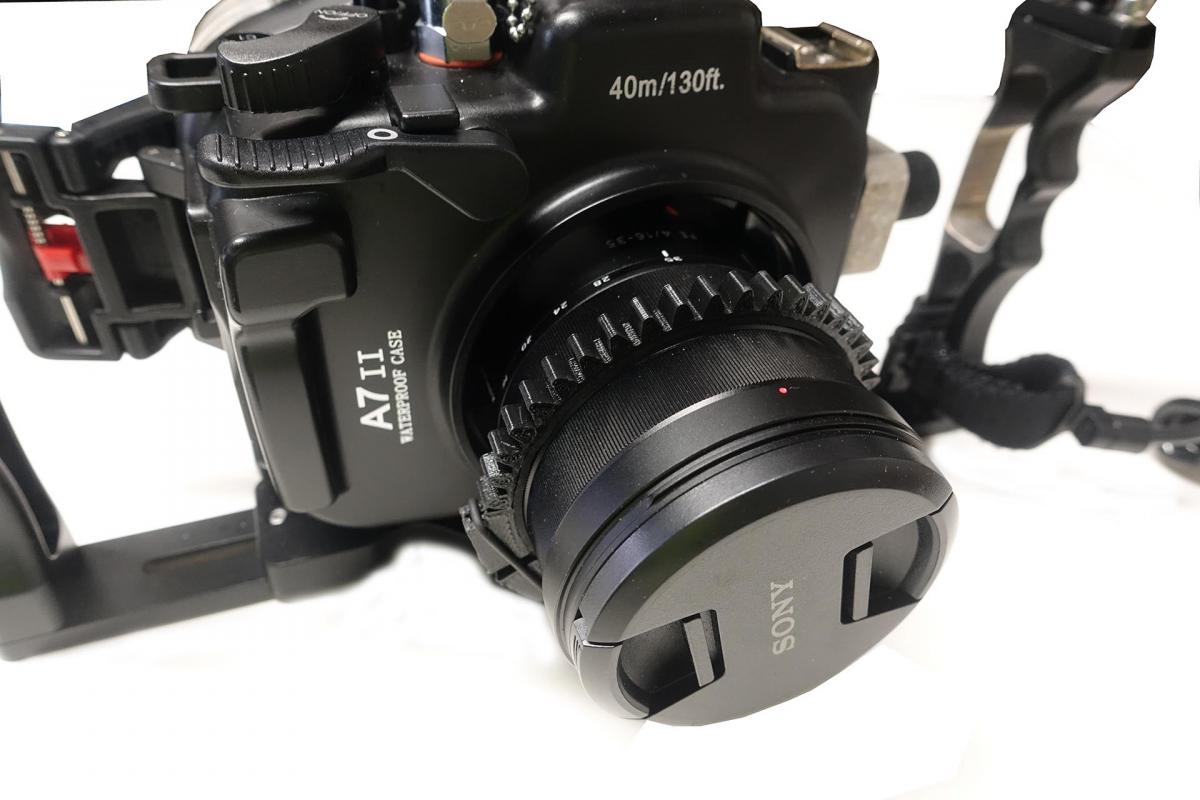
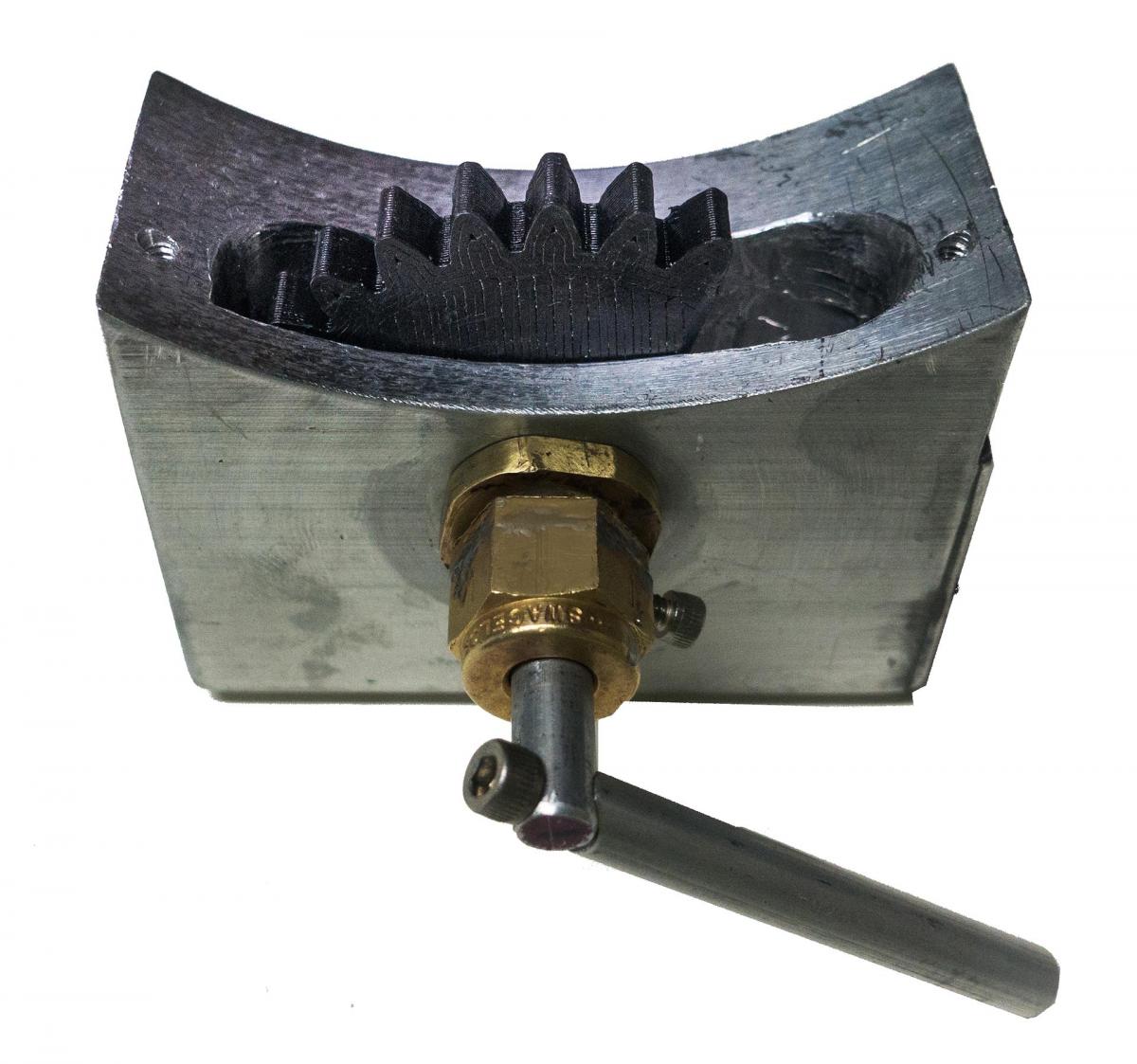
A7 III housing should be easier, as it already has the knob and gear built in, but you'll still need to make your own zoom ring, as they don't make one for 16-35mm.
Make sure there's enough space for the gear attachment sleeve between the lens and the inside diameter of the extension and that the sleeve can be reached for attachment.
Considering that they have a focus ring for SEL90M28G, which is longer and thicker than SEL1635Z, space shouldn't be a problem.
And hey, they just released (among other things) zoom gears for 16-35mm f/2.8 GM, 16-35mm f/4 Z and 12-24mm f/4, working with the A7 III housings and the new generation A7 II housing (the old generation A7 II housing that davec13o2 has lacks a zoom knob, so that one won't work).

Terms of Use Privacy Policy Guidelines We have placed cookies on your device to help make this website better. You can adjust your cookie settings, otherwise we'll assume you're okay to continue.

A worldwide community for underwater imaging.
