Did a dive off St. Thomas today and visibility was at least 100 ft. My average depth was about 65 ft., I did not use my MAGICFILTER because I knew that I would exceed the 12m recommended max depth and I have no external strobe. I tried using the evaluative white balance settingusingmy white swim trunks with some improvement. My shots are still coming out very blue, especially when shooting subjects are 10 ft. or more away. Are there any 800 IS users that can give me some on which settings when at depths of 40 ft. or more using ambientlight? Thanks.
Shoot in RAW and manually set the white balance is the best solution available, but at 20m or so depth you have almost zero red light getting down there so nothing to balance with. That's why Magic filter recommend a 12m maximum depth, after that there's not enough red light.
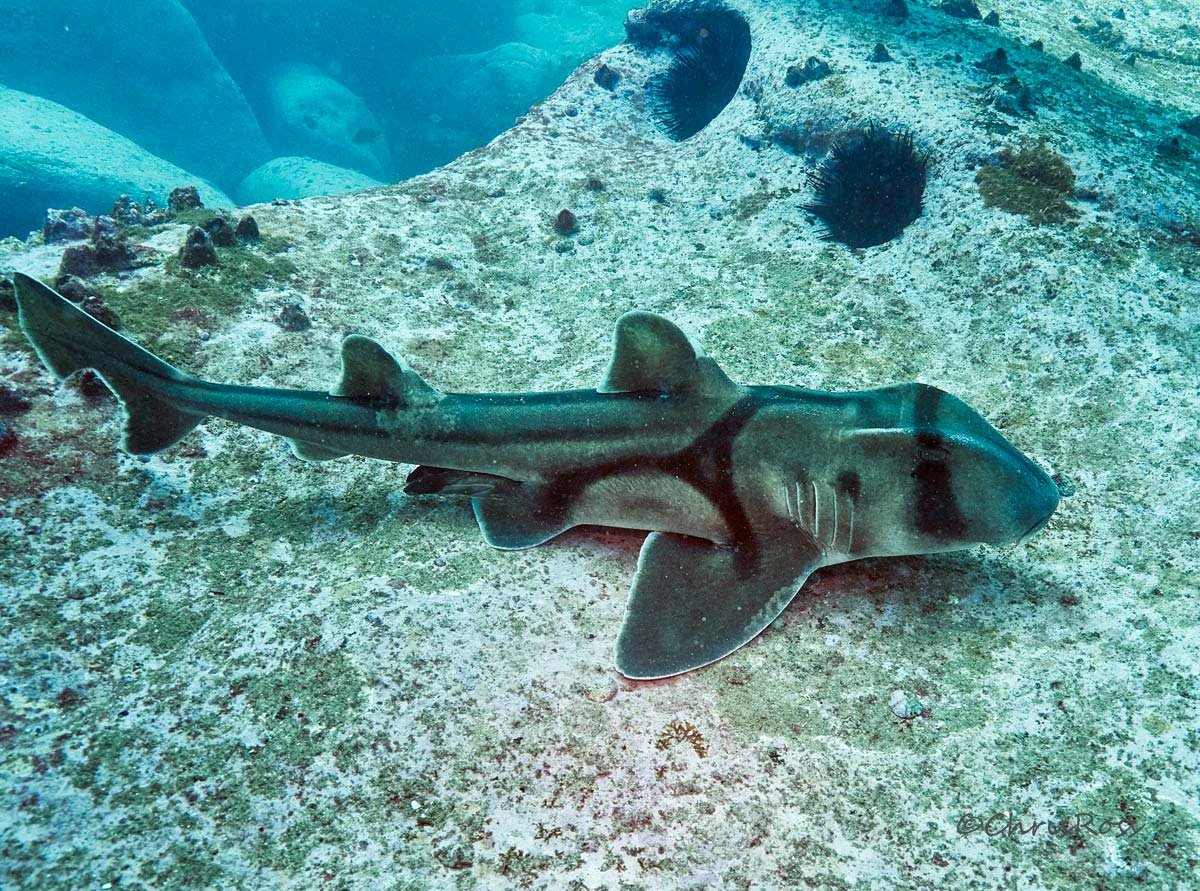
The image below was taken in 18-20m of water- my flash decided not to work this dive. The rock the shark is on is covered with coralline algae, which with strobes would be pink-magenta colour, I've pulled most of the green out but because there's no red light the algae looks very flat and dull. Steps are shoot UW custom WB, then in raw colour balance best you can with tint/WB controls open in PS and adjust levels on each channel to colour balance then curves layer to pull out green and blue. It gives you an image but it's pretty flat and ordinary looking.