Hey guys--
I'm very new here and was recommended to sign up by an underwater cam op in Atlanta. I am a local to Atlanta, GA as well.
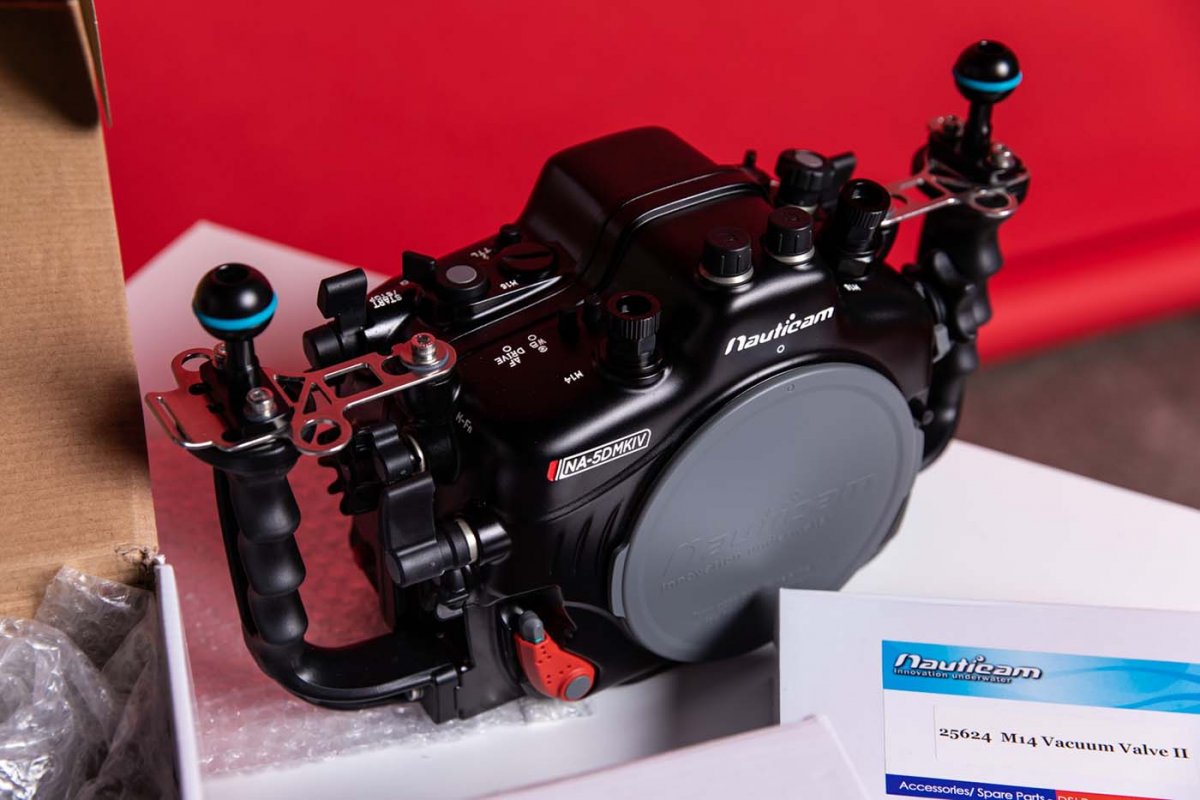
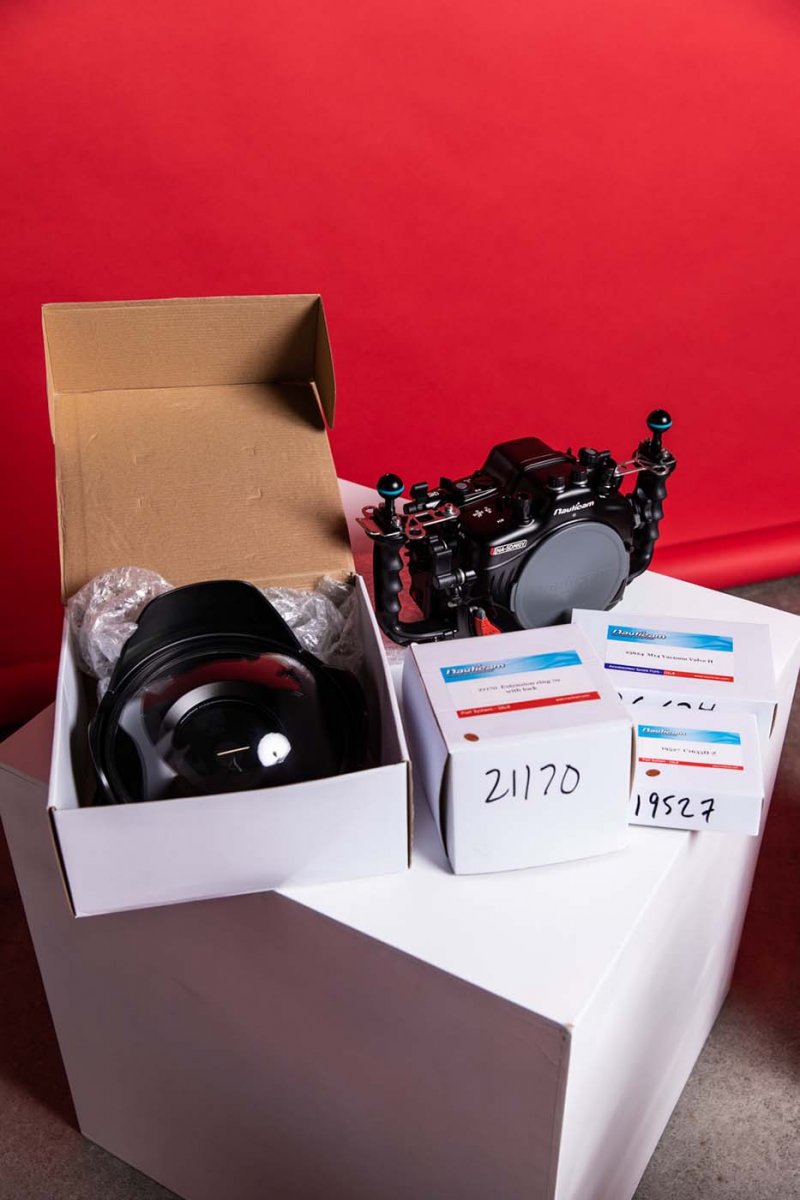
I shoot a lot of sports and I bought a very nice Nauticam 5D Mark IV set up at the end of last year for one shoot with an olympic swimmer. We did 2 dunk tests and then 3-4 hours of actual shooting. Have not used it since. Everything was cleaned and put back into their original boxes. Like new. Hoping to sell asap as I am tired of looking at it sit on my shelves every day  Also because I am going to be getting a housing for my Blackmagic Pocket 6K.
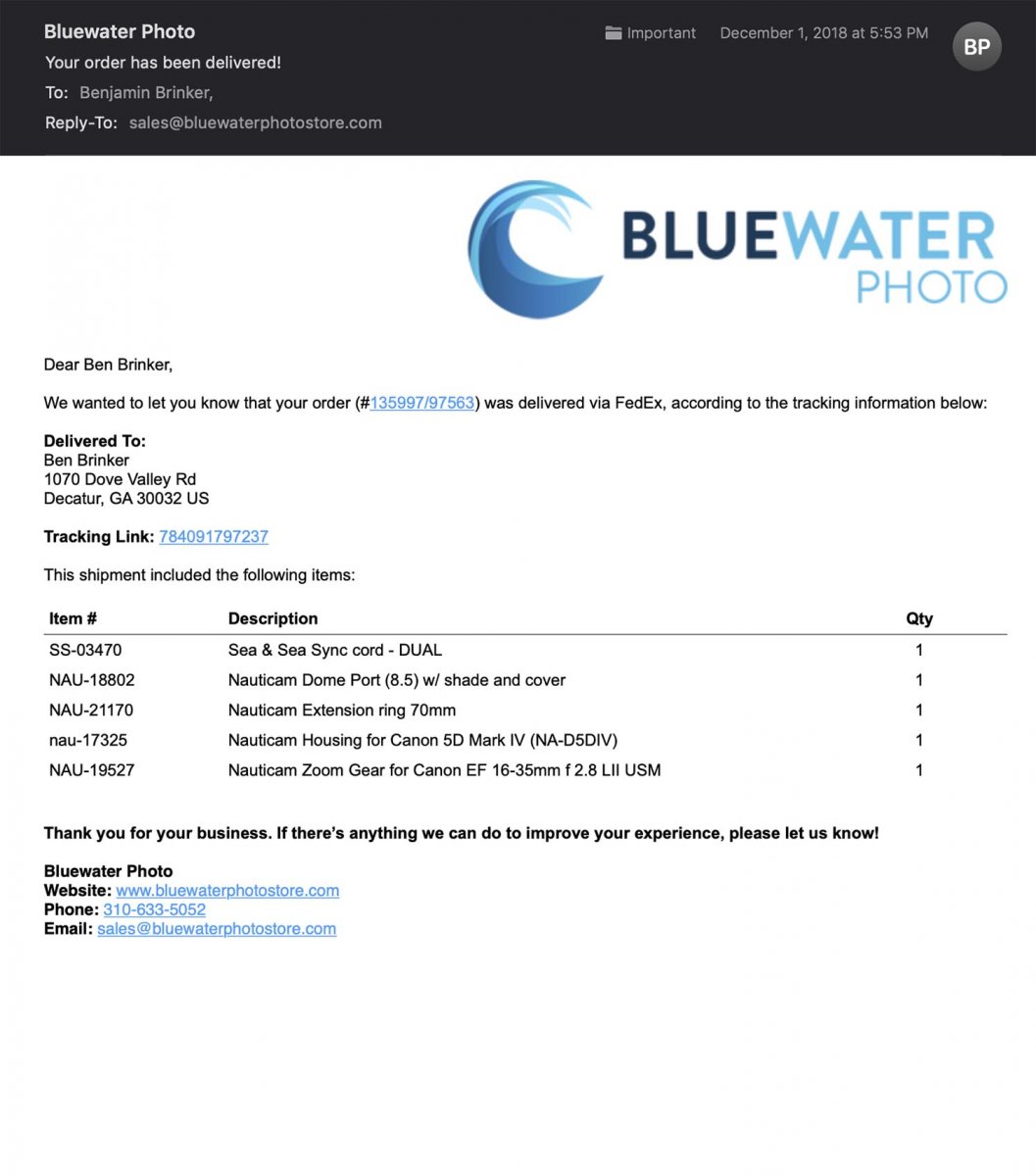
Bought for $7,000 + tax and shipping from Bluewater Photo Store in CA.
Hoping to sell for $6,000 OBO. My loss is your gain as the saying goes...
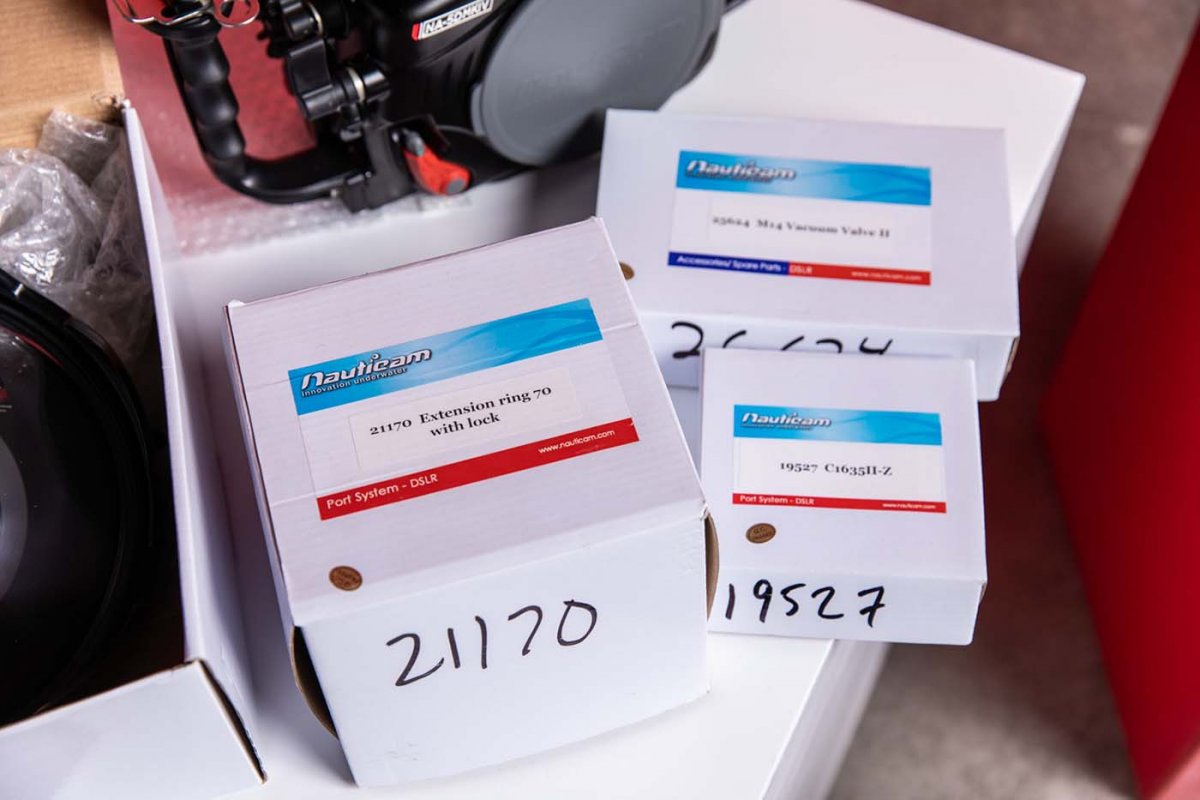
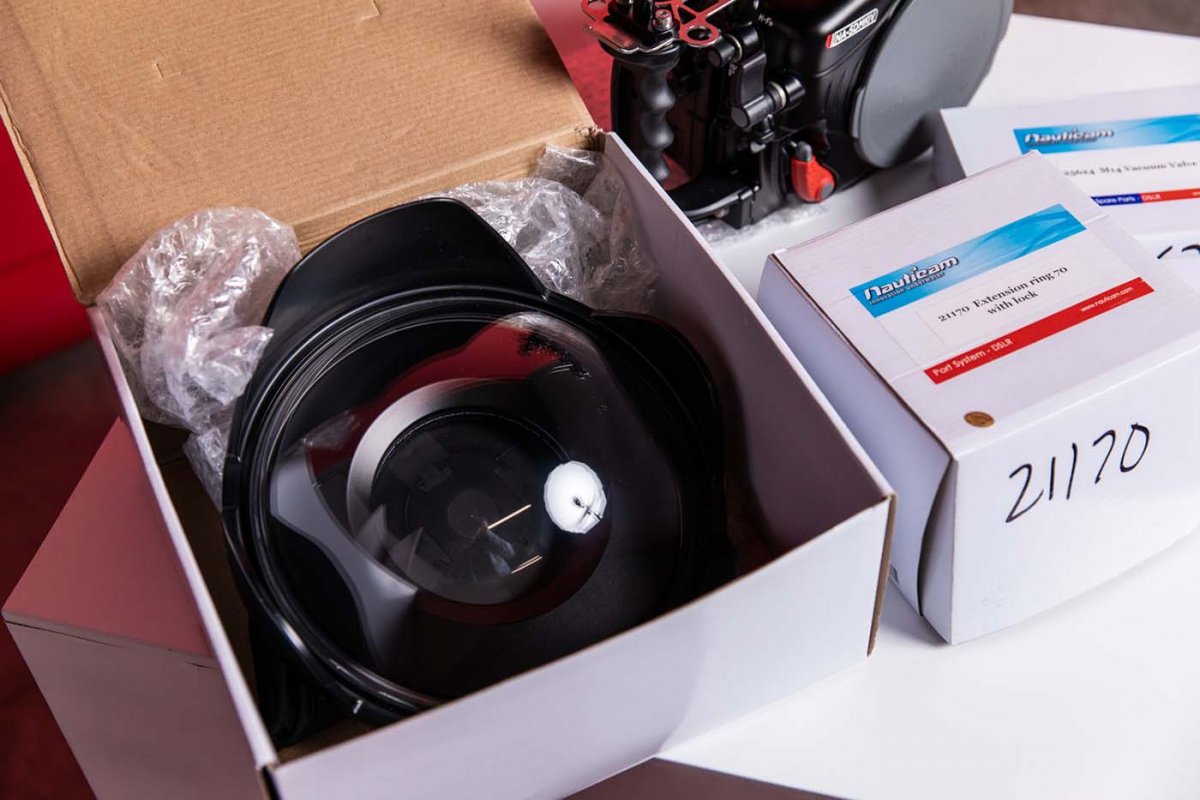
Here's what's included:
Nauticam Housing for Canon 5D Mark IV (NA-D5DIV)
Nauticam Extension ring 70mm
Nauticam Dome Port (8.5) w/ shade and cover
Nauticam Zoom Gear for Canon EF 16-35mm f 2.8 LII USM
Sea & Sea Sync cord - DUAL
Nauticam Vacuum Check
The Nauticam Vacuum Check is not in the shipping list because I bought it over the phone in a separate order after the shoot as we had one from someone else on site. Has not even been opened or used yet.