6 hours ago, Pajjpen said:
Do u have that picture? Also, have u played with having the lut already in your camera/monitor so you will see what it looks like right away or might this be a problem going deeper perhaps?
I am abroad for work at present so I had no time to update the post I will do that when I get back
You can definitely load the LUT if you have a monitor I do not have one at present however the settings for CineLike D are just Noise Sharpness and Saturation -5 nothing particular and CineLike is REC709 compliant the highlight clip is at 100% not at 75% or 90% like VLOG or HLG so I am not sure there would be any benefit.
In terms of contrast cinelike D gamma curve is stretched but it is not a difference between night and day like VLOG.
Once you get the LUT on the camera profile this is just a baseline for grading the contrast is not affected so you still need to work it to bring it where you want it to be. I use the Pro Quickies and find the Film settings to work quite well in most cases.
Using a filter naturally increase saturation so also on that front I tend to use the automatic setting for color in FCPX pro after the LUT is applied and then finally I look at the LUMA and Saturation curves for clipping. I have to say almost never I clip the highlight as I tend to underexpose -2/3 to -1 as recommended by magic filters however this has to be checked now that the GH5 has a highlight priority mode as this may not be necessary anymore
When I have the pictures of the white balance card lanyard I will update this post to let you know




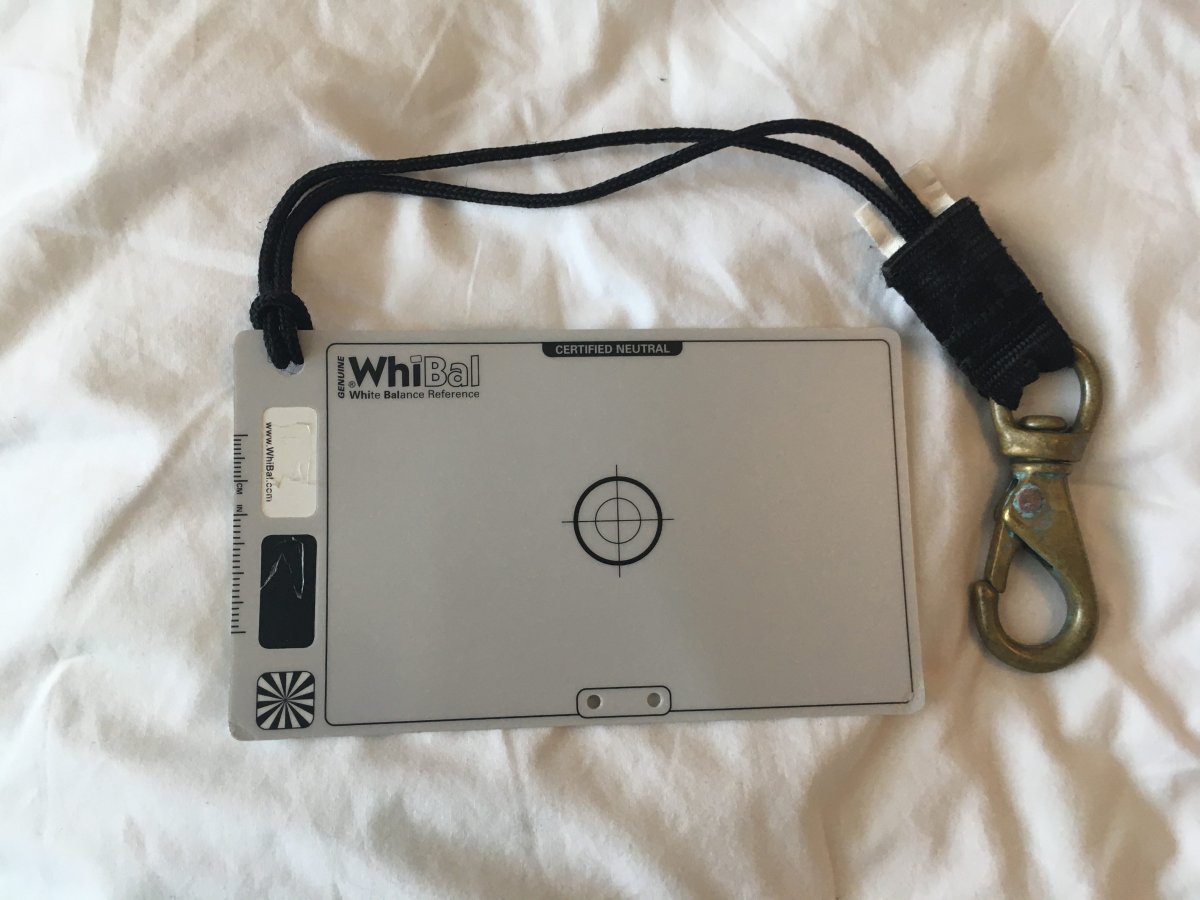
 Although it is the beginning of the season crossing fingers also not to get skunked !
.jpg.857dbbfbdc4d79d9c6ebf7b4ba96ed1b.jpg)

