Hello,
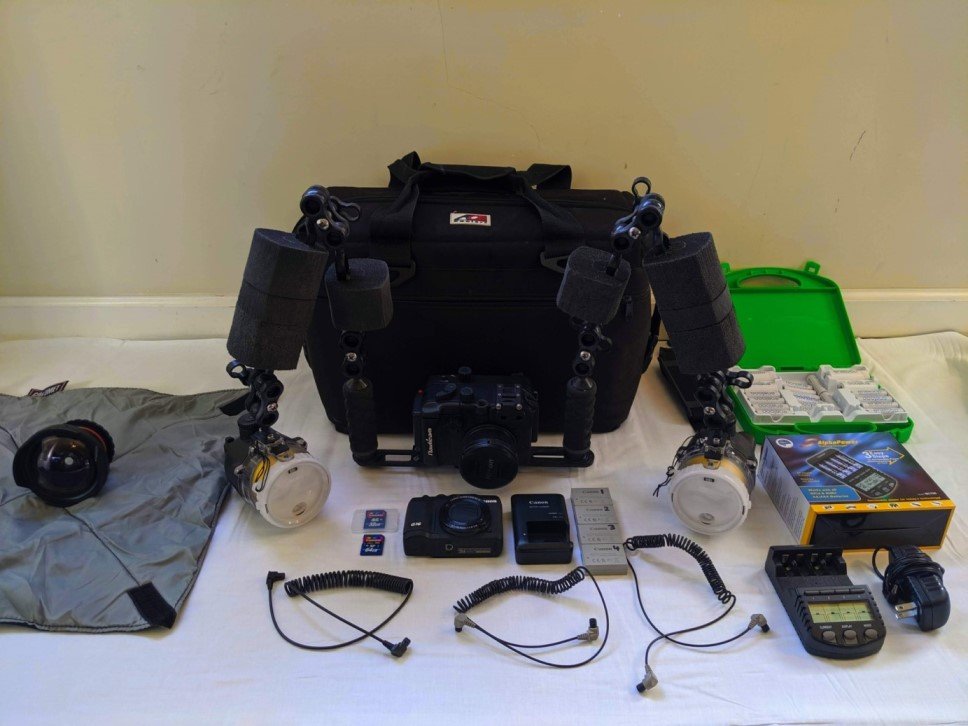
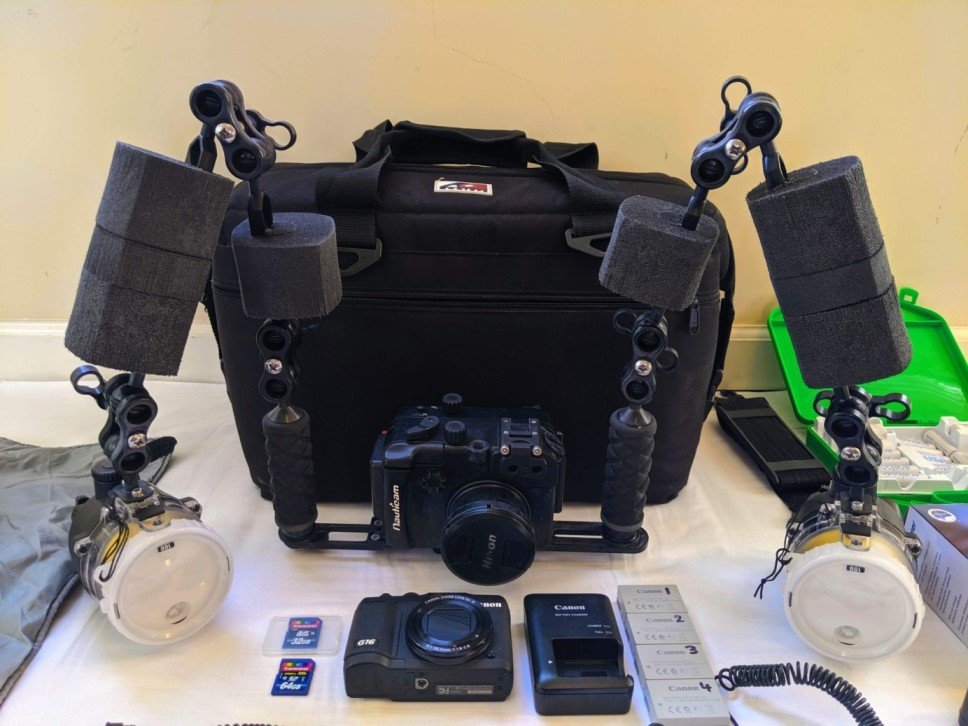
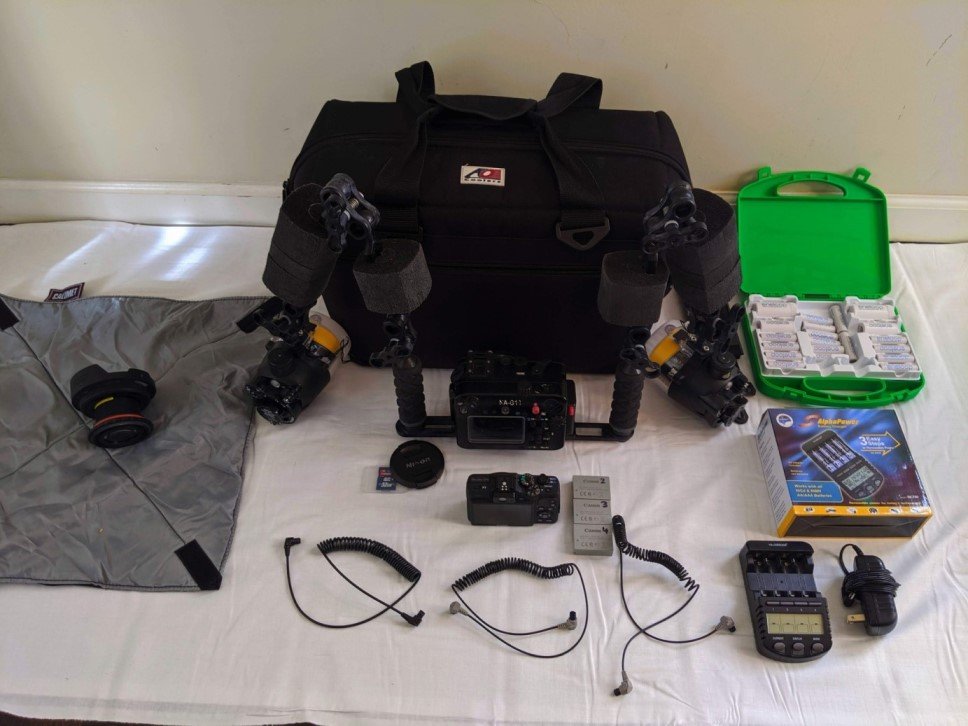
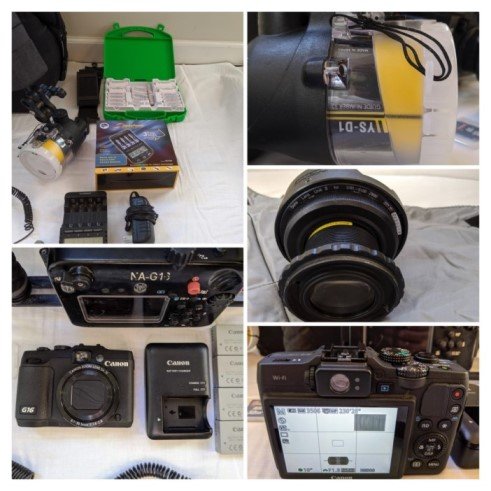
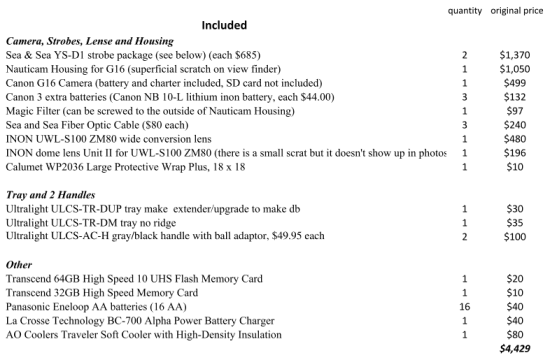
After much consideration I decided to sell my entire underwater camera setup since I simply have not been diving much anymore. While you can see all included components listed below and in the attached file ("G16 - included components.pdf"), please note that this is a COMPLETE SETUP that fits into the thickly padded AO Cooler bag and provides you with everything you need to dive straight into taking amazing pictures. All items have consistently been rinsed, cleaned, lubricated, etc. after dives, and everything is in great condition and operates without any issues.
The asking price for the entire setup is $2,500, and I can either ship it or we can meet in the Los Angeles area. Accepted forms of payment are cash, Paypal, Venmo or bank/wire transfer. I will not accept personal checks or money orders.
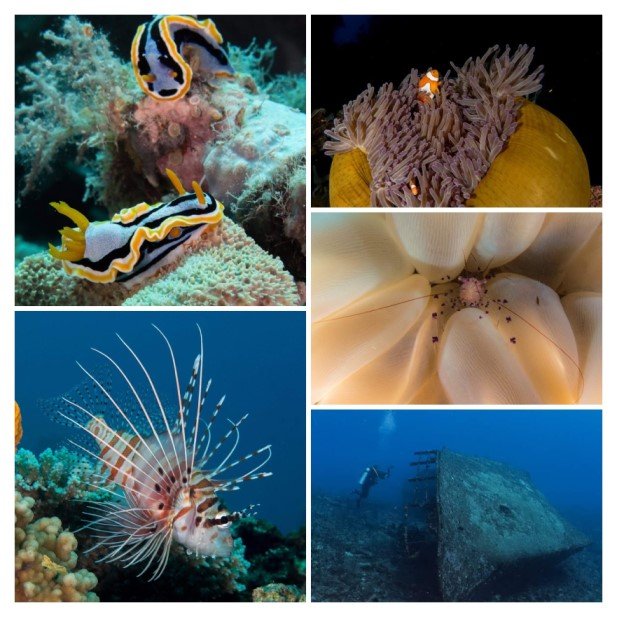
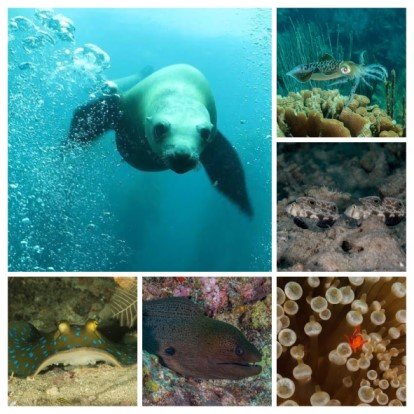
Please let me know if you have any questions, I am happy to answer anything you would like to know. Also, if needed, I can also provide you with references if you want to validate my credibility. All underwater pictures were taken by me with this camera setup and whatever you see in the pictures will be included in addition to some of the original boxes, spare o-rings, lubricants, etc.
Thank you very much in advance for your interest, and I really hope this will find a good new home.
Stefan