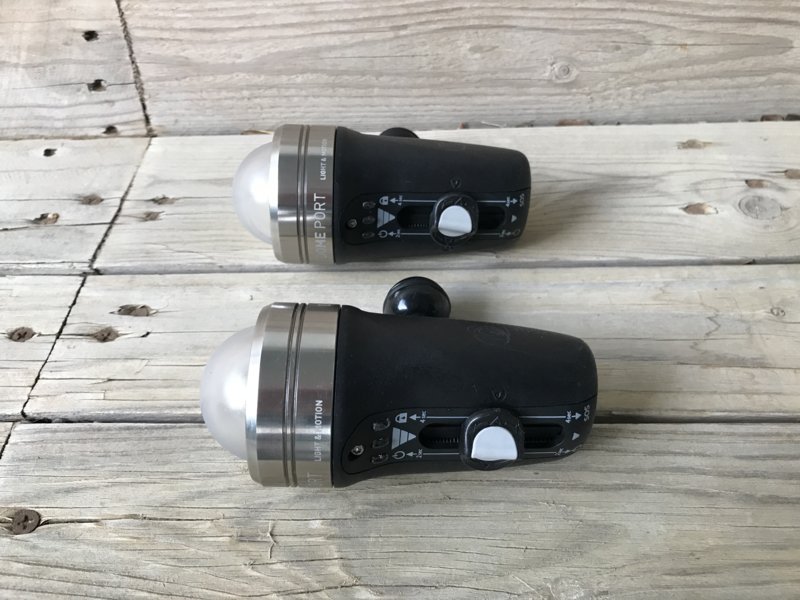
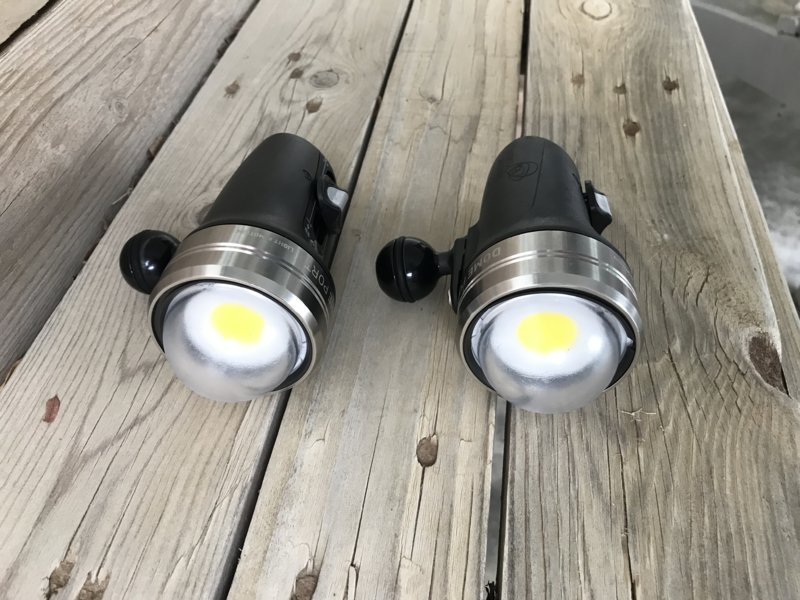
For sale: 2 Light & Motion SOLA 3800 Video Pro LE lights with dome. Powerful and compact lights, I’ve used them on a mirrorless system but they are also perfect for a gopro.
Hardly ever used, like new. Including 2 chargers and ball mounts. Retail price $1,400, selling for $950 including US shipping
I'm looking to build an imaging rig for a Sony RX100, can these lights be used as a strobe as well?
Hi,
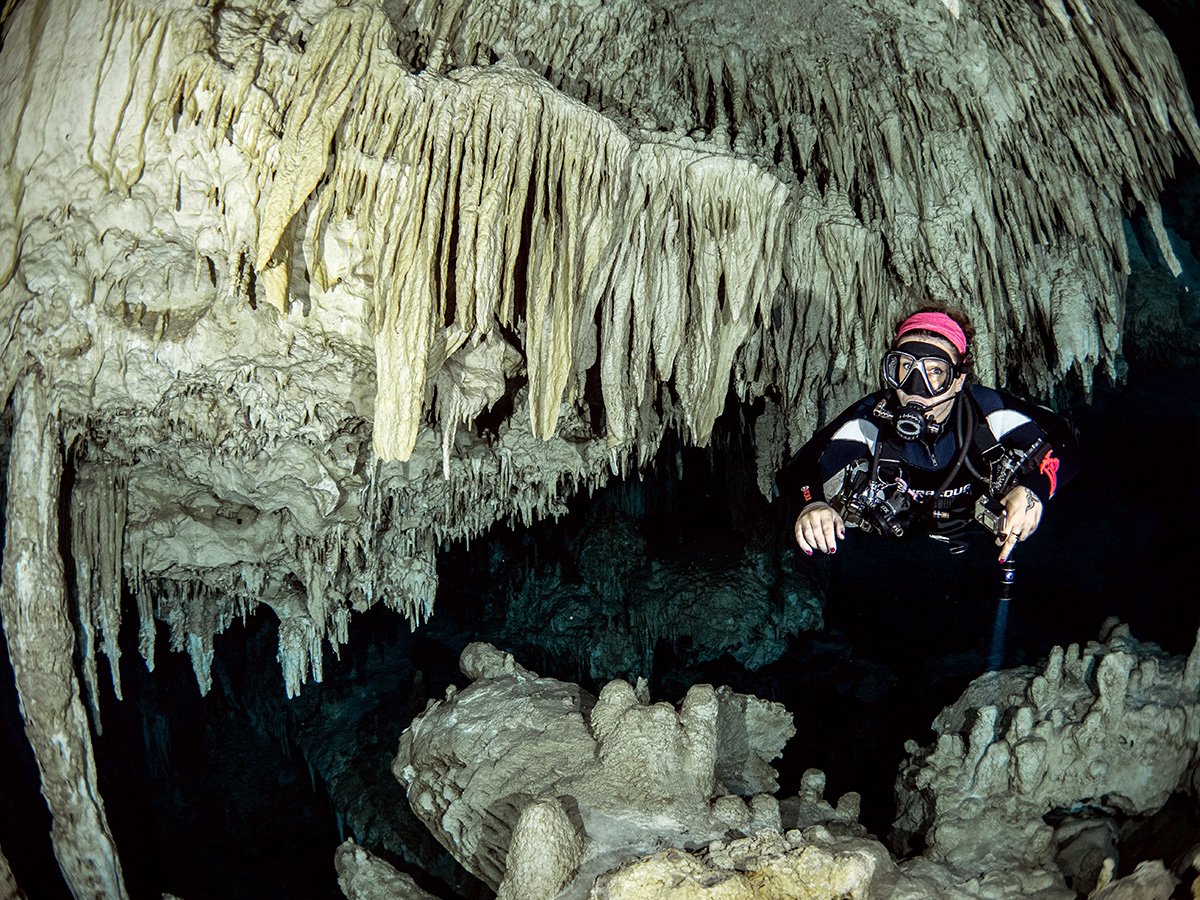
it depends on what you use them for. A strobe emits a short but very powerful burst of light, usually much stronger than a video light. That said, video lights can certainly be used for photography as well. I have done a lot of macro photography with these lights, and even wide angle works. For wide angle it is hard to use these lights when the conditions are bright as video lights can't easily compete with the ambient light from the sun. But if you look at the attached picture, you can see it is certainly possible and can deliver great results! I took this photo with two SOLA 3800 lights at full intensity, using a fisheye lens on my EM1II. It works very well inside the cenote here because there is no ambient light to compete with, and because the lights have a wide beam angle of 110 degrees.
Ahh, thanks for the info. I am only diving in about 40ft (10-15m) of water. Let me think about this purchase as I'm putting together my first photography rig.
No problem, let me know if you have any more questions!
I will go ahead and pass on your offer. I am looking to get more into photography than I am video.