



Hello All!
I'm not new to photography or diving, just putting them together. I've managed to translate much of my dry land knowledge to the wet world, but I definitely need more practice.
Any feedback and critique is welcome.


Read-only discussion
Hello All!
I'm not new to photography or diving, just putting them together. I've managed to translate much of my dry land knowledge to the wet world, but I definitely need more practice.
Any feedback and critique is welcome.
Any feedback. OK, what sort of camera, lens and port combo are you using? The edges and corners are looking pretty poor in the first shot. Looks a bit like wide angle through a flat port. The white balance seems a bit off.
In all three shots, colors look pretty subdued. What ISO were you using? If you aren't out of dynamic range, I suspect you can improve your post-processing skills.
The second shot has that nice juxtaposition of diver and fish, but the diver pose is awkward, and I find the brightness on the face to be distracting. At the same time the Trumpetfish is a bit dark and dull. Sticking your logo on the first two is distracting as well.
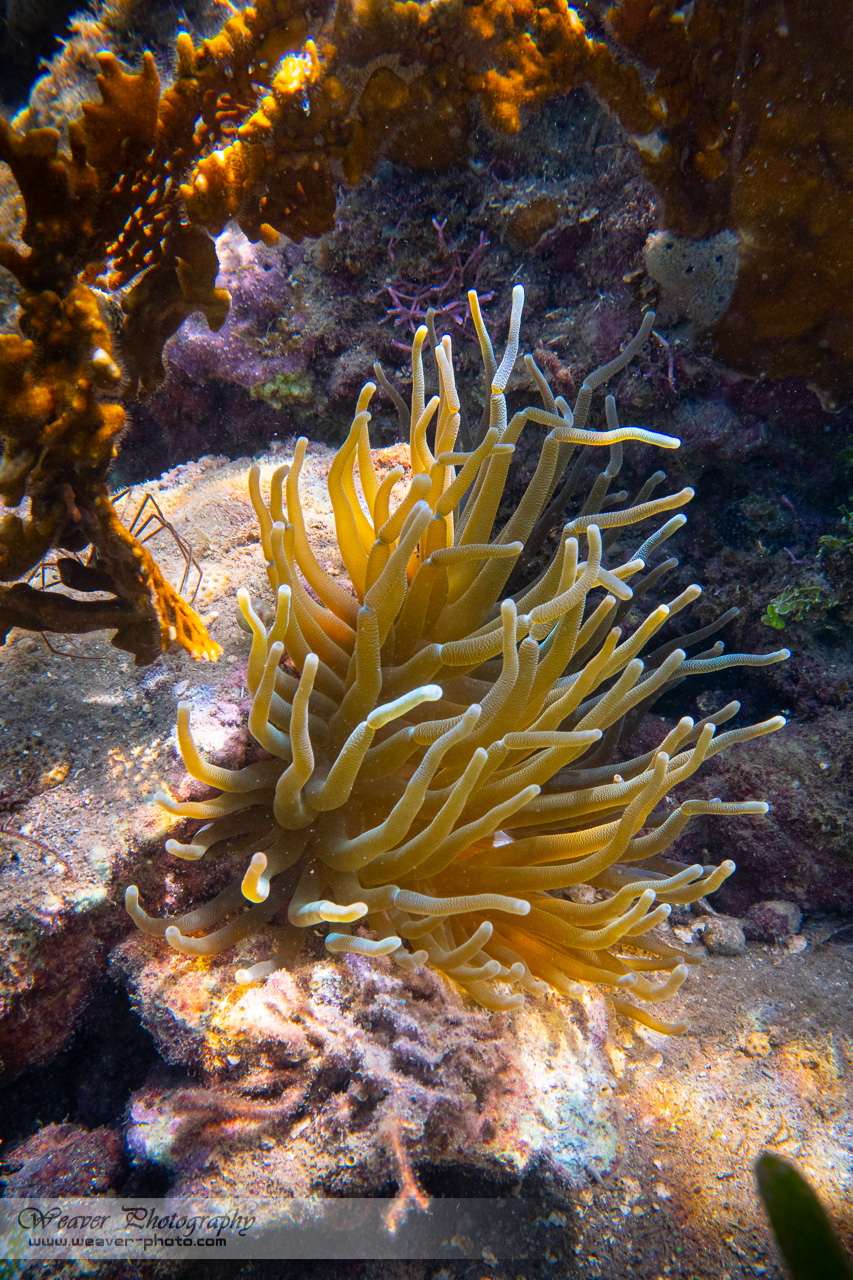
In the third shot, there is low contrast, low color and seems to lack a bit of detail. Not sure if the ISO was high, or perhaps it was cropped a fair amount, but it just looks a bit off, or weak.
Underwater photography can be a lot about post-processing. I find myself shooting at the lowest ISO I can use in order to maximize my dynamic range. I then pull down highlights aggressively as well as raise shadows. I find myself taking an image with extremes in dynamic range and reducing that range to fit in my desired output format, usually web-based. After pulling down highlights and/or lifting shadows (often simultaneously), I often have to introduce contrast back into the image. And that blocks up a shadow or blows a highlight, so I interactively work on the edges of the histogram to try to tame those elements, And white balance is often a challenge.
It would really help to know more technical details of what lens, camera, port, extension, ISO, and post-processing steps you've tried.
A similar shot for comparison:
Compared to your last shot, this one shows more color in the sponges. What post-processing did you do on your shot?
http://www.cjcphoto.net/roatan2018/images/page254.html
I've got a short web page I made for family and friends to give them some idea that the camera didn't take those shots, but rather post-processing 'made' them. Before and after shots here: http://www.cjcphoto.net/beforeafter/index.html

Terms of Use Privacy Policy Guidelines We have placed cookies on your device to help make this website better. You can adjust your cookie settings, otherwise we'll assume you're okay to continue.

A worldwide community for underwater imaging.
