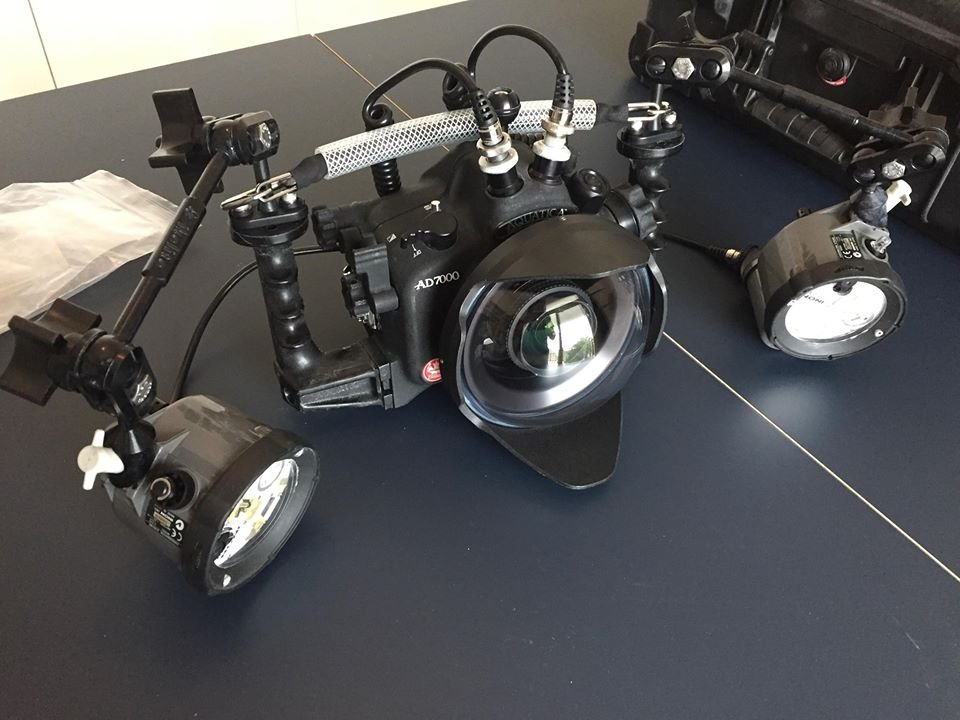
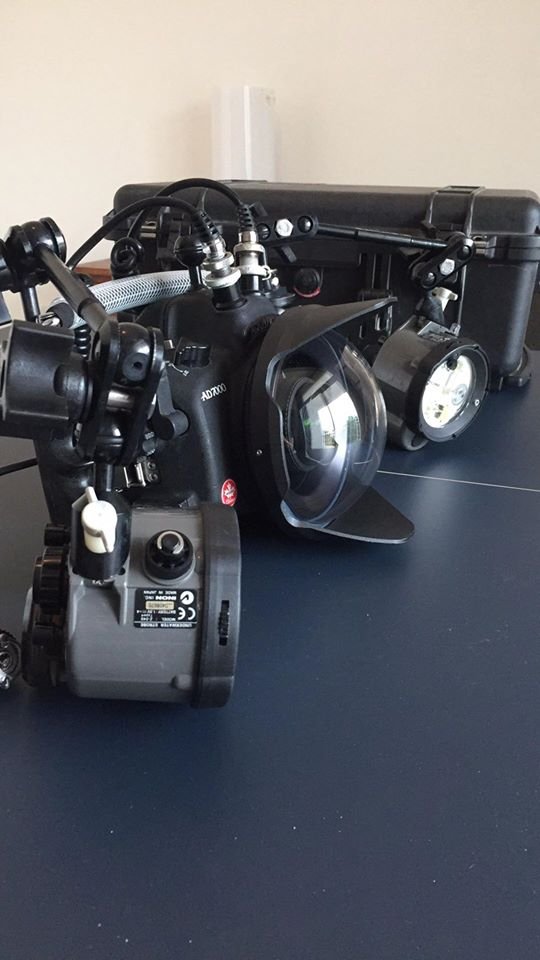
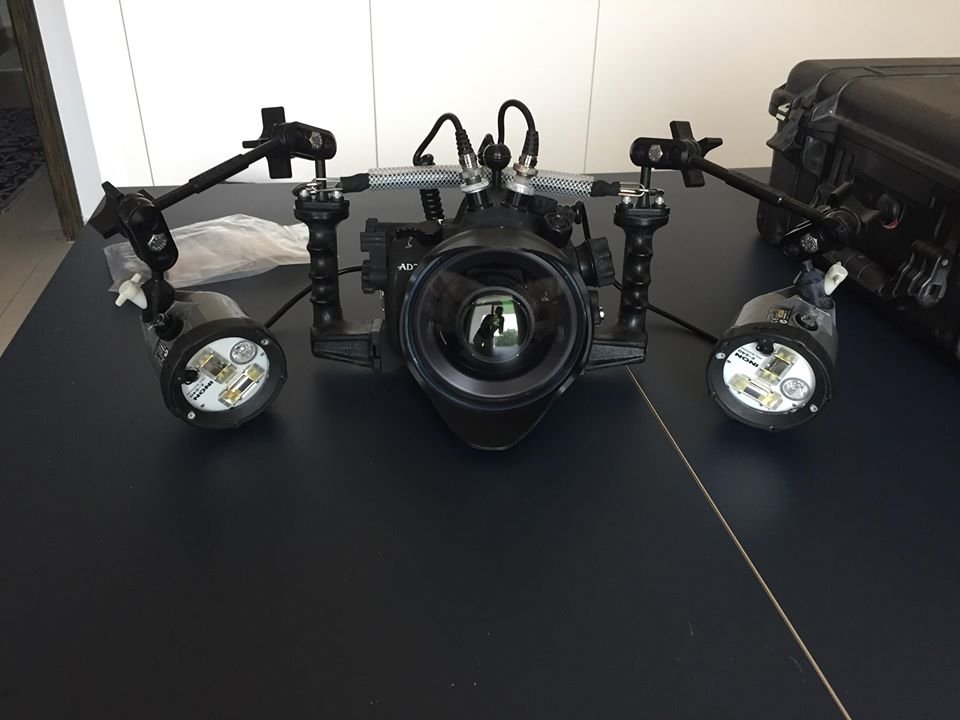
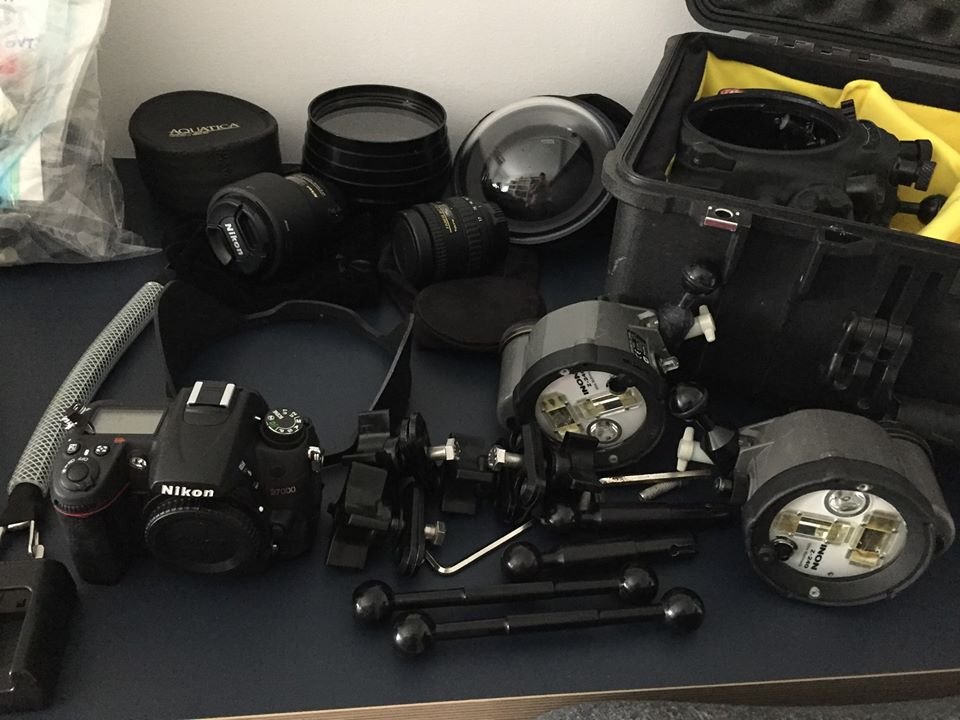
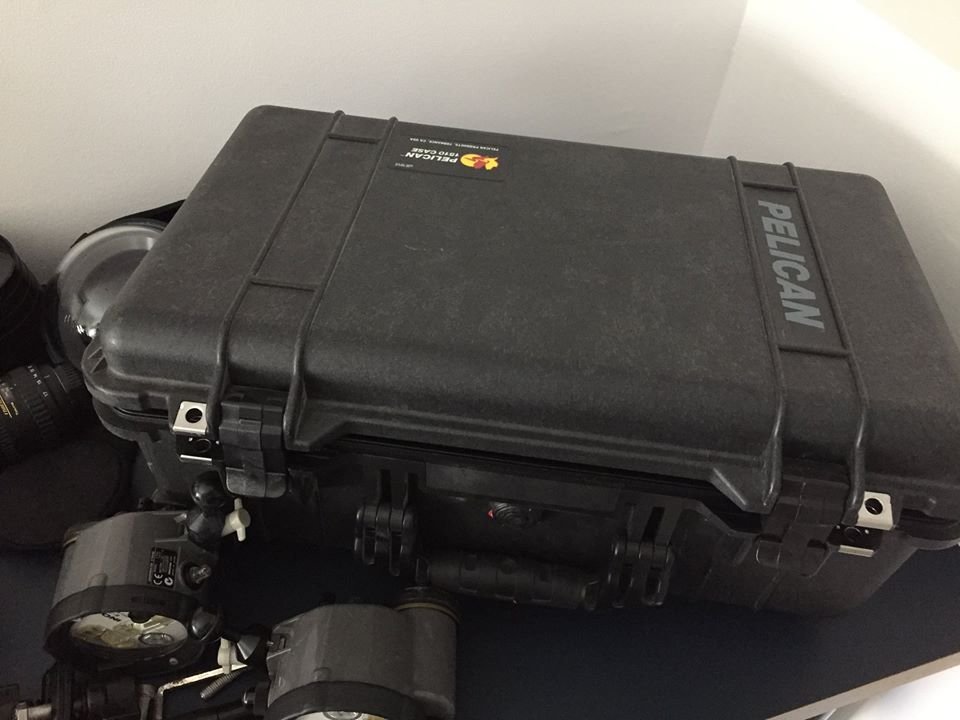
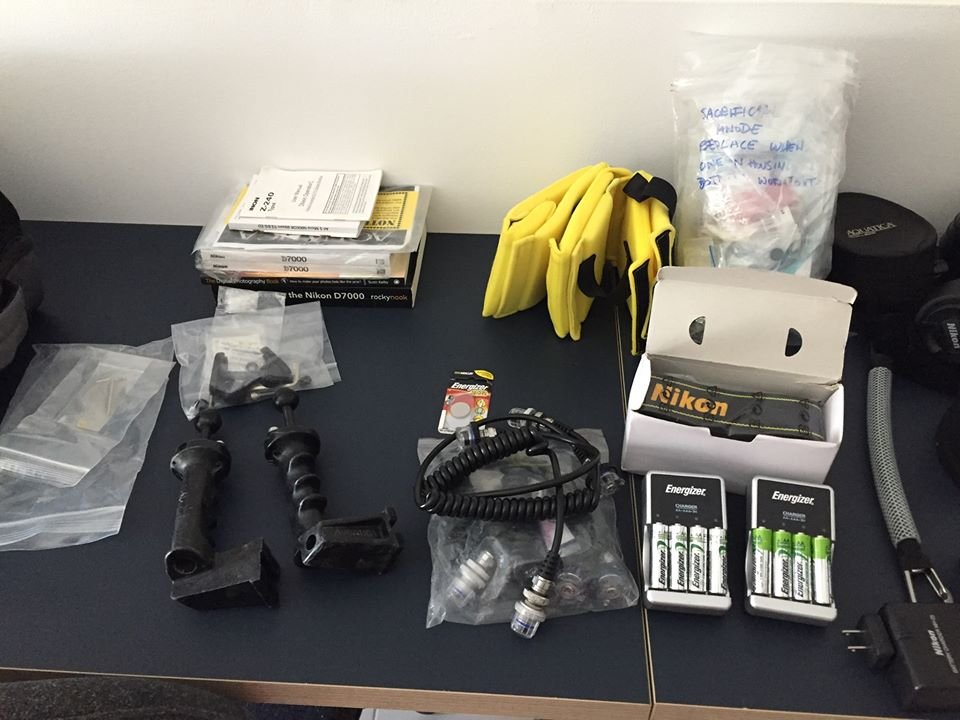
Hey Everyone, I have changed my system and I would love this whole set-up to go to someone who is keen and looking for a great package to get started. I have listed everything below with approximate costs (in brackets) of each item. I really don't want to sell this in pieces - but I am not in a hurry so low-ball offers will be rejected. The entire thing new would cost over $6000. I am a Canadian living in Dubai and I am happy to send it anywhere in the world from here, that isn't an issue. I've attached images of everything below, if you have any questions please let me know.
Cheers, Hilary
Selling Price for everything -> $2500 USD plus shipping
- Aquatica Housing ($2689)
- Nikon D7000 Camera (and original strap & accessories) ($759)
- Tokina 10-17 Fish Eye Lens ($429)
- Nikkor 60mm Macro Lens ($596)
- Focus Rings for the lenses
- Aquatica 8" Dome Port ($546)
- Aquatica Macro Port ($250 - bought this second hand)
- 2 Inon strobes ($1000 – bought these second hand)
- Rechargeable Energizer Batteries for the lights (UK plugs)
- Pelican Hard Travel Case with adjustable dividers ($229)
- Carry Handle ($89)
- extra o-rings for everything and any bits and pieces like extra ball joints for the arms
- Manuals and Photography Books