Skip to content

Classifieds / Archived topic

SEACAM D800 HOUSING & ACCESSORIES FOR SALE

Started by rhkdiver2 ·

  • 3Posts
  • 3Replies

Read-only discussion

SEACAM D800 HOUSING & ACCESSORIES FOR SALE

3 posts
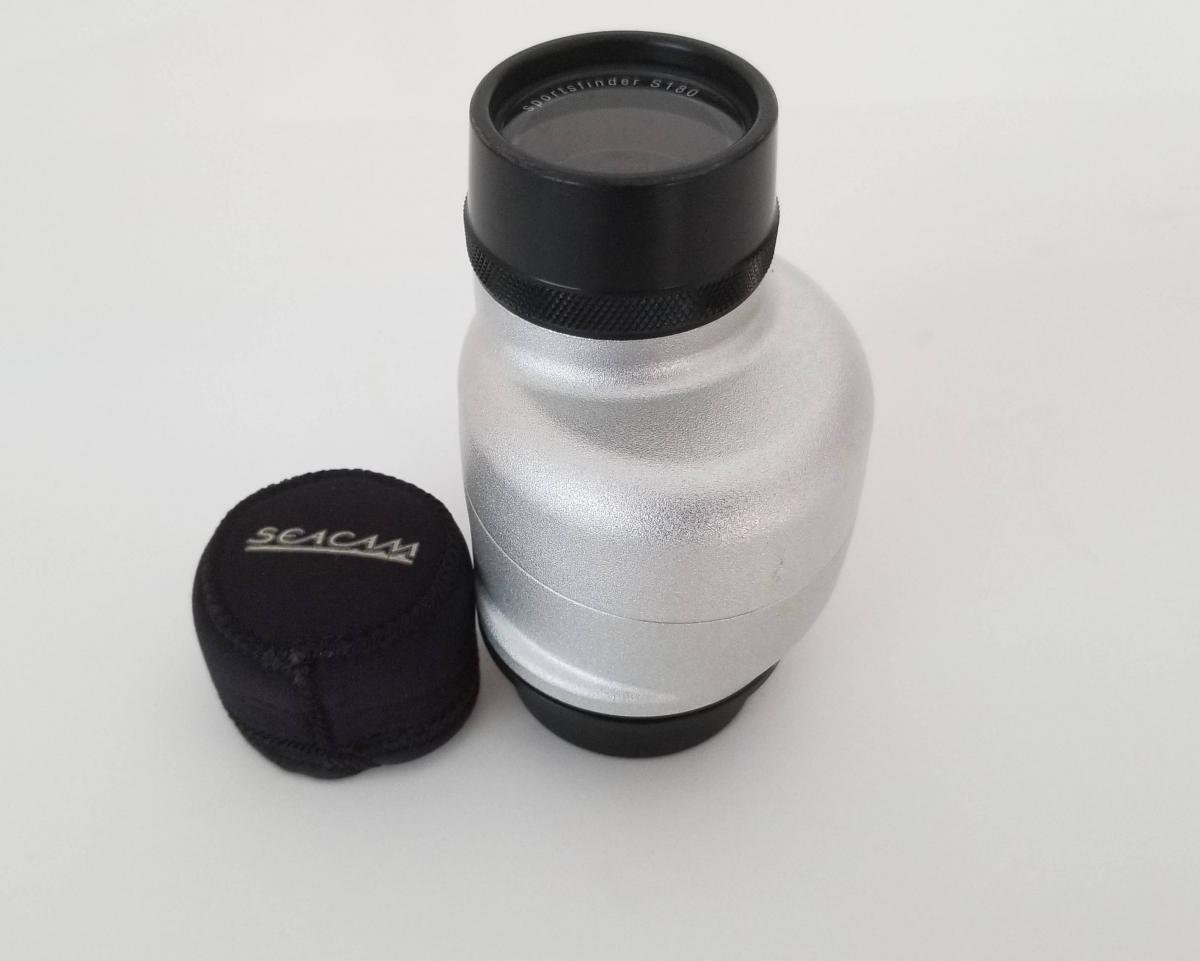
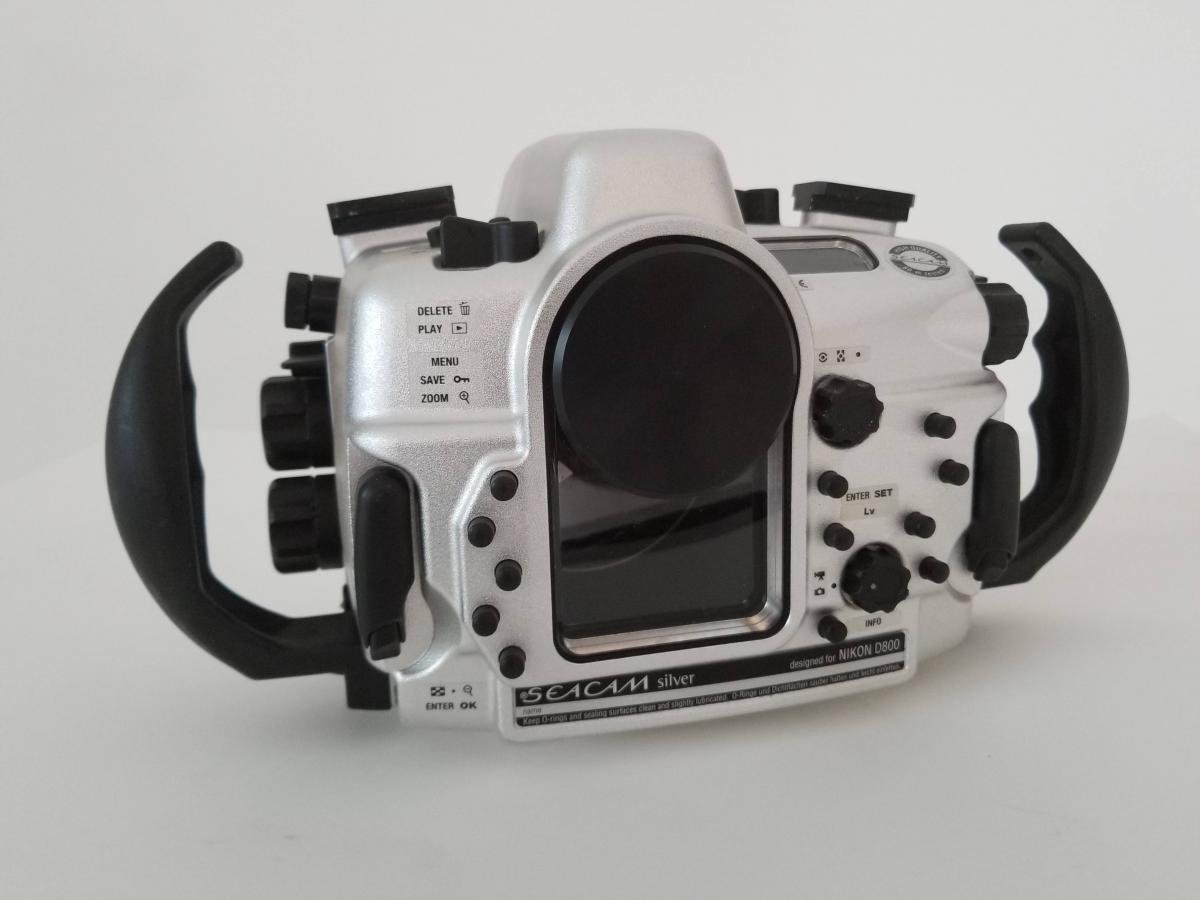
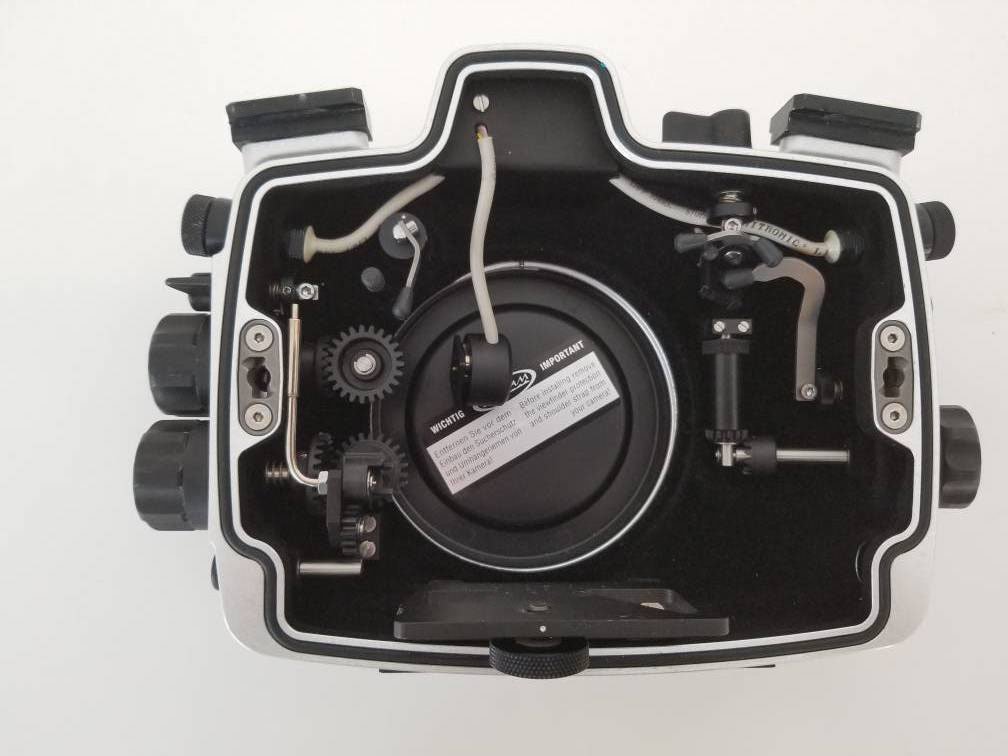
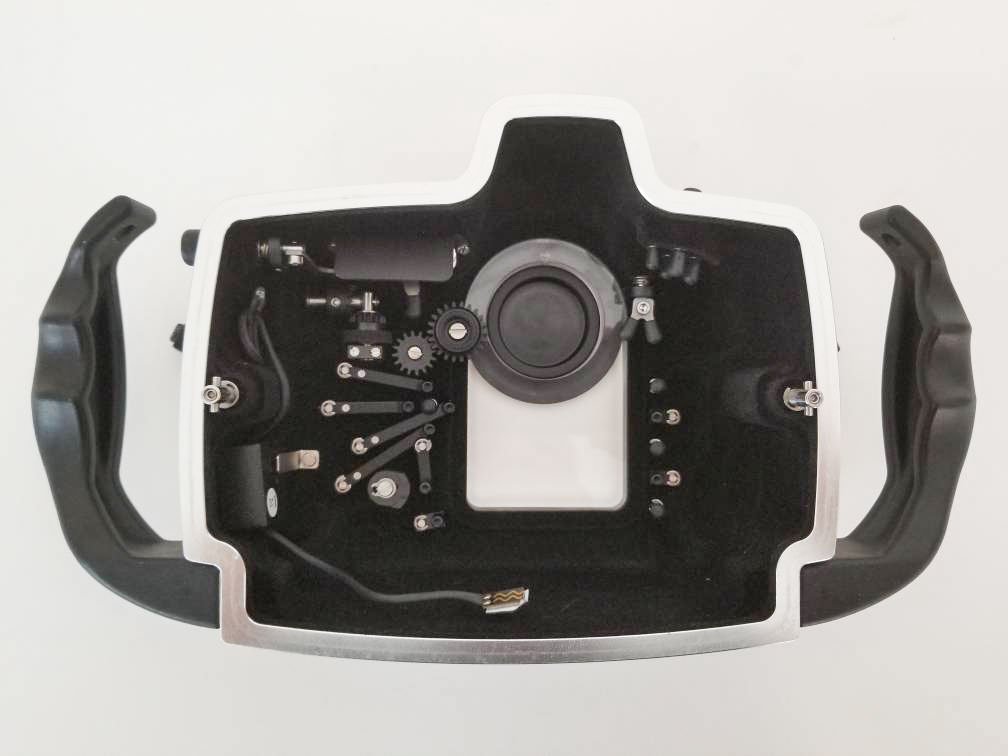
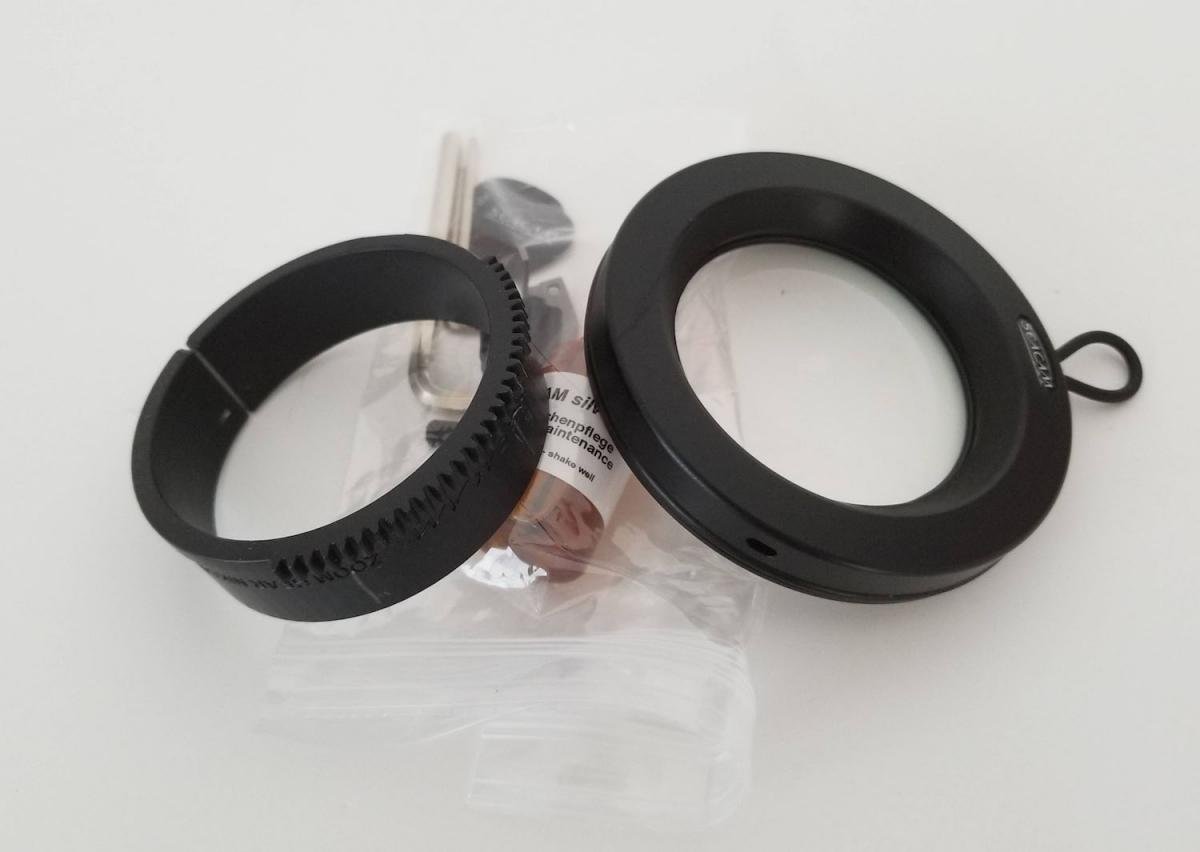
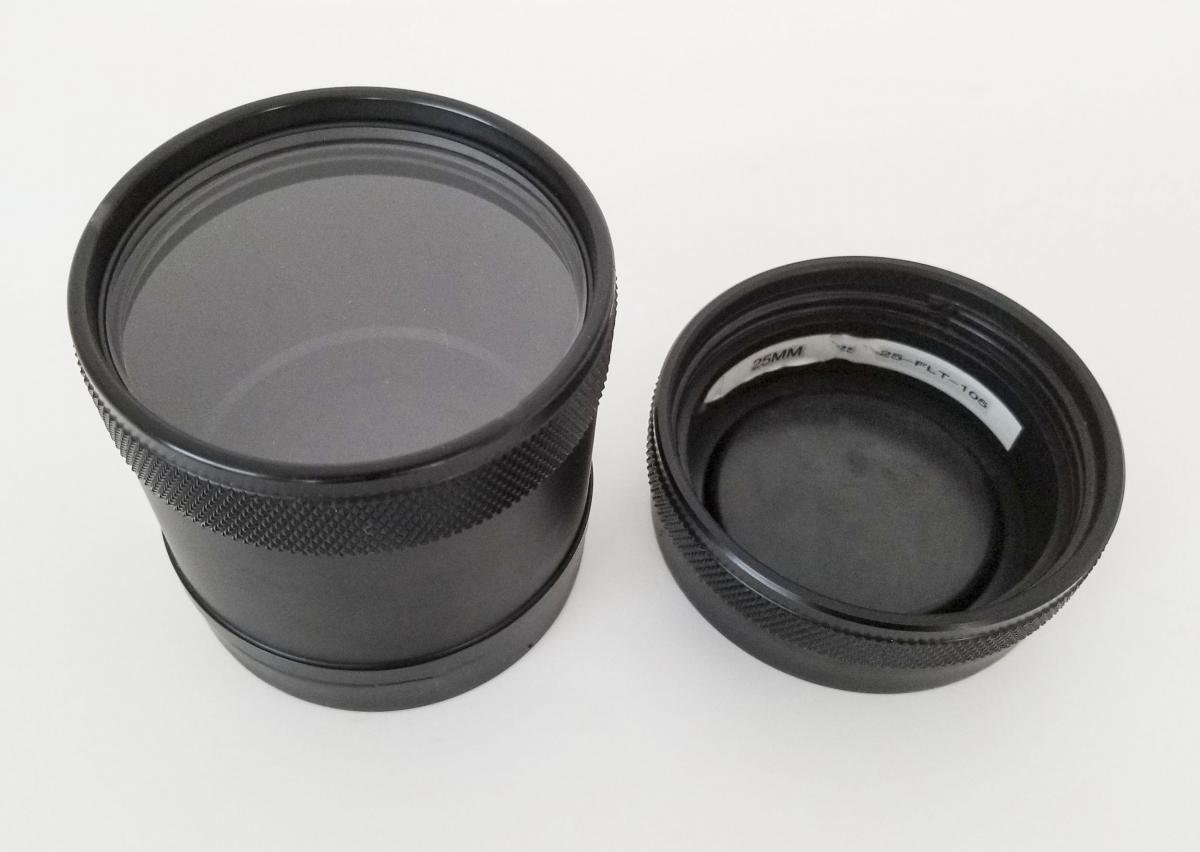
  1. FOR SALE: COMPLETE SEACAM SILVER D800/D800E HOUSING & ACCESSORIES

    WILL SELL INDIVIDUAL ITEMS


    INCLUDES:

    1) D800/D800E Housing / Nikonos Bulk Heads

    2) 180 Straight Viewfinder

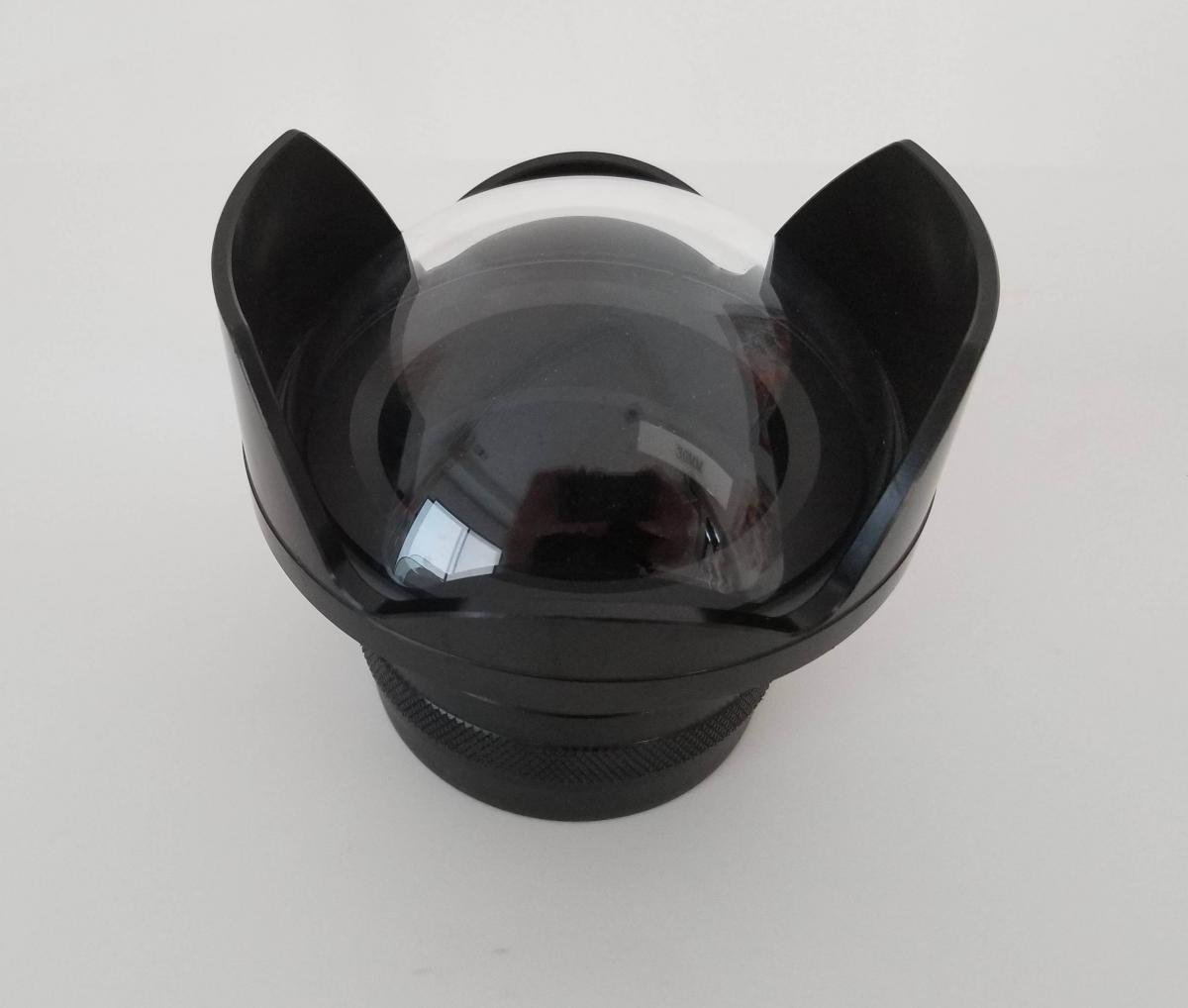
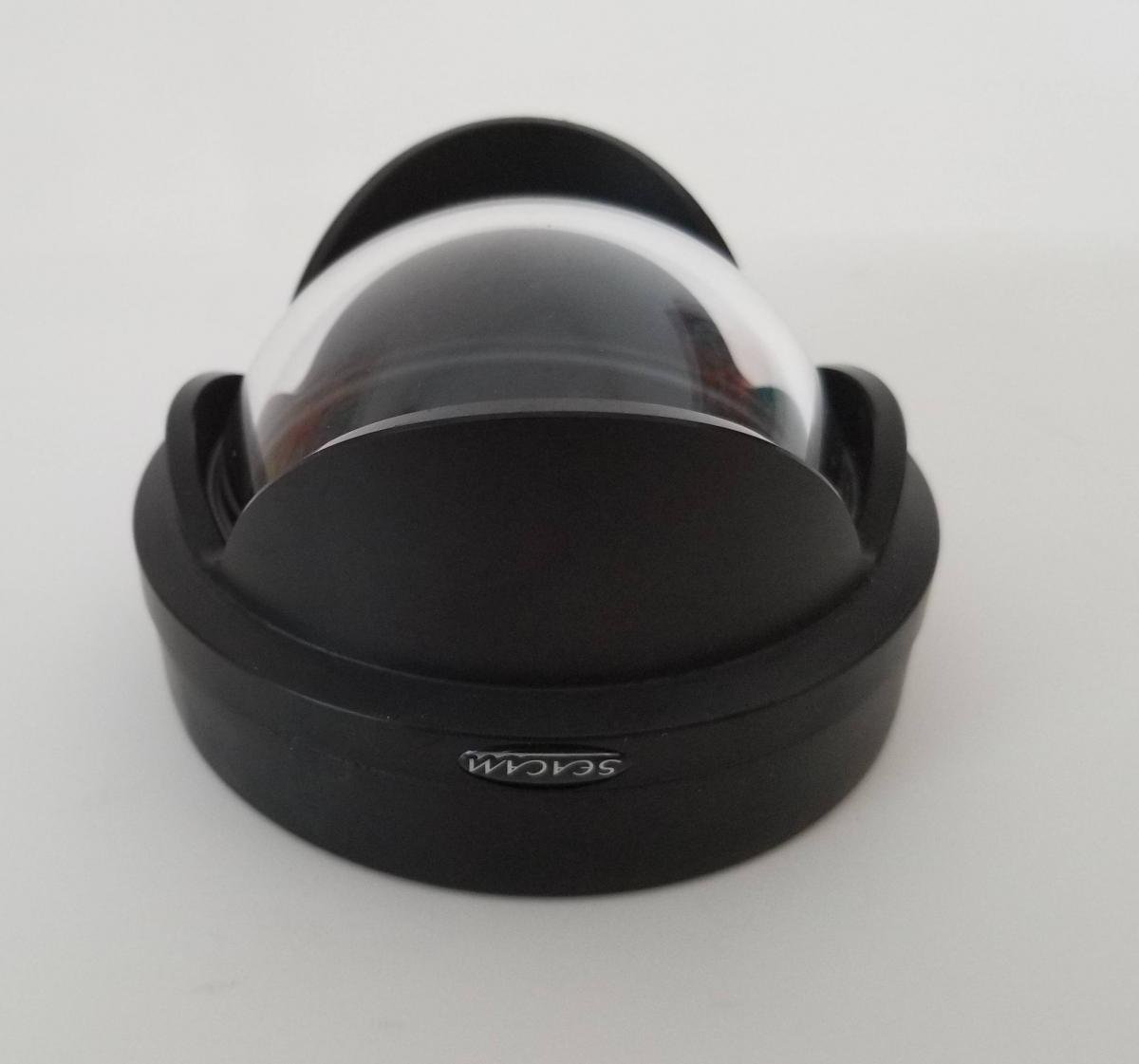
    3) Fisheye Dome Port

    4) 60/105 Macro Port

    5) FMP Fisheye Macro Port

    6) Wet Diopter #2
    7) Port Extensions: 25, 30, 35

    8) 16-35 Zoom Gear


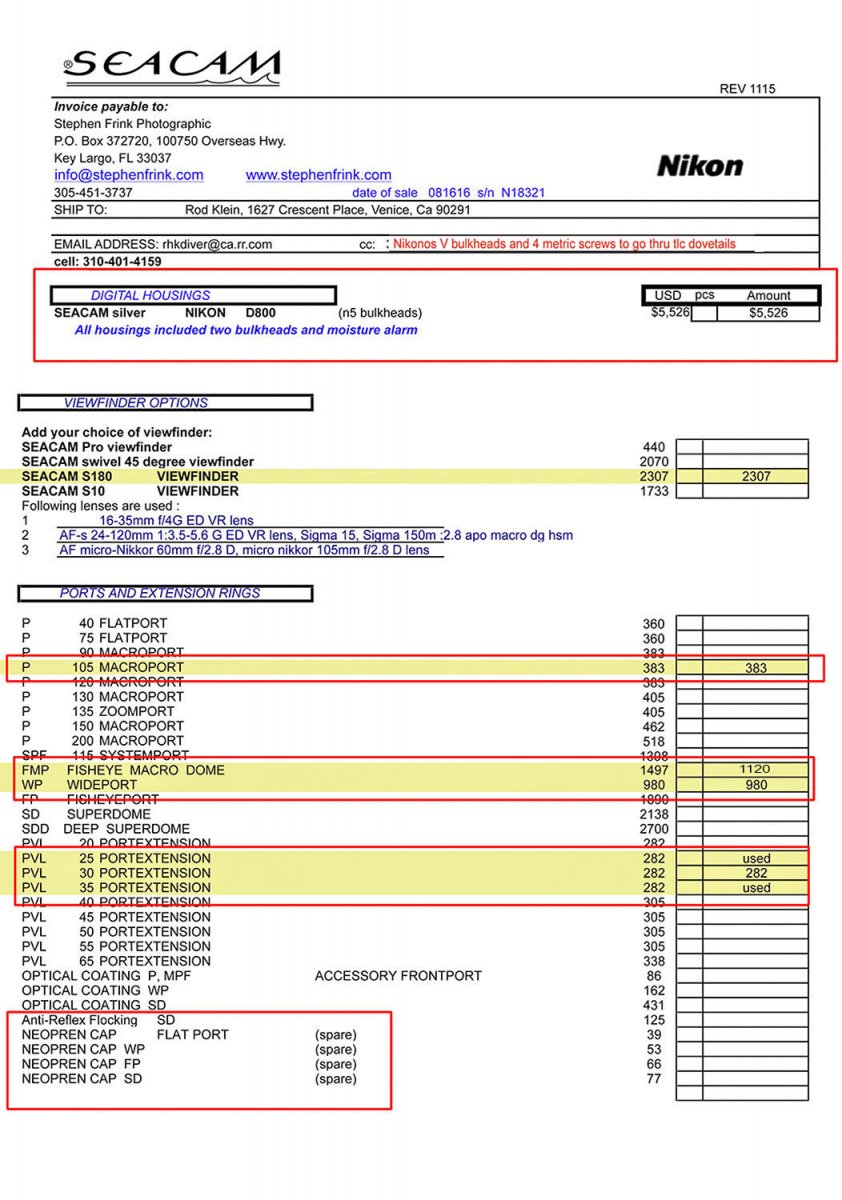
    Original Price ( see attached original invoice ) $11615.


    Selling for: $5000.00 Firm Price / post-690-0-30884500-1533773237.thumb.jpg.3313831d0d3136f8ea0b7edb87d740f6.jpgpost-690-0-63118900-1533773266.thumb.jpg.dd17c3cb514e4d85e6cd69121de06b13.jpg
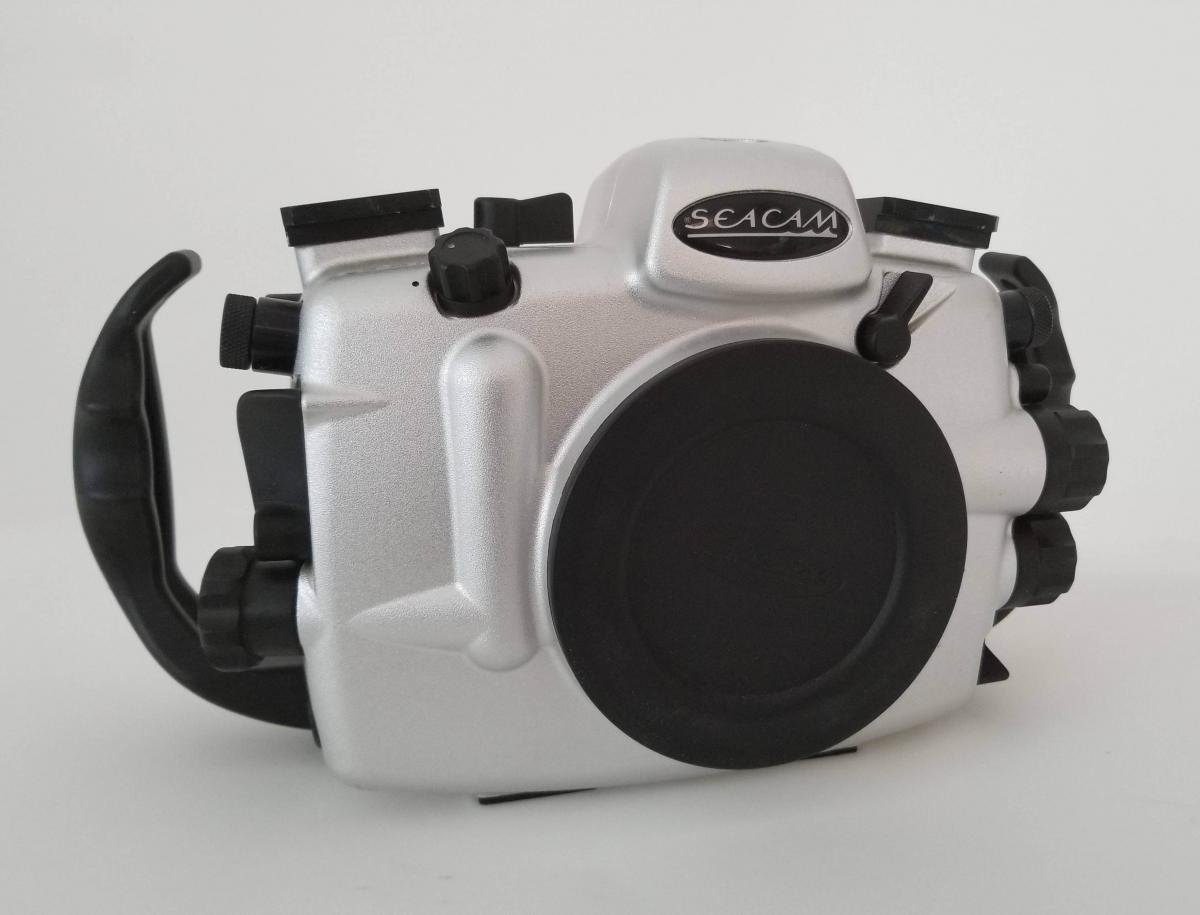
     

    I am a pro photographer and this housing has been used only once in the ocean. It has been used for my pool photography. If you buy it and it doesn't live up to your expectations I'll 

    take it back.


    Best to contact me directly rhkdiver@gmail.com


    Rod Klein

    www.rhkuw.com
    post-690-0-78789500-1533773329.jpg

    post-690-0-02435500-1533773251.jpg

    post-690-0-06574200-1533773310.jpg

    post-690-0-22761100-1533773281.jpg

    post-690-0-22861200-1533773296.jpg

    post-690-0-24825600-1533773420.jpg

    post-690-0-34089300-1533773348.jpg

    post-690-0-65435200-1533773437.jpg

  2. Hi Rod,

    is it for sale WP (Wide port) or Fisheye dome port? I think this one on photo is WP (suitable for rectilinear lens, not fisheye). 
    Did you use it with Nikkor 16-35 VR? 
     

    I have Nikkor 16-35 lens and I might be interested in 16-35 zoom gear, WP and 30 mm extension ring. Please let me know prices for those items. 

    Thanks! 
    Marko

  3. The Wp &* 30mm ext is for the 16-35. The dome is the 8" acrylic. right now there is someone interested in the complete system. I will let you know

Scuba.com

Account

Navigation

Search

Search

Configure browser push notifications

Chrome (Android)
  1. Tap the lock icon next to the address bar.
  2. Tap Permissions → Notifications.
  3. Adjust your preference.
Chrome (Desktop)
  1. Click the padlock icon in the address bar.
  2. Select Site settings.
  3. Find Notifications and adjust your preference.