Skip to content

Classifieds / Archived topic

Olympus EM5 Treasure Chest!

Started by Reef ·

  • 6Posts
  • 6Replies

Read-only discussion

Olympus EM5 Treasure Chest!

6 posts
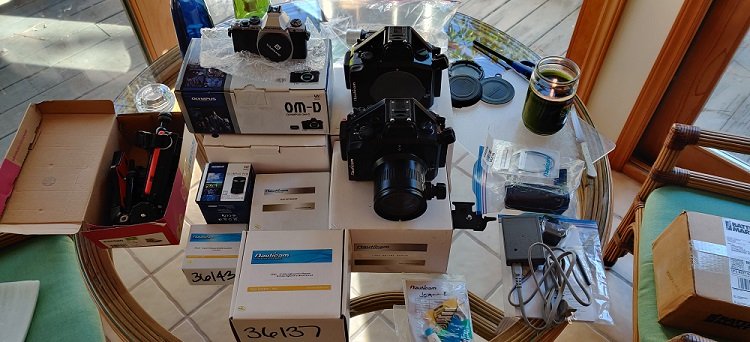
  1. A treasure chest of Olympus camera gear!

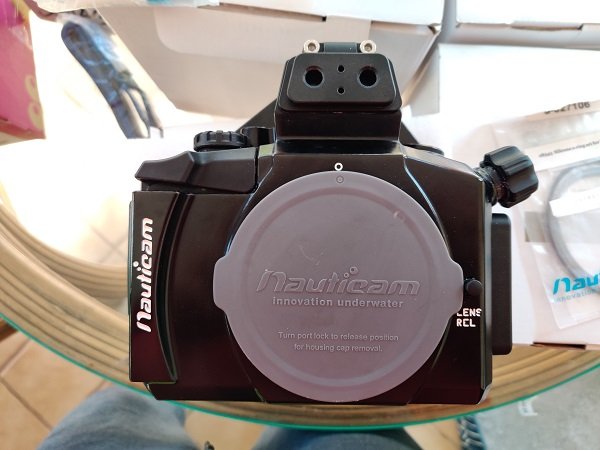
    Olympus E-m5 camera. 2 of them.
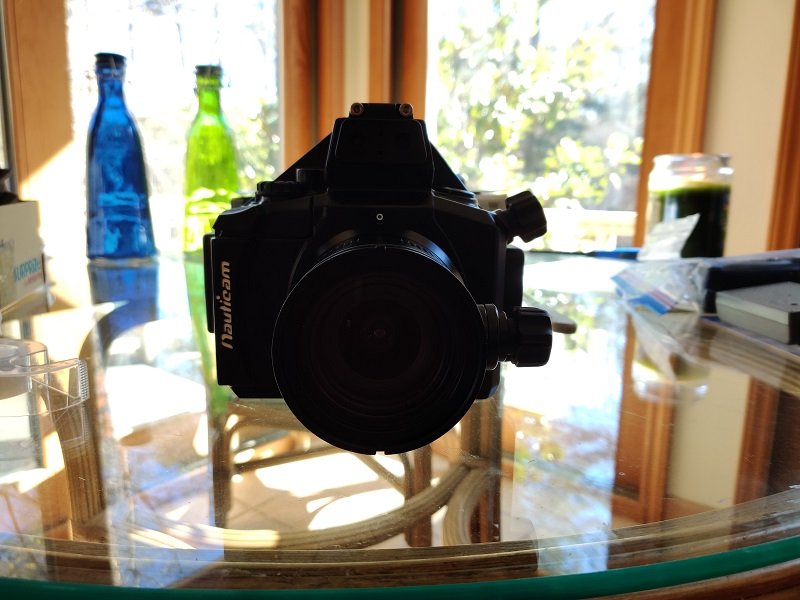
    Nauticam NA-EM5 housing. 2 of them.
    Olympus M.Zuiko 12-50mm f/3.5-6.3 Aspherical AF ED Lens
    Nauticam 01442-Olympus M.Zuiko 14-42mm zoom gear
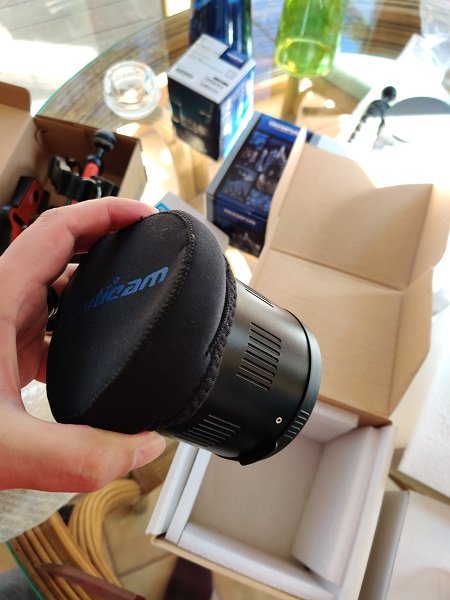
    Nauticam port:12-50 port with zoom gear and macro gears.
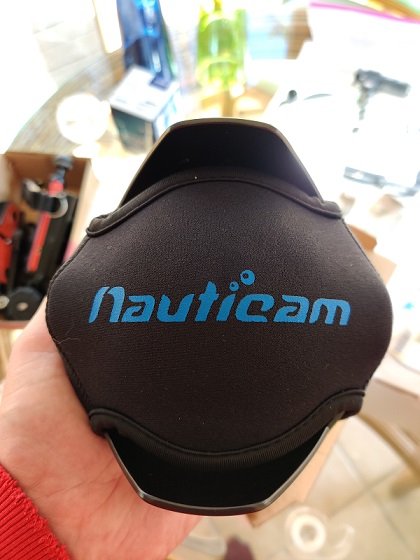
    Nauticam 9-18mm semi-dome port with zoom gears.
    Panasonic 8mm dome port.
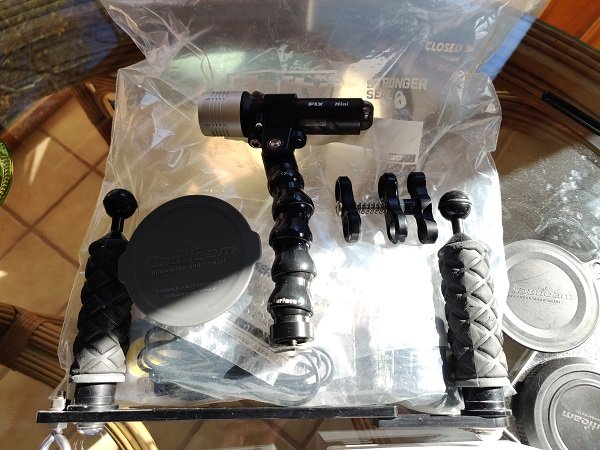
    Ultralight tray with dual handles.
    Ultralight 8" and 5" arms with ball connectors.
    Fix Neo 1000 UW focus light.
    Extra O-rings, grease, manuals, batteries, chargers, etc...

    Everything is in like new condition, and most of the package comes with original boxes. Many of the items have never seen the water. I bought everything before I had knee replacement. Six surgeries later, and a ton of complications I don't see myself boat diving for awhile.

    I have 100% rating on Ebay (Corbin73).

    $1600 for everything, plus shipping.

    Please email me @jaycorbin@gmail.com for additional photos.

    Thank you for looking.


    IMG_20200202_12351533.jpg

    IMG_20200202_11114138.jpg

    IMG_20200202_11135637.jpg

    IMG_20200202_11220436.jpg

    IMG_20200202_11083235.jpg

    IMG_20200202_11171834.jpg

  2. Hi. I saw the post on Scuba Board, too. I’m interested in the port and gears for the 12-50 if you’re interested in breaking up the kit. best. Craig

  3. 3 minutes ago, Humu797 said:

    Hi. I saw the post on Scuba Board, too. I’m interested in the port and gears for the 12-50 if you’re interested in breaking up the kit. best. Craig

    Craig,

    I responded to you on Scubaboard. I'd rather not break up the package.

    Jay.

  4. Thanks Jay. Lemme know if you break it up. I’ll be first in line. I can even take the handles and arms. Best. Craig

  5. Sale pending.

  6. Sold.

Backscatter

Account

Navigation

Search

Search

Configure browser push notifications

Chrome (Android)
  1. Tap the lock icon next to the address bar.
  2. Tap Permissions → Notifications.
  3. Adjust your preference.
Chrome (Desktop)
  1. Click the padlock icon in the address bar.
  2. Select Site settings.
  3. Find Notifications and adjust your preference.