Hello, I'm Julian Nedev and I'm an underwater photography instructor at CMAS.
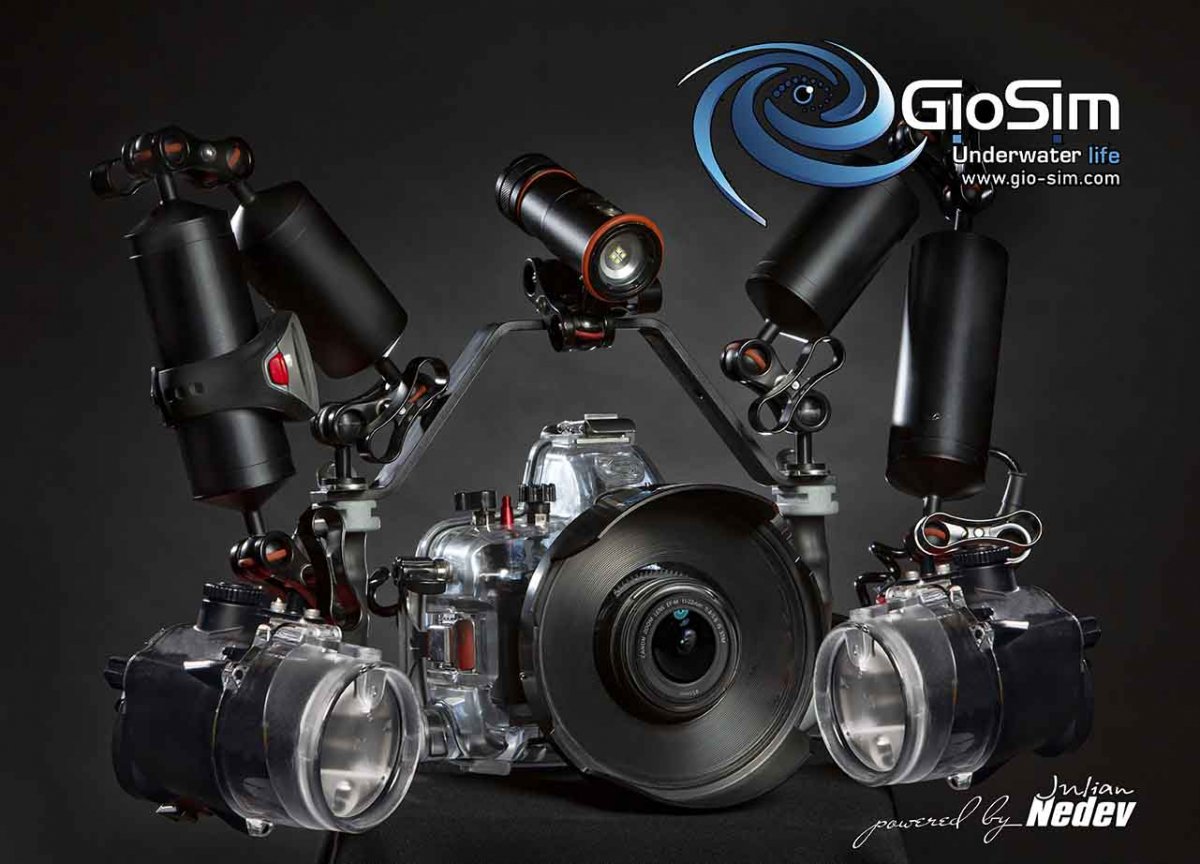
I would like to present to you the underwater housing of the Italian company GioSim.
A few months ago I became an ambassador for this company.
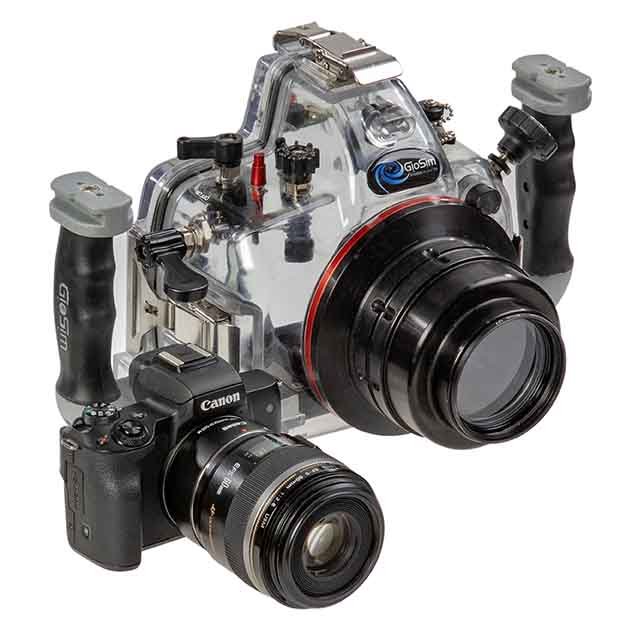
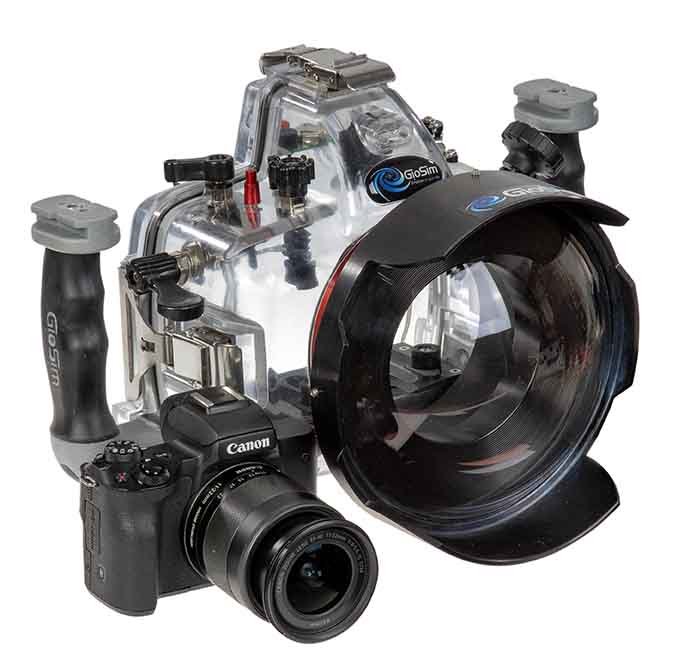
GioSim provided me with underwater housing, macro and wide-angle ports.
I did tests in the pool, the Black Sea and the Red Sea.
Very well made, safe and easy to use. All camera functions are very well managed. Macro and wide-angle ports are locked to the housing very securely. Easy-to-use underwater housing, lightweight and very secure!
I offer you the set in which I shot in 2 photo shoots in the pool and 14 in the Red and Black Sea. The housing and camera and lenses are in perfect condition. All parts of it work flawlessly. Without any technical notes!
The perfect set for macro and wide-angle photography!
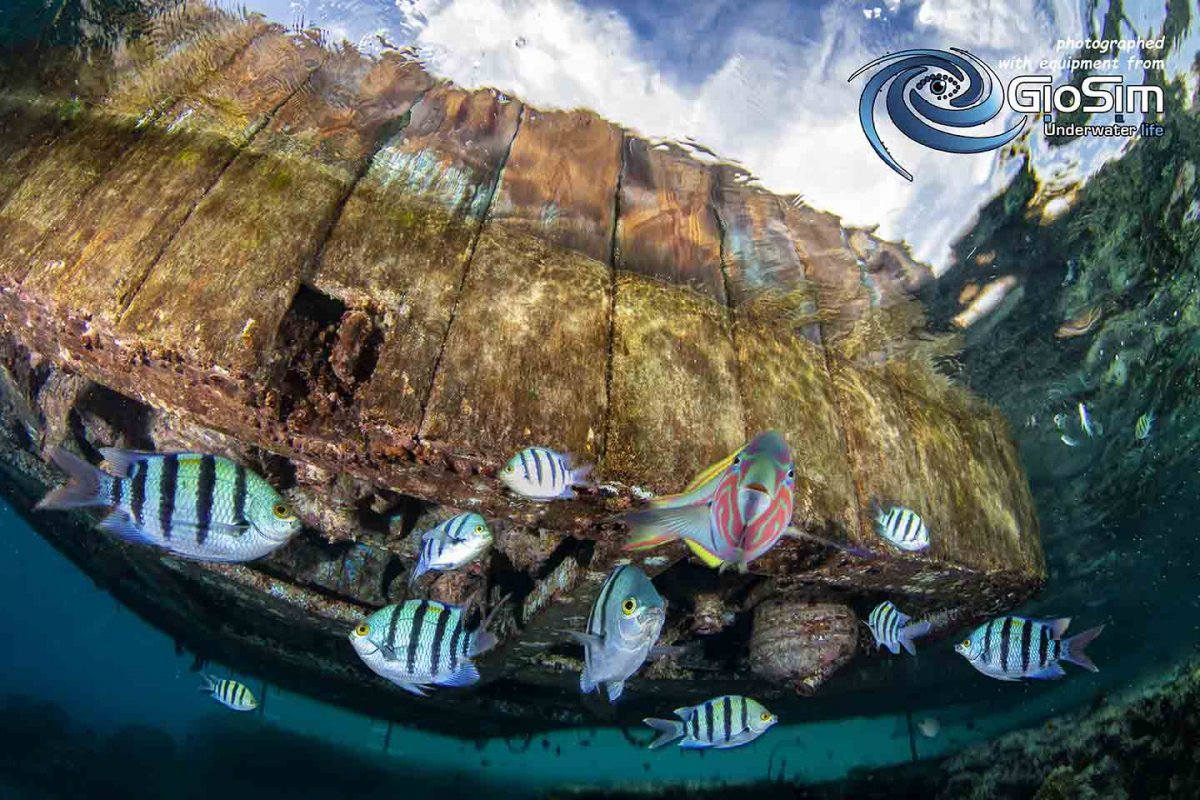
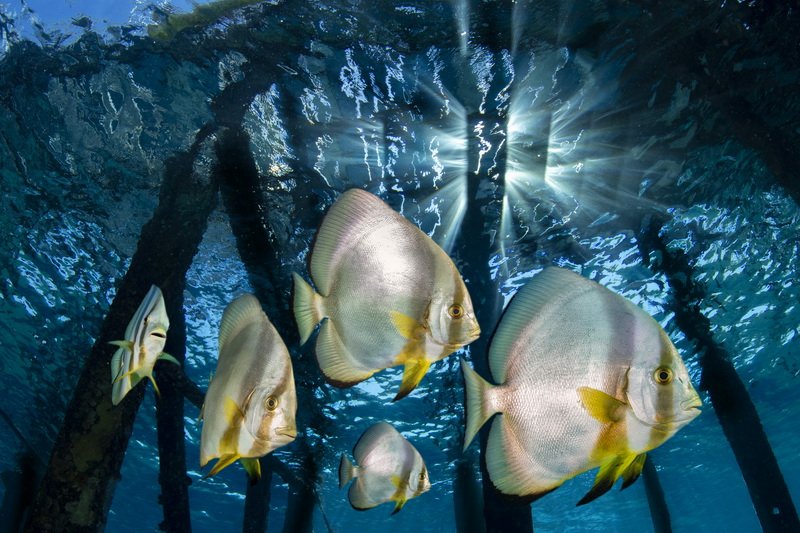
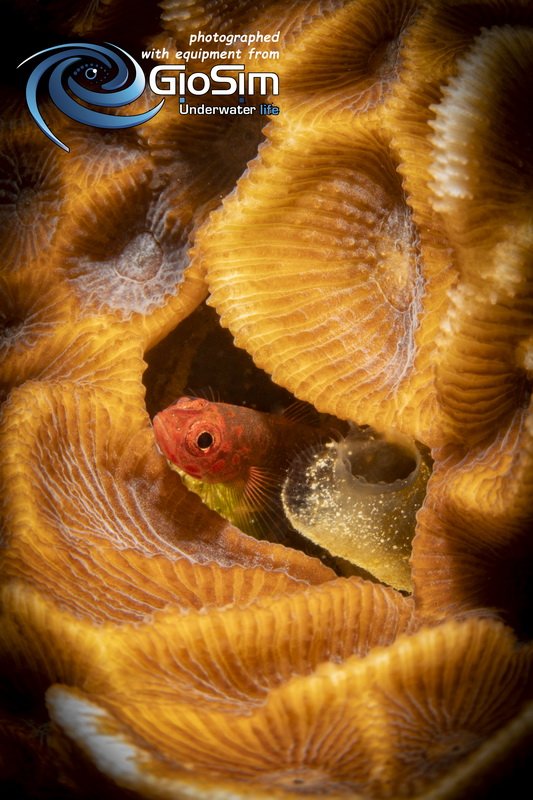
All photos in this addvertising were taken with the Canon M50 + GioSim Housing and GioSim ports.
I'M SELLING THIS KIT BECAUSE I'M PROCEED TO FULL FRAME MIRRORLESS CANON R!!!
The kit includes:
1. GioSim housing for Canon M50 + handle and 1 ”ball + accessories bracket
2. Dome port porthole spherical crystal optical 6.5 "
3. Flat port for 60 macro lens
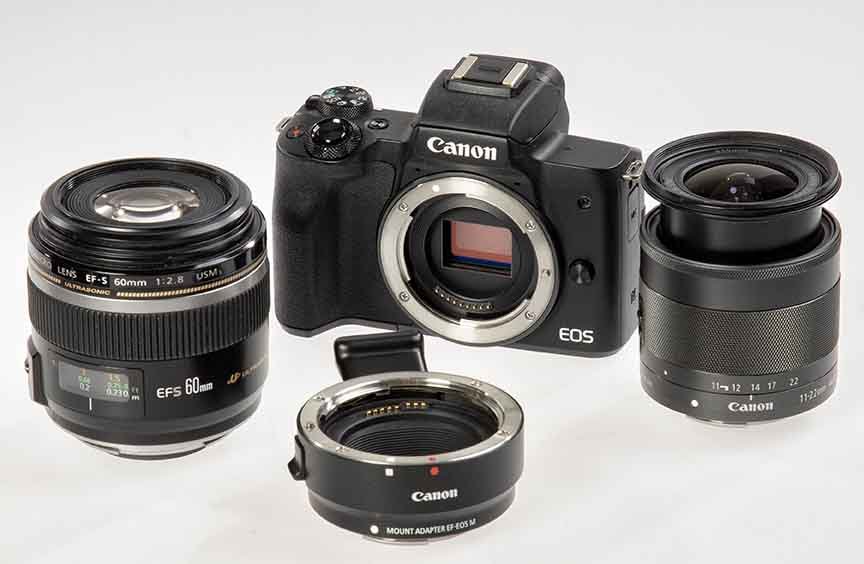
4. Canon M50 body + 3 battery + charger
5. Canon EF-M 11-22 / 4-5,6 IS STM lens
7. Canon EF-S 60 / 2.8 MACRO USM lens
8. Canon mount adapter EF-EOS M for Canon EF-S 60 / 2.8 lens
9. Sandisk 64GB / 95mb class 10 SD card
Total of the kit = 1800 Euro
Only paypal payment!
Shipping at the expense of the buyer with a courier and insurance!
The price of this kit for a new product on the market is EUR 3070