Skip to content

Classifieds / Archived topic

FIX/Canon S90 outfit FS

Started by Captain Fathom ·

  • 3Posts
  • 3Replies

Read-only discussion

FIX/Canon S90 outfit FS

3 posts
  1. I was thinking $500, offers considered:

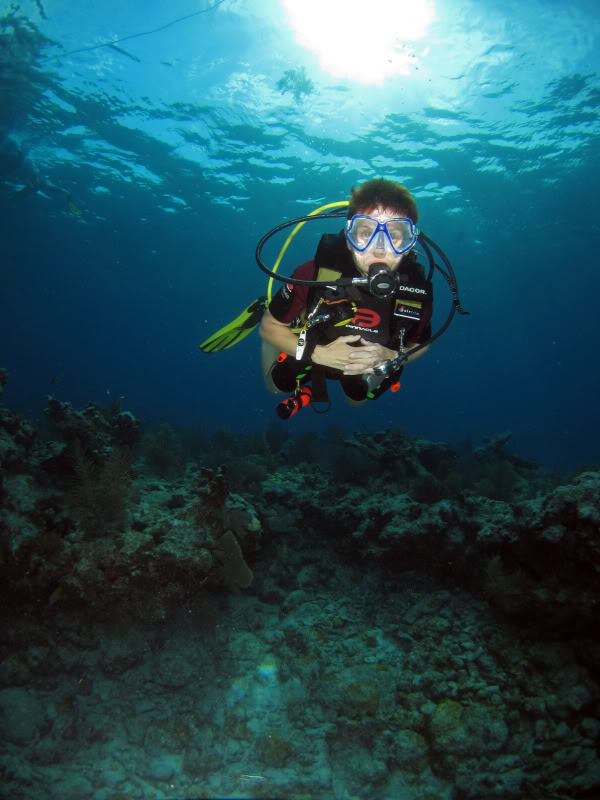
    IMG-0387.jpg


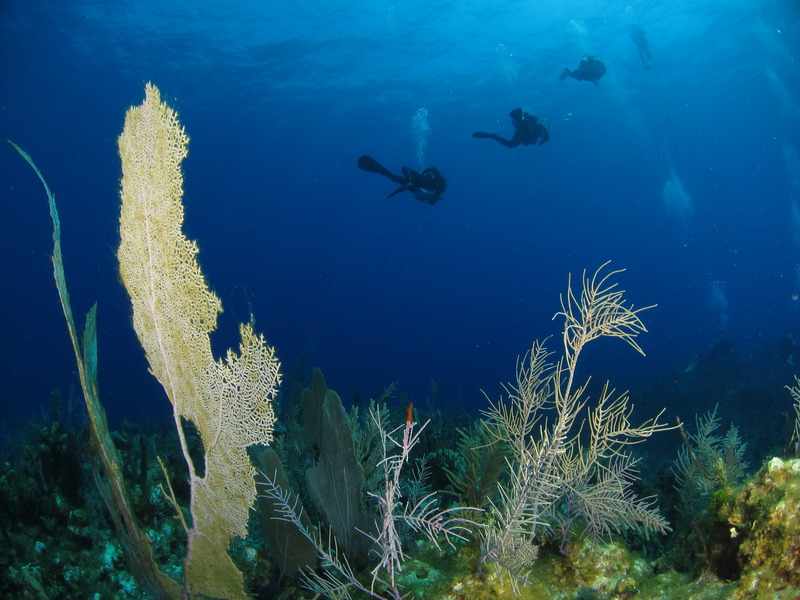
    IMG-0125.jpg

    (1) FIX 90 aluminum housing in very good condition, about 20 or so dives since last service, with rubber viewer shield and optical strobe adapter for flash port.
    (2) Mint and 100% functional, new S90 Canon camera with battery and charger.
    (3) One Inon UCL165AD macro lens with covers, perfect.
    (4) One Inon UFL165AD fisheye wide angle lens with hard covers (zoom to 35mm to prevent vignetting), 9+ condition, no scratches, about a 130+ degree FOV.
    (5) One Intova focus or video light.
    (6) Two new port O-rings, three new (plus 1) housing door O-rings, one O-ring service kit.
    (7) FIX Inon 52mm port adapter.
    (8) AD bayonet to 52mm adapter.
    (9) UCL Systems tray plus dual handles and balls.
    (10) Two AD lens caddies (for strobe arms).
    (11) Travel case.
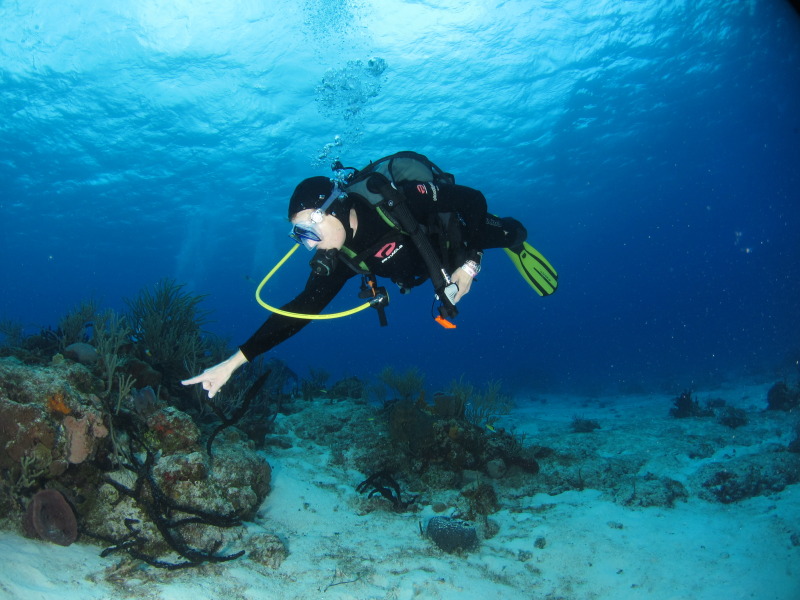
    IMG-2232.jpg

    All in good working order, about 20 dives since last service.

    James

    Edited by Captain Fathom — Spelling
  2. I can include a Fisheye brand UWL-04 dome (fisheye/WA) lens with 52mm screw mount. Works wonderful with this outfit. The lens is in VG to E condition:

    IMG-0132.jpg

    IMG-0025.jpg

    And the Inon UFL165AD with bayonet mount:

    IMG-0024.jpg

    Pics with the Fisheye UWL-04:

    IMG-1037-edited-1.jpg


    IMG-5147-zpsnnahn0tu.jpg


    IMG-0129.jpg

    IMG-0127.jpg

    Thanks for looking,

    James

    Edited by Captain Fathom
  3. I can throw this Olympus 770SW Tough outfit in as well with the Canon S90/Recsea set perhaps instead of the UWL-04. Shipping it all might be a problem, lol. Fully functional and includes the Inon AD lens adapter which works with the AD macro and WA lenses from the S90 kit:

    IMG-0435.jpg


    Boxes for the S90 outfit:

    IMG-0434.jpg

    Edited by Captain Fathom
Nauticam

Account

Navigation

Search

Search

Configure browser push notifications

Chrome (Android)
  1. Tap the lock icon next to the address bar.
  2. Tap Permissions → Notifications.
  3. Adjust your preference.
Chrome (Desktop)
  1. Click the padlock icon in the address bar.
  2. Select Site settings.
  3. Find Notifications and adjust your preference.