Skip to content

Classifieds / Archived topic

Nauticam NA-D800 housing for sale.

Started by PeteAtkinson ·

  • 8Posts
  • 8Replies

Read-only discussion

Nauticam NA-D800 housing for sale.

8 posts
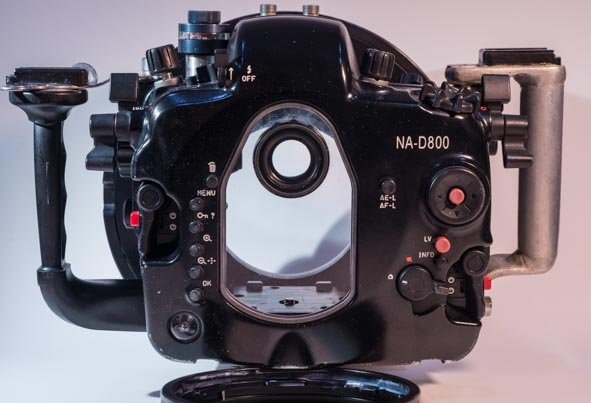
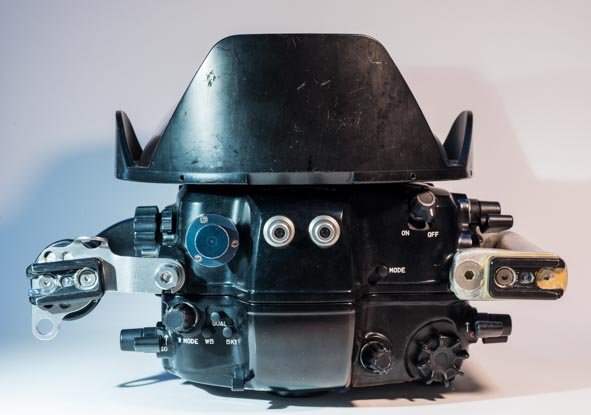
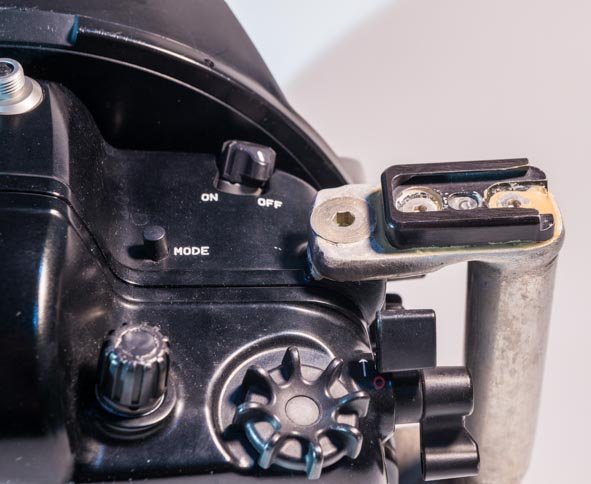
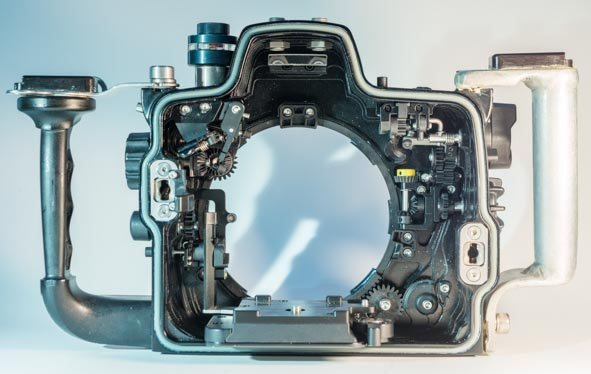
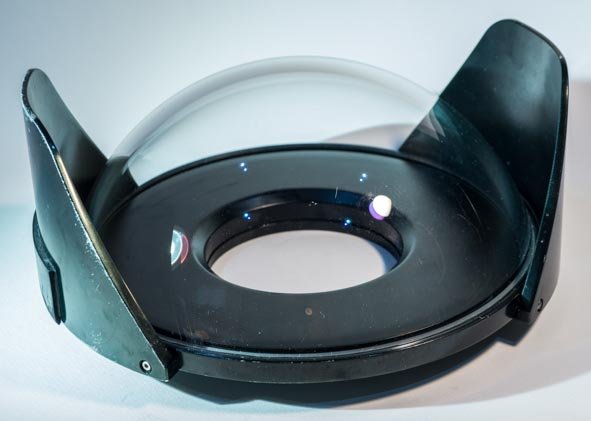
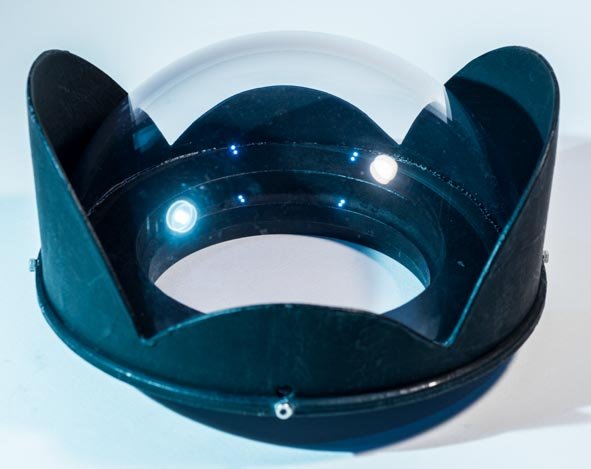
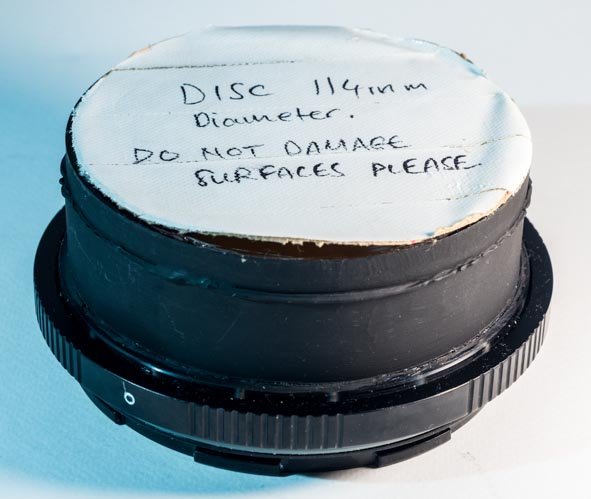
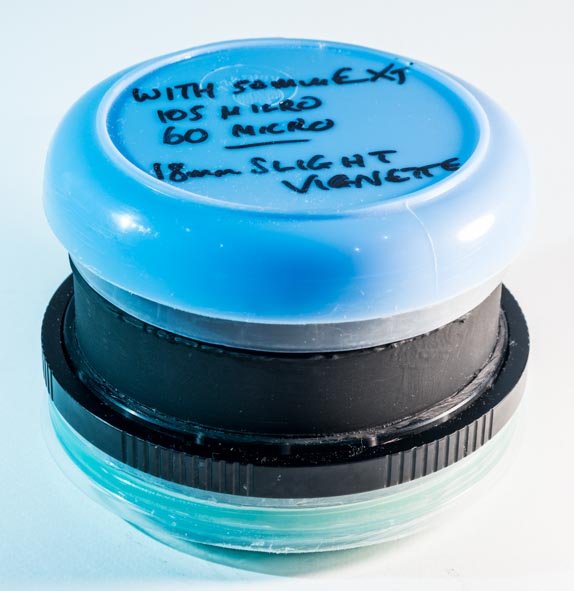
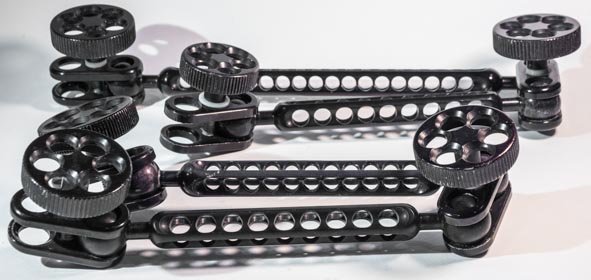
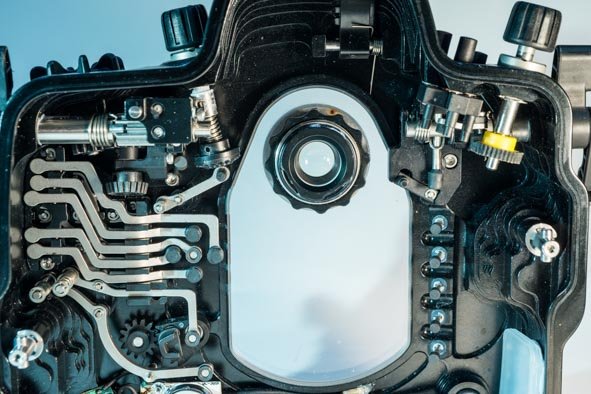
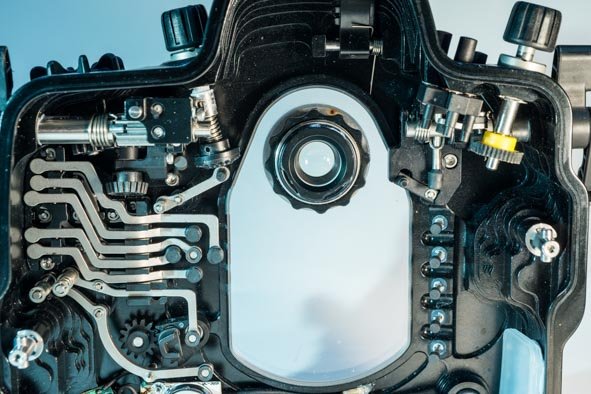
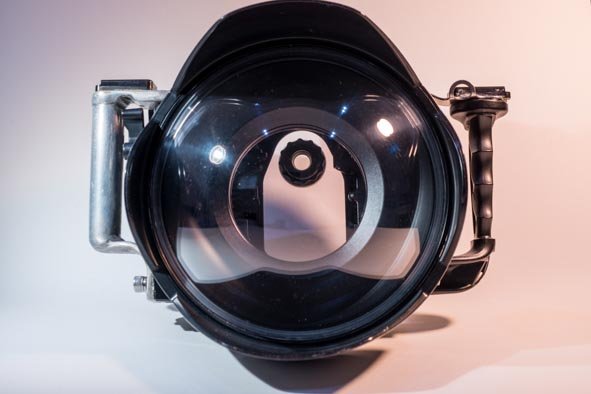
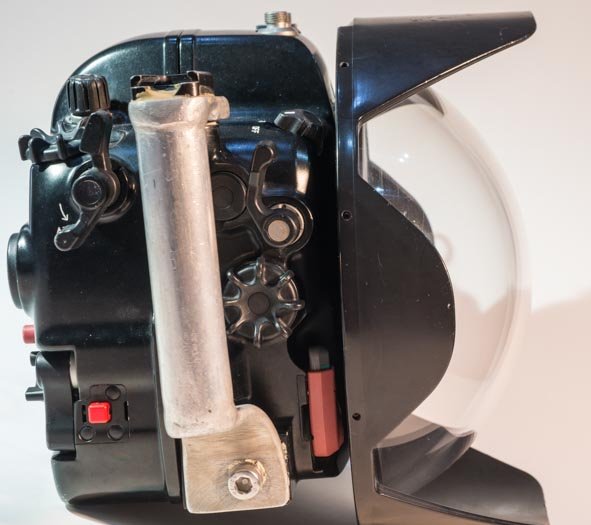
  1. Nauticam NA D800 with standard viewfinder, $2000 US. Leak Sentinel vacuum system, $150. 180 degree finder, $950. 230mm Zen glass dome, $1000, Nauticam 8.5" acrylic dome, $550. Custom 6" hemispherical acrylic dome $220. Custom flat port, $400. Port extension 50mm, $320. Port extension 20mm, $280. Sigma 15mm fisheye, $460. Nikon D800, $650 (18000 clicks on new shutter) Zoom gear for 16-35mm f4, $208. Flash arms, Technical Lighting Control: 1, 8" section, 3, 6" sections, 6 ball clamps, 2 dovetail fittings.
    A professional rig delivering beautiful 36MP files. Compromised health and fitness necessitates sale.
    PeteAtkinson-5.jpg

    PeteAtkinson-6.jpg

    PeteAtkinson-7.jpg

    PeteAtkinson-8.jpg

    PeteAtkinson-12.jpg

    PeteAtkinson-15.jpg

    PeteAtkinson-18.jpg

    PeteAtkinson-21.jpg

    PeteAtkinson-24.jpg

    PeteAtkinson-25.jpg

    PeteAtkinson-28.jpg

    PeteAtkinson-14.jpg

    PeteAtkinson-14.jpg

    Edited by PeteAtkinson — add picture
  2. 8 1/2 acrylic dome and 20mm port extension have sold. Thanks!

  3. Prices negotiable!


  4. Prices dropped, some items sold or withdrawn.

    NA-D800 housing, US $1920.

    Leak Sentinel vacuum system      US $150

    Custom flat port   US $190

    Nauticam N120 50mm port extension  US $280

    Flash arms: Technical Lighting Control (Aquatica) 1, 8" section, 3, 6" sections, 6, ball clamps  US $150

  5. Housing only now available for  US1600 including shipping. (No vacuum valve nor strobe ball fittings.)

  6. Bump!

  7. Bump. Still no vacuum valve, but strobe balls on housing reinstated!

  8. Sold housing and 230mm dome port.

Backscatter

Account

Navigation

Search

Search

Configure browser push notifications

Chrome (Android)
  1. Tap the lock icon next to the address bar.
  2. Tap Permissions → Notifications.
  3. Adjust your preference.
Chrome (Desktop)
  1. Click the padlock icon in the address bar.
  2. Select Site settings.
  3. Find Notifications and adjust your preference.