Hi,
Due to family obligations, it is unrealistic that I will get time to dive in the near future. Therefore I'm selling my beloved Hugyfot housing for the Canon 7D with wide-angle and macro ports. I have been diving with it from 2011 to 2014. It is in very good condition and has not been used since it was serviced by Hugyfot last time in 2014. I have been taking very good care of the housing and I'm the only owner.
So I'm selling:
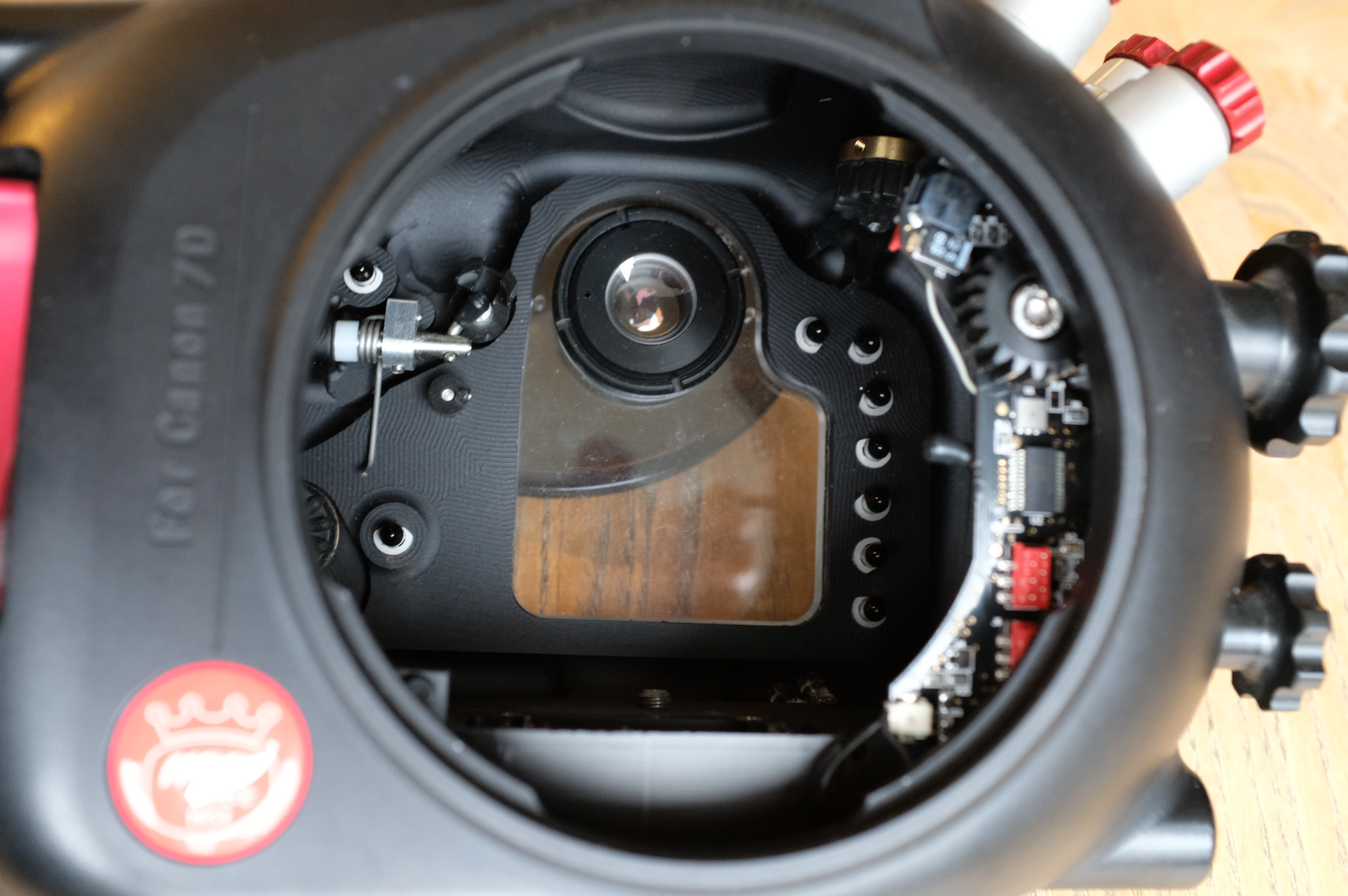
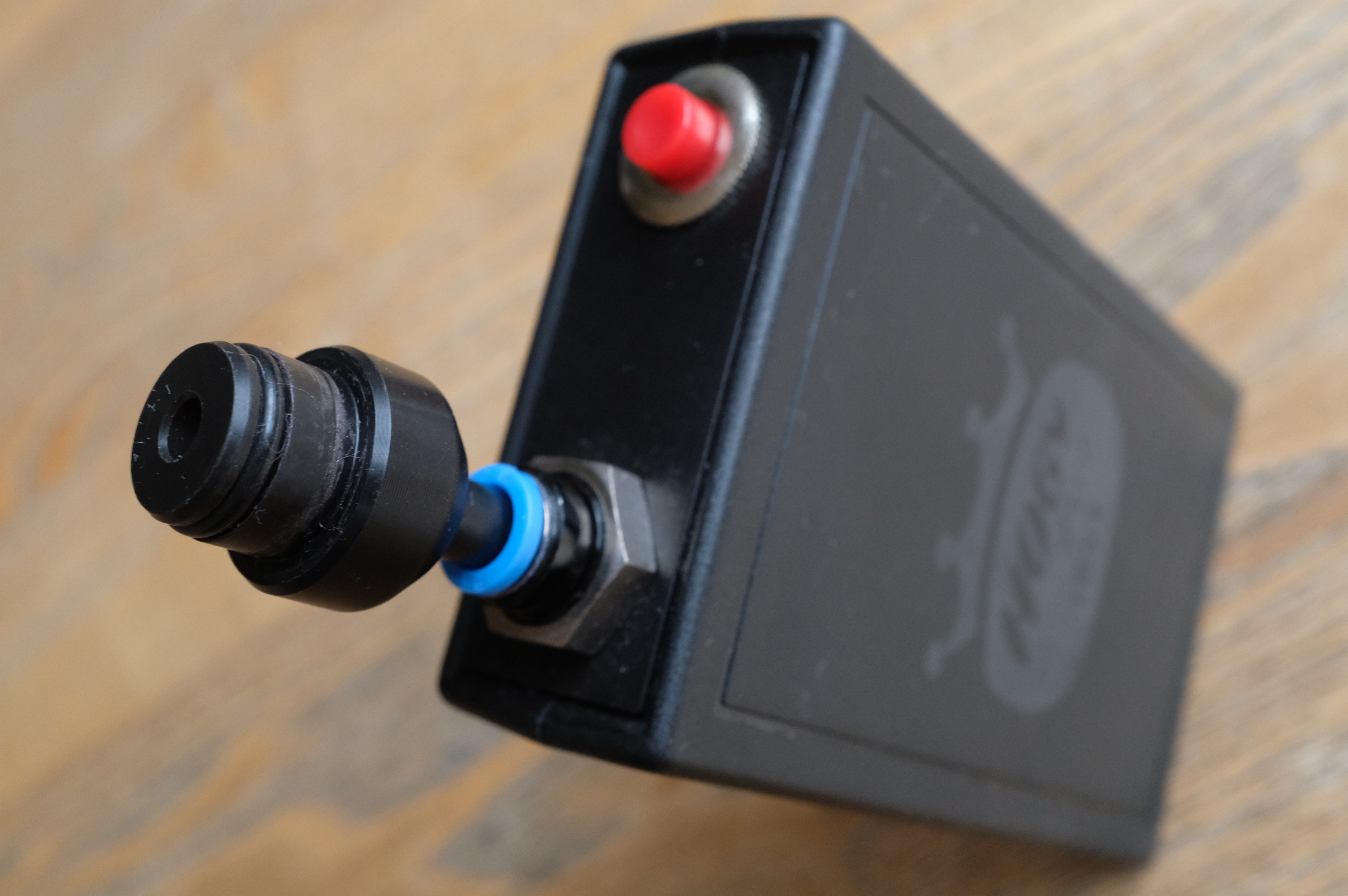
- Hugyfot housing for Canon 7d with HugyCheck- new price 2000 euro
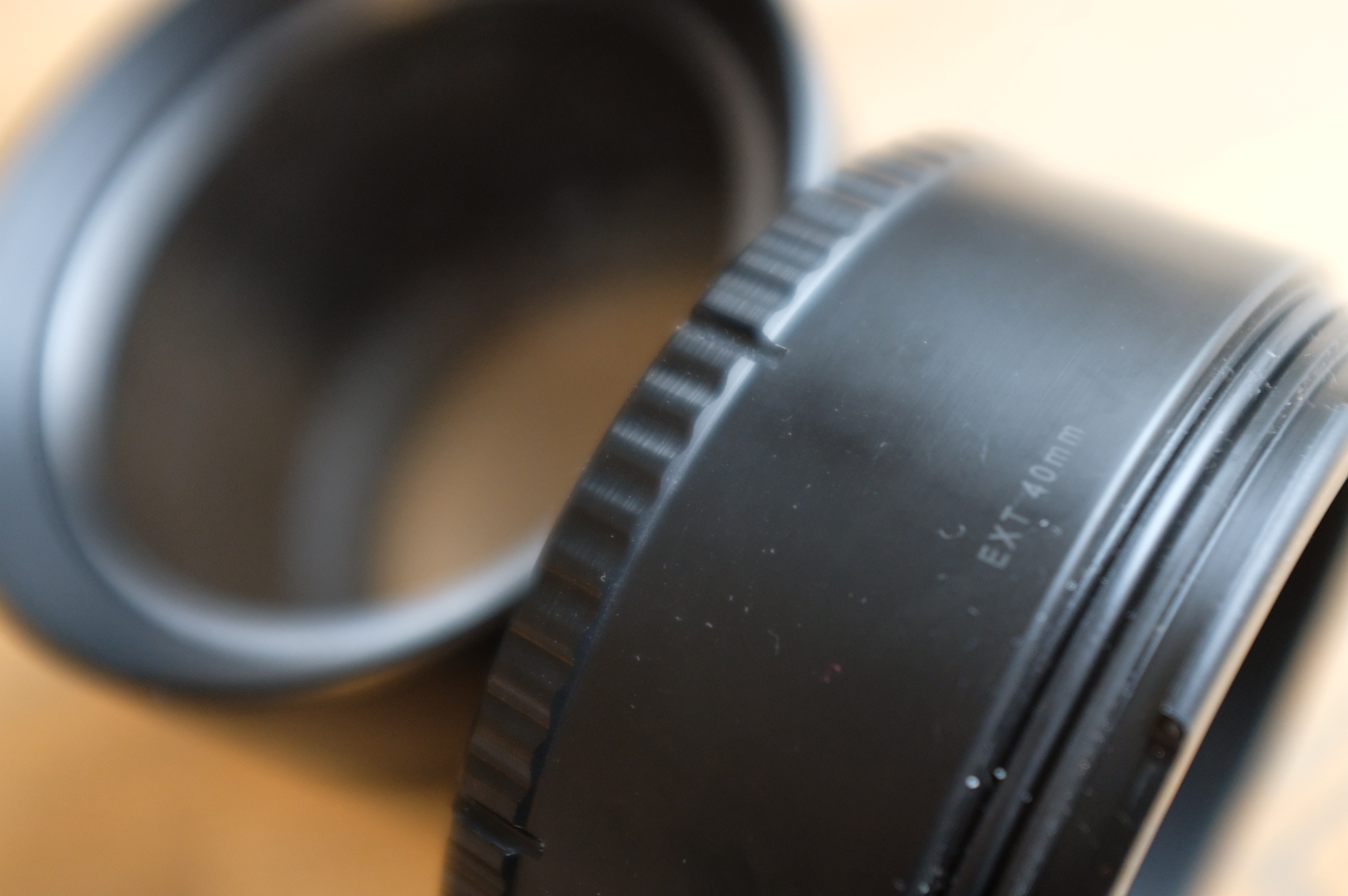
- Extension ring 40 mm - new price 130 euro
- Fisheye Port Acrylic L 25 / D 174 - new price 400 euro
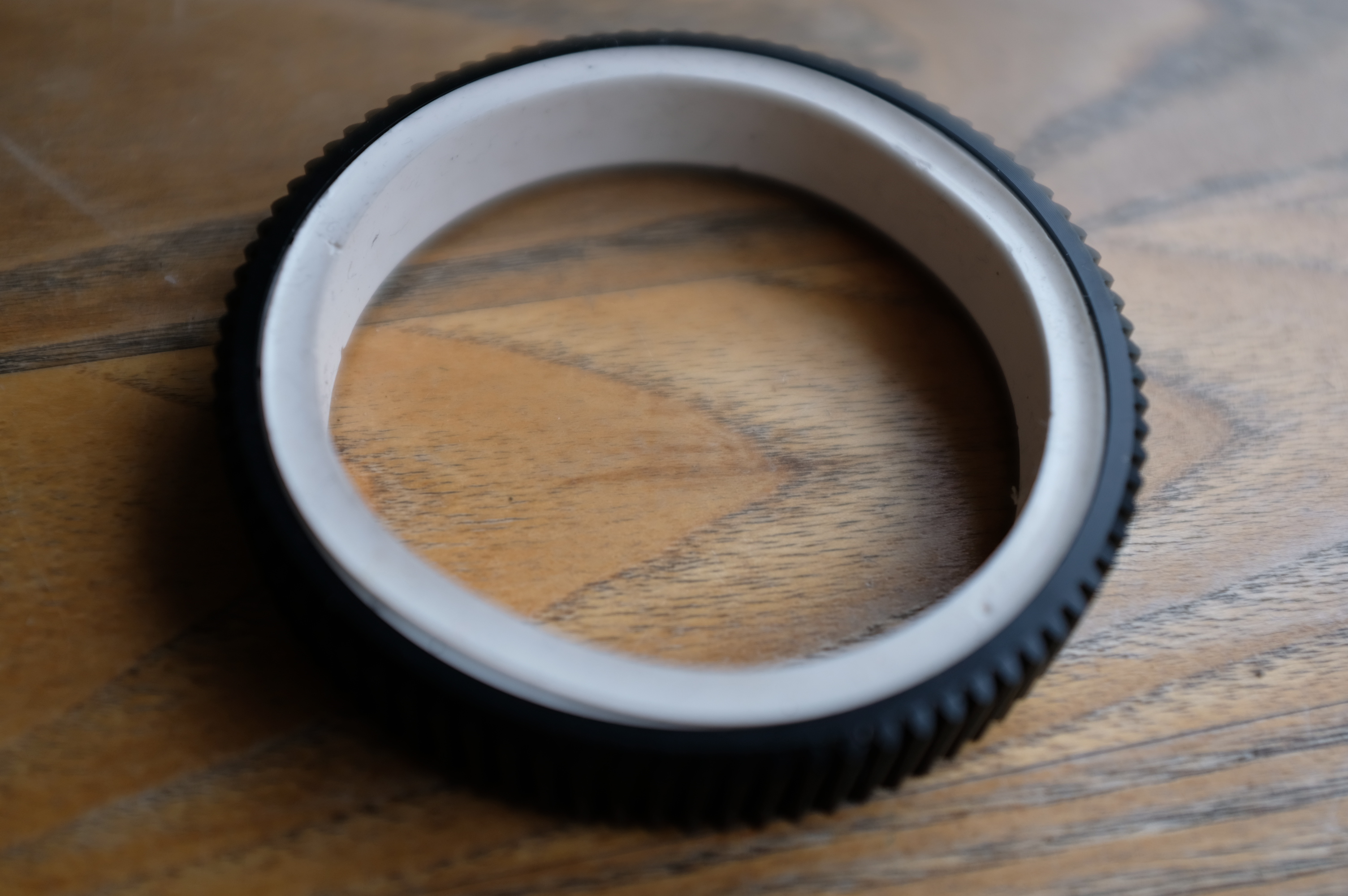
- Gear ring (Gea: 6511 & SIL 6667) - new price 70 euro
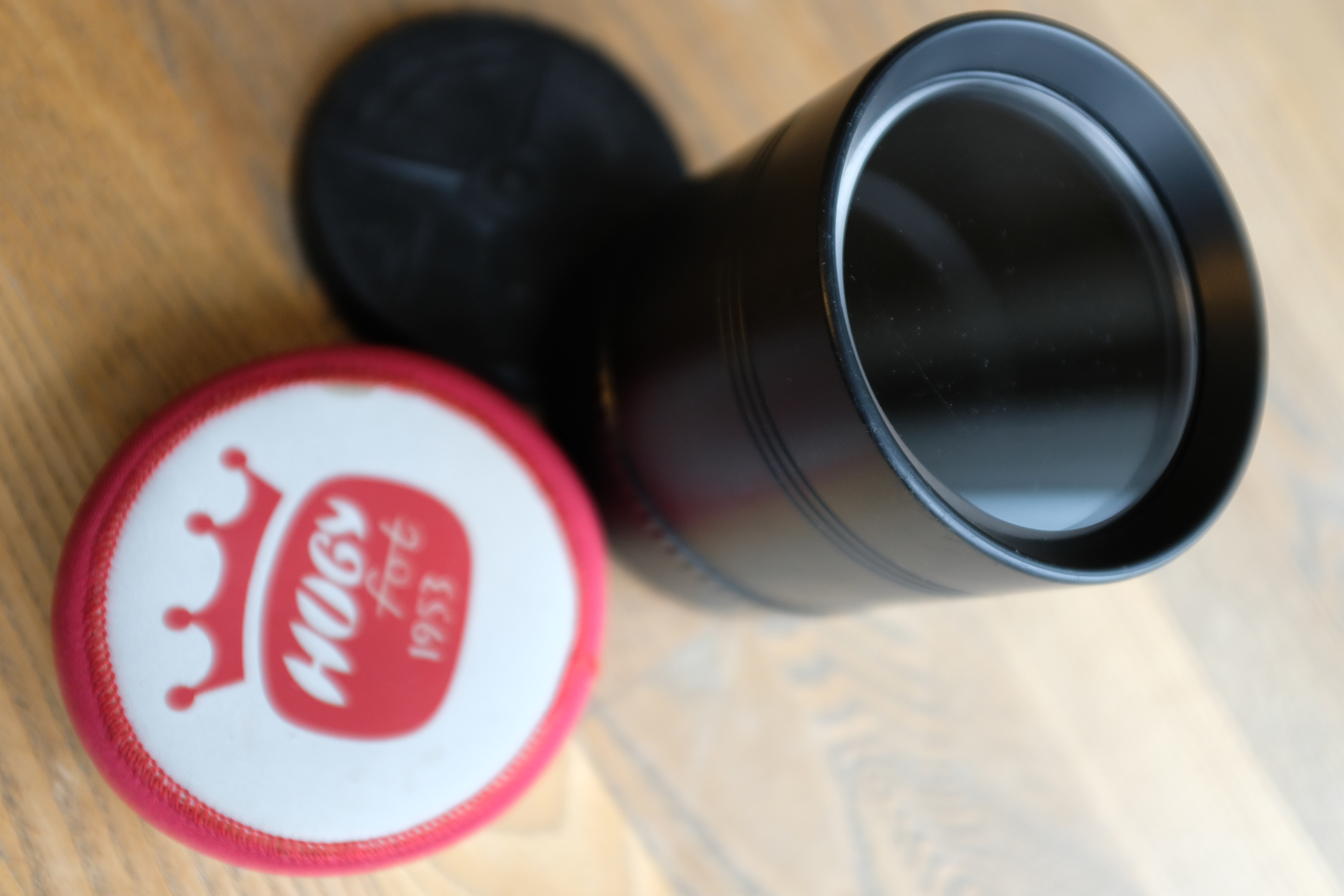
- Flat port Acrylic - L 90 / D 100 - (Includes neoprene protection cap + external dust cap) - new price 200 euro
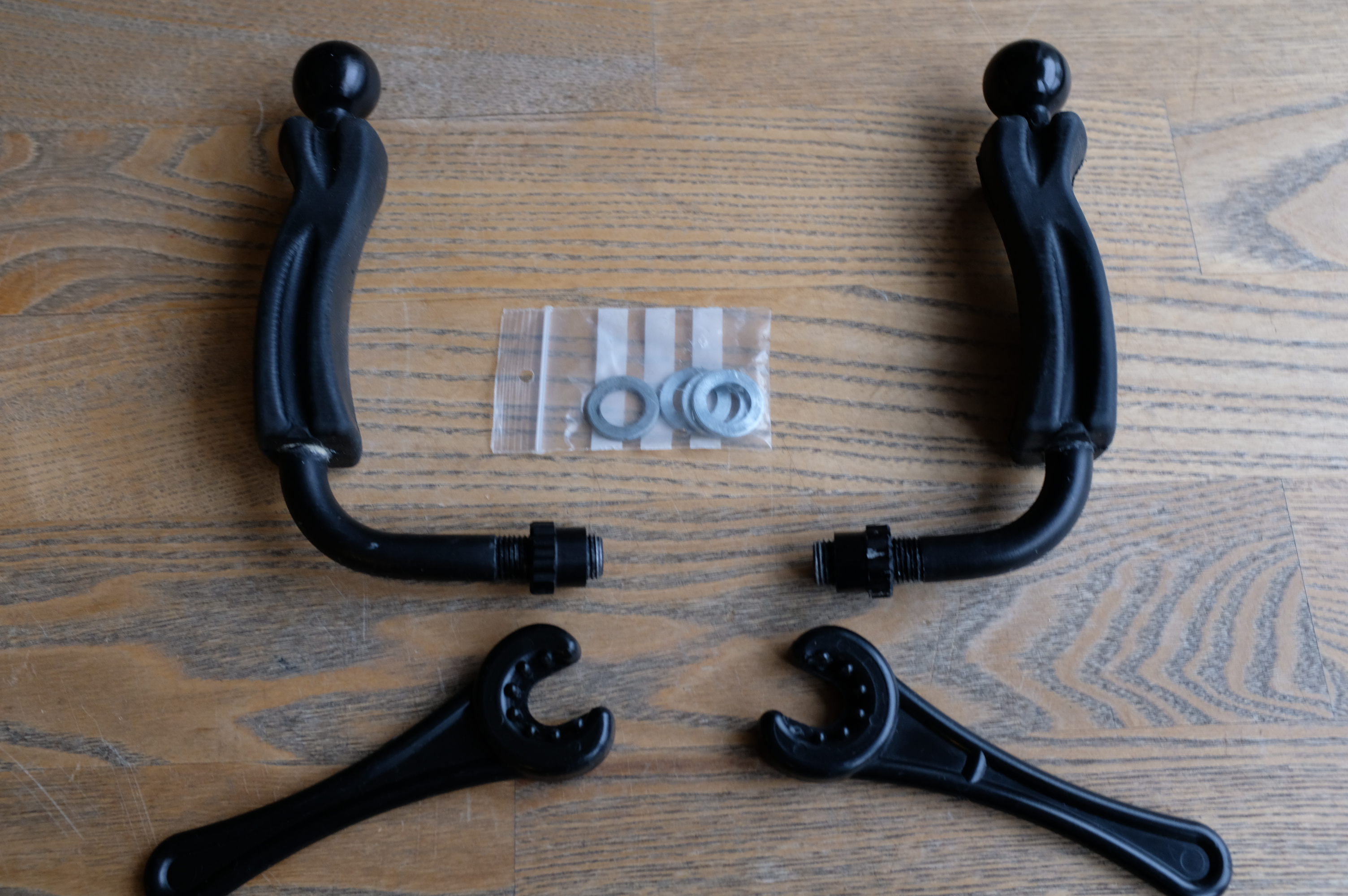
- Handle Large - with armball Acrylic strobe adapter - new price 200 euro
The whole kit is 1200 euro, plus postage. I accept paypal.
Please do not hesitate to contact me if you have any questions.
Cheers,
Henrik
(henrikmunkebo at gmail.com)
Front:

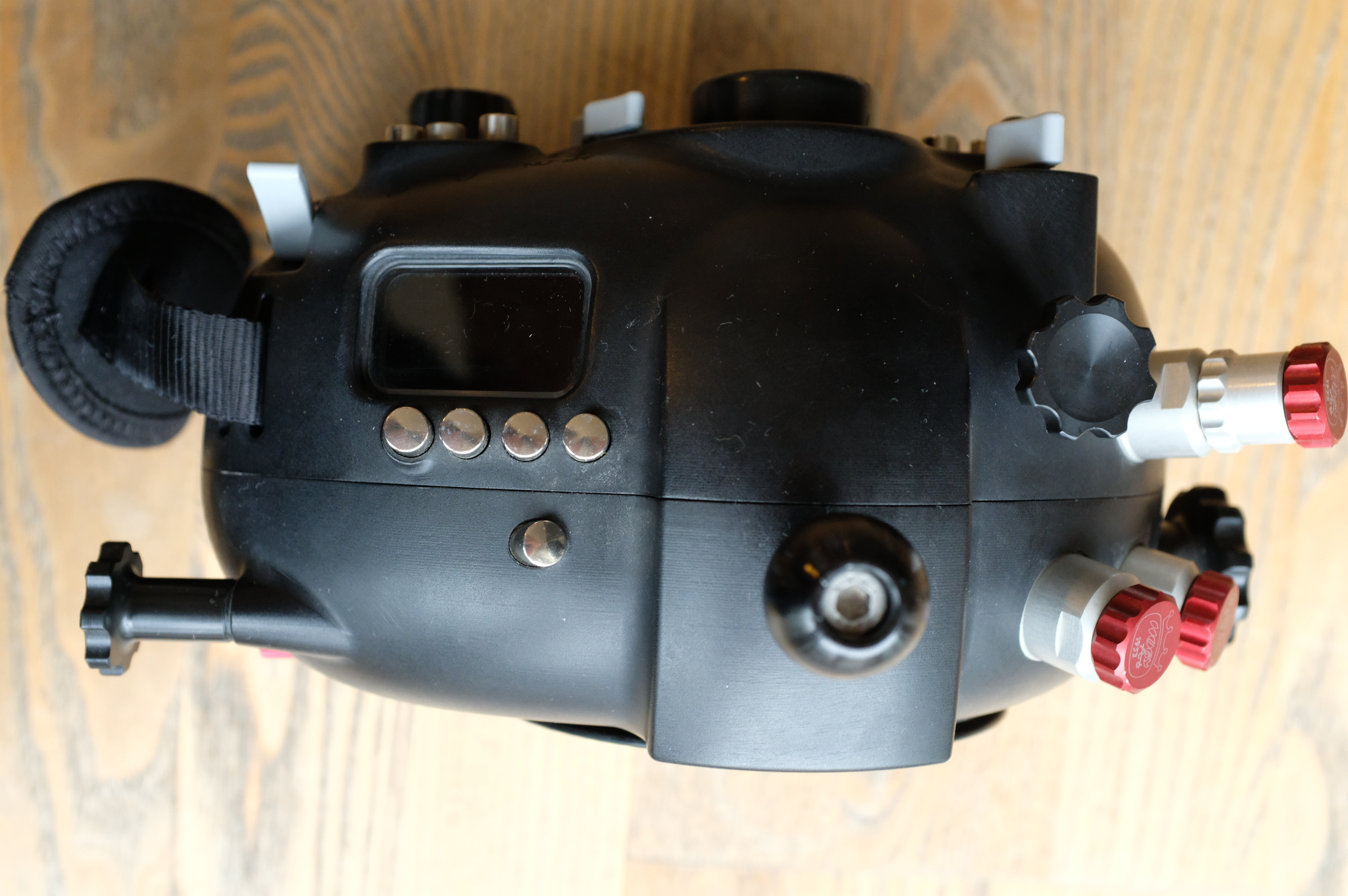
Top:
Bottom:
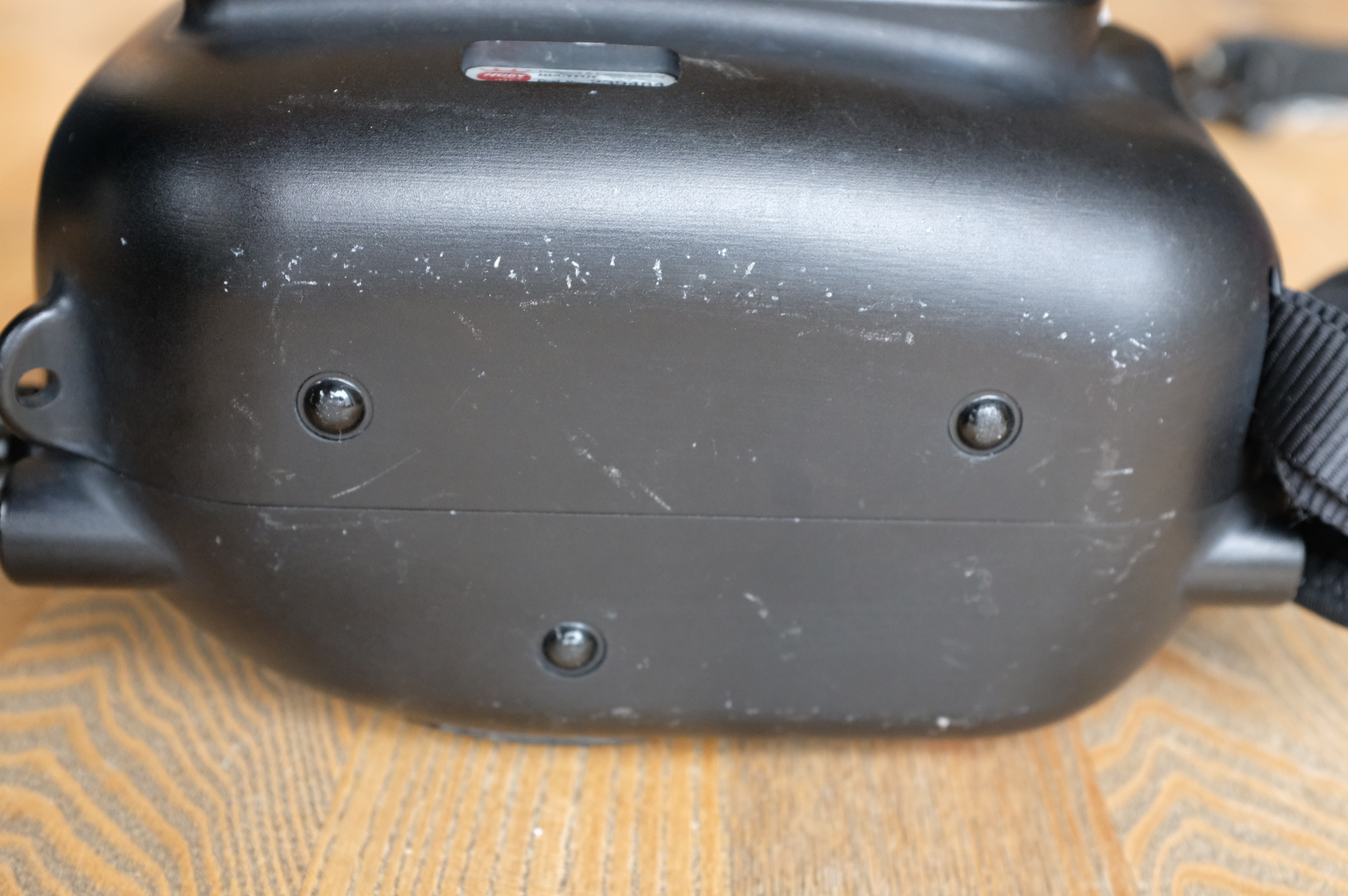
Side:
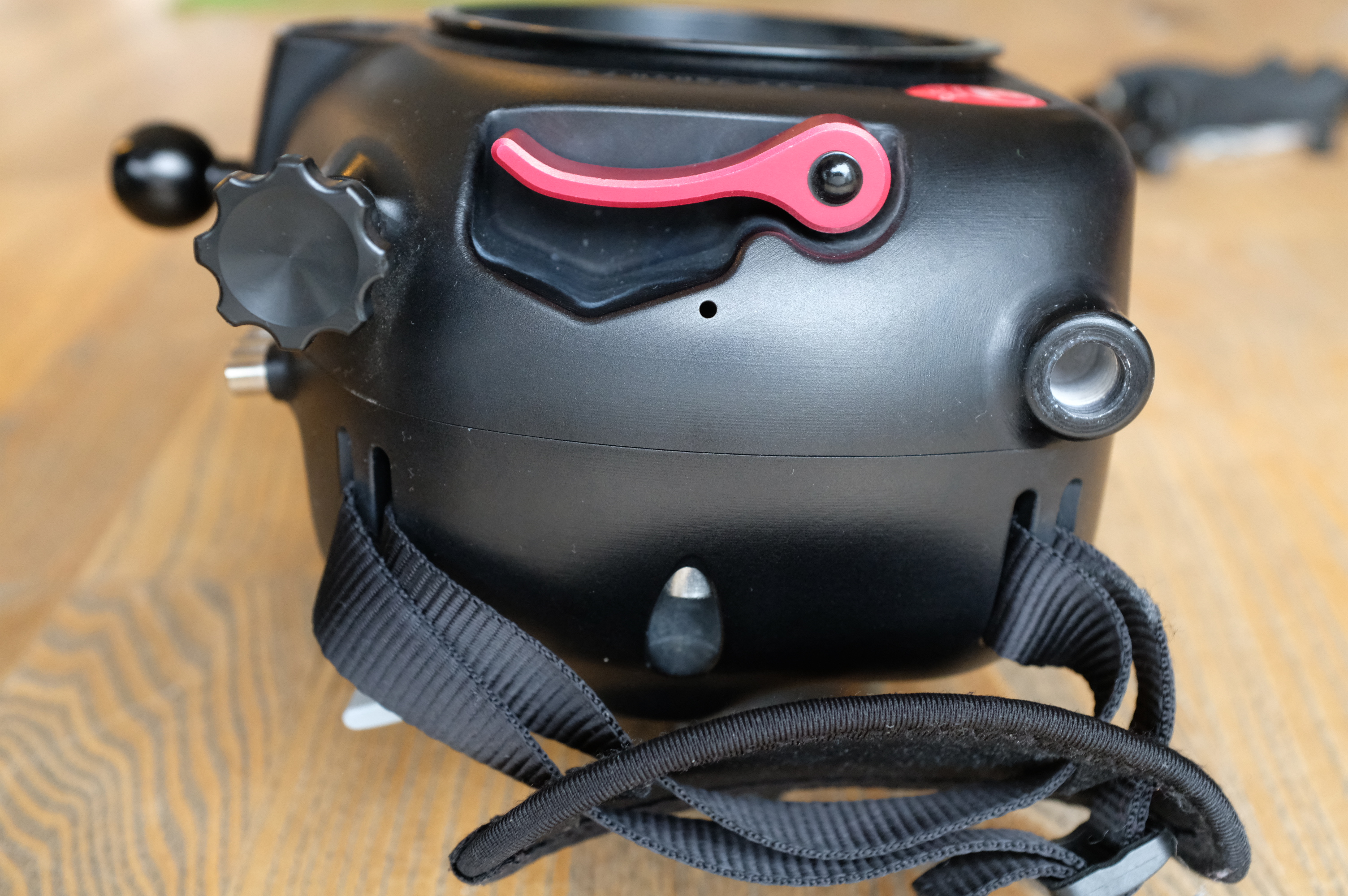
Side:
Inside:
Extension ring 40 mm
Fisheye Port Acrylic L 25 / D 174

Gea: 6511 & SIL 6667
Flat port Acrylic - L 90 / D 100 - (Includes neoprene protection cap + external dust cap)
Handle Large - with armball Acrylic strobe adapter
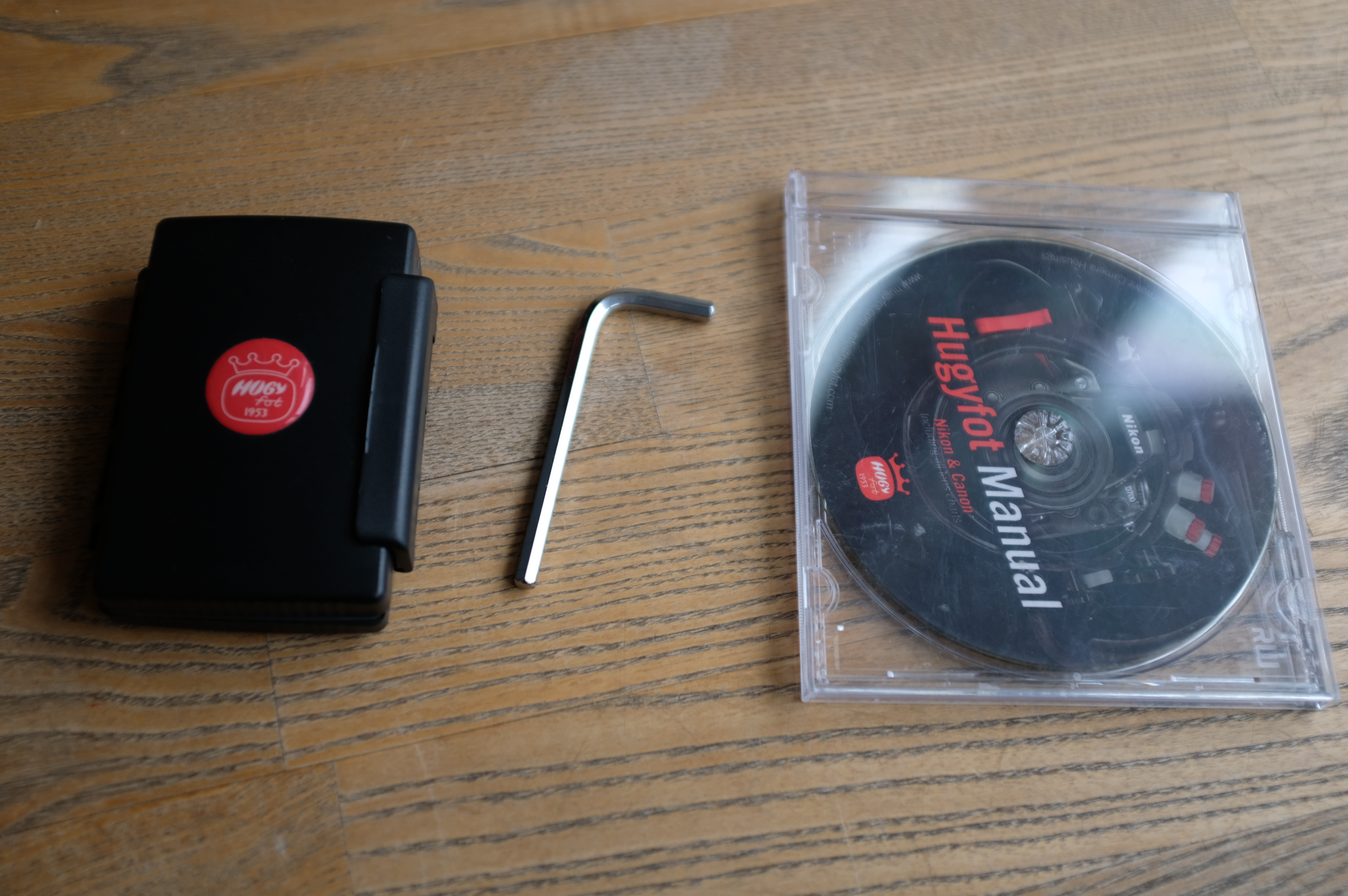
HugyCheck
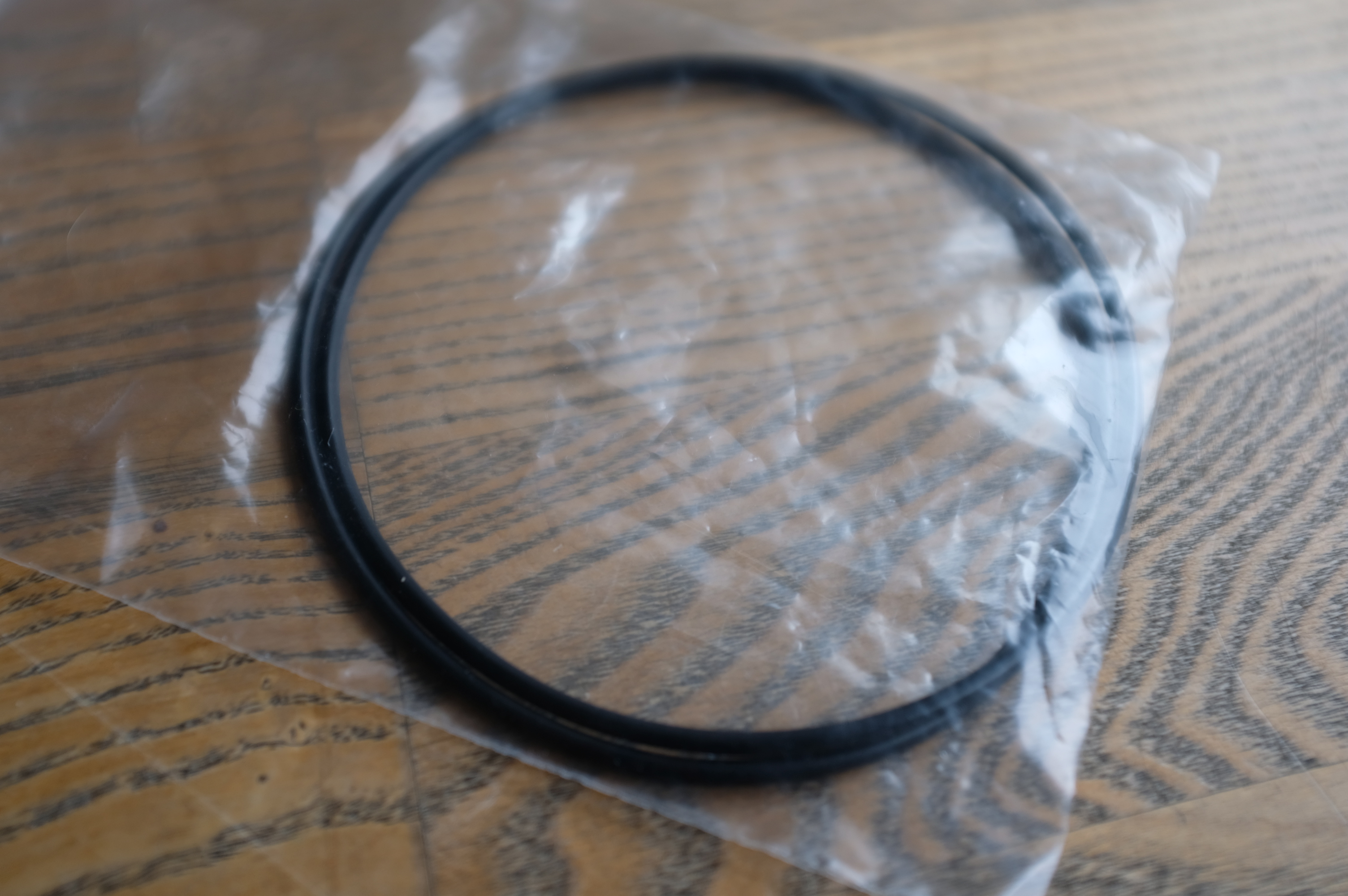
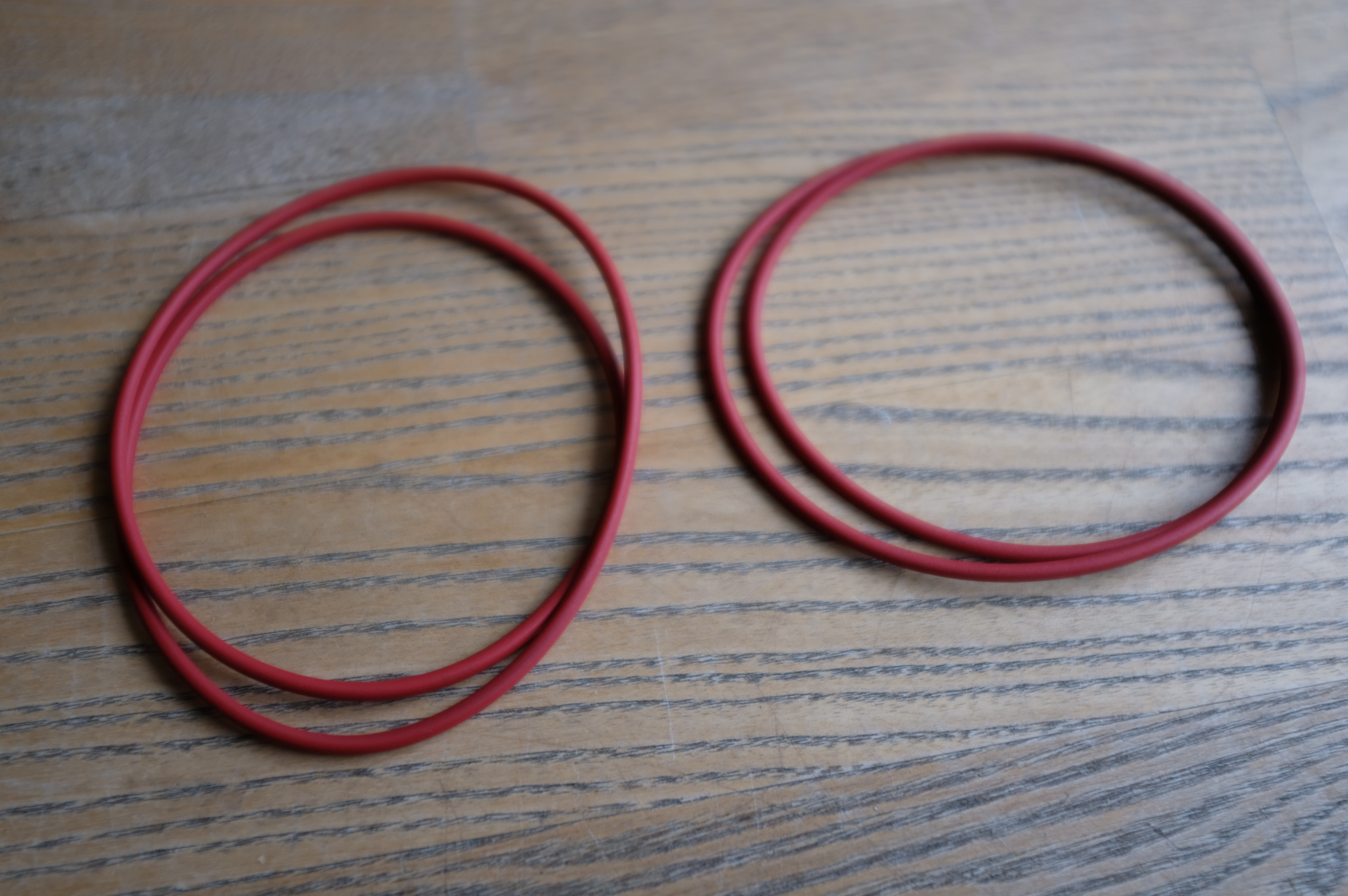
spare o-rings for housing
spare o-rings for ports