Hello, I'm Julian Nedev and I'm an underwater photography instructor at CMAS.
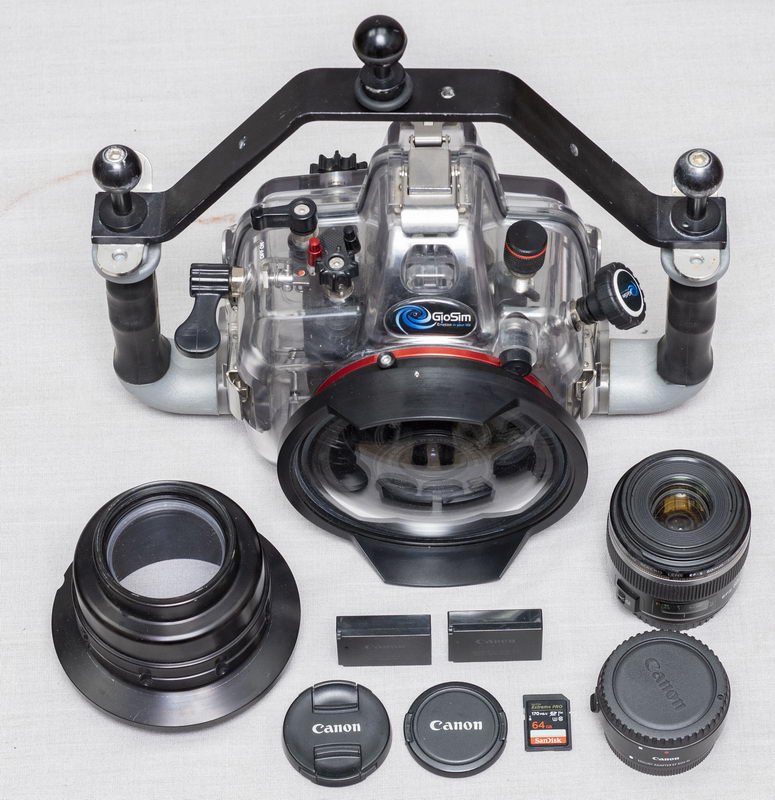
I would like to present to you the underwater housing of the Italian company GioSim.
A few months ago I became an ambassador for this company.
GioSim provided me with underwater housing, macro and wide-angle ports.
I did tests in the pool, the Black Sea and the Red Sea. Very well made, safe and easy to use.
All camera functions are very well managed.
Macro and wide-angle ports are locked to the housing very securely.
The housing and camera and lenses are in perfect condition.
All parts of it work flawlessly. Without any technical notes!
The perfect set for macro and wide-angle photography!
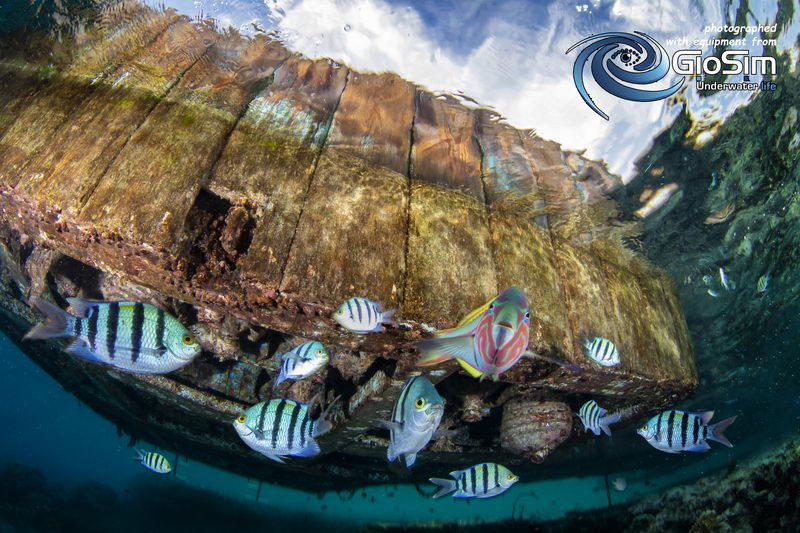
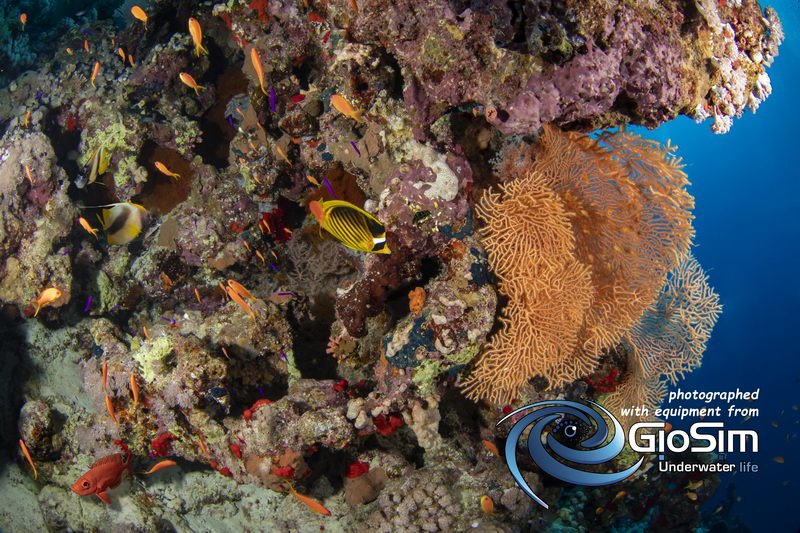
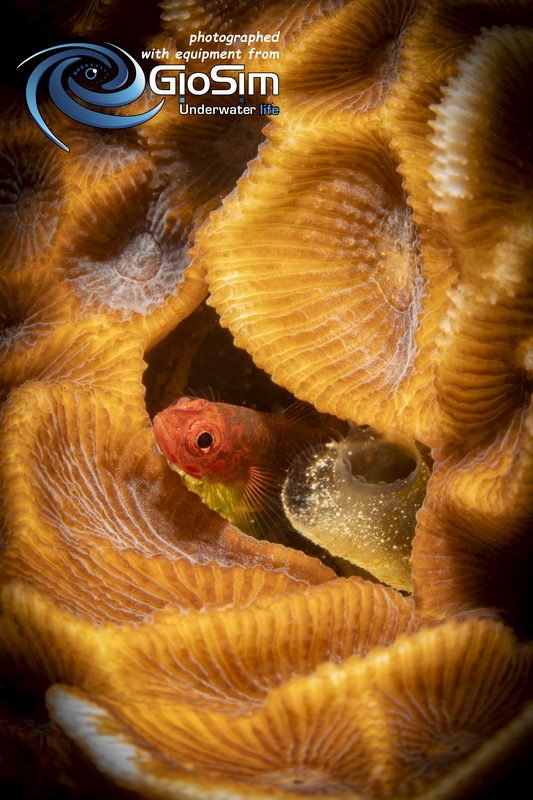
All photos in this addvertising were taken with the Canon M50 + GioSim Housing and GioSim ports.
I'M SELLING THIS KIT BECAUSE I'M PROCEED TO FULL FRAME MIRRORLESS CANON R WITH NEW GIOSIM HOUSING FOR THIS CAMERA!!!
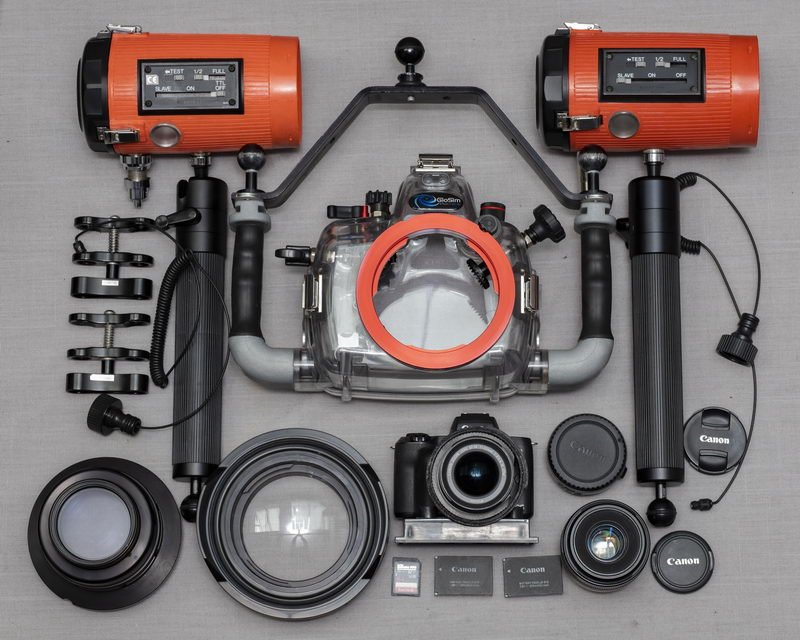
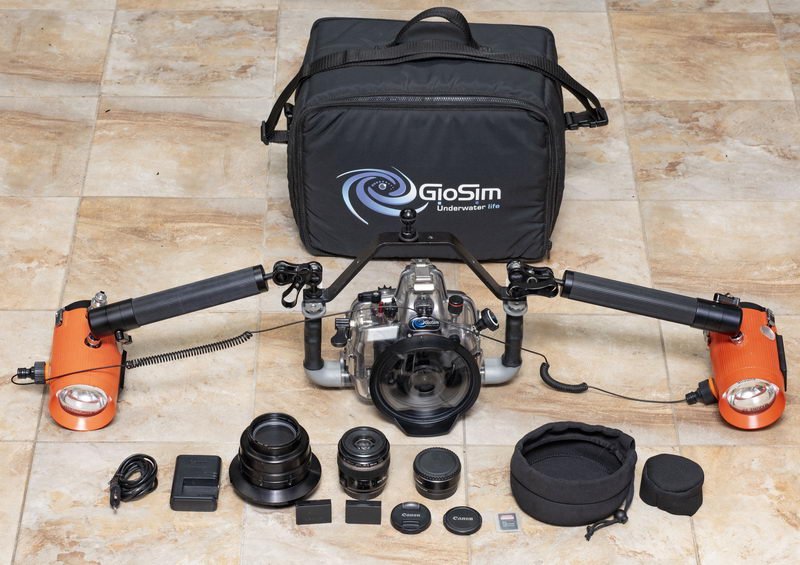
1. GioSim housing for Canon M50
2. Dome port 5 "
3. Flat port with 67 mm for wet lens
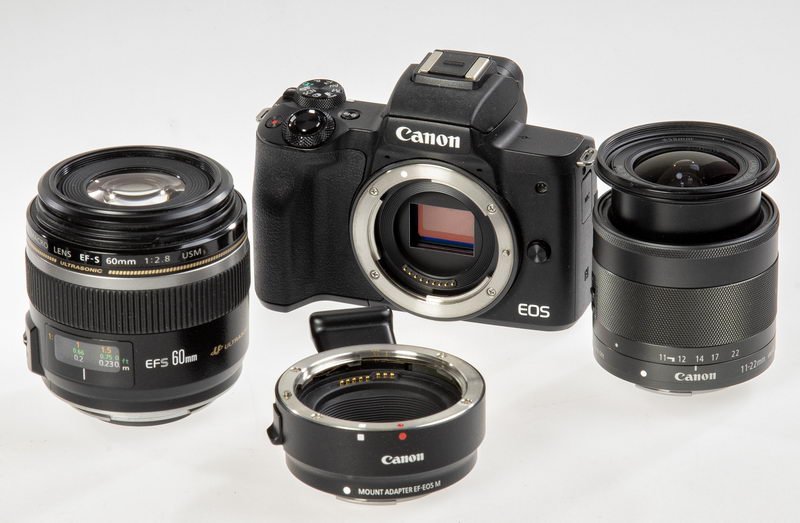
4. Canon M50 body + 3 battery + charger
5. Canon EF-M 11-22 / 4-5,6 IS STM lens
6. Canon EF-S 60 / 2.8 MACRO USM lens
7. Canon mount adapter EF-EOS M for Canon EF-S 60
8. Sandisk 64GB / 95mb class 10 SD card
9. One pieces 1” ball clamp in top
10. GioSim Original Carrying Bag
Price of this set is 1900 Euro WORLDWIDE SHIPPING
IS INCLUDED IN THE PRICE WITH DHL/ТNT/DPD/UPS/FEDEX COURIER AND INSURANCE!
I sell extra: Two SUNPAK Marine 3200 for Ikelite + diffusers, two strobe arms and two clamps, two optic fiber cable.
*** They operate only in manual mode at full power, half power and in slave mode.
They do not work in TTL Price of this two Sunpak flashes is 450 Euro