



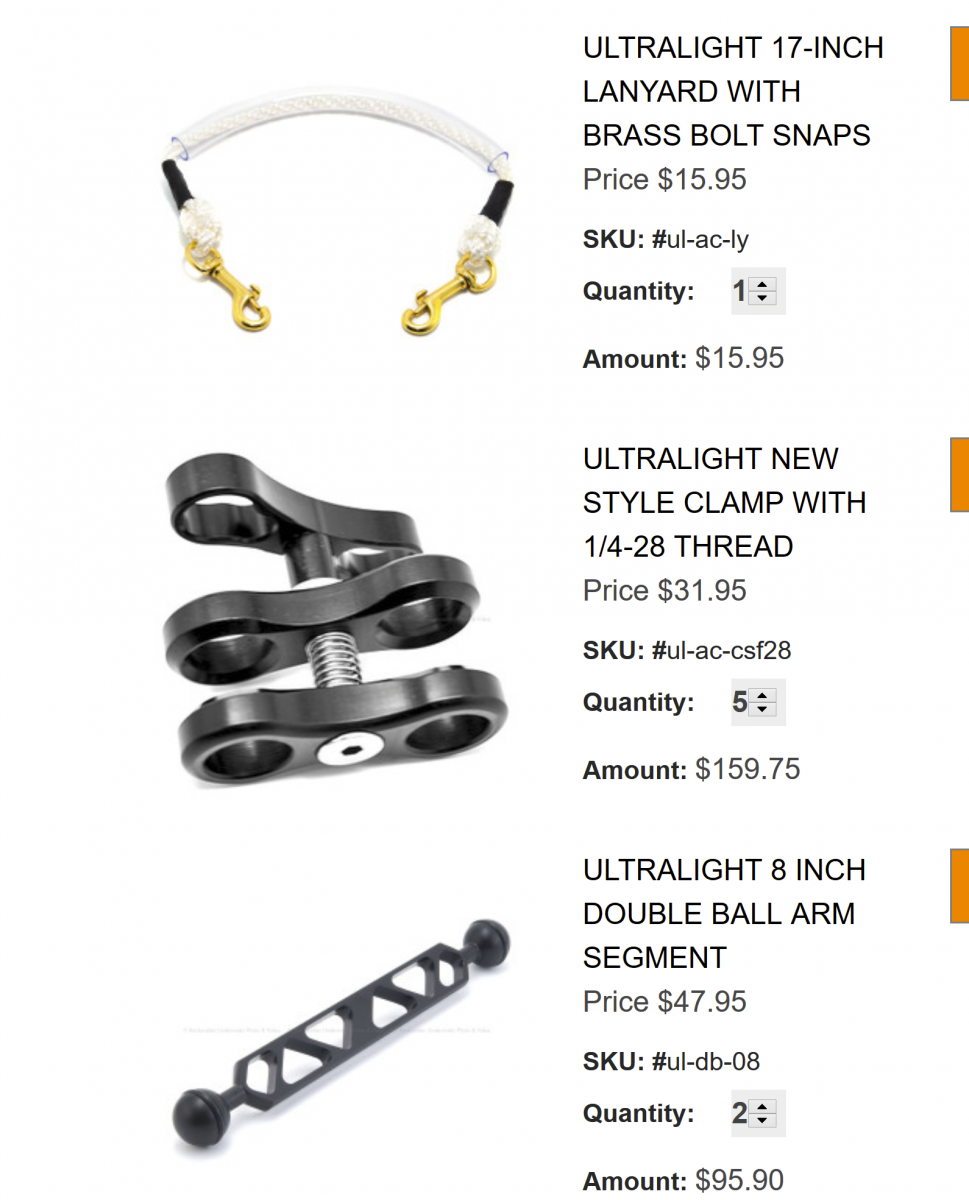
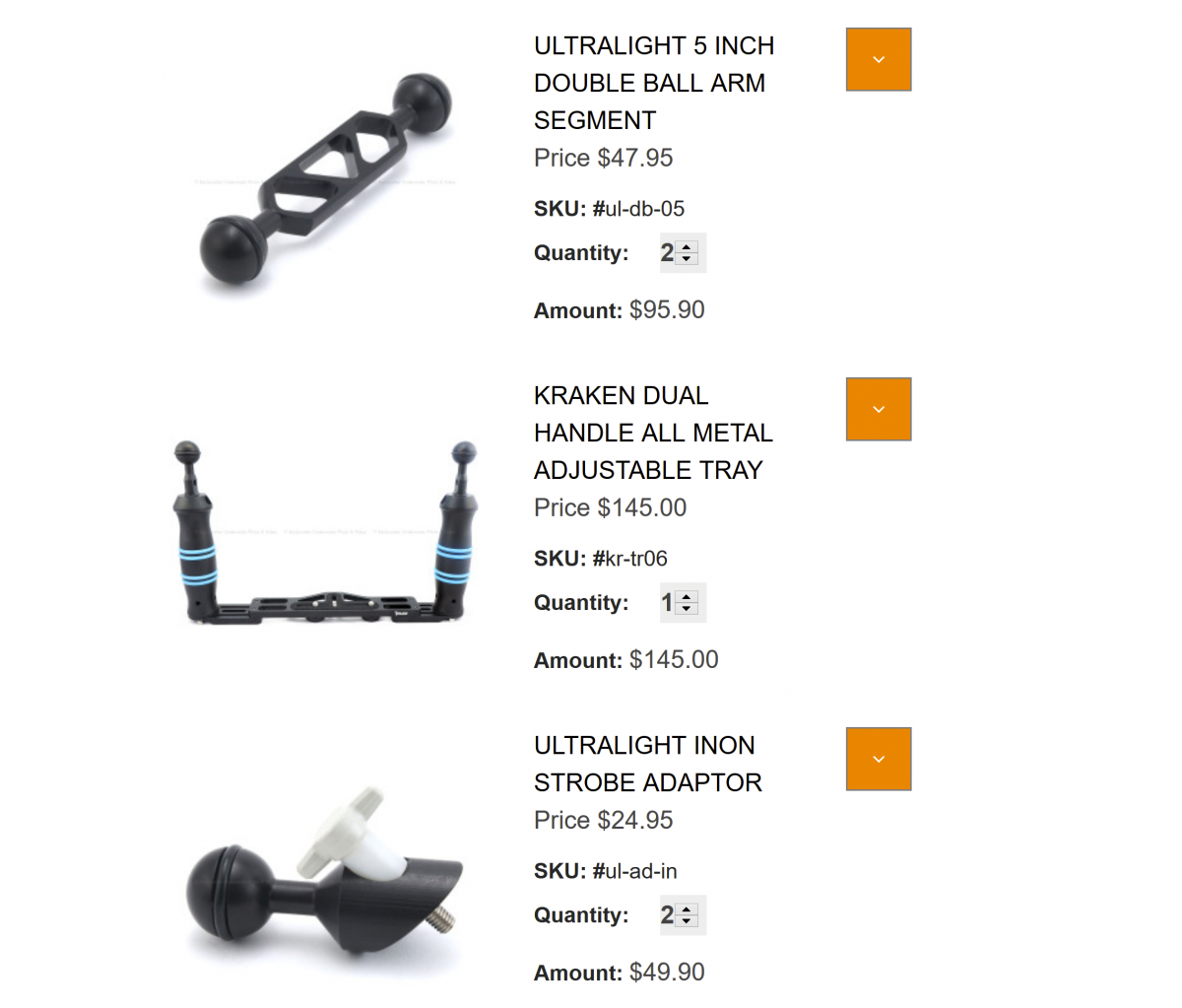
I shoot mostly macro and a little bit bit of wide angle. I wanted a rig that I could do a bit of both and not break the budget.
Did I forget anything? Any input on any of my choices?
Here are some of my pics.
Beginner Forum / Archived topic
Started by domromer ·
Read-only discussion
I shoot mostly macro and a little bit bit of wide angle. I wanted a rig that I could do a bit of both and not break the budget.
Did I forget anything? Any input on any of my choices?
Here are some of my pics.
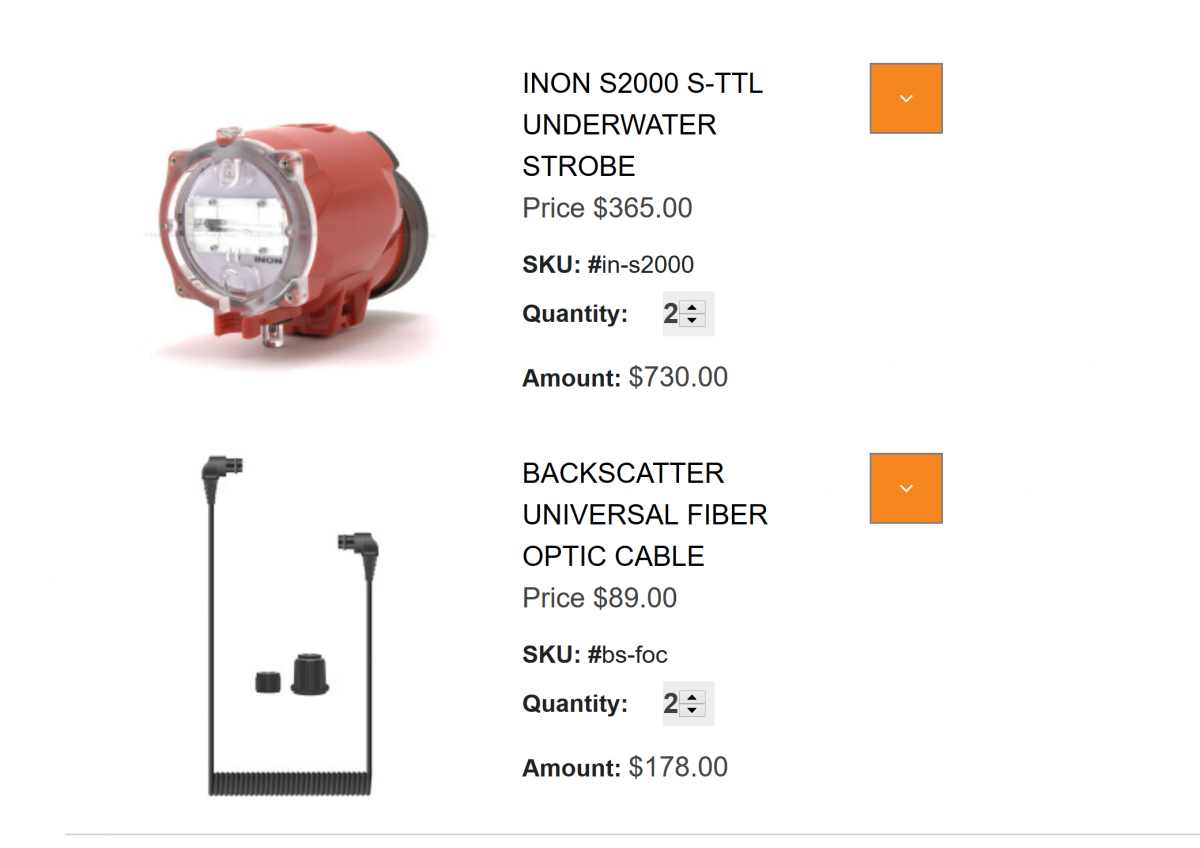
I would get this cable instead: https://www.backscatter.com/Inon-Optical-D-Cable-L-Type-17-in-With-Rubber-Fix
The S&S plugs are easy to pull out and the one you linked uses an adapter to allow a S&S to plug into INON Screw fitting so can pull out. The one I linked has an INON screw fitting end so only the housing end uses a S&S plug fitting. Alternately you can order the cable bare and buy a right angle plug fitting for the cable. I prefer to use the old style large screw plug which is provided on this cable as well, you take apart the fitting to change the fitting.
The L cable adapter is here: https://www.backscatter.com/Inon-Rubber-Bush-Typle-L
You can use one for two cables if you like. I think it is also more secure than the straight double hole bushing. The advantage of these cable types is if the cable breaks at the plug you can trim the cable and re-assemble it. The moulded plugs on the cable you linked can't do this.
You don't mention what housing you have - you might need an attachment to allow you to plug in fibre optics if the housing doesn't have it as standard. This is the one for a TG-6: https://www.backscatter.com/Olympus-PFCA-03-Optical-Fiber-Cable-Adapter
You also need 6 clamps not 5 and do you have something to clip your carry lanyard to? this is one option: https://www.backscatter.com/Nauticam-Multi-Purpose-MP-Clamp-with-Shackle Ultrlight may have something similar.
.jpg.857dbbfbdc4d79d9c6ebf7b4ba96ed1b.jpg)
Terms of Use Privacy Policy Guidelines We have placed cookies on your device to help make this website better. You can adjust your cookie settings, otherwise we'll assume you're okay to continue.

A worldwide community for underwater imaging.
