



Hi,
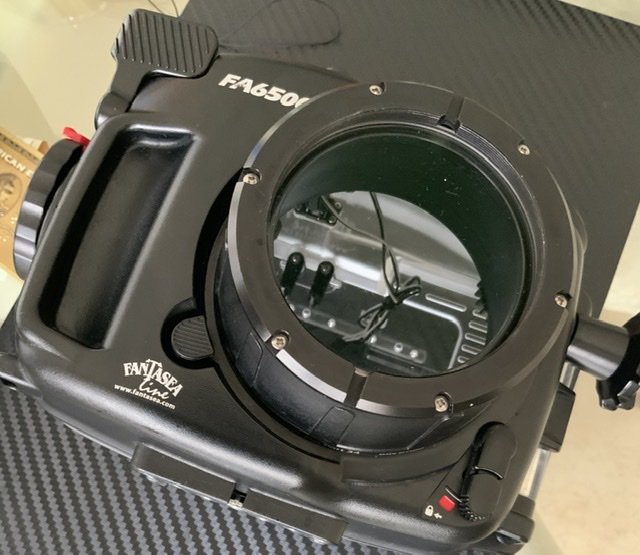
I recently bought a new macro lens port for my Fantasea FA 6500. However, I lost the port changing tool and can’t seem to change the port. Its very hard.
Any suggestions?
Read-only discussion
Hi,
I recently bought a new macro lens port for my Fantasea FA 6500. However, I lost the port changing tool and can’t seem to change the port. Its very hard.
Any suggestions?
It looks like the tool is just a straight bar that slots into openings on the front of the port, so any straight piece of metal could be substituted and maybe wrap the part over the port glass in a cloth. An alternative might be a strap wrench - you have to careful that the handle of the strap wrench does not dig in as you try to turn and placing piece of neoprene or similar underneath that area will help protect the port.
If you use a strap wrench - go gently and once you get the port off check the o-ring carefully - lack of lubrication may damage it as you turn the port.
Agree, a Strap Wrench may be the correct tool for the job. It may help to first apply silicon spray or liquid detergent to the housing-port joint, and allow to soak in for a few hours, to lubricate and to soften any trapped residue. 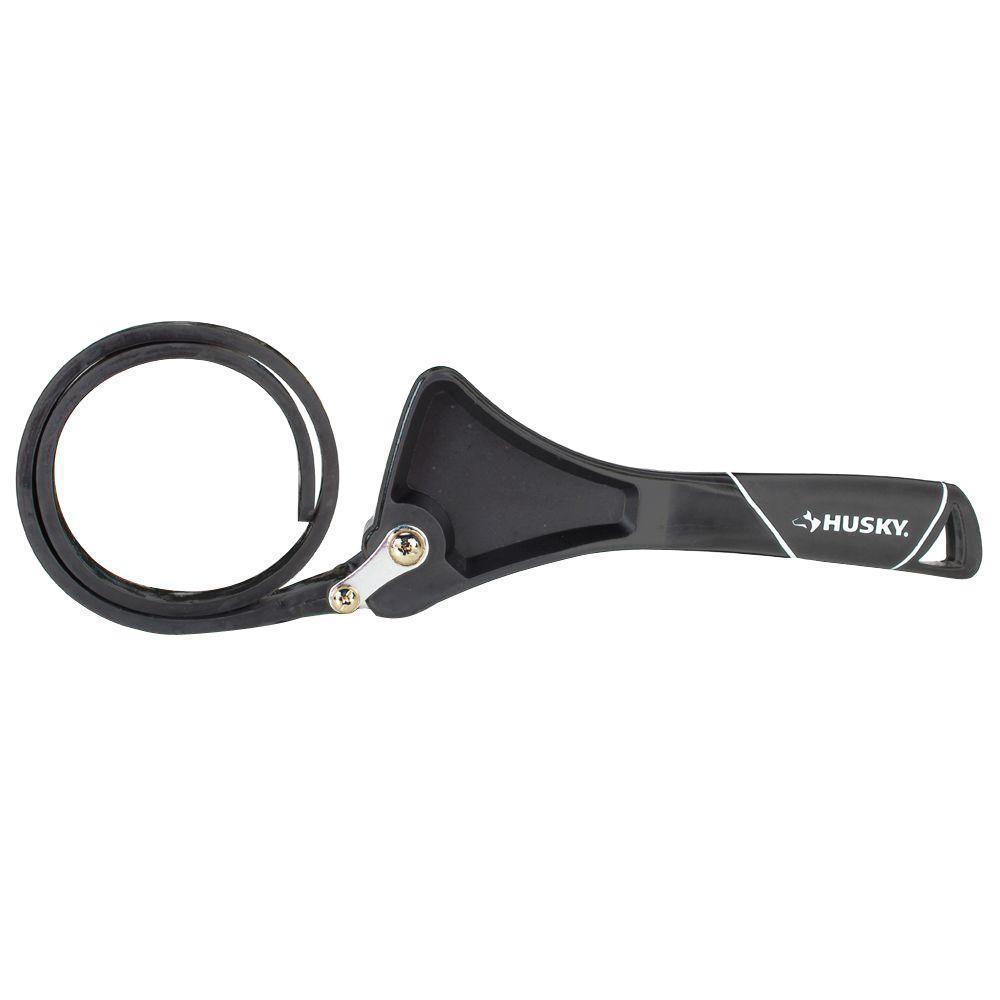
Thanks a lot. I will try with a metal ruler using a cloth. If that doesn’t work, will be buying the wrench.
Thats the port in the picture.

Terms of Use Privacy Policy Guidelines We have placed cookies on your device to help make this website better. You can adjust your cookie settings, otherwise we'll assume you're okay to continue.

A worldwide community for underwater imaging.
