Skip to content

Classifieds / Archived topic

FS: Nauticam 5dmkiii with port, glass dome, monito

Started by VinnyQH ·

  • 10Posts
  • 10Replies

Read-only discussion

FS: Nauticam 5dmkiii with port, glass dome, monito

10 posts
  1. Nauticam NA-5DMKIII housing for Canon Mk III (3,800 new)

    Nauticam Extension Ring 20 with lock (280 new)

    Nauticam M 16 Vacuum Valve with Pump (items & installation 440)

    Zen 230mm Glass Dome for Nauticam housing (1,899)

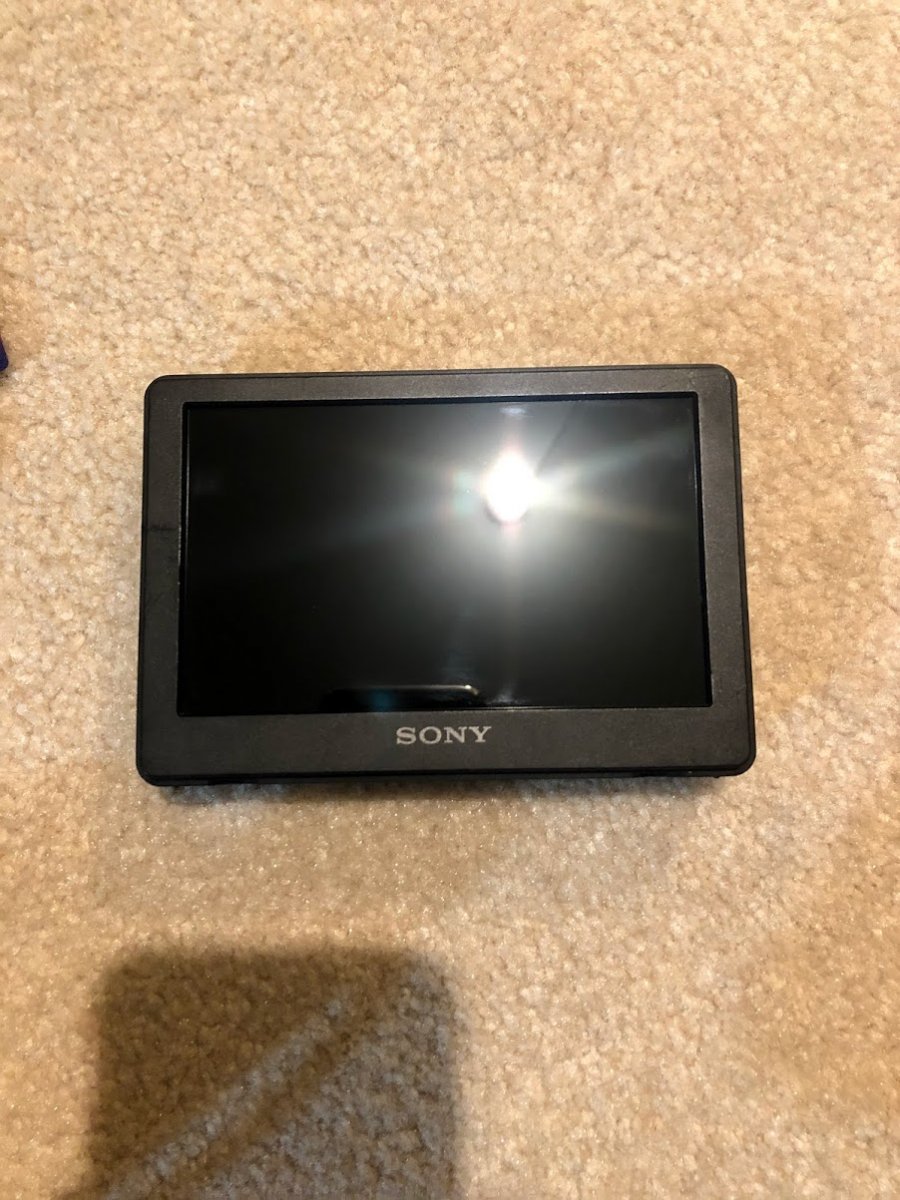
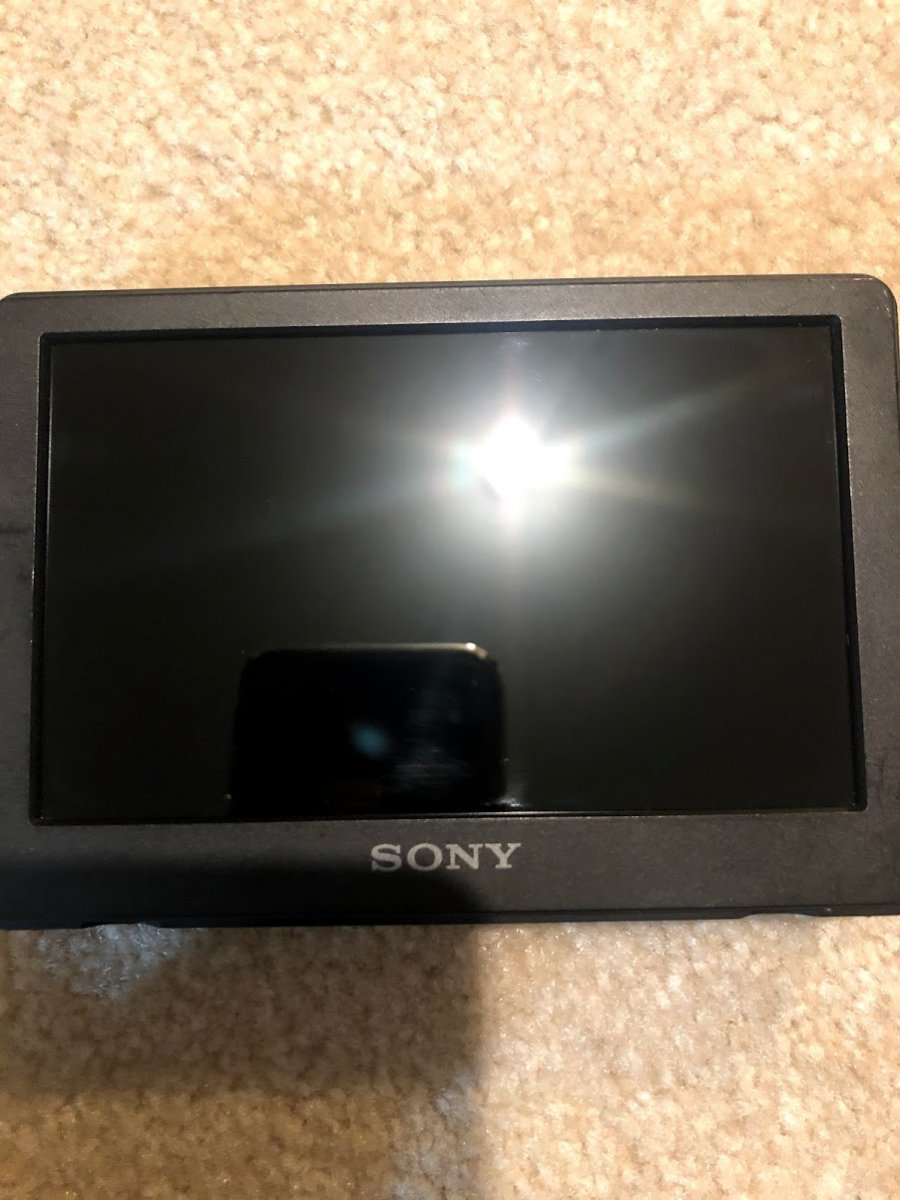
    Sony CLM-V55 5" LCD Monitor with battery & charger (3 extra batteries included) (499.99)

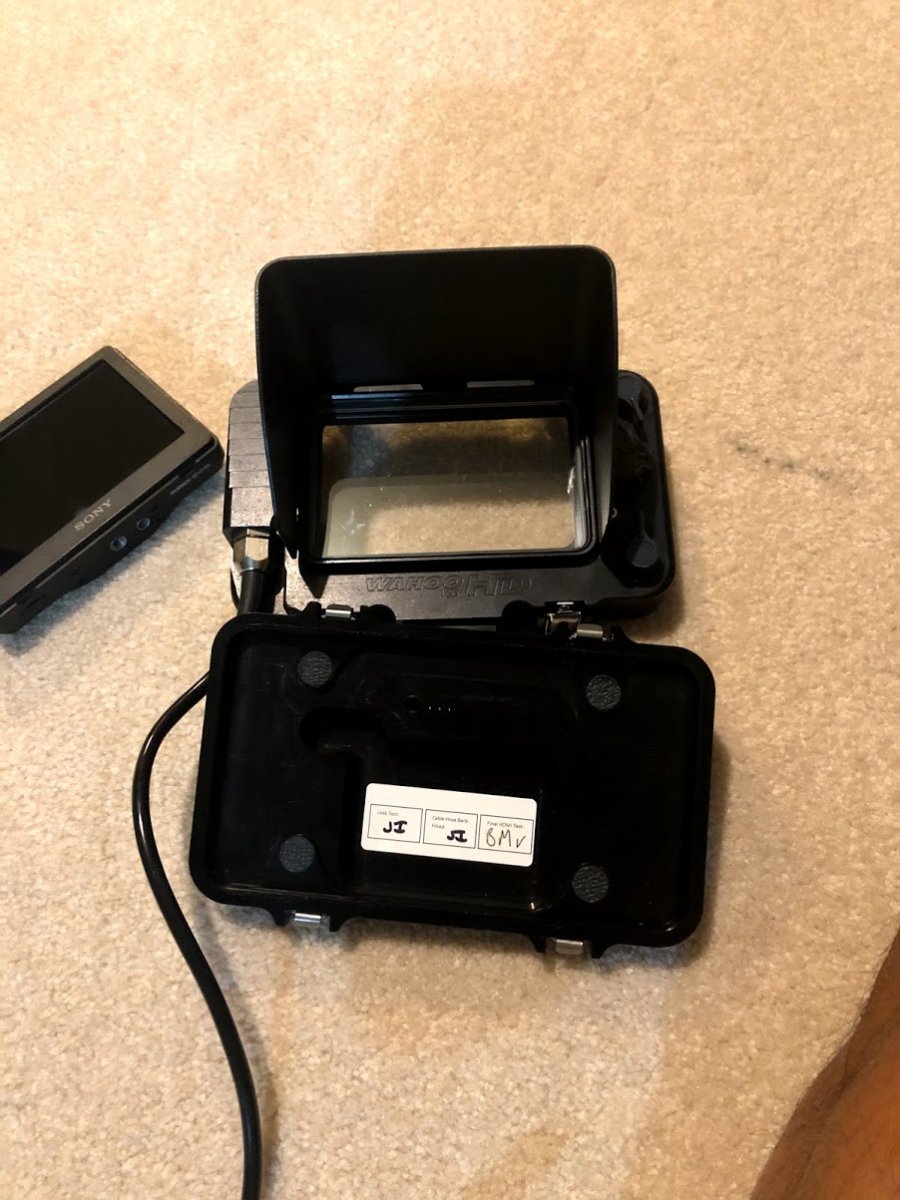
    Backscatter Wahoo HD Monitor Housing (1324.00)

    Ultralight Large Longer Clamp (34.95)

    Pelican 1620 Case w/ padded dividers (192.50)

    $3000 or best offer!
  2. Interested to sell the monitor and housing seperatly?

  3. Let's get this thing sold.

    Here are the pics of the monitor

    IMG_3649.jpg

    IMG_3648.jpg

    IMG_3647.jpg

  4. Can you send me some pictures pls? 

  5. monitor and monitor housing sold, have nauticam housing / dome still available. 2500 plus shipping.

    Edited by VinnyQH
  6. send me your number and i can send pics! Prices are in USD.

    Edited by VinnyQH
  7. Just received my monitor from VinnyQH and I must say it was a great deal. VinnyQH is a good seller and provided me with all the info I needed. Thanks again for the sale and support

  8. Hi VinnyQH,

     would you sell just the dome? how much do you want for it?

  9. On 9/18/2020 at 1:29 AM, raphaelgatti said:

    Hi VinnyQH,

     would you sell just the dome? how much do you want for it?

    Looks like it's sold, I messaged him about the dome last week but got no response.

  10. everything is sold. sorry for not updating sooner. Next post I'll include my contact information.

Turtle

Account

Navigation

Search

Search

Configure browser push notifications

Chrome (Android)
  1. Tap the lock icon next to the address bar.
  2. Tap Permissions → Notifications.
  3. Adjust your preference.
Chrome (Desktop)
  1. Click the padlock icon in the address bar.
  2. Select Site settings.
  3. Find Notifications and adjust your preference.