Skip to content

Classifieds / Archived topic

Seacam Seaflash 150 strobes for Nikon

Started by adamhanlon ·

  • 7Posts
  • 7Replies

Read-only discussion

Seacam Seaflash 150 strobes for Nikon

7 posts
  1. 200820-ahanlon-68782.jpg


    Hi all,

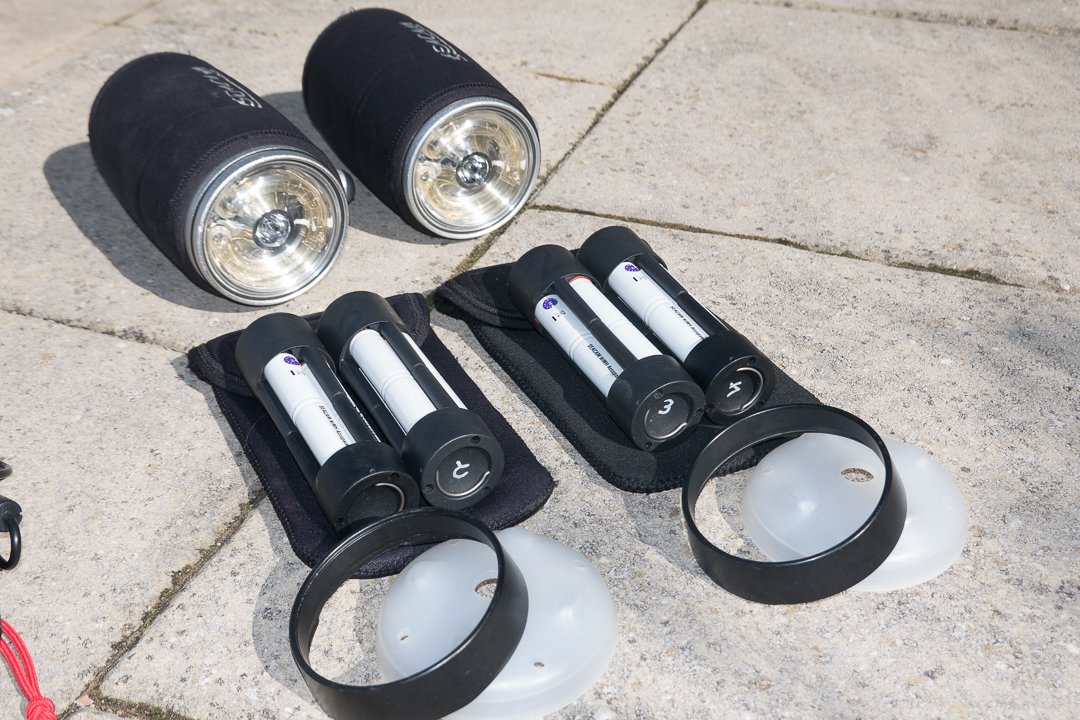
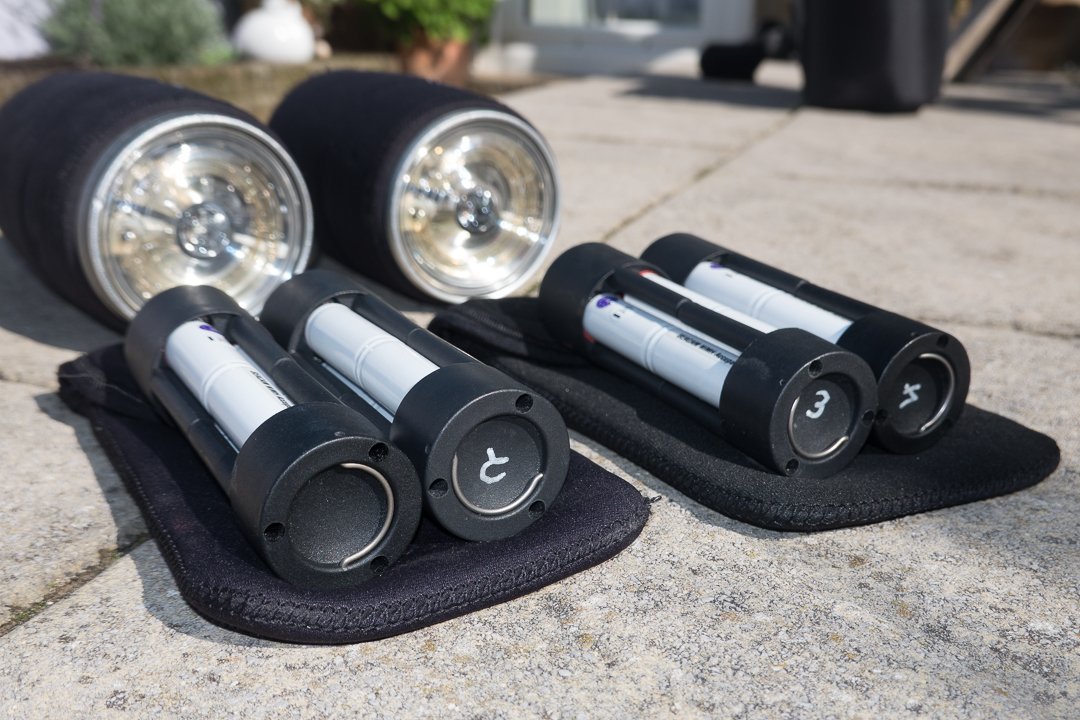
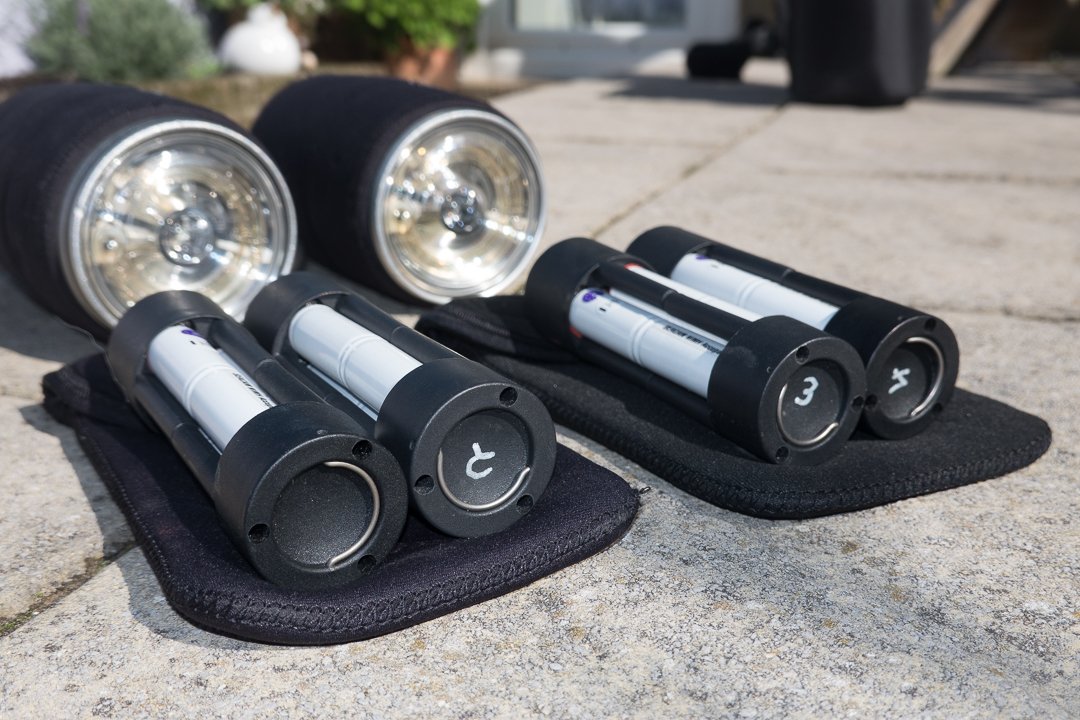
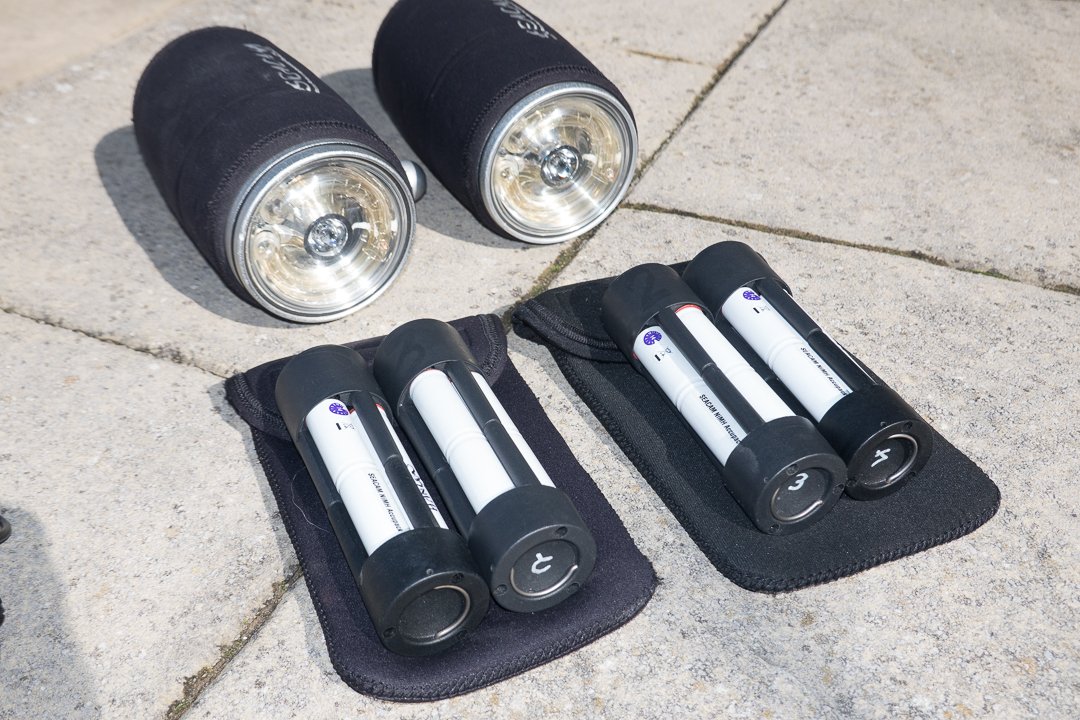
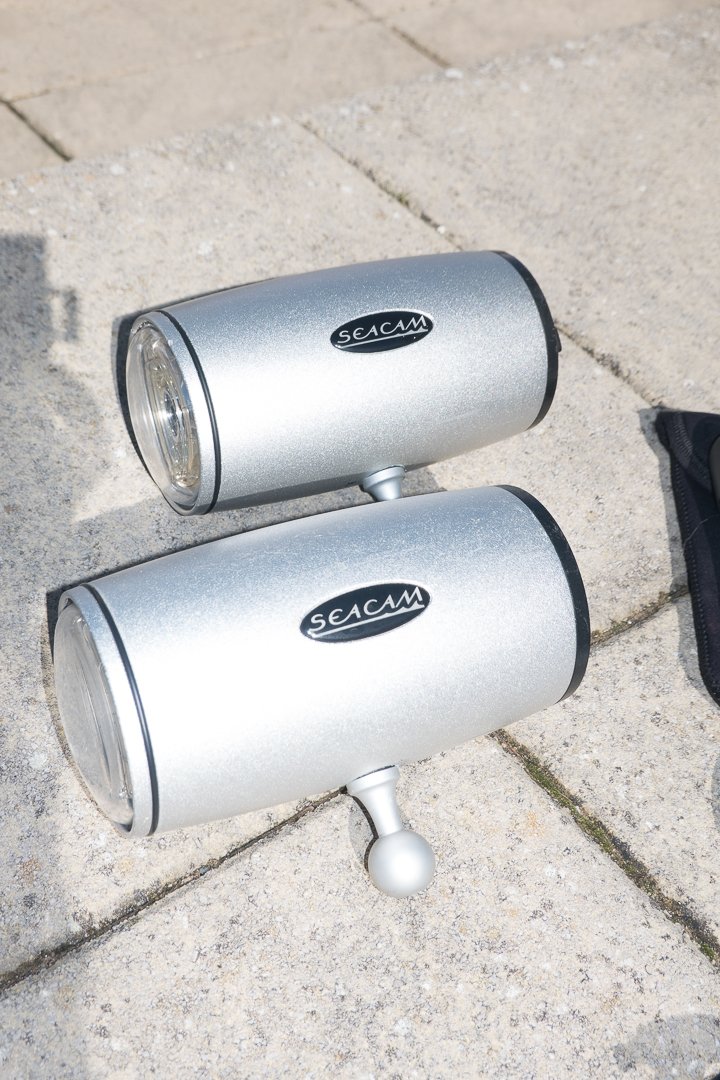
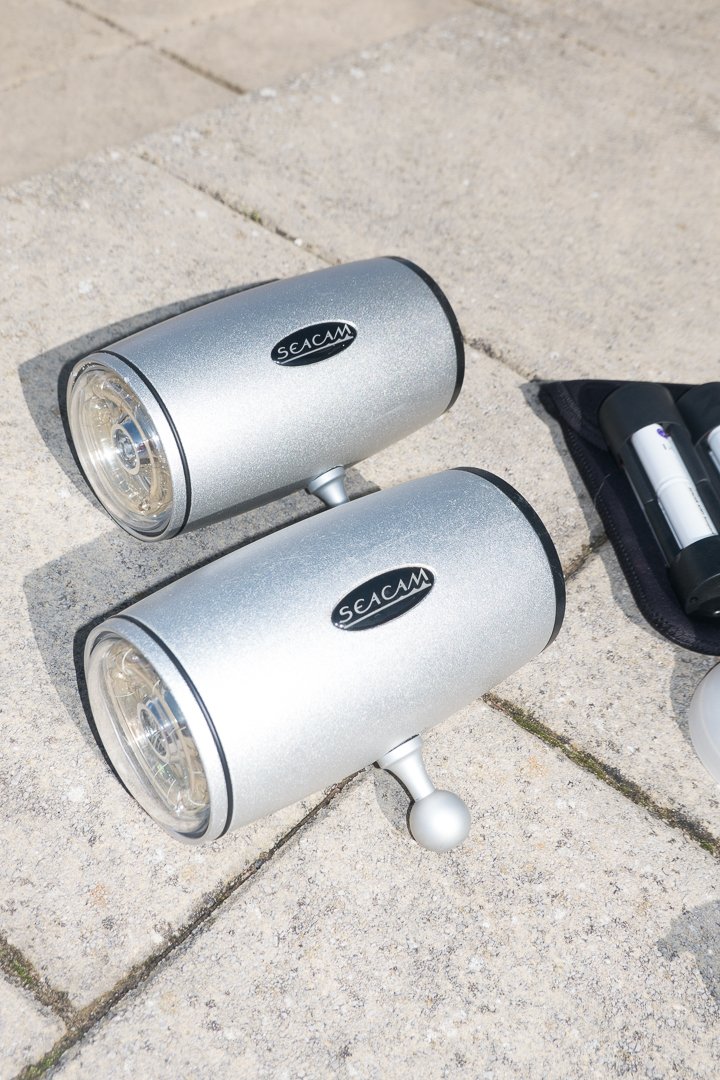
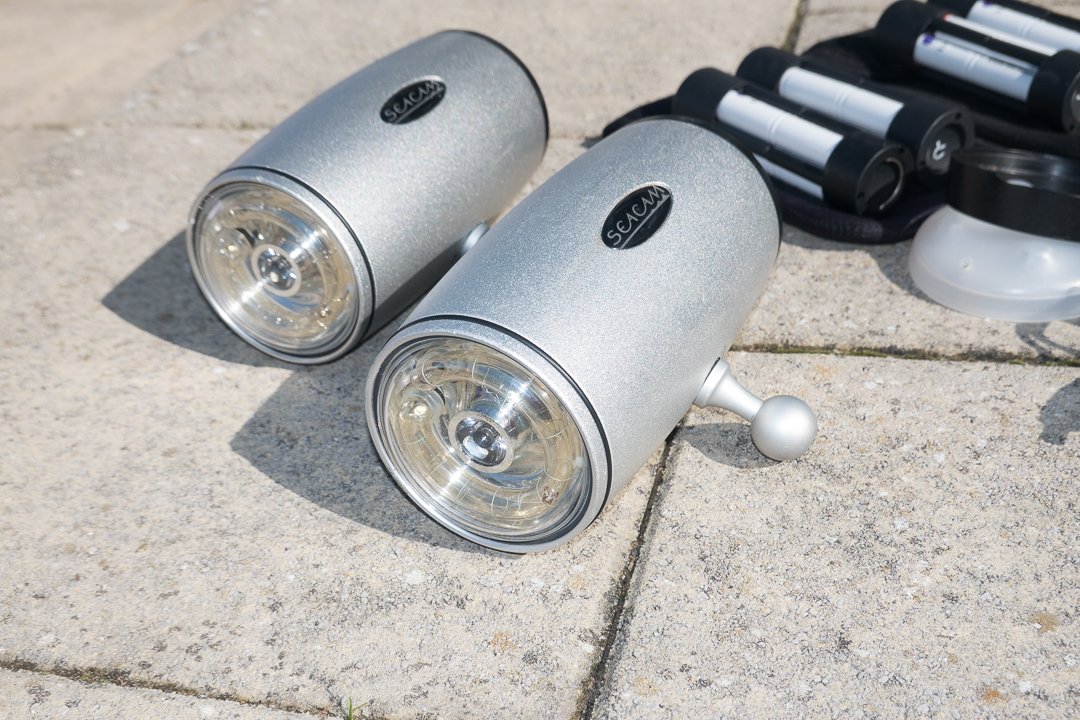
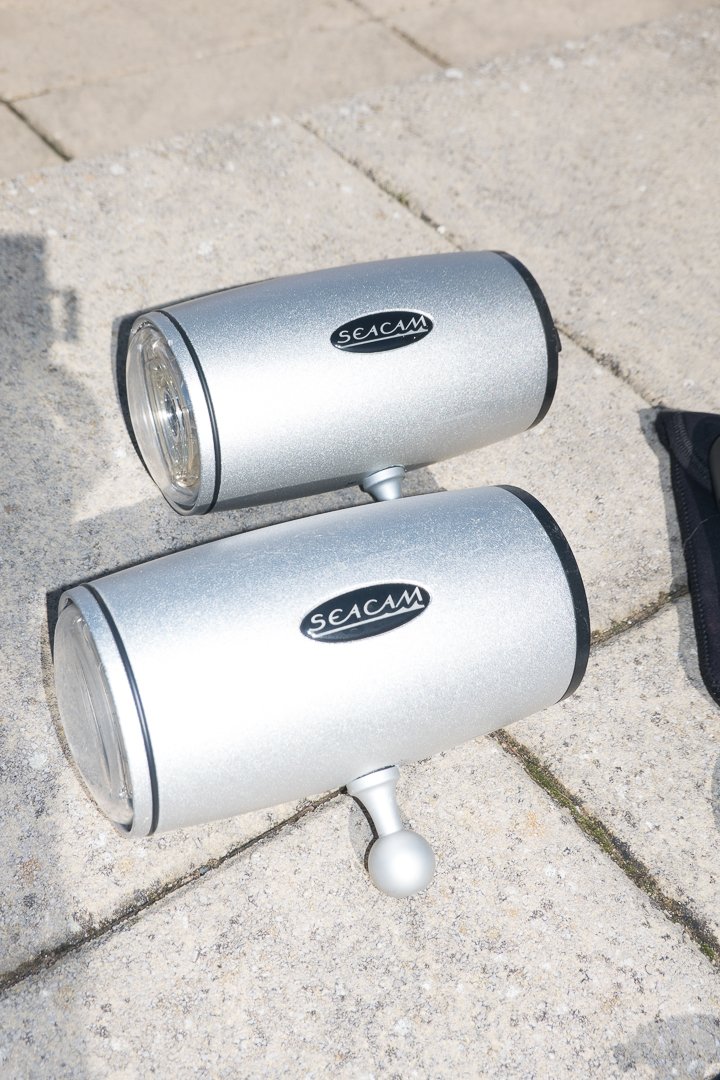
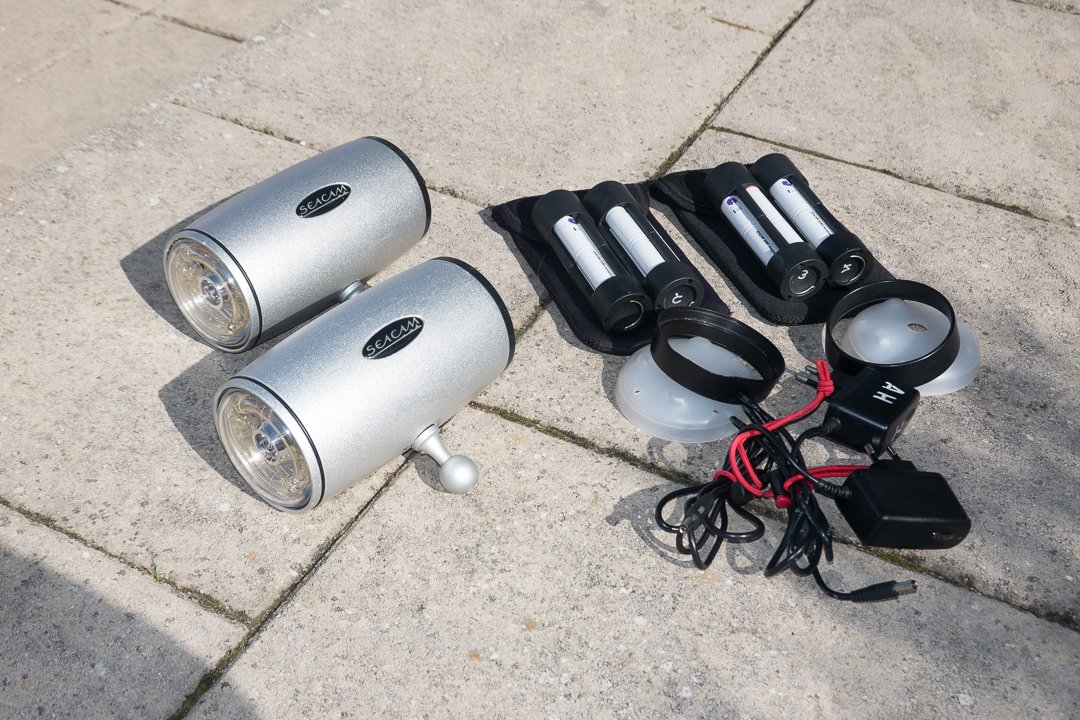
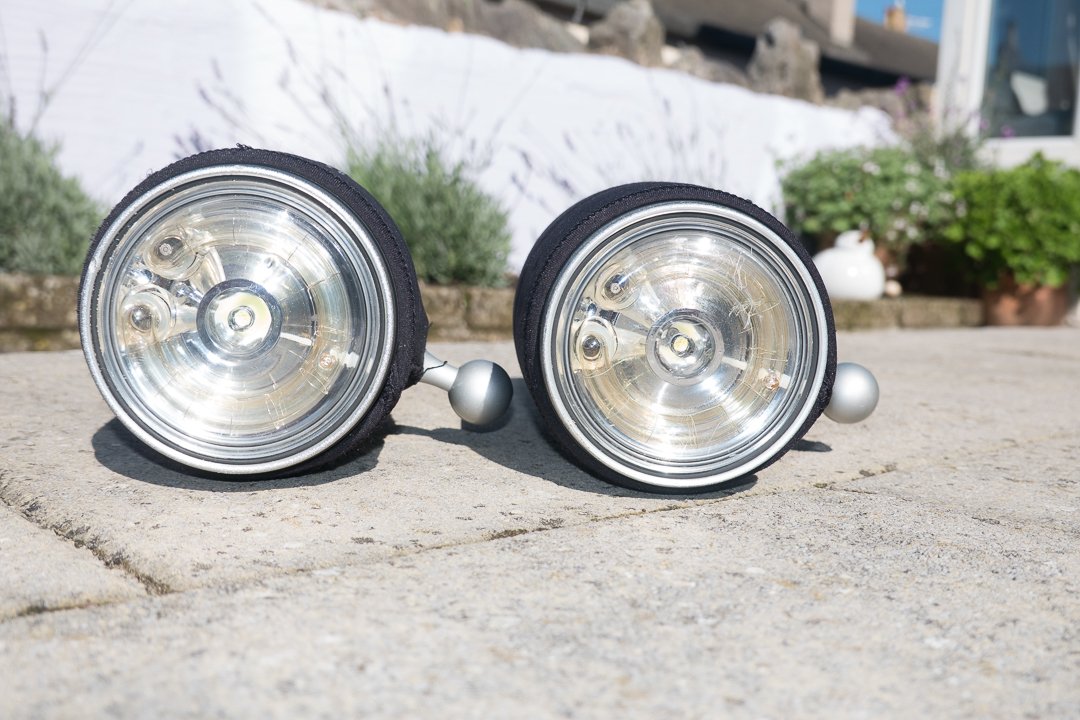
    I am selling a pair of Seacam Seaflash 150D strobes.
    200820-ahanlon-68780.jpg

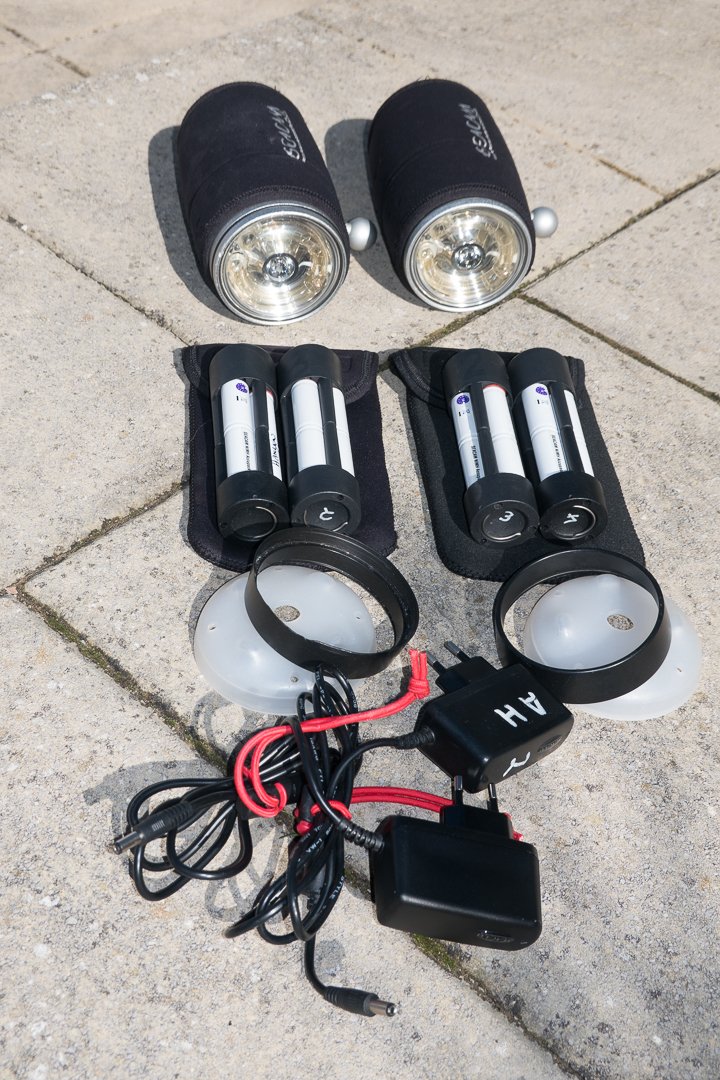
    Includes in the sale is:

    2 x Seaflash 150D strobes

    2 x Diffusers for above

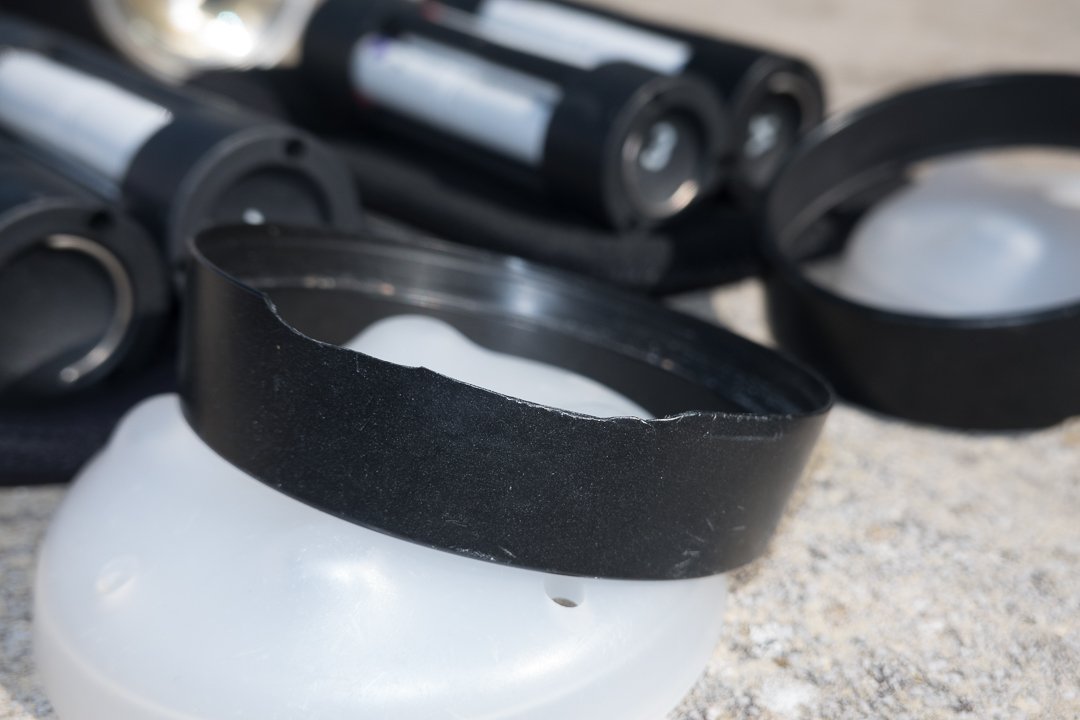
    2 x Macro protection rings (1 slightly damaged, but still functional)
    200820-ahanlon-68777.jpg

    4 x Battery packs

    200820-ahanlon-68775.jpg

    2 x Battery chargers

    2 x Mounting balls
    200820-ahanlon-68758.jpg


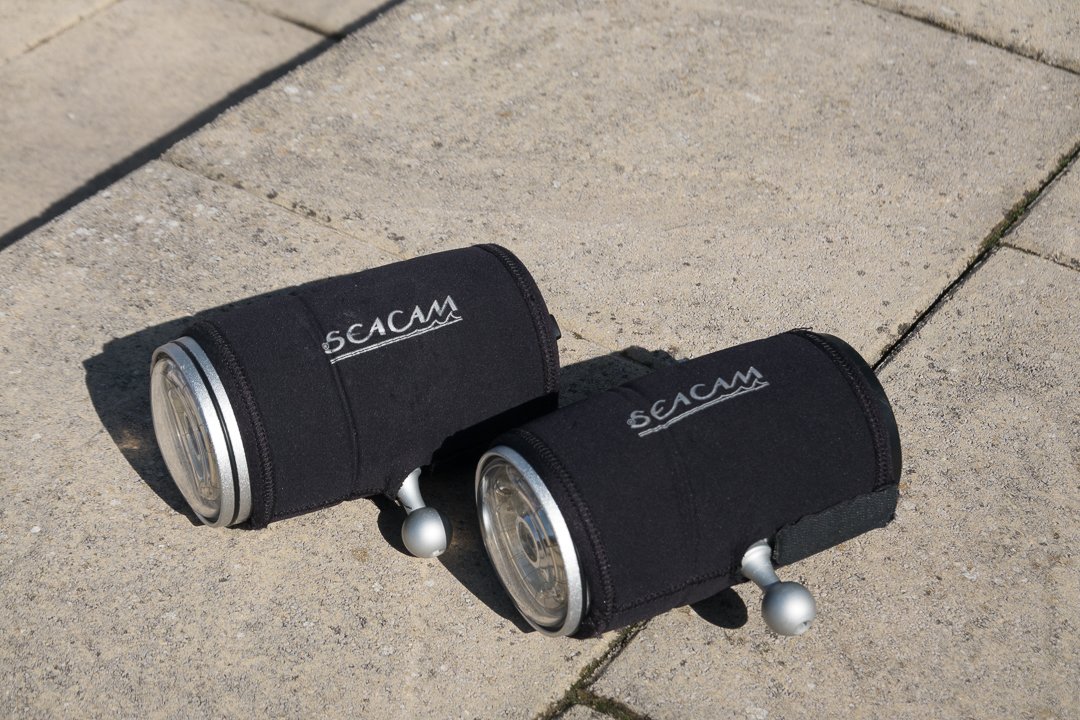
    2x Neoprene covers

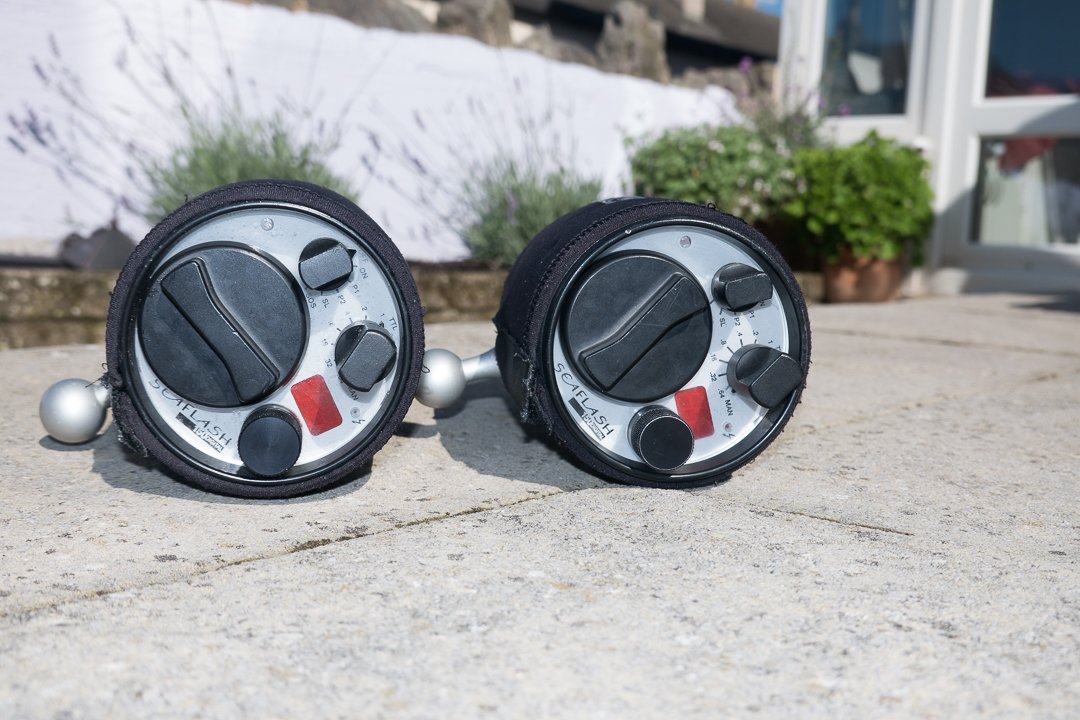
    2 x Offshore knobs for cold water use.

    Add sync cords and you are good to go. These strobes are for Nikon cameras. They can be reprogrammed for Canon,, but this will require a trip back to the Seacam factory.
    200820-ahanlon-68765.jpg

    200820-ahanlon-68768.jpg

    In very good used condition. Completely functional and ready to create beautiful images!

    $2000, global shipping available at buyer's expense.
    200820-ahanlon-68779.jpg


    200820-ahanlon-68770.jpg

    200820-ahanlon-68771.jpg

    200820-ahanlon-68772.jpg

    200820-ahanlon-68782.jpg

    200820-ahanlon-68783.jpg

    200820-ahanlon-68786.jpg

  2. My apologies in advance for the potentially silly question but do these support high speed sync (faster than 1/250)? 

    Any idea of the shipping cost to Australia?

  3. Hi,

    They do not support High Speed Sync. Flash sync sped is camera dependent with this model (so 1/320 for D500, 1/250 for D850 etc.)

    Shipping to Australia will be around $120 via UPS.

    The strength of these strobes is the amazing power and quality of light for wide angle scenics or big animals...

    Adam

  4. Price drop to $1900...

  5. Adam,How old are these strobes? 

    Bernie

  6. Hi Bernie...

    I've had them for about 6 years.

    Adam

  7. These are now sold...

Reef Photo & Video

Account

Navigation

Search

Search

Configure browser push notifications

Chrome (Android)
  1. Tap the lock icon next to the address bar.
  2. Tap Permissions → Notifications.
  3. Adjust your preference.
Chrome (Desktop)
  1. Click the padlock icon in the address bar.
  2. Select Site settings.
  3. Find Notifications and adjust your preference.