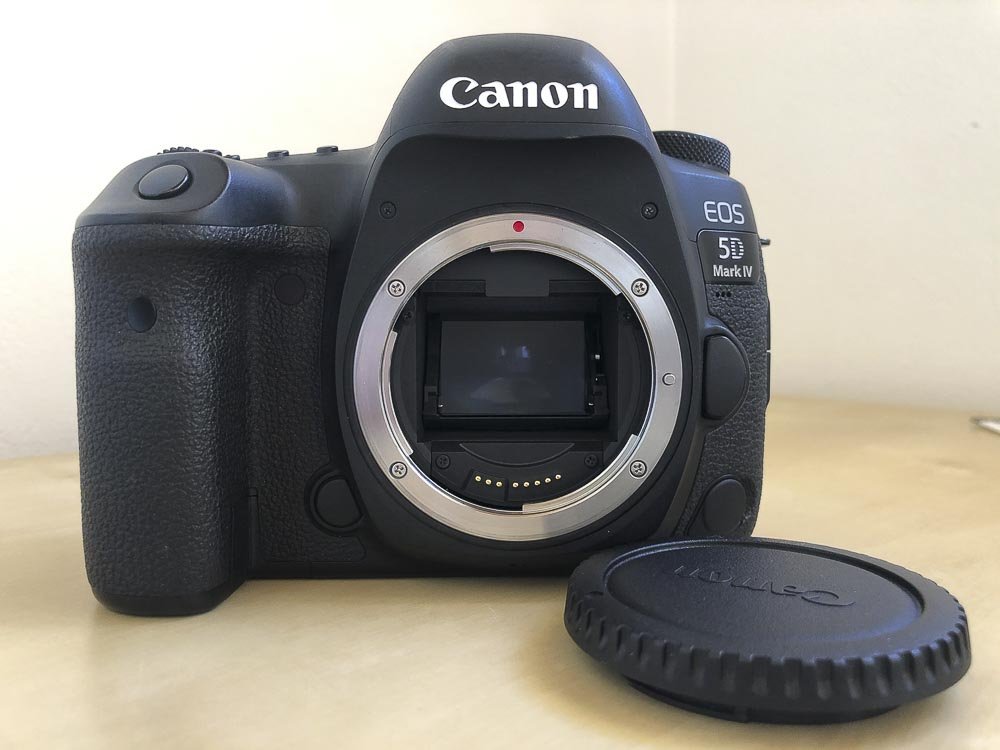
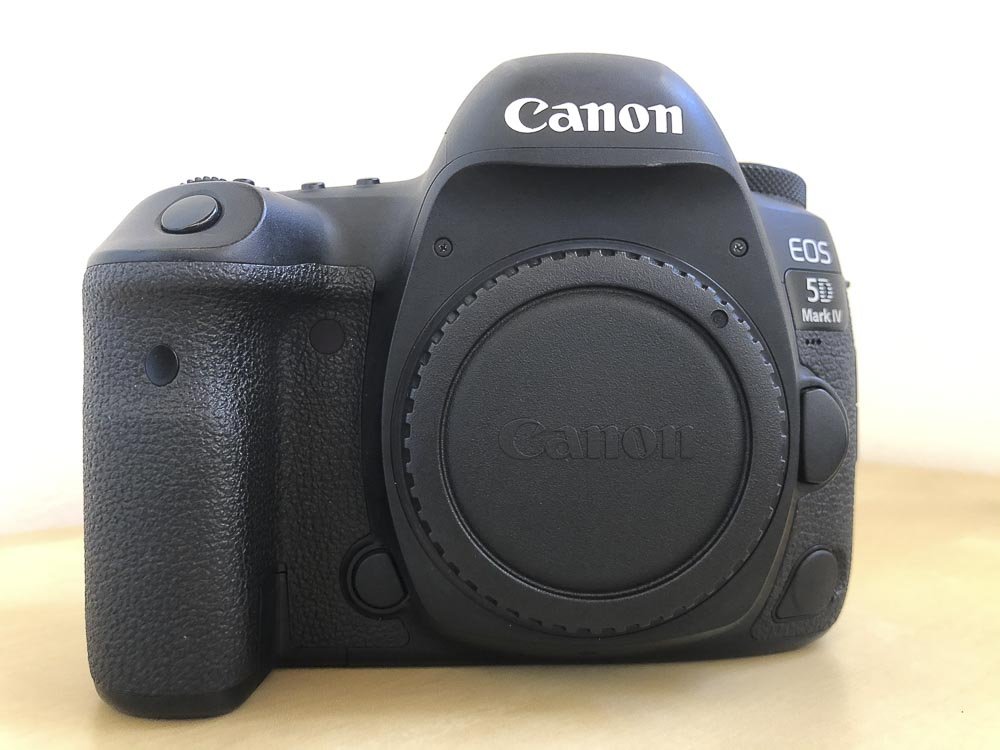
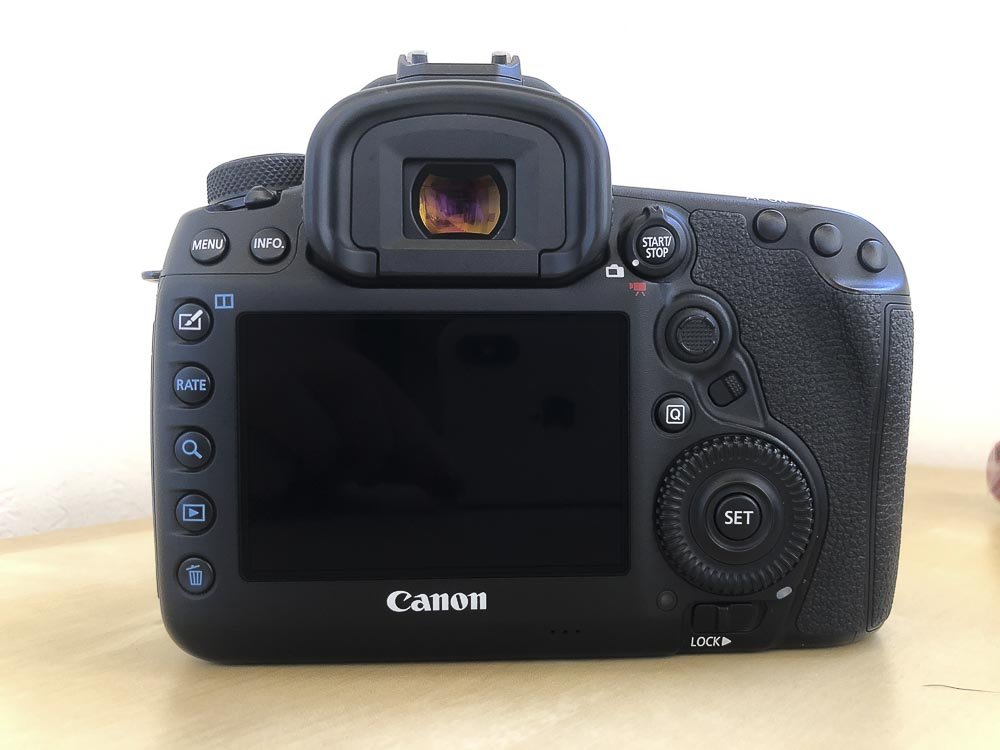
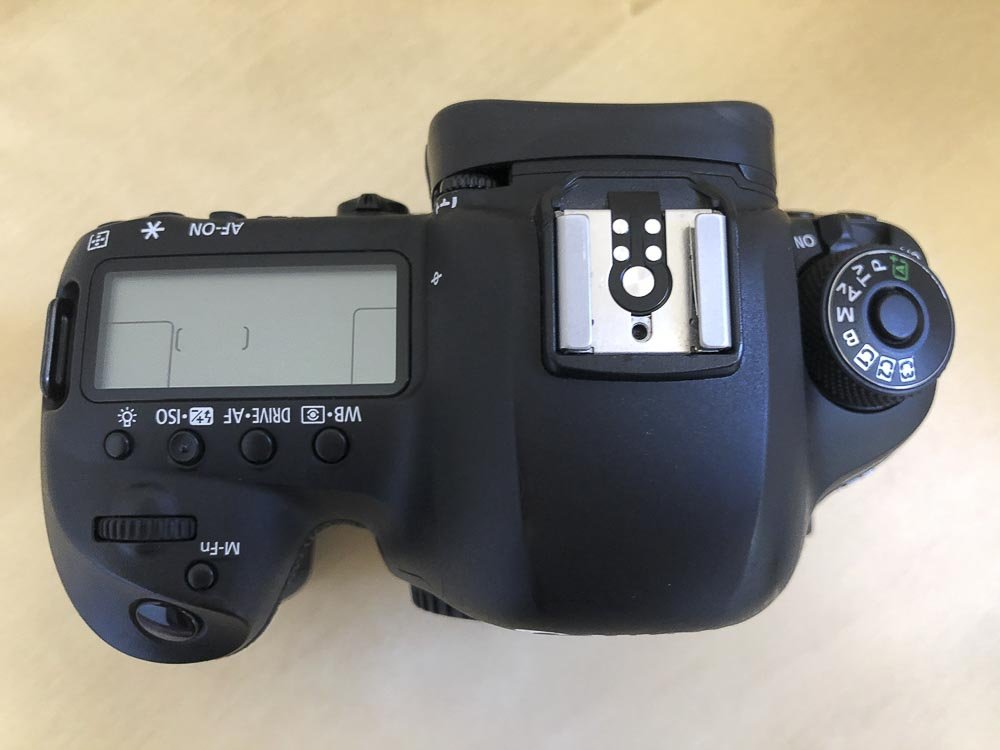
Camera in perfect condition. Originally bought at B&H.
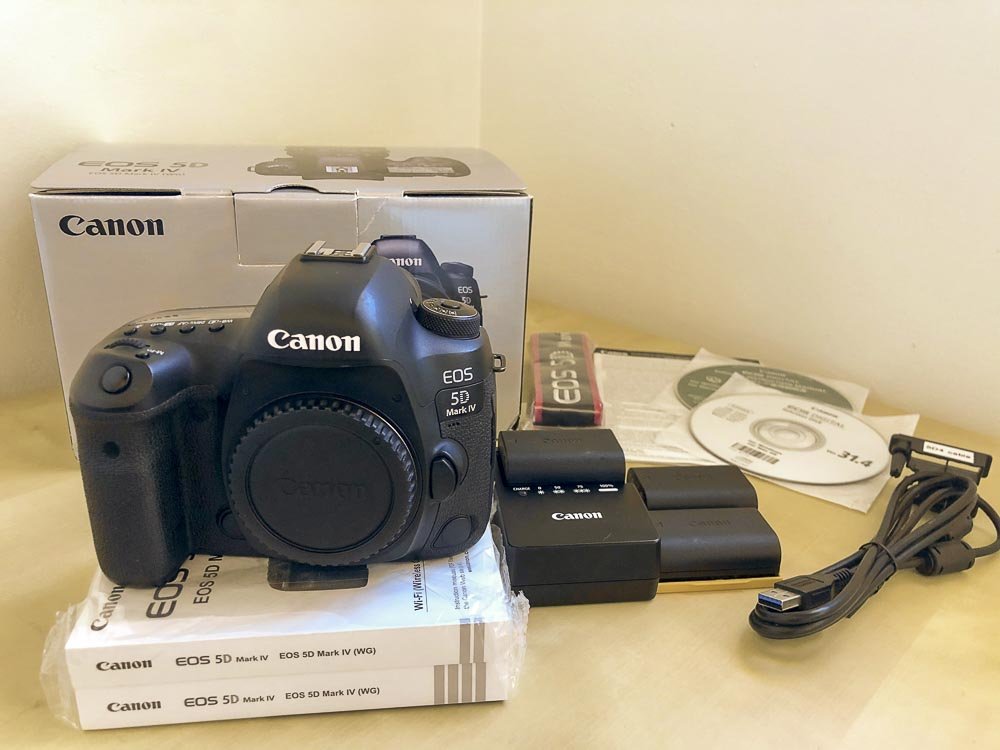
In the original box with the original accessories plus 2 extra canon original batteries.
Price is U$1899
This camera was my backup camera, only used in a few trips for topside wildlife photography.
It has being serviced regularly by Canon Professional Services.
Camera, LCD and sensor are clean and without scratches.
Reason for selling: It was a back up camera. With weight restriction for travelling, I was not even taking it anymore.
Shipping: USPS Priority Mail
Includes
Canon EOS 5D Mark IV DSLR Camera (Body Only)
Canon LP-E6N Lithium-Ion Battery Pack (7.2V, 1865mAh)
Canon LC-E6 Charger for LP-E6 Battery Pack
Canon Eyecup Eg
Canon RF-3 Body Cap for Canon EOS Cameras
Canon IFC-150U II USB 3.1 Gen 1 Interface Cable for DSLRs
Wide Neck Strap
Software CD-ROM
Key Features
30.4MP Full-Frame CMOS Sensor
DIGIC 6+ Image Processor
3.2" 1.62m-Dot Touchscreen LCD Monitor
DCI 4K Video at 30 fps; 8.8MP Still Grab
61-Point High Density Reticular AF
Native ISO 32000, Expanded to ISO 102400
Dual Pixel RAW; AF Area Select Button
Dual Pixel CMOS AF and Movie Servo AF
7 fps Shooting; CF & SD Card Slots
Built-In GPS and Wi-Fi with NFC