



Skip to content

The Galley: General Chat / Archived topic

Using your UW photo equipment for other purposes during Covid-19

Started by Interceptor121 ·

  • 3Posts
  • 3Replies

Read-only discussion

Using your UW photo equipment for other purposes during Covid-19

3 posts
  1. I have always taken photos and video before the underwater but with covid-19 I have gone to shoot much more on land out of cancelled diving trips and other trips

    Majority of us have a fisheye and a macro lens and some have also a mid zoom. Unfortunately underwater imaging is not relying on fast lenses so most of your traditional photography is not matching the equipment, besides with covid-19 travel restrictions make it harder to go around and shoot landscapes

    So what can you do if you have a macro lens and a wide angle lens?

    One interesting option are star trails that unless you are in the centre of a very bright city are possible almost anywhere from your backyard. A fast wide angle not too wide is preferred but you can even get by with fisheye

    49699660007_fe6c1f2cd4_h.jpgHome Sweet Home by Interceptor121, on Flickr


    Macro gives you access to flowers or bugs

    You can also use macro lenses for abstract

    I hope this is inspiring those that are stuck at home and have their equipment collecting dust to try something new
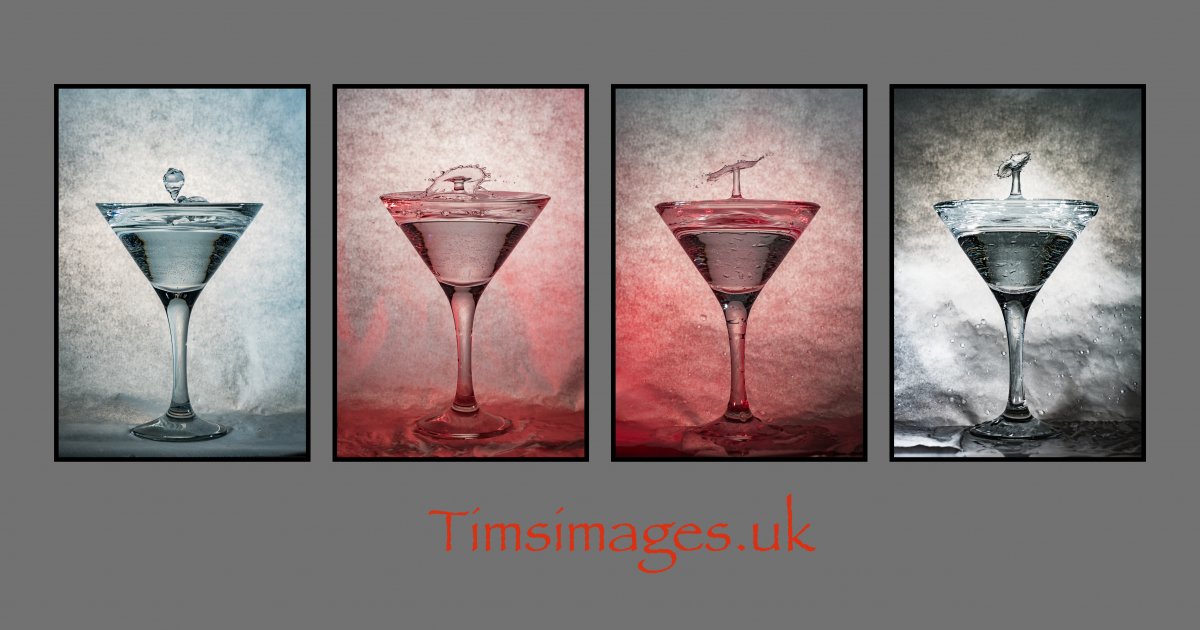
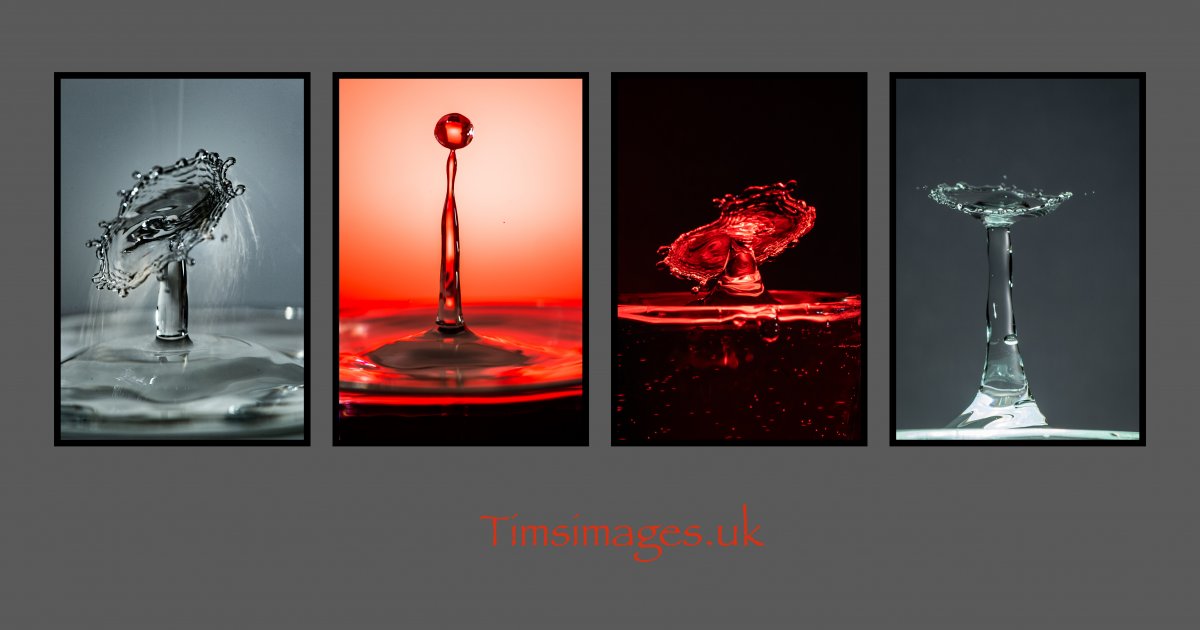
  2. I thought I'd have a go at washing some dishes.....

    Martini glasses drops.jpg

    Splash Layout 2.jpg

  3. I thought I'd have a go at washing some dishes.....
    1052237603_Martiniglassesdrops.thumb.jpg.09a05c199ebd84c1a369a110572429af.jpg
    1671310677_SplashLayout2.thumb.jpg.1412fc321e576554eb7546ce5db7950d.jpg
    Nice I don't do anything with splashes yet

    Sent from my SM-A505FN using Tapatalk

Account

Navigation

Search

Search

Configure browser push notifications

Chrome (Android)
  1. Tap the lock icon next to the address bar.
  2. Tap Permissions → Notifications.
  3. Adjust your preference.
Chrome (Desktop)
  1. Click the padlock icon in the address bar.
  2. Select Site settings.
  3. Find Notifications and adjust your preference.

