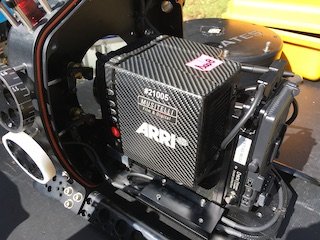
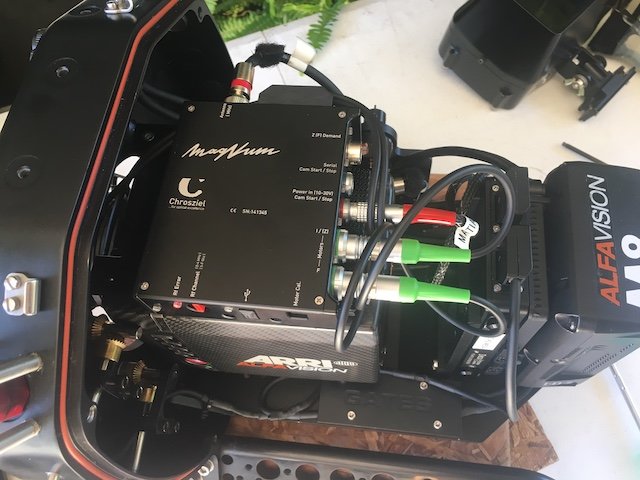
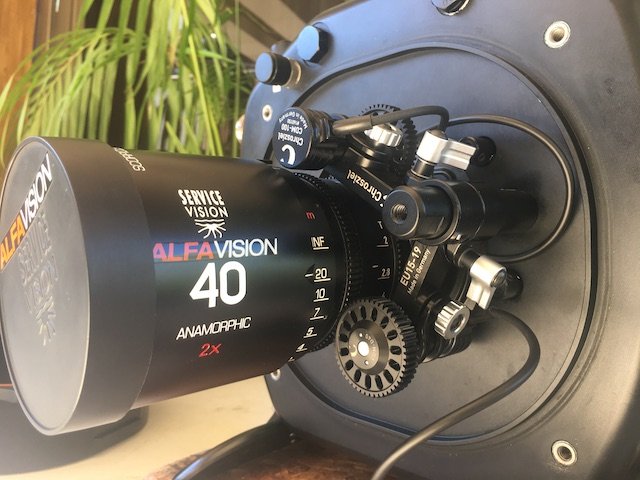
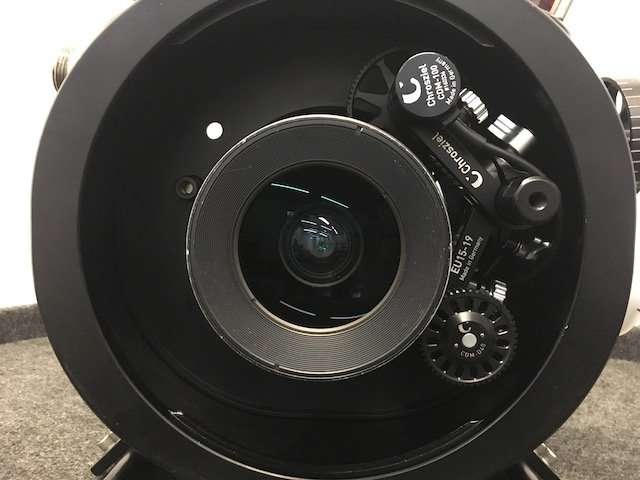
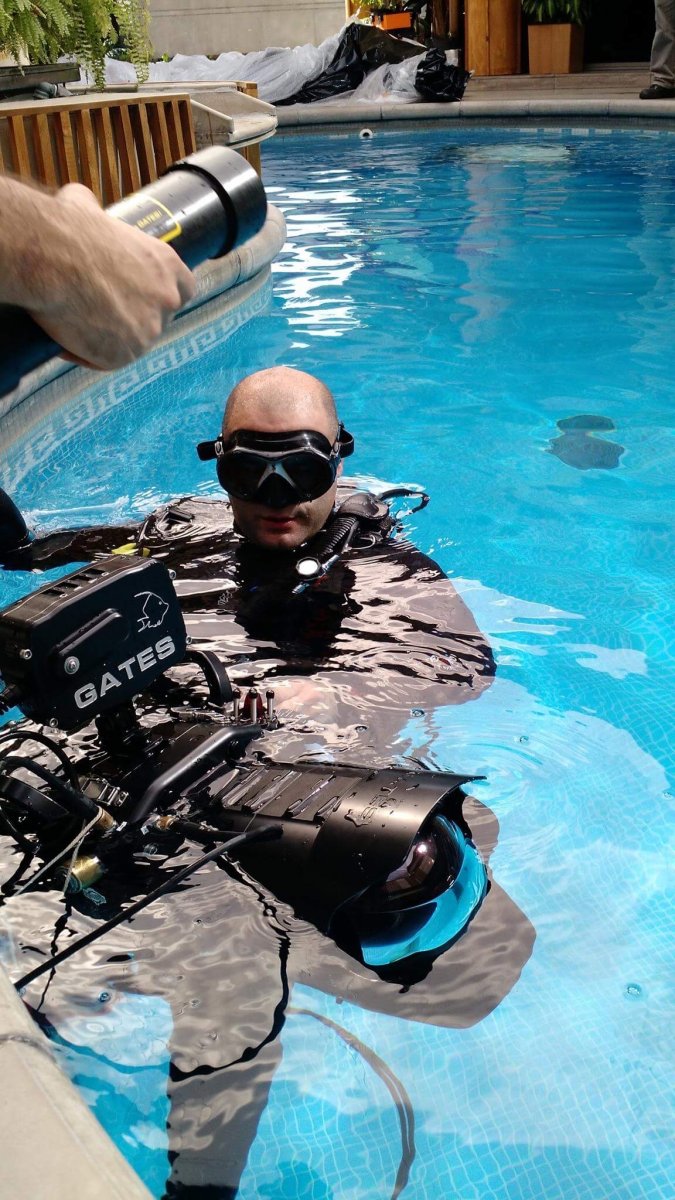
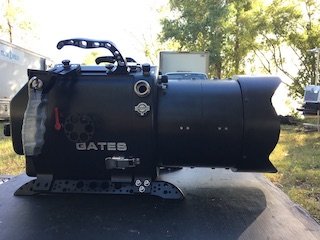
Up for sale is a succesfully self Modified gates housing for Alexa Mini/LF, this hosting was formerly a Deep Red for Red One and was modified with the help and guidance from Gates. The housing is really solid and works great with the Mini and Mini LF. It accepts manual configuration (Manual Focus, Iris and Zoom) or it can be used remotely from the surface using a Lens Control System, I use the Chrosziel Magnum that runs the signal using a BNC and it works flawless. You can also use the ARRI WCU4 with Cforce Mini motors to control the lens and camera Functions. It has never failed, no water ingress whatsoever. EVERYTHING is great working order as well as cosmetic. This housing has only been used in pool jobs
Asking for the Whole Kit: U$D 16.500
Ive used the following lenses in the past: Ultra Primes, Master Primes, Cook S4, I5, I7, Super Speeds, Ultra Speeds, Angenieux small zooms (15-40/28-76), etc.
Included:
Underwater Housing
Monitor Housing with Transvideo Starlite inside
SP80 dome port (No scratches)
FP80 Glass Flat port (No scratches)
2 Extension rings ( PE 486B+PE343E & PE486)
4 gates lens control modules
Camera Power cable
3 SDI Surface cables (2 unused)
Moisture Alarm
2 Buoyancy tubes
Tools
Spare O'rings
Weights for balancing
4 Handles
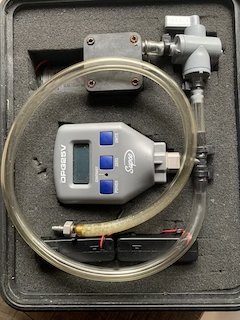
Seal Check
If you more info please email me at: Matiasmesa@me.com
PH. 818-217-5047
www.Steadimatt.net
www.matiasmesa.net