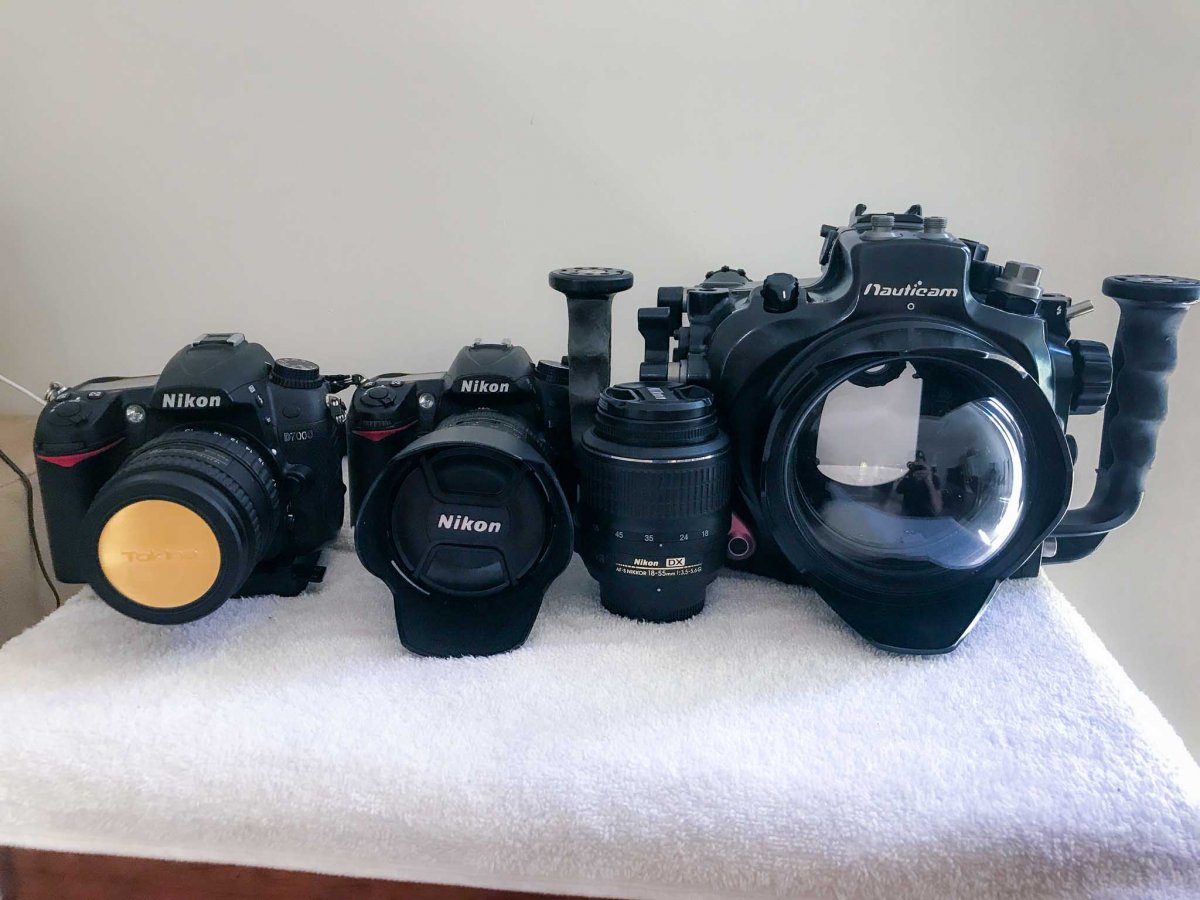
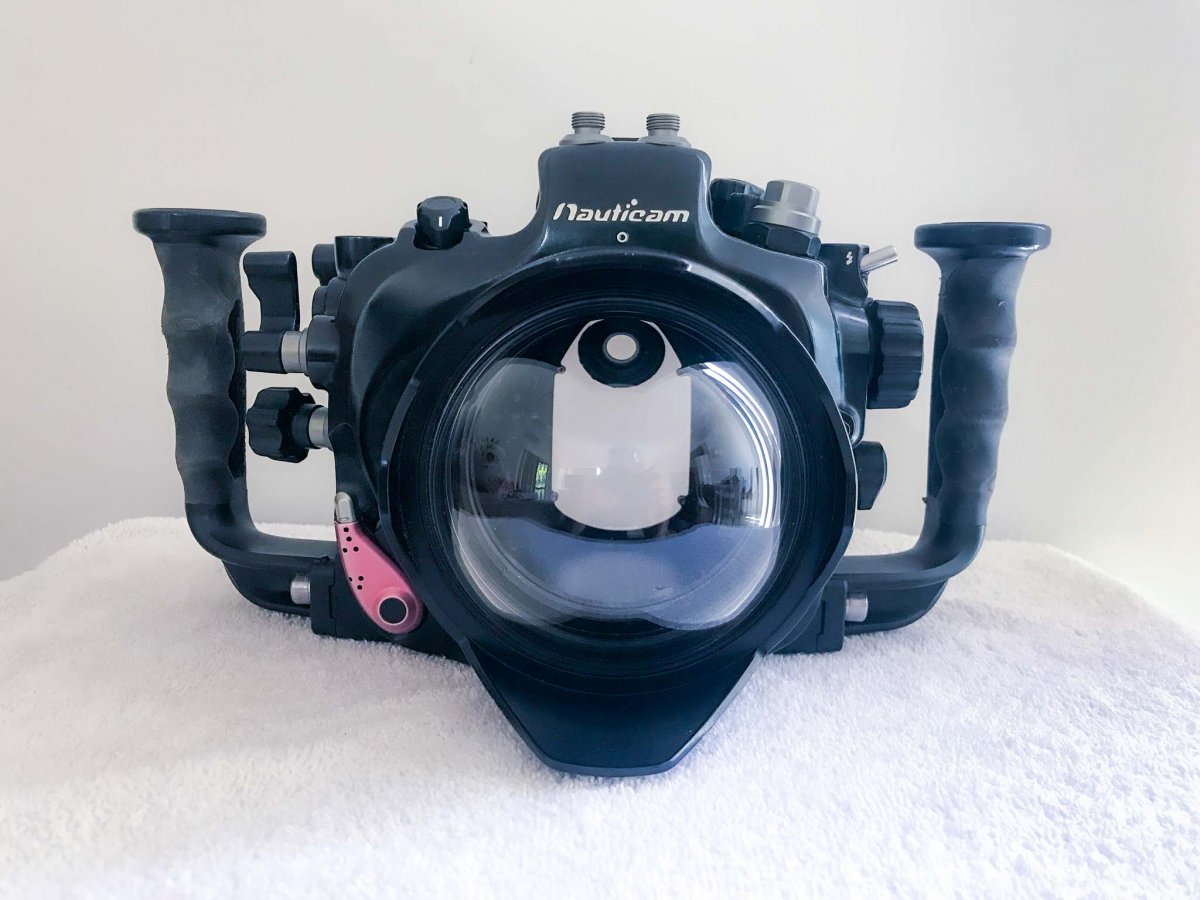
I am selling a complete Nikon D7000 system, that includes everything you need to shoot professional quality images.
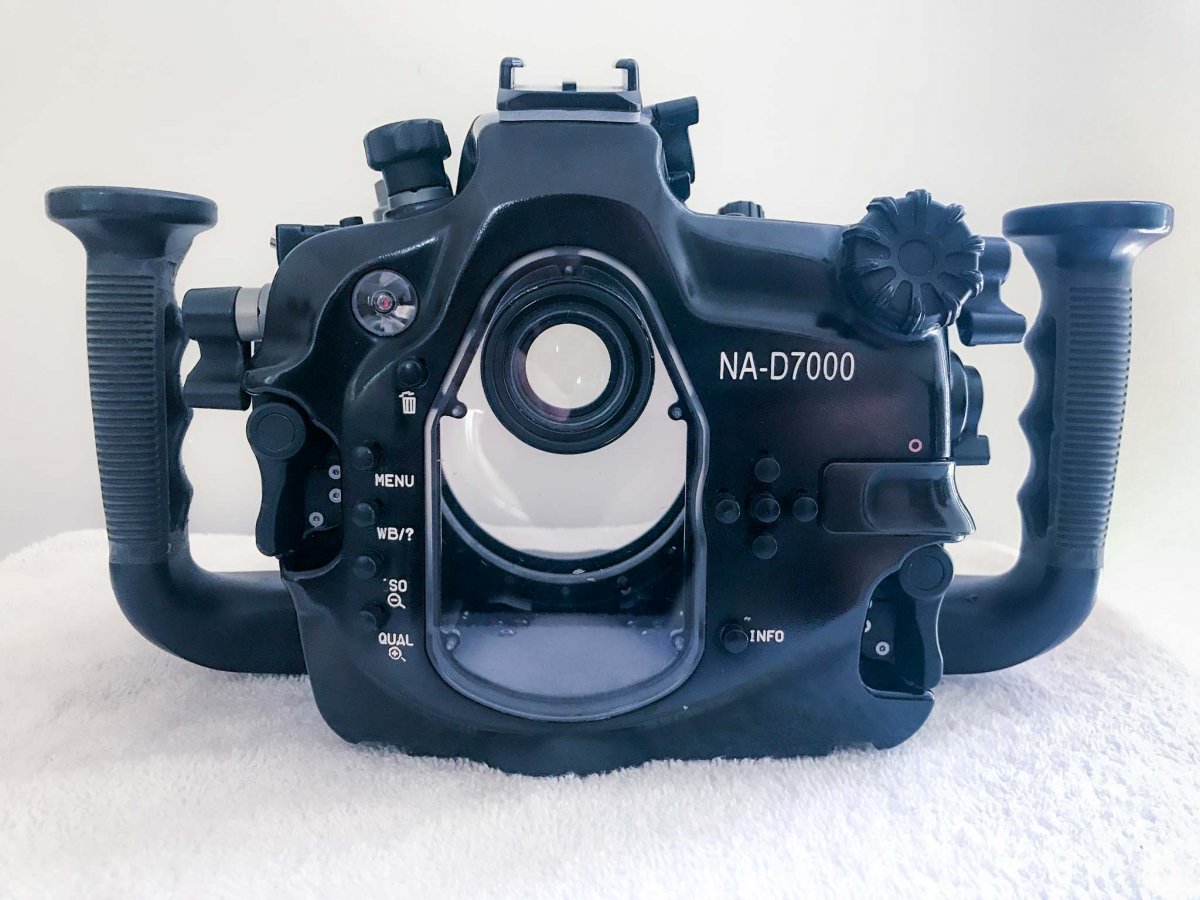
This has only been my spare setup, hasn’t been used very much at all, for this reason all the items listed below are in excellent conditions, they have been looked after meticulously. The underwater camera body is in “like new” conditions, it has never been used outside the housing. The housing works like a dream, never flooded, never had an issue with it, it always performed great when I needed it, also has a sound/led light leak detector for extra piece of mind. All camera lenses and dome are in perfect conditions, no scratches in front elements.
I would love to sell the setup as a whole.
Cameras:
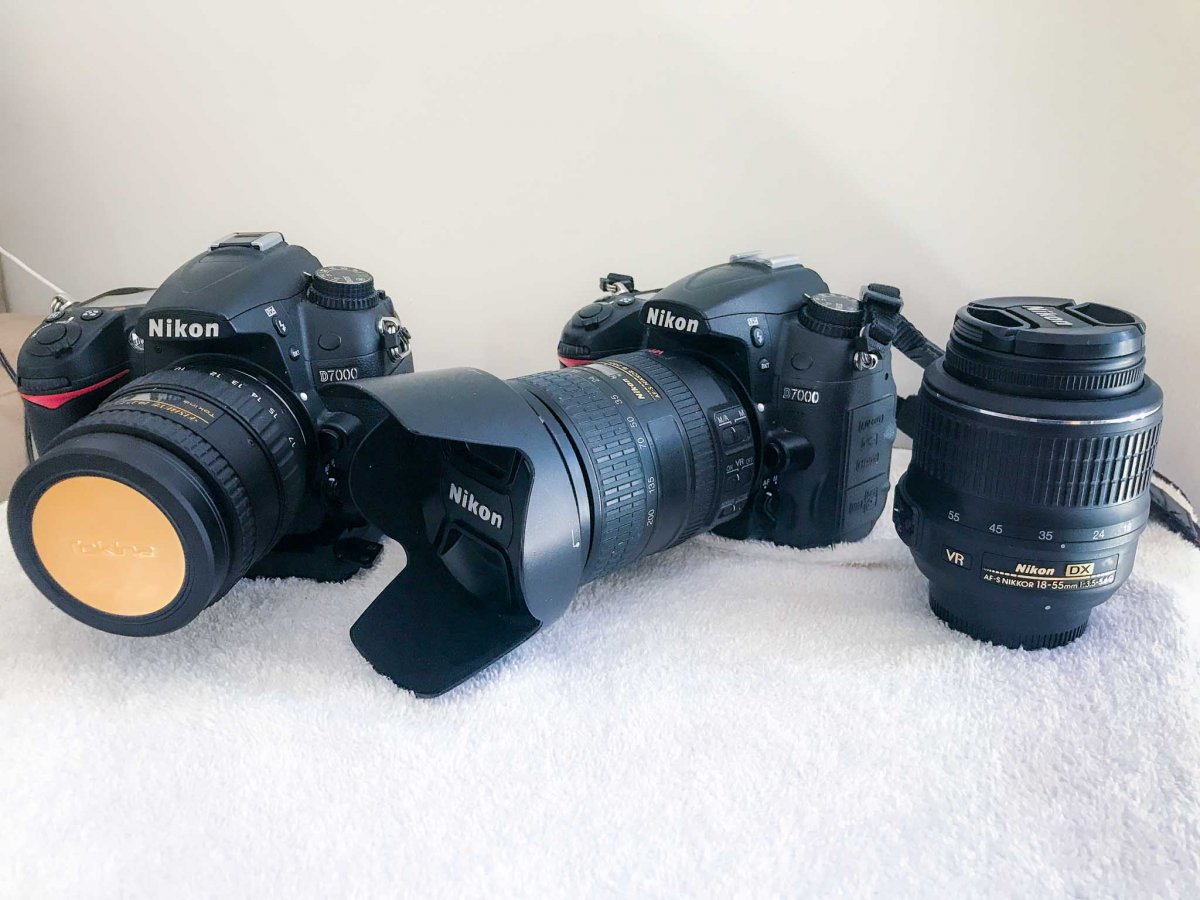
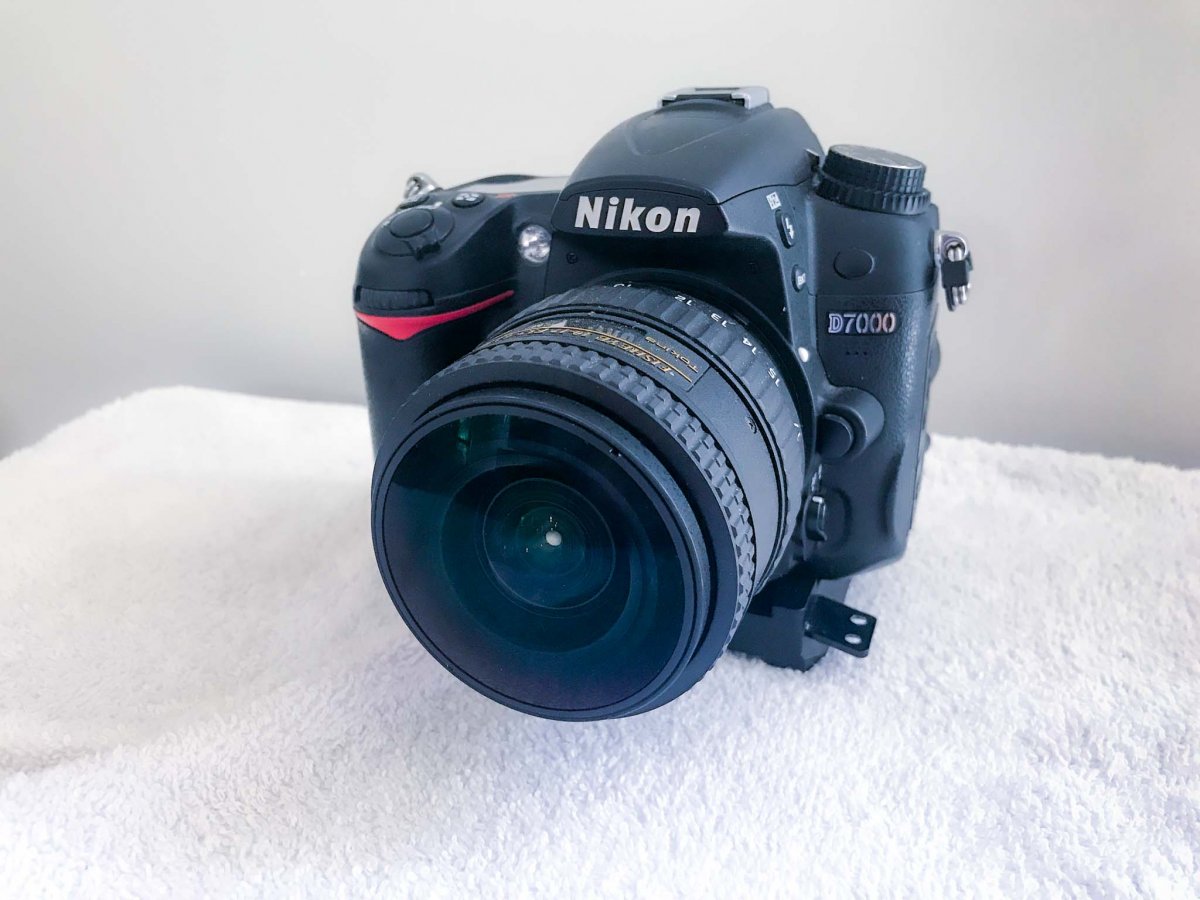
2 x Nikon D7000
Lenses:
Tokina 10-17mm f/3.5-4.5 AT-X 107 AF DX Fisheye Lens
Nikon AF-S DX Nikkor 18-200mm f/3.5-5.6G ED VR Lens
Nikon AF-S DX NIKKOR 18-55MM F/3.5-5.6G VR
Housing:
Nauticam NA-D7000 Underwater Housing for the Nikon D7000
Port:
4.33''ACRYLIC WIDE-ANGLE DOME PORT FOR TOKINA AT-X 10-17MM F3.5-4.5 FISHEYE DX
Extras:
Camera straps
2x Nikon Battery Charger
3x Nikon D7000 battery
Nauticam O-ring grease
Spare o-rings
Nauticam Hex key set
Items are located in Australia. Shipping charges and PayPal fees at buyer’s expense.
Please feel free to ask any questions.
Asking price for the whole setup is 2500 USD (3500 AUD).