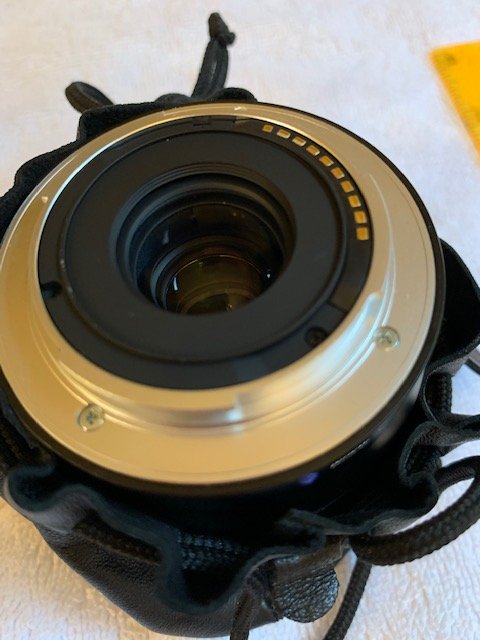
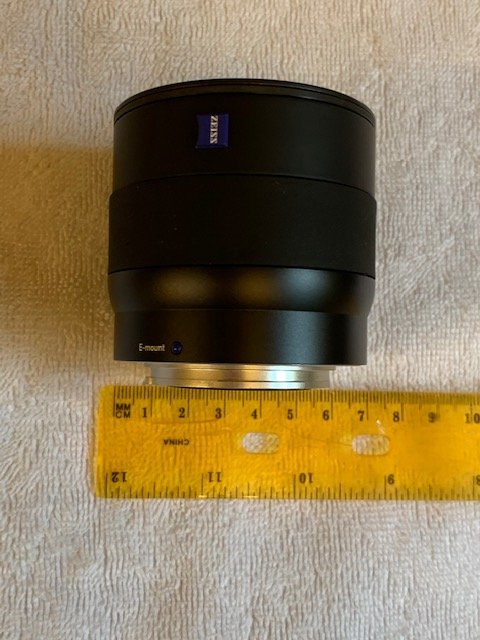
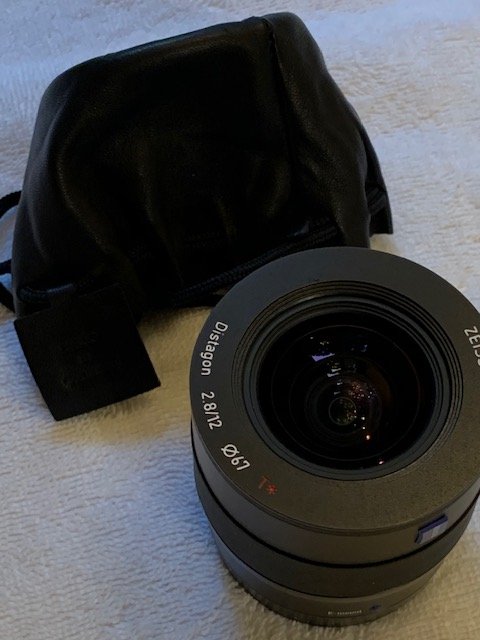
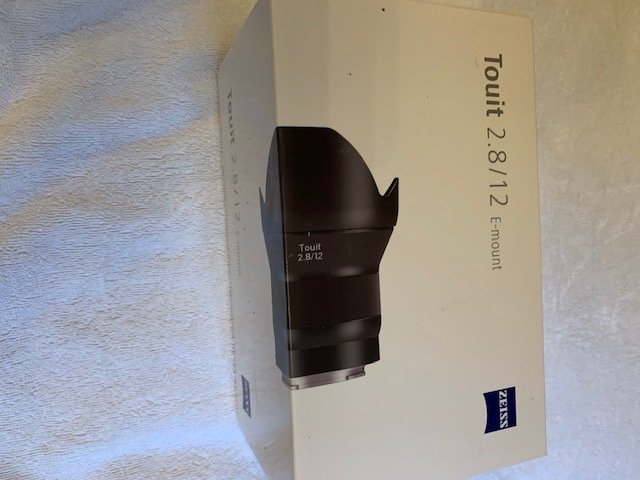
For sale is a lightly used Sony mount Zeiss Touit 12mm lens. Glass is in like new condition. Years ago I sent this to the Zeiss factory in Germany to have the outer flange removed. This does not affect optical quality in any way but offers the advantage of narrowing the overall width of the lens allowing it to fit inside a wider range of dome ports. I used the modified lens with the Nauticam 4.33 dome port and later with the Zen 170mm port. With the latter dome, the modified lens is nice as you can mount the lens on the camera first then attach the dome. I learned of this modification from another wetpixel member who also uses the lens with the 4.33 dome port as a compact travel rig.
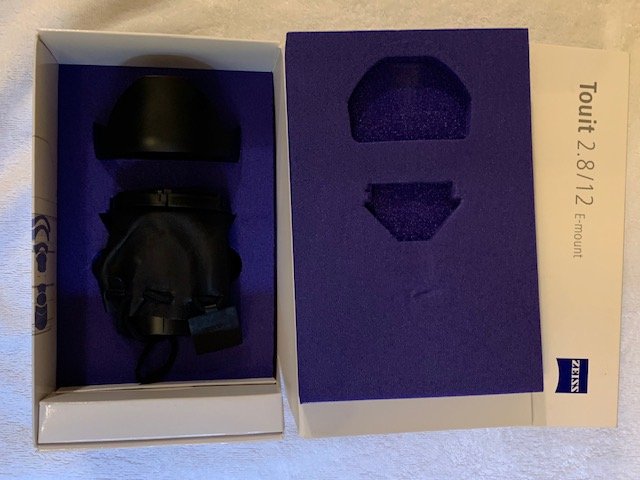
In reading other manufacturer port charts such Fantasea and Seafrogs, it appears the modified lens will fit in some of their ports previously not listed for this lens such as the SeaFrogs 6" port and Fantasea's FML Dome Port A6. The modified lens has a new diameter of approximately 6.25 cm so any port that can fit the Sony 16mm pancake lens (similar width) will likely accept the modified Zeiss 12mm. Lens comes with all original packaging material. Can provide a copy of the letter I received from Zeiss after the modification.
I'm selling as I've finally decided to move on from Sony A6XXX cameras and no longer have a need for the lens.
Price is $725 free shipping in CONUS. Paypal OK