Kia ora
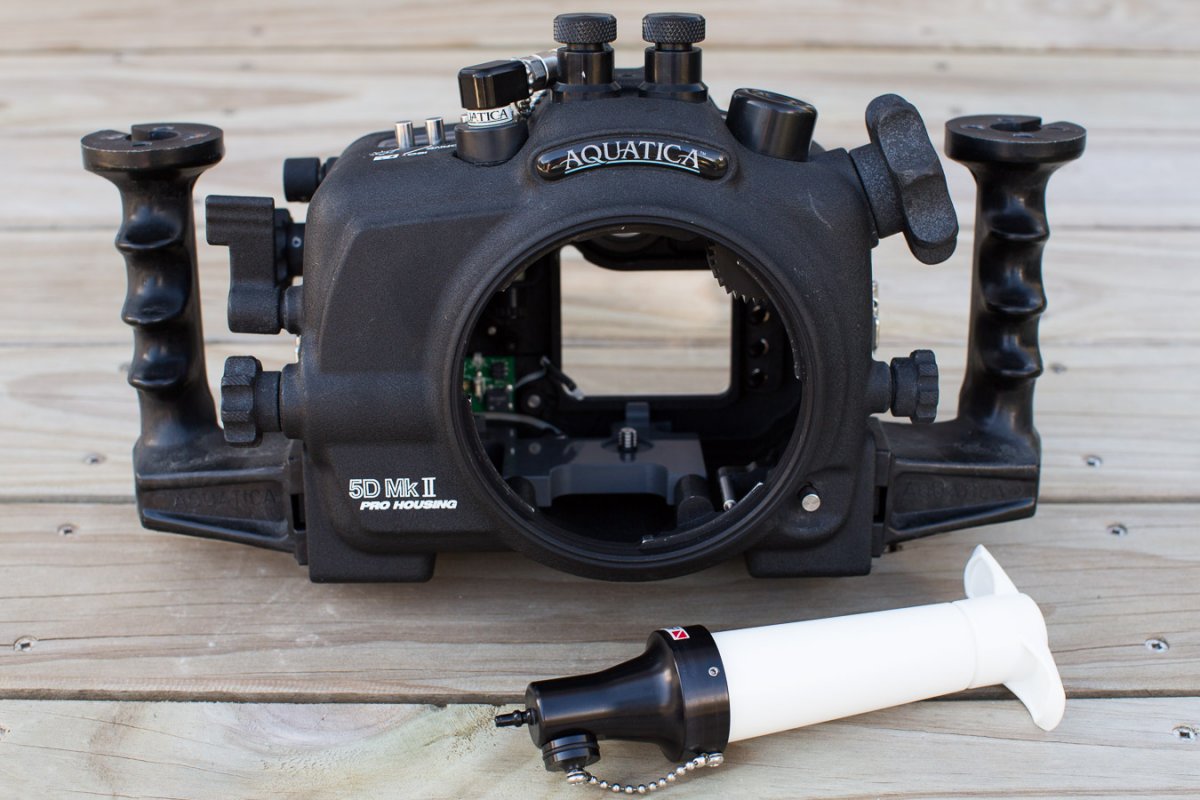
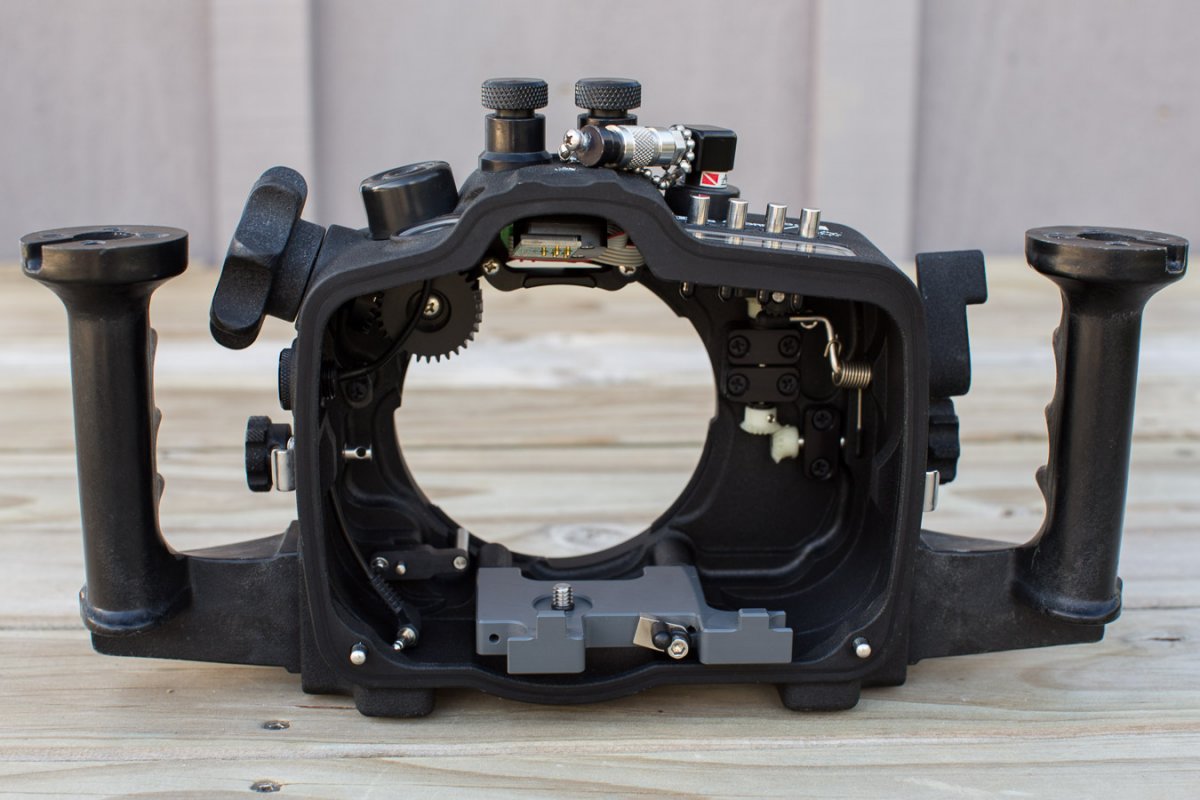
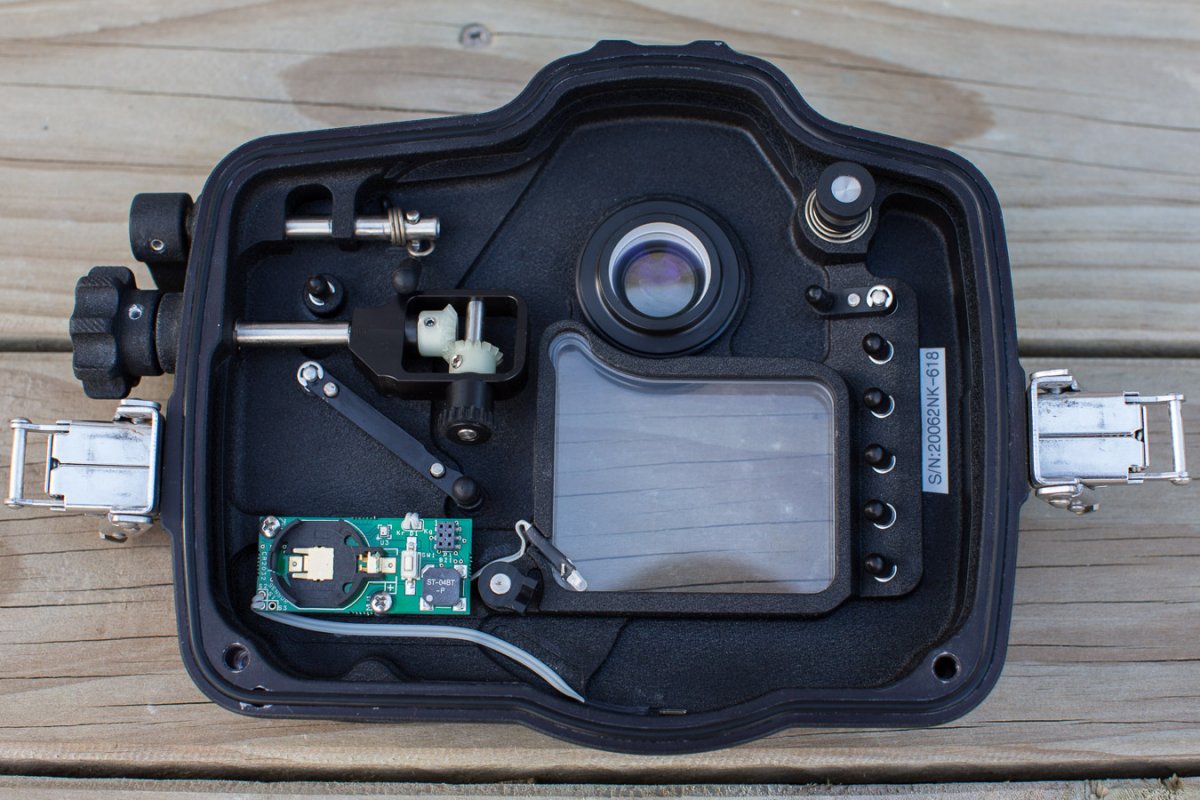
I have an Aquatica 5D Mark II housing and other associated gear in excellent condition that I’ve finally got around to listing because I haven’t used it since mid-2019. The housing has Nikonos dual bulk heads, and it comes with a fitted Surveyor vacuum circuitry and valve plus pump. It’s in perfect working order, has been well cared for and has never flooded.
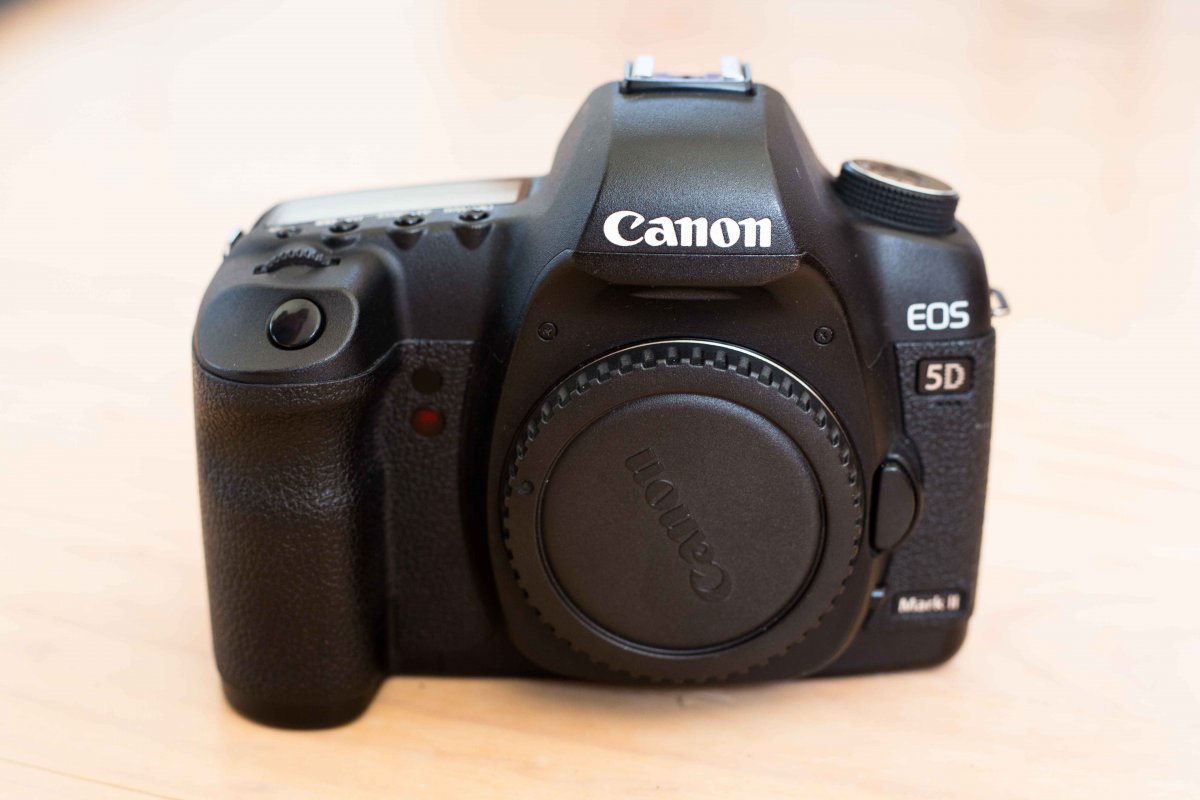
Also have my trusty Canon 5D II camera body to sell too, also in excellent condition, only 25000 shutter count.
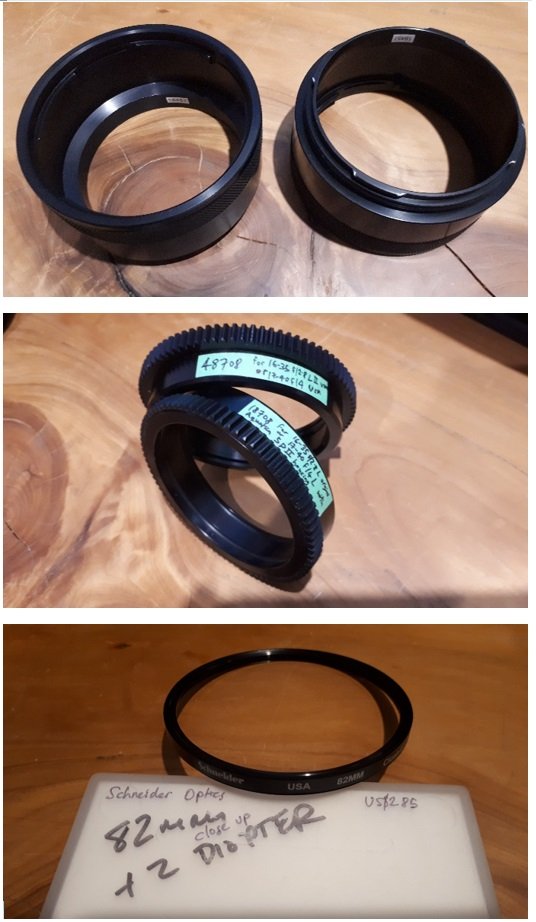
And a couple of port extensions, zoom gears, and a close-up diopter also for sale. Everything in excellent condition.
Asking pricings in USD listed below. Happy to ship from New Zealand.
Grab a bargain and get out there using this amazing gear once again! 
Thanks, James.
For sale:
$750 - Aquatica 5D Mark II housing, incl Surveyor vacuum circuitry, valve and pump
$500 - Canon EOS 5D Mark II DSLR camera incl battery, charger and 2GB Compact Flash card
$50 - Aquatica 18457 Port Extension Ring (#1); 54.5 mm / 2.135” (overall 67 mm / 2.635”)
$50 - Aquatica 18457 Port Extension Ring (#2); 54.5 mm / 2.135” (overall 67 mm / 2.635”)
$50 - Aquatica 48708 zoom gear for 16-35 f2.8L II or 17-40 f4 USM for 5Diii
$50 - Aquatica 18708 zoom gear for 16-35 f2.8L or 17-40 f4 USM for 5Dii
$50 - Schneider Optics B+W 82mm +2 closeup diopter for 16-35 f2.8 II