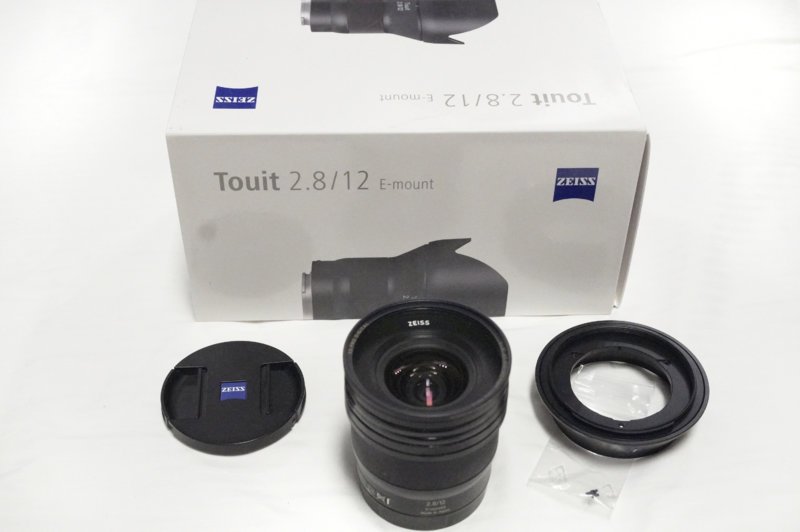
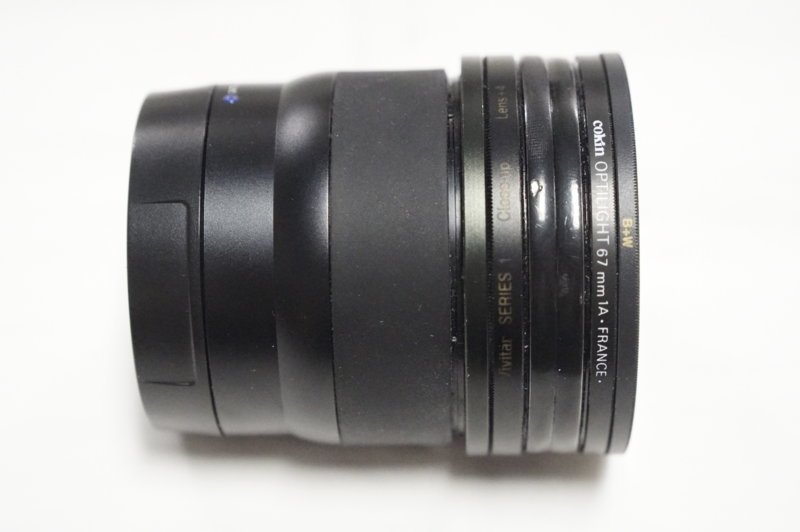
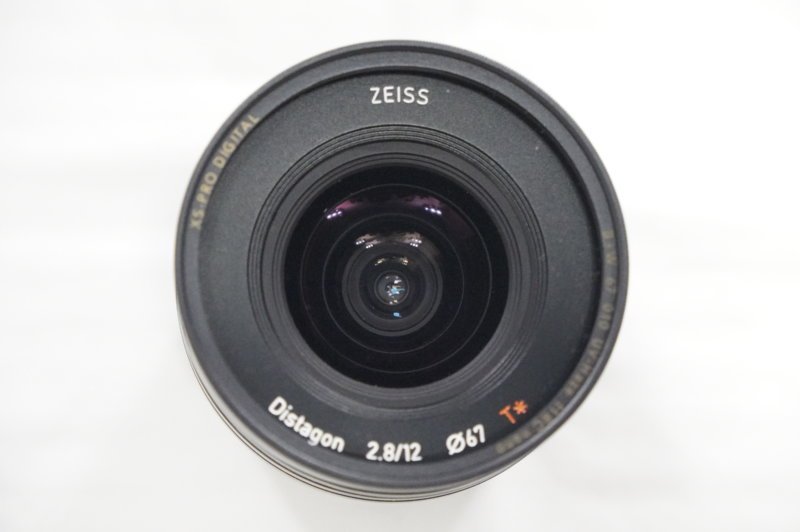
Zeiss 12mm Touit Lens-UW Modified for N85 Ports. This lens was modified partly by Zeiss and myself to be used on the N85 port system. The outer shade support system has been removed and replaced with a series of filter rings. This allows the lens to be used with the N85 4.33 and 7" dome ports. I used it with the N85 4.33 FE port with a 20mm mini extension for a more compact system. The corners were very slightly less sharp than the larger 7" dome. I seldom could see the difference and preferred the compact travel friendly use of the N85 4.33
Zeiss designed a new outer shell for me, but I choose not to use it because I would lose the 67mm filter ring for Fluorescent photography work. I ended up turning another diver on to the modifications and he now has the Zeiss modified lens for sale.
We both have moved on to the N120 system and no longer need the lens. This is an ultra sharp WA lens that will give astounding results in N85 ports on the Sony APS-C system without the need for a two part port system.
The lens comes with the original equipment and can be easily returned to it's stock state with the shade system.
$575 + 10 ship to lower 48 states using paypal.
Thank you,
Marshall
PS. I will be leaving the states for the Philippines on Dec. 18 and will return on April 2nd (Filipino wife). All sales to be delivered before my return date will need to be made prior to Dec.15, 2020