|
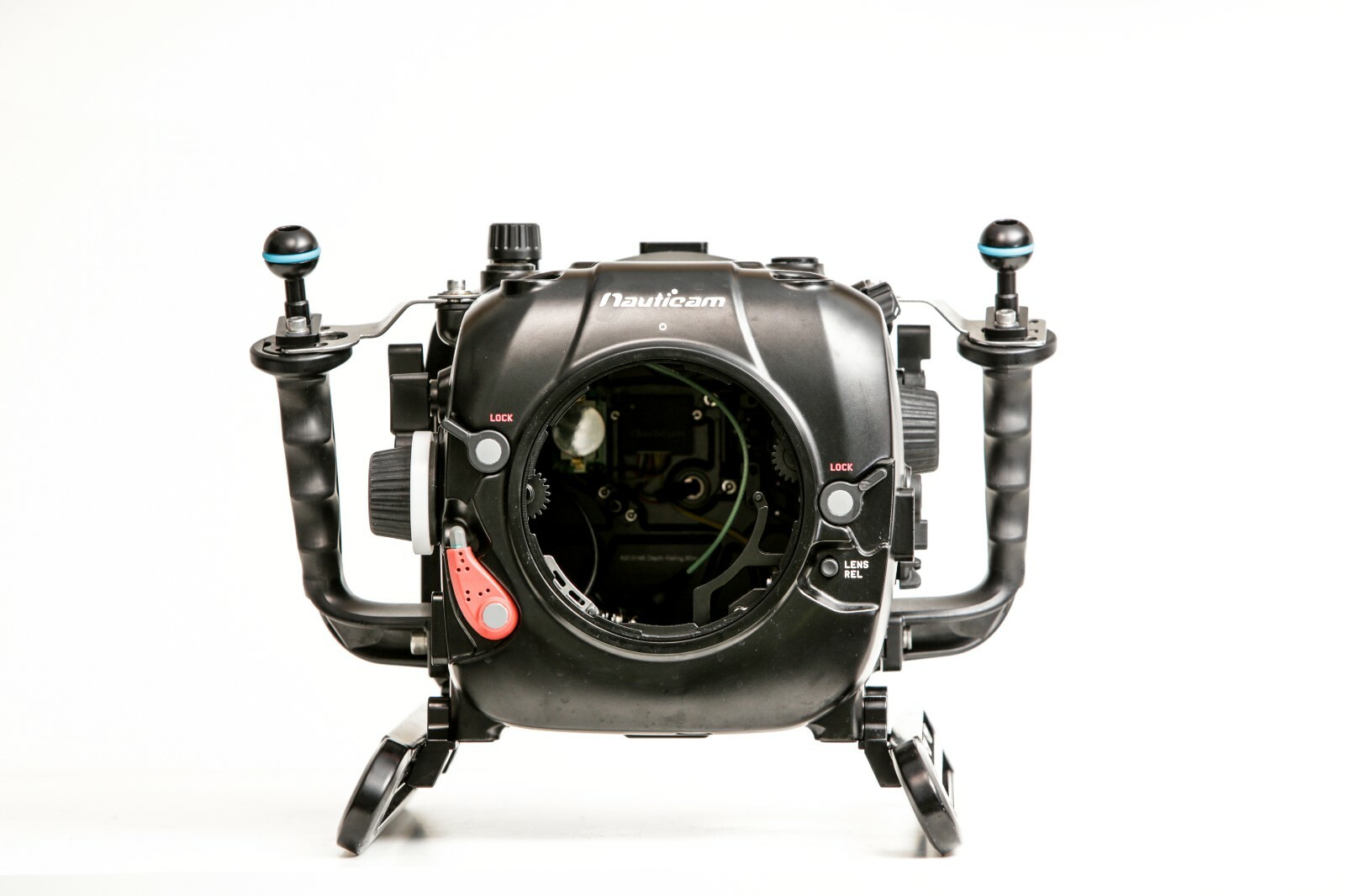
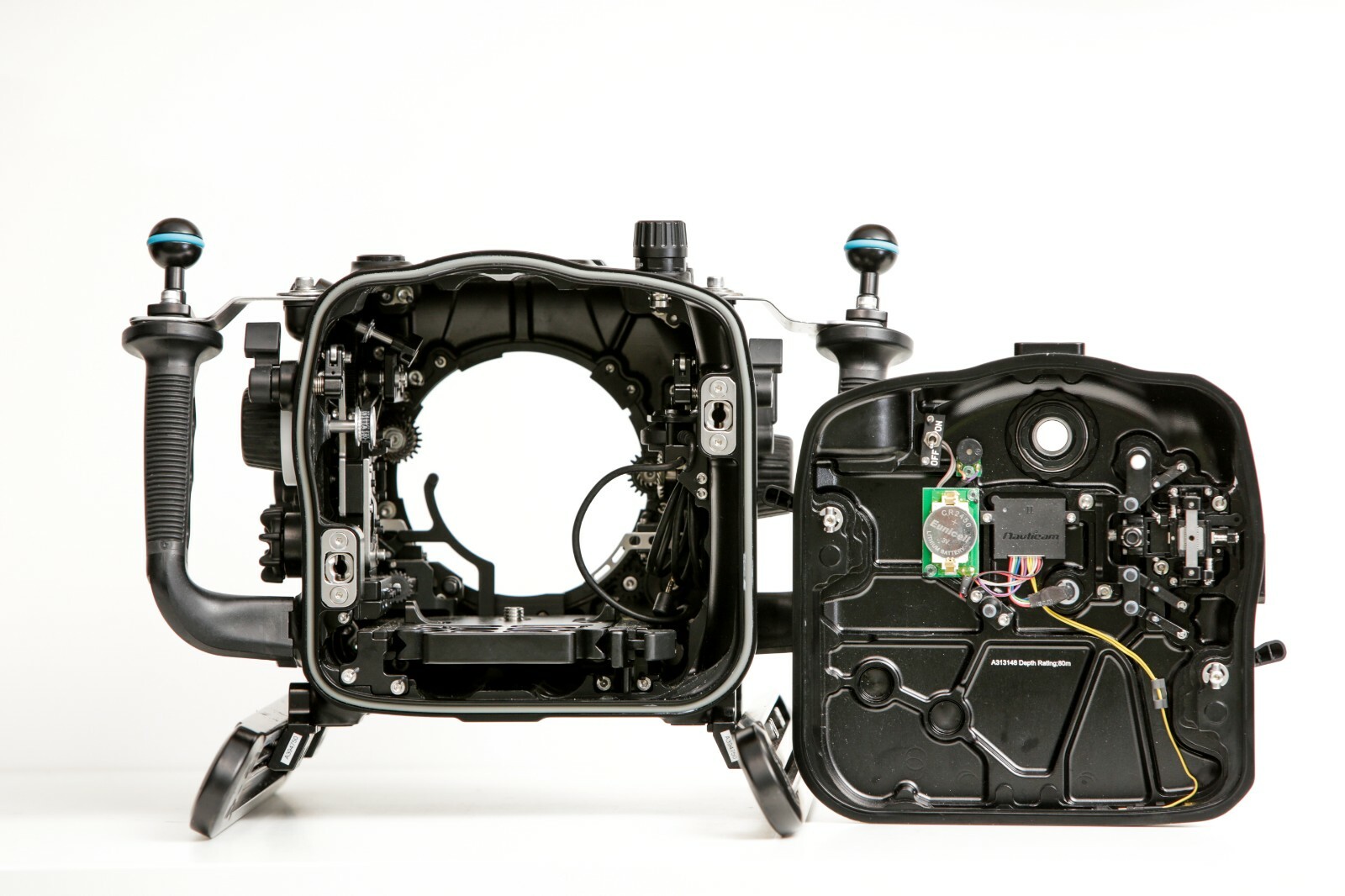
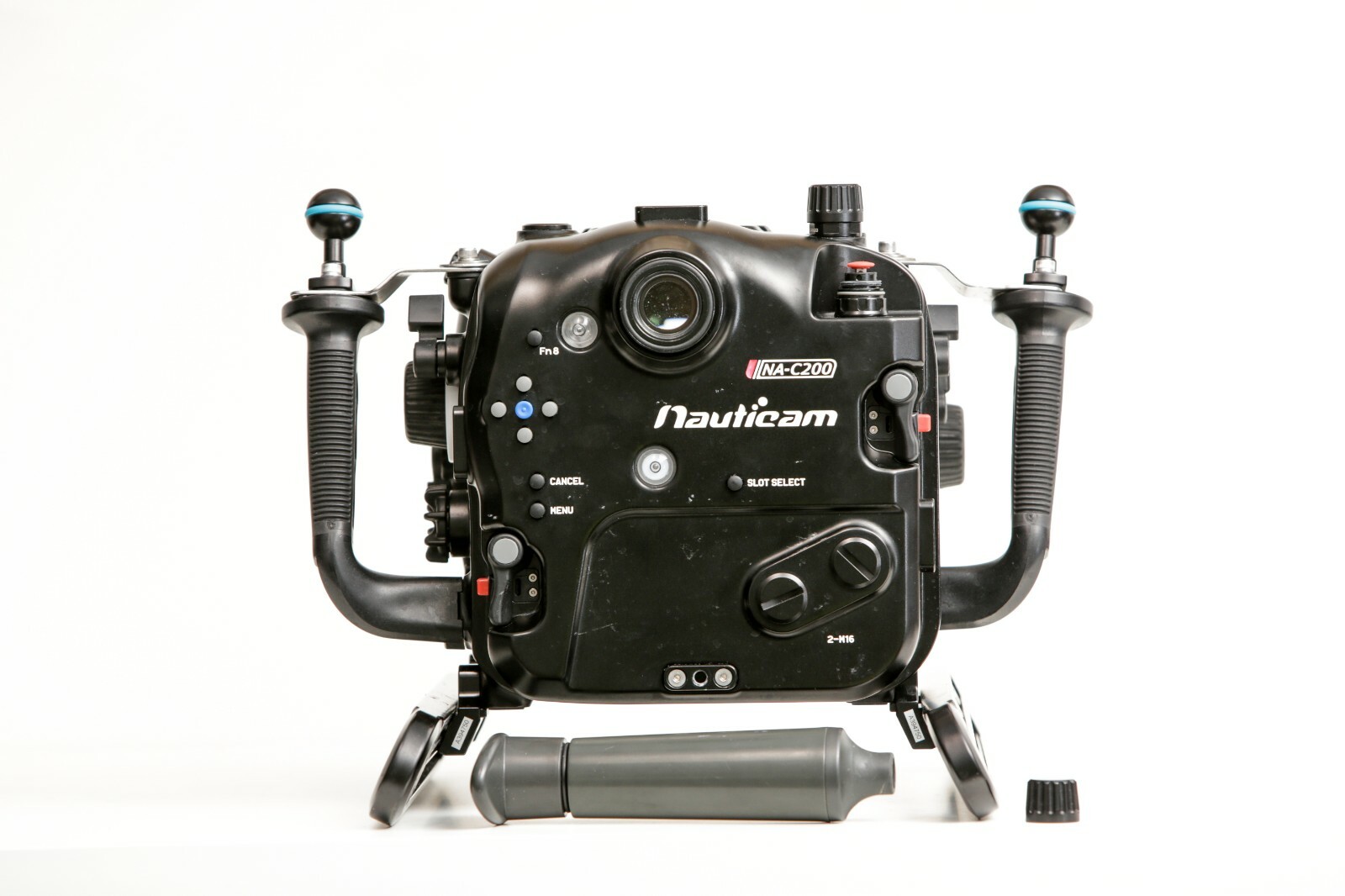
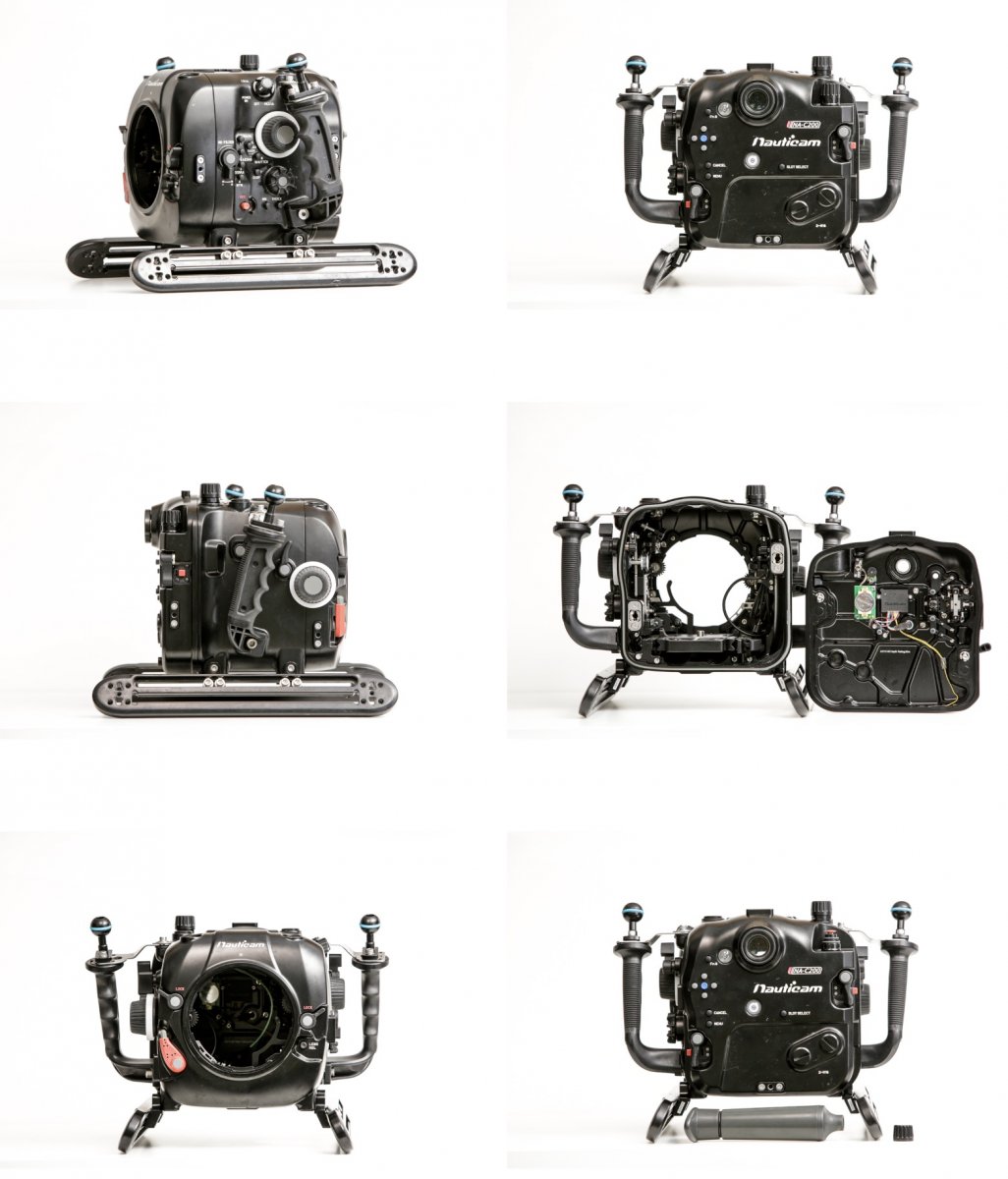
Lightly used Nauticam NAC200 underwater housing for a Canon C200 cinema camera, selling as this is surplus to current needs. A few scuffs here and there. Previously listed as sold, buyer fell through so relisting. Can send other photos / video to prove legitimacy. Comes with HDMI bulkhead, vacuum pump, sleds, and two ball mounts. One of the smallest dive housings to offer DCI 4k / 60p Raw footage internally, added to Canon colour science and autofocus can be used for both topside and underwater with built in evf. The last shoot was topside with surfers, solid as a rock - https://vimeo.com/448004705 The housing features large control knobs for focus and zoom also marking disks for lens position or focus information. Also has the Nauticam Vacuum Check and Leak Detection electronics and vacuum valve for pressurising, reading through a large multi-color LED on the rear of the housing as to the watertightness of the system. Red means bad, Blue means good. With the N120 port system almost any lens can be used inside, with the corresponding focus and zoom rings. PL lens systems can also be adapted. I have ports and lenses that can be added to the kit, and two other listings for full kits. Contact for lists. Retail is $14,750 Located in Adelaide, South Australia, worldwide shipping is fine. Email : mark@marktipple.com Also listed on eBay - https://www.ebay.com.au/itm/Nauticam-NAC200-underwater-housing-for-a-Canon-C200-cinema-camera/303854495841
|