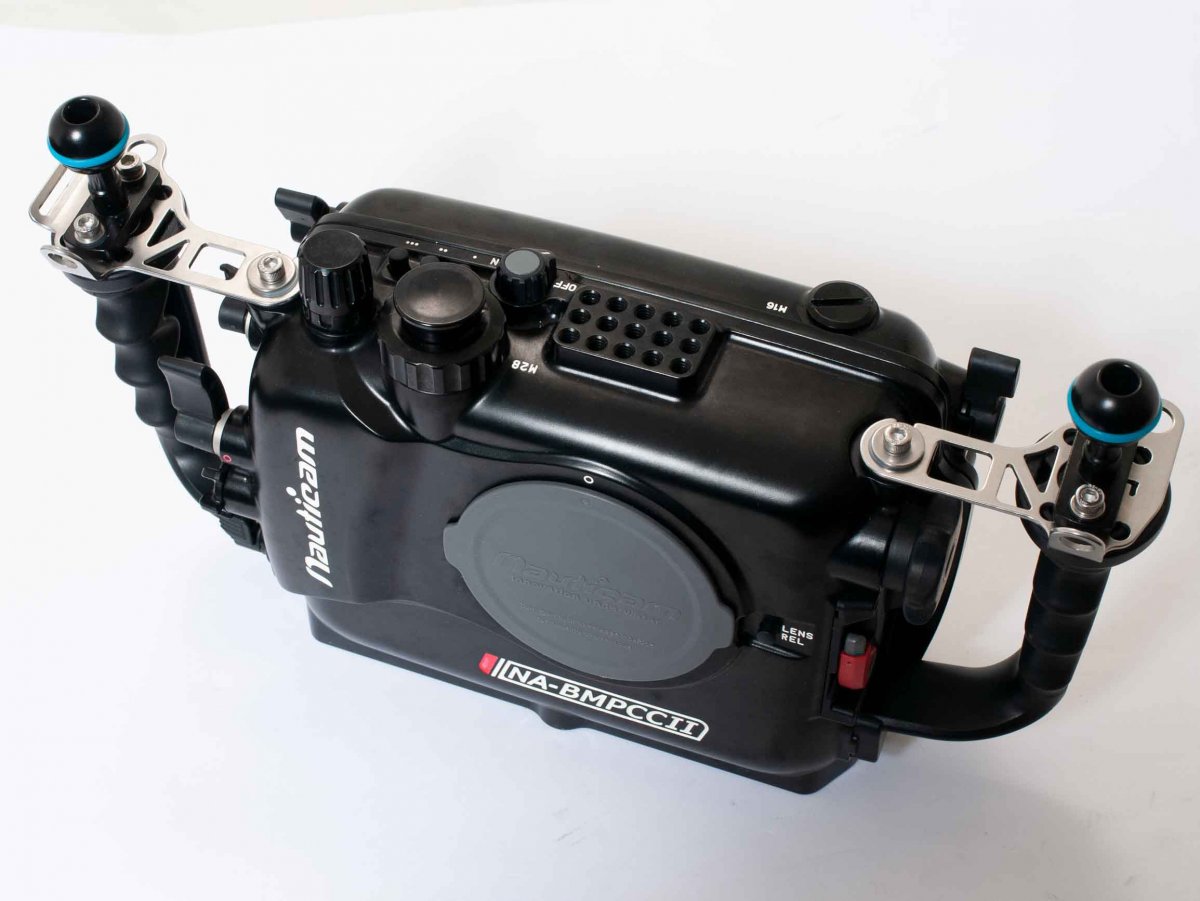
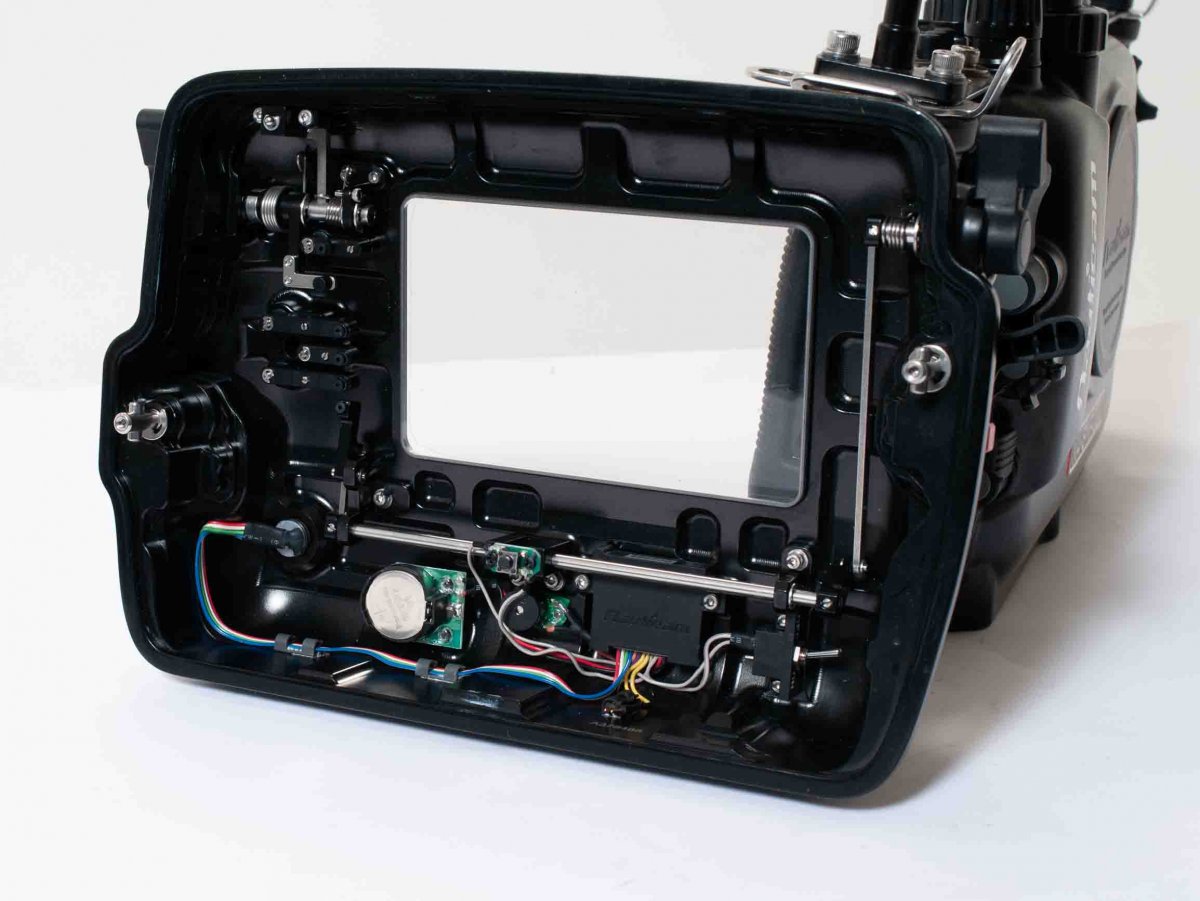
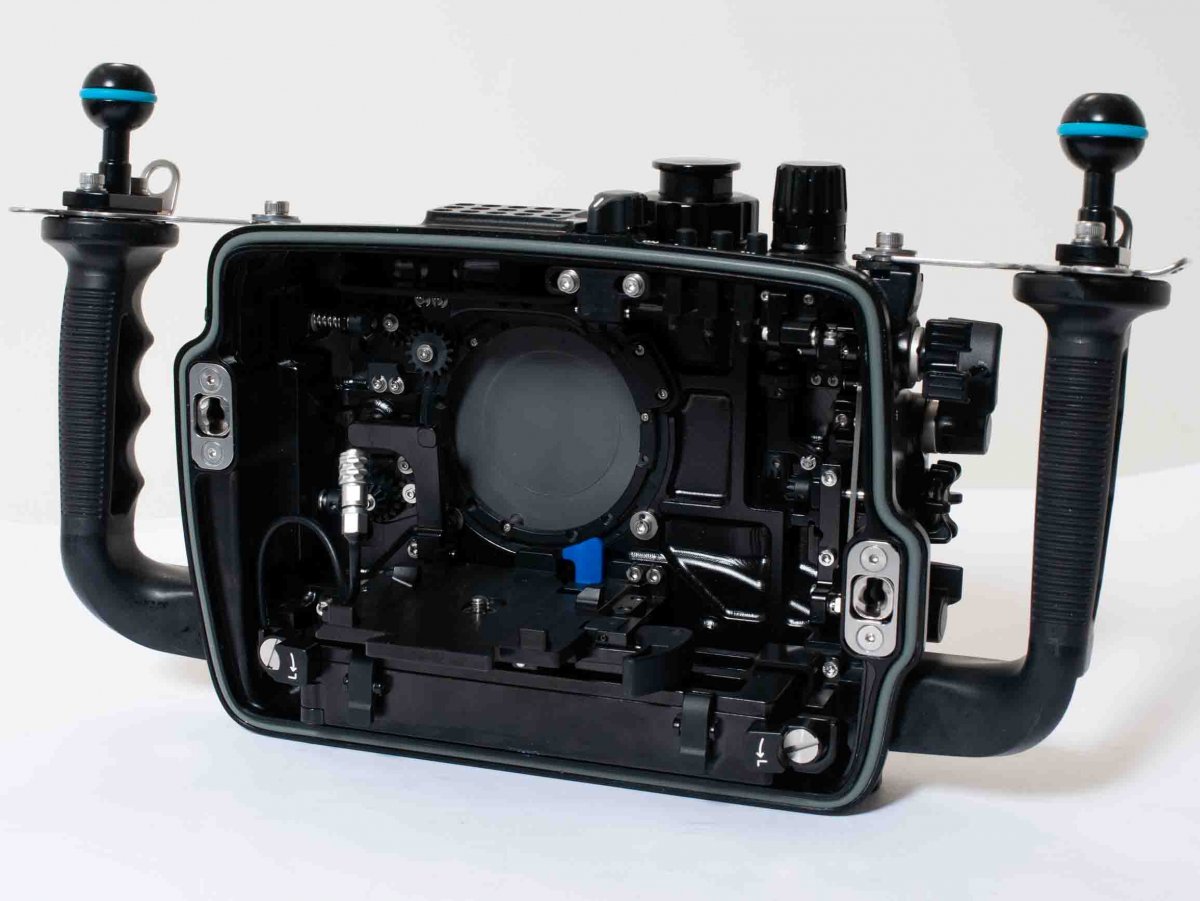
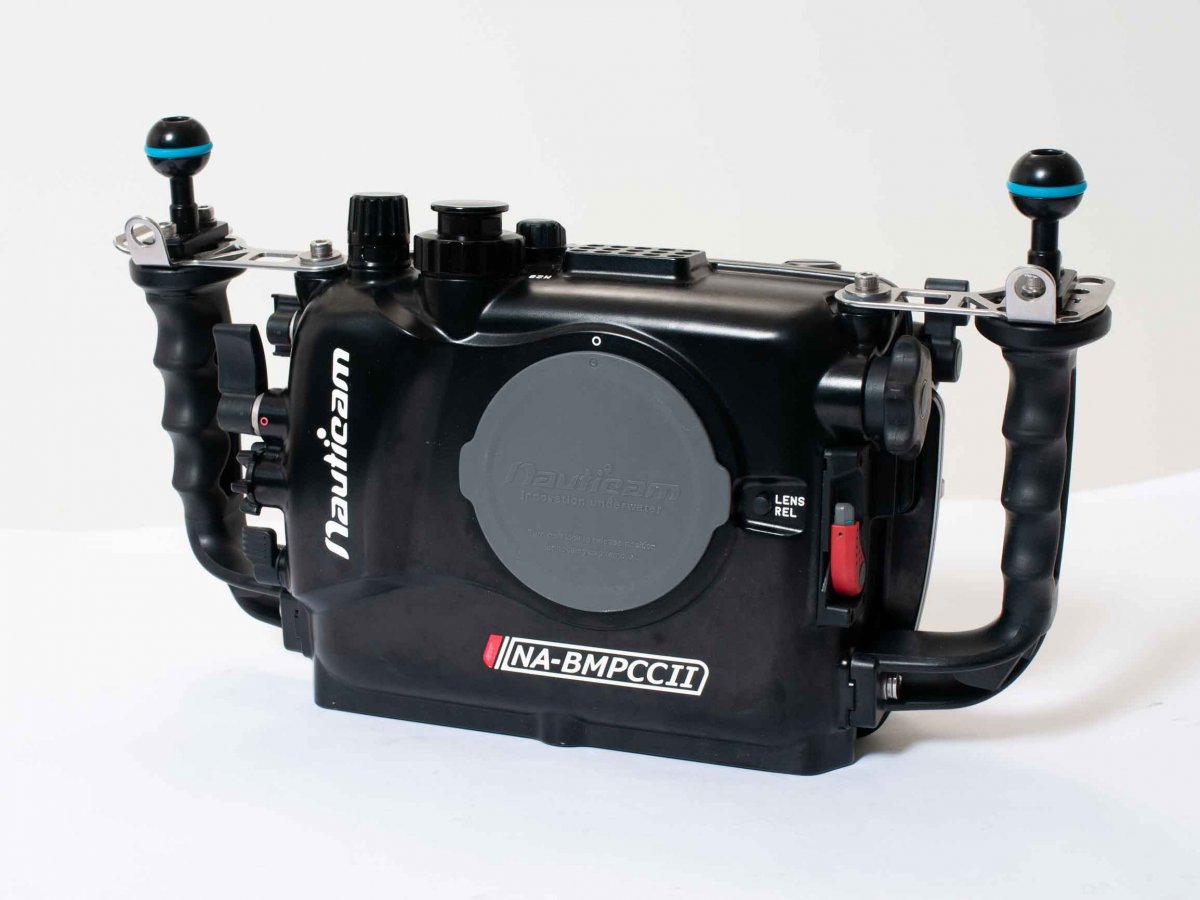
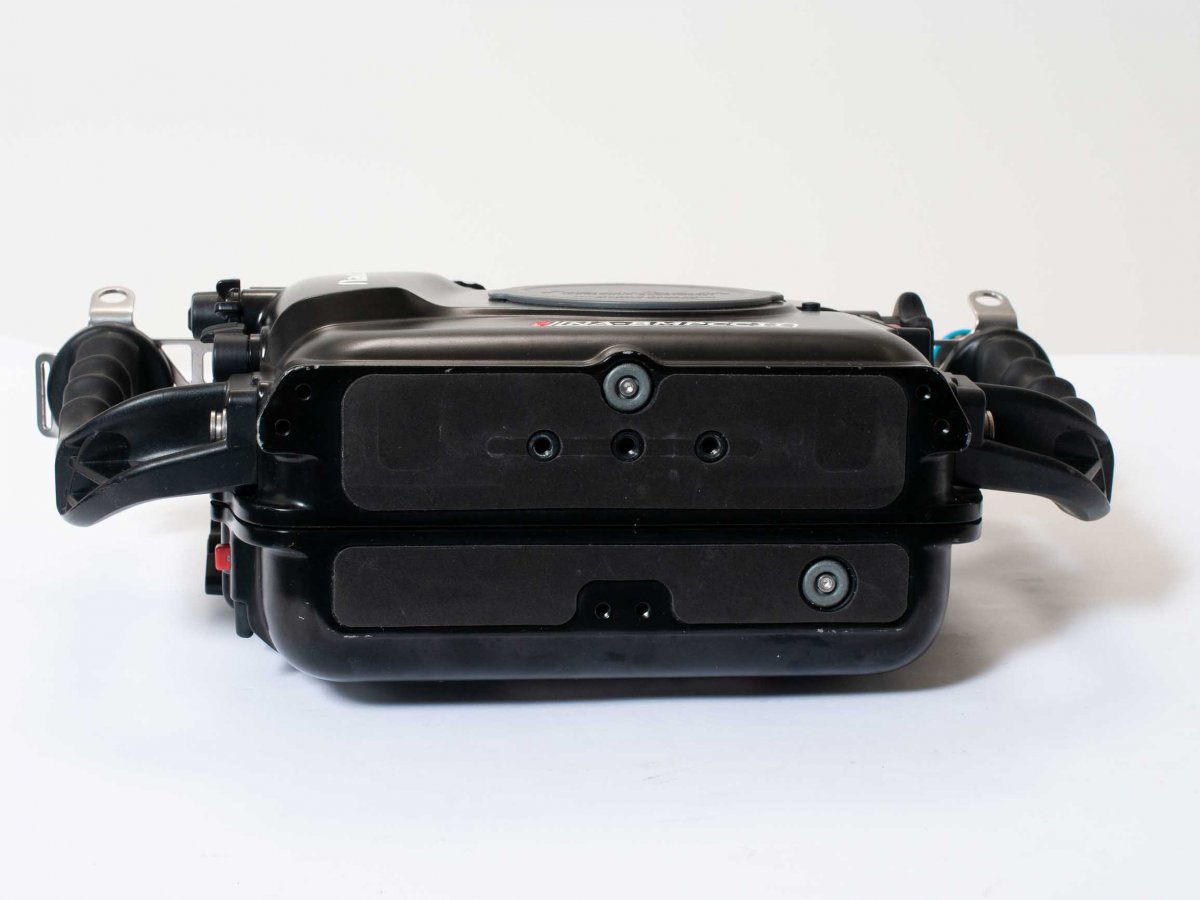
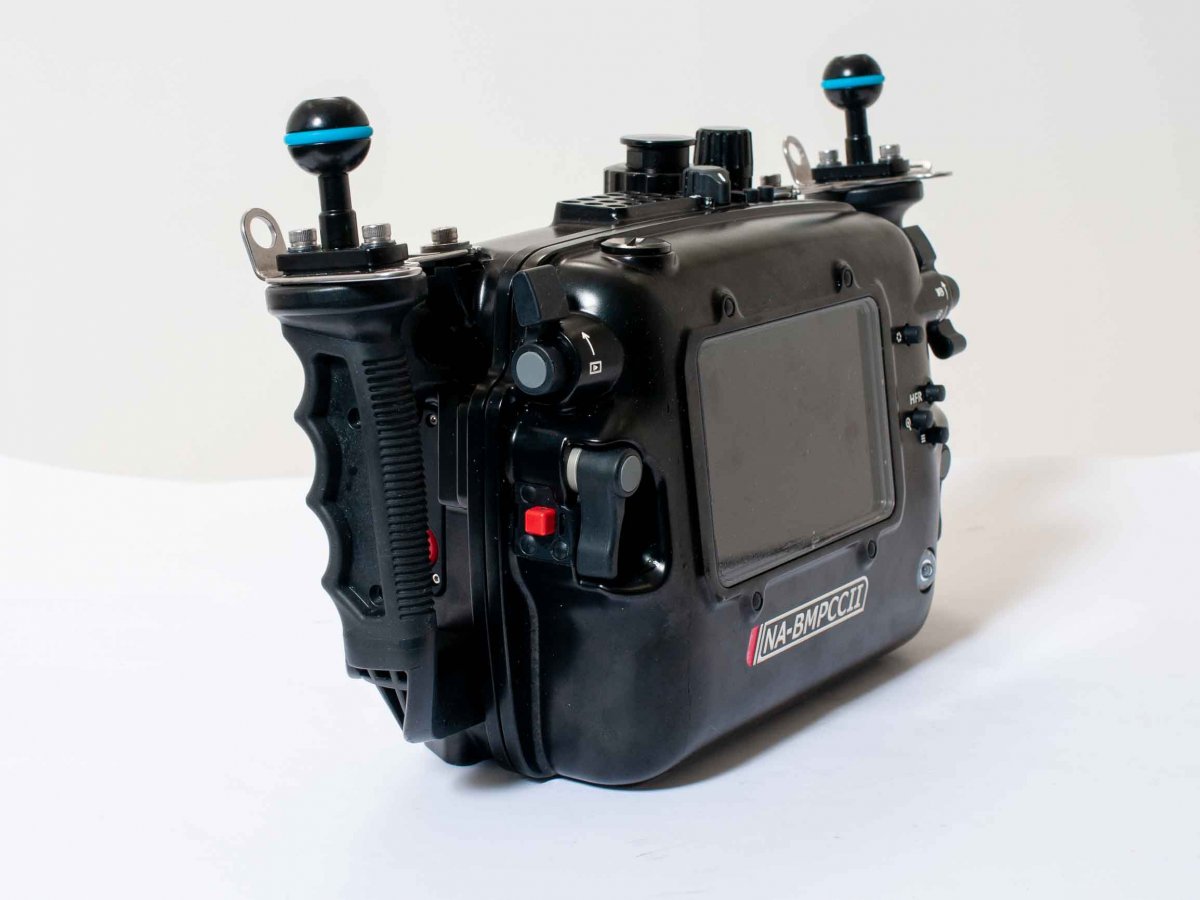
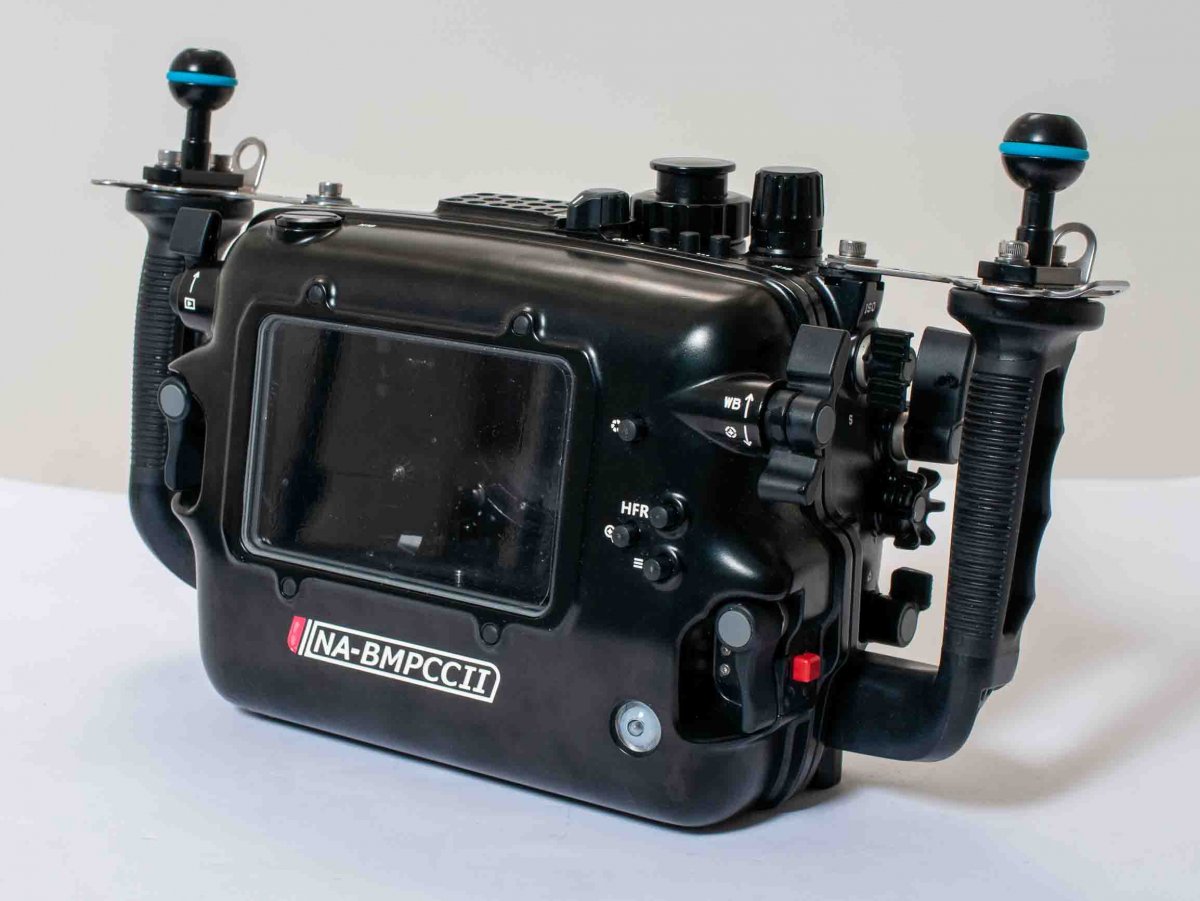
Nauticam NA-BMPCCII housing for Black Magic Pocket Cinema 4K for sale. Bought new in march 2019 (invoice included). Used for 15 (!) Dives. No scratches, plastic film on monitor display. Housing sold as on pictures, no ports or domes etc. Vacuum -port and one set of 18650 li-ion batteries are included. Housing is located in Norway (can ship immediately).
MSRP 3790 USD.
Sale price: USD 2650,- excl vat and local custom fees.
Can ship worldwide with UPS (Important note; shipping to UK after BREXIT is a nightmare these days)
https://www.nauticam.com/products/na-bmpccii-housing-for-blackmagic-pocket-cinema-camera-4k
With the Pocket Cinema Camera 4K, Blackmagic is giving users affordable 4K Raw video. The Blackmagic Pocket Cinema Camera 4K delivers true DCI 4K capture at 60fps recorded in either 12-bit Blackmagic raw format or a variety of 10-bit ProRes flavors. Video can be recorded internally to SD or CFast 2.0 cards or via USB-C to a compact SSD. The MicroFourThirds mount means a large selection of lenses. The Nauticam NA-BMPCCII goes beyond just housing the Pocket Cinema Camera 4K by also supporting additional batteries, a portable SSD and the ability to use external monitors or recorders. Technical Specifications Dimensions 370mm(W) x 220mm(H) x 124mm (D) Weight in air 3.2 kg Weight in water TBA Depth Rating 100m