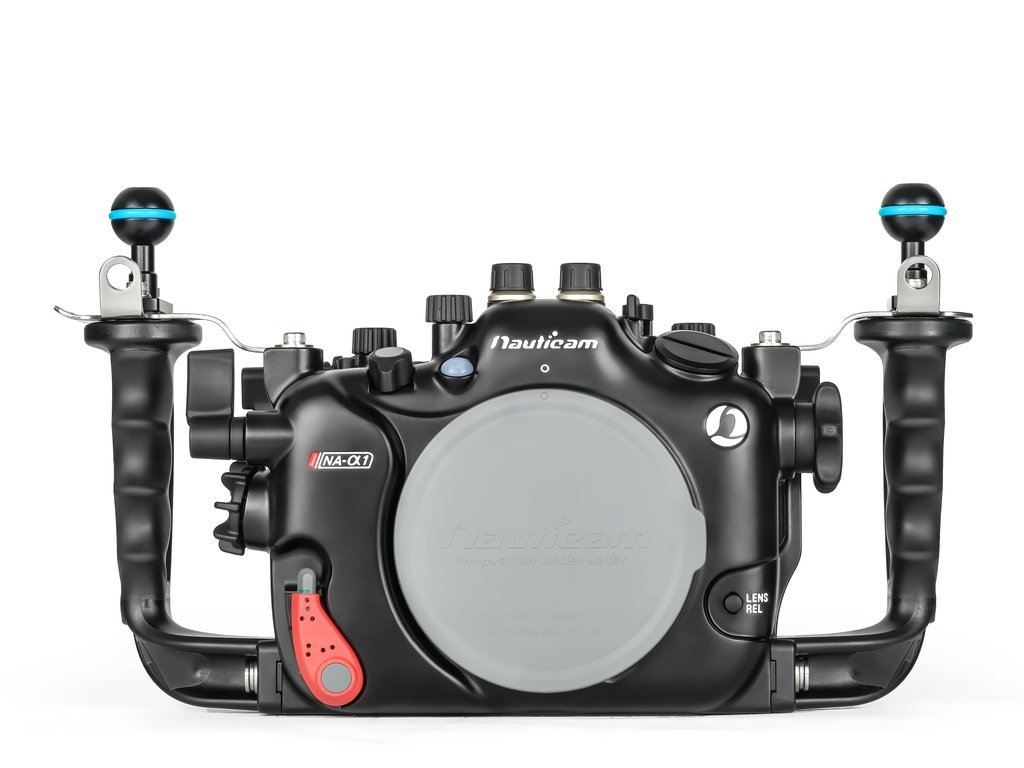
Nauticam has posted the new Nauticam NA-A1 housing for the Flagship Sony A1 camera, the third housing with the new logo. I have had the camera for a few weeks and will have the housing in house tomorrow. It has many excellent features for underwater photographers including super fast AF and tracking speeds, up to 30 FPS, Flash sync up to 1/400th in full frame and 1/500th in APS-C, 8K video with out over heating, same Nauticam N100 port system and much much more. Should have the housing in the water by the weekend.
The new Sony A1 camera with the Nauticam NA-A1 housing, Sony 28-60mm at 28mm, Nauticam WWL-1B, two Inon Z300 flashes at F/6.3, 1/160th ISO-500. Shot in the springs in North Florida.
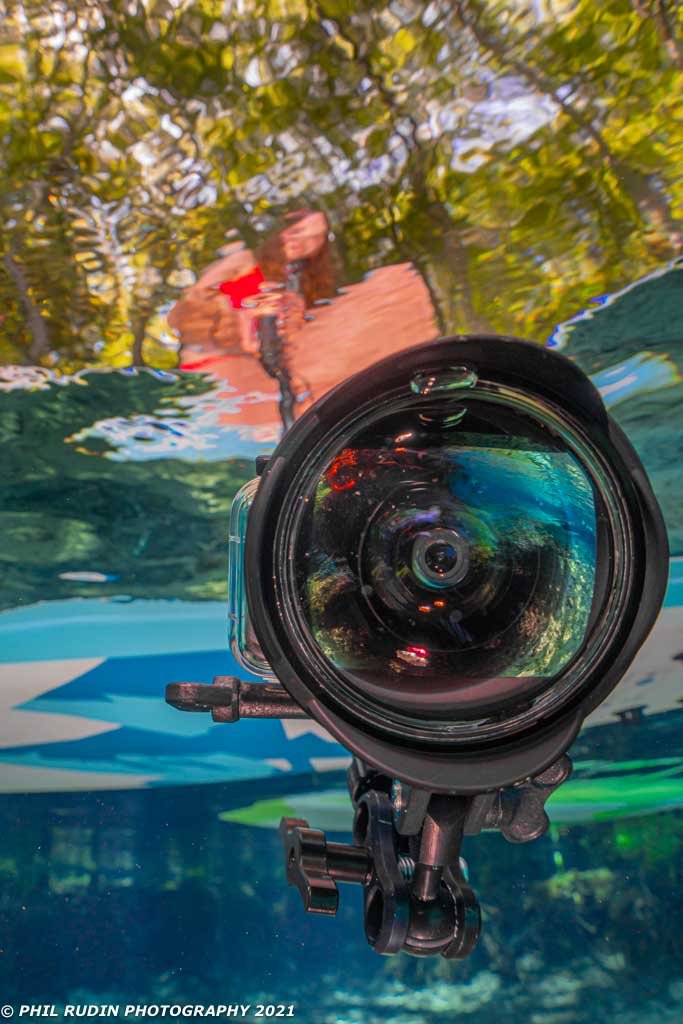
This is a GoPro with several INON accessories including a SD Selfie set and UFL-G140 SD conversion lens.
Phil, I would love to hear more thoughts on how the A1 is working out. I am a Nikon Z shooter and am contemplating jumping over to the A1, mainly for the better AF. Curious as to your thoughts. R/Glenn
Hay Glenn, I have done a 4800 word review in the current issue of uwpmag.com. This is a free PDF download. If you have further questions after you read the review let me know.