



I adapted a Backscatter OS-1 optical snoot to my Z330 using a standard 4" PVC pipe coupler (sched 40) and machined ABS snoot connector. Snoot offset 0.5" from center, snoot attachment 2" from Z330 hood threads. Mini lathe required.
The nominal 4" PVC coupler, when cut in half, gives a section 2" long with a 3.875" ID raised lip that fits snugly on the Z330 after a bit of scraping with a razor blade. The pipe coupler seats against the raised threads of the flash to keep the axis of the snoot square with the flash. Nylon screws at 3 points around the diameter hold the assembly snugly in place without marring the Z330 surfaces.
Testing with a Sony a7Riii and 90 mm macro in a Seafrogs housing range to target 15 cm, OS-1 aperture 5 mm, range to target 7.5 cm.Fiberoptic trigger signal via UWTechnics fibroptic in TTL mode. TTL appears to control illumination over f5-16 although not as precisely as with wide angle.
Sorry for the mixed units.
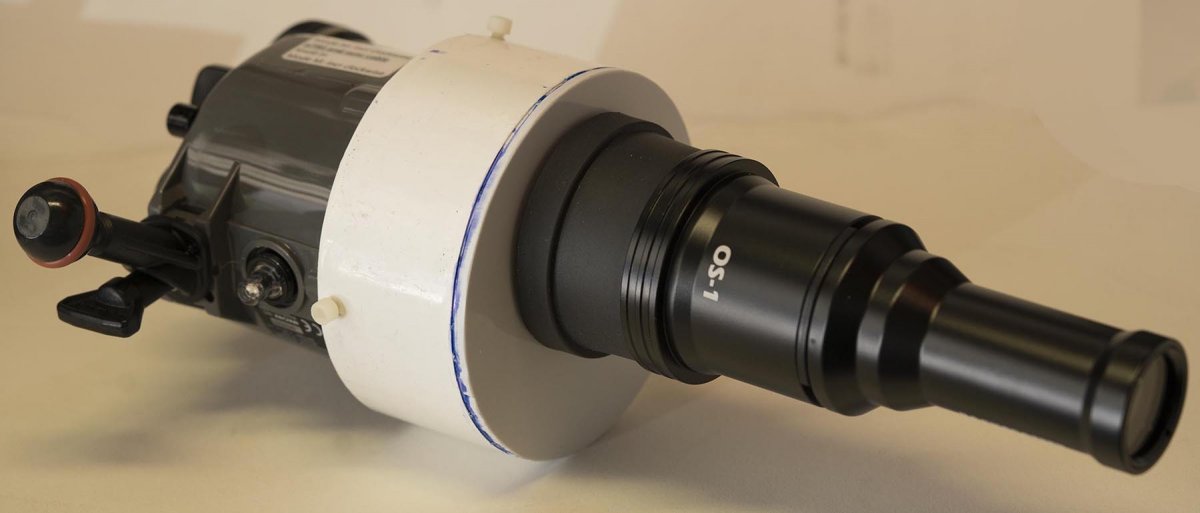
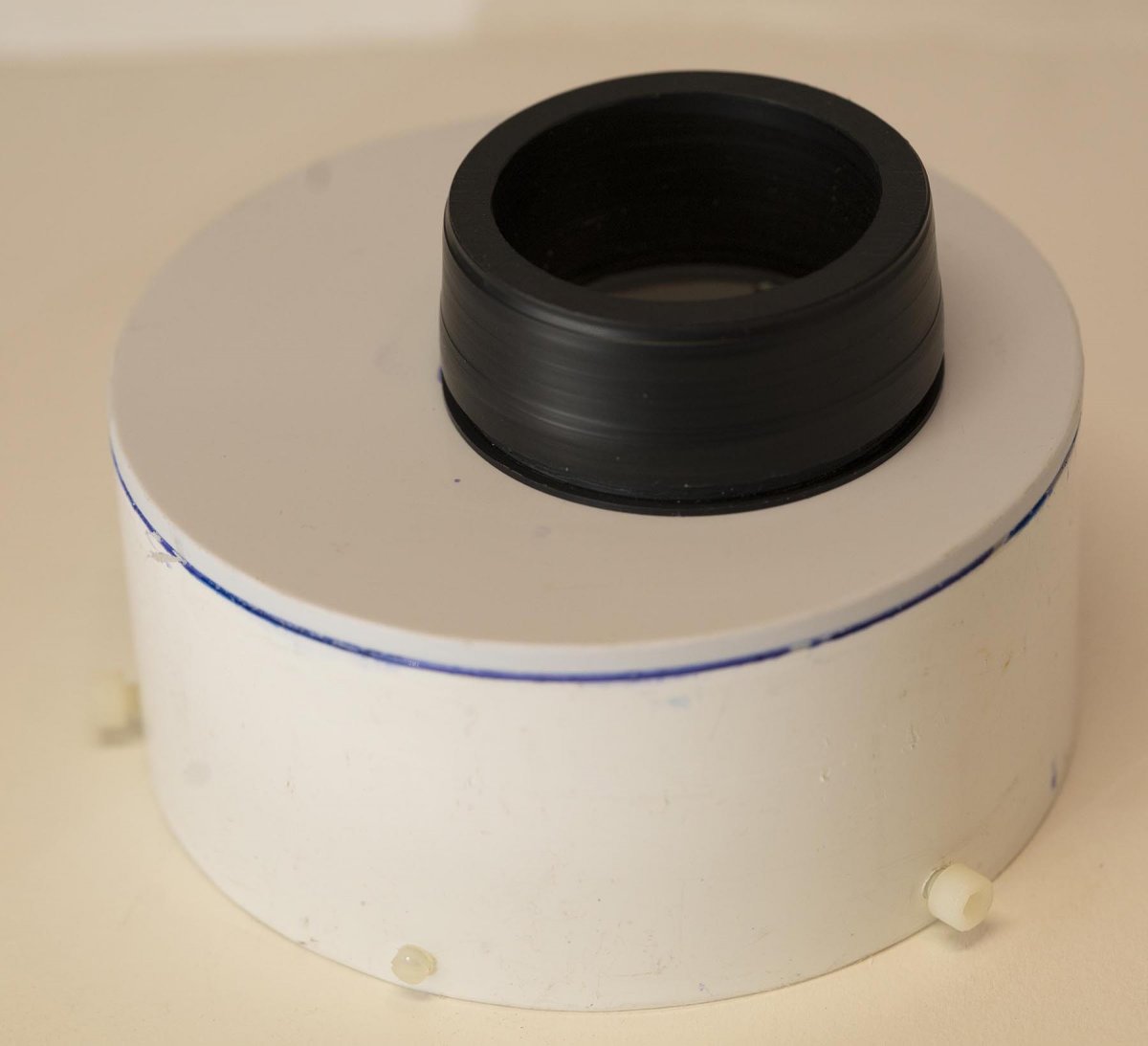
PVC pipe adapter with machined ABS snoot connector, indexing nylon screw and nylon retaining screws. Groove at rear of slightly tapered connector accepts lips of snoot for firm attachment, as with the Backscatter Mini Flash. All parts fabricated with a Mini Lathe. Flat circular PVC glued to PVC coupler with standard cement. Black ABS snoot connector bolted with 4-40 from rear.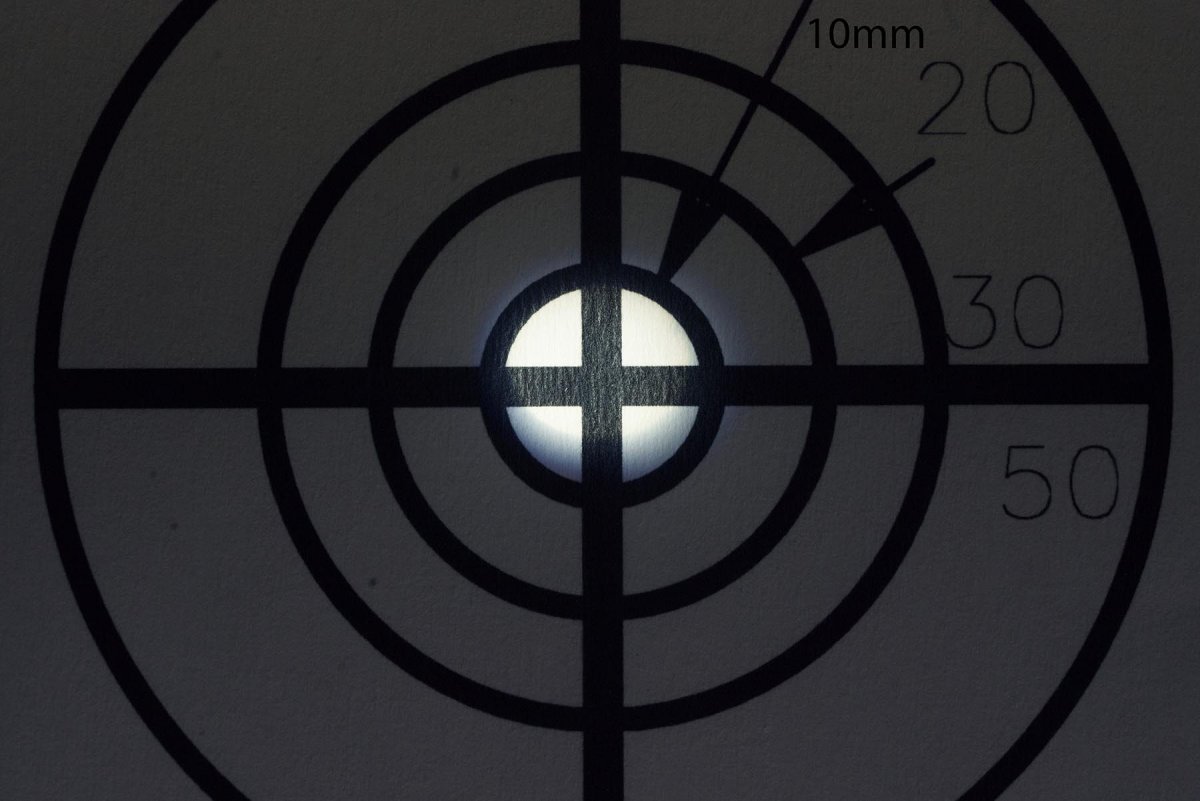
Target location and framing light. Target rings 10, 20, 30, 50 mm diameter.
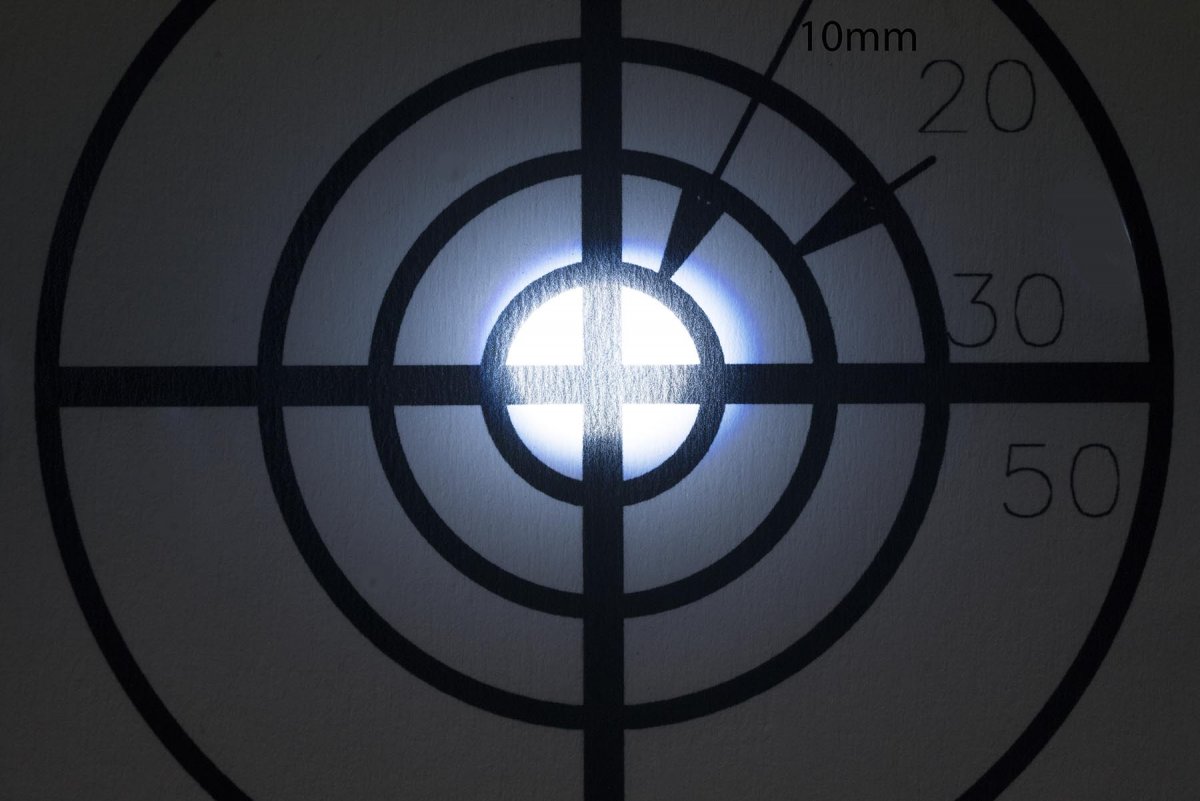
Flash illumination. Target rings 10, 20, 30, 50 mm diameter.


