Skip to content

Video Gear and Technique / Archived topic

Big Blue with Backscatter OS-1 snoot

Started by davec13o2 ·

  • 1Posts
  • 1Replies

Read-only discussion

Big Blue with Backscatter OS-1 snoot

1 posts
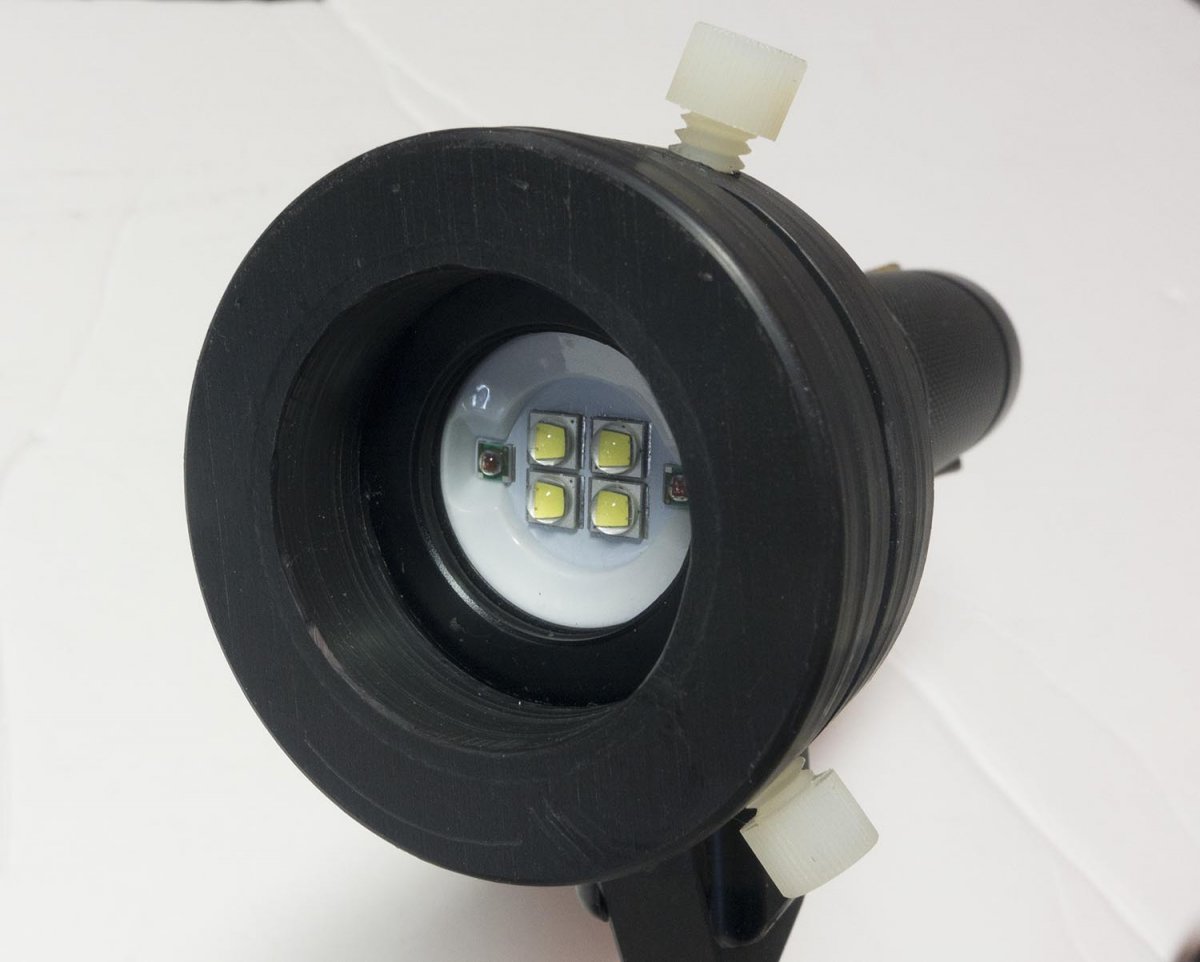
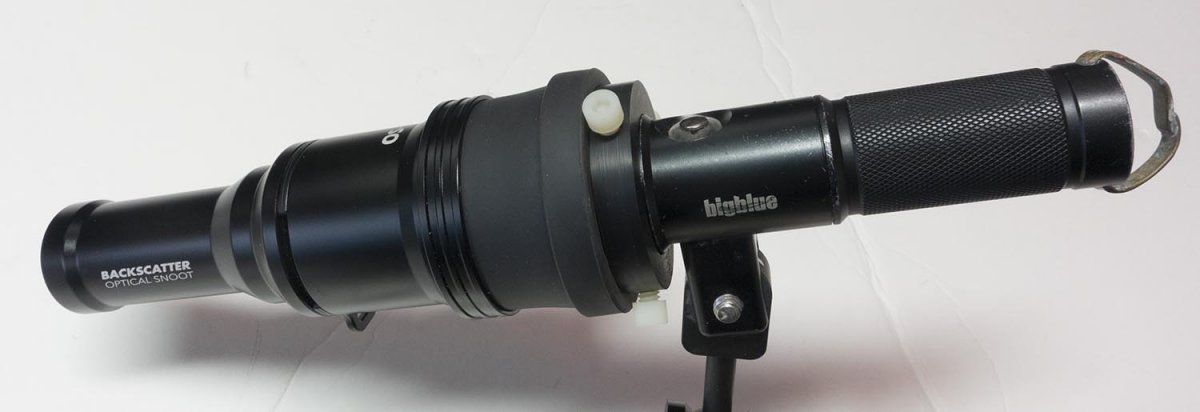
  1. Big Blue 2600 lumen with adapted Backscatter OS-1 snoot.
    199533571_completeassembly.thumb.JPG.e9a9b360fc23ff05facc646a631391f8.JPG

    Complete assembly.

    BB-adapter-front.thumb.JPG.144d01ae3c9c7f9188d1b5ec4d911284.JPG

    Front view of snoot adapter.  Nylon retainer bolts
    2057764541_BB-adapter-rearview.thumb.JPG.ec212f44ff2b29037f5746bf745b1f25.JPG

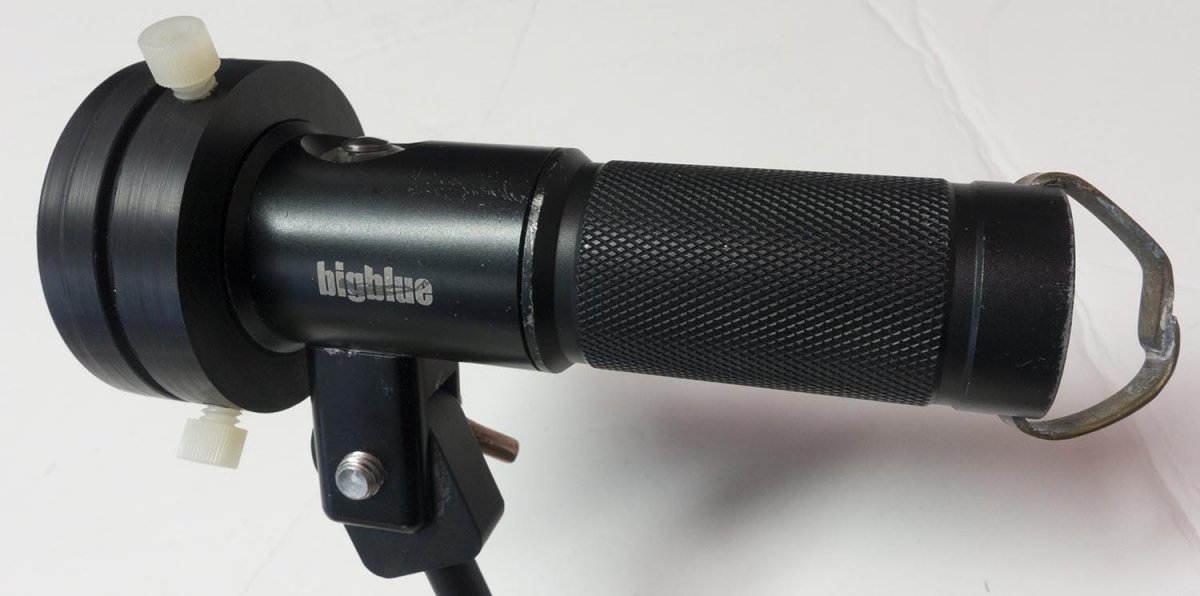
    Big Blue and snoot adapter, rear view.  Groove forward of retainer bolts to accept snoot rubber retainer fingers.
    649159089_wideopenrange10cm.thumb.jpg.420a13425993c0e81deb9c990858bd9f.jpg

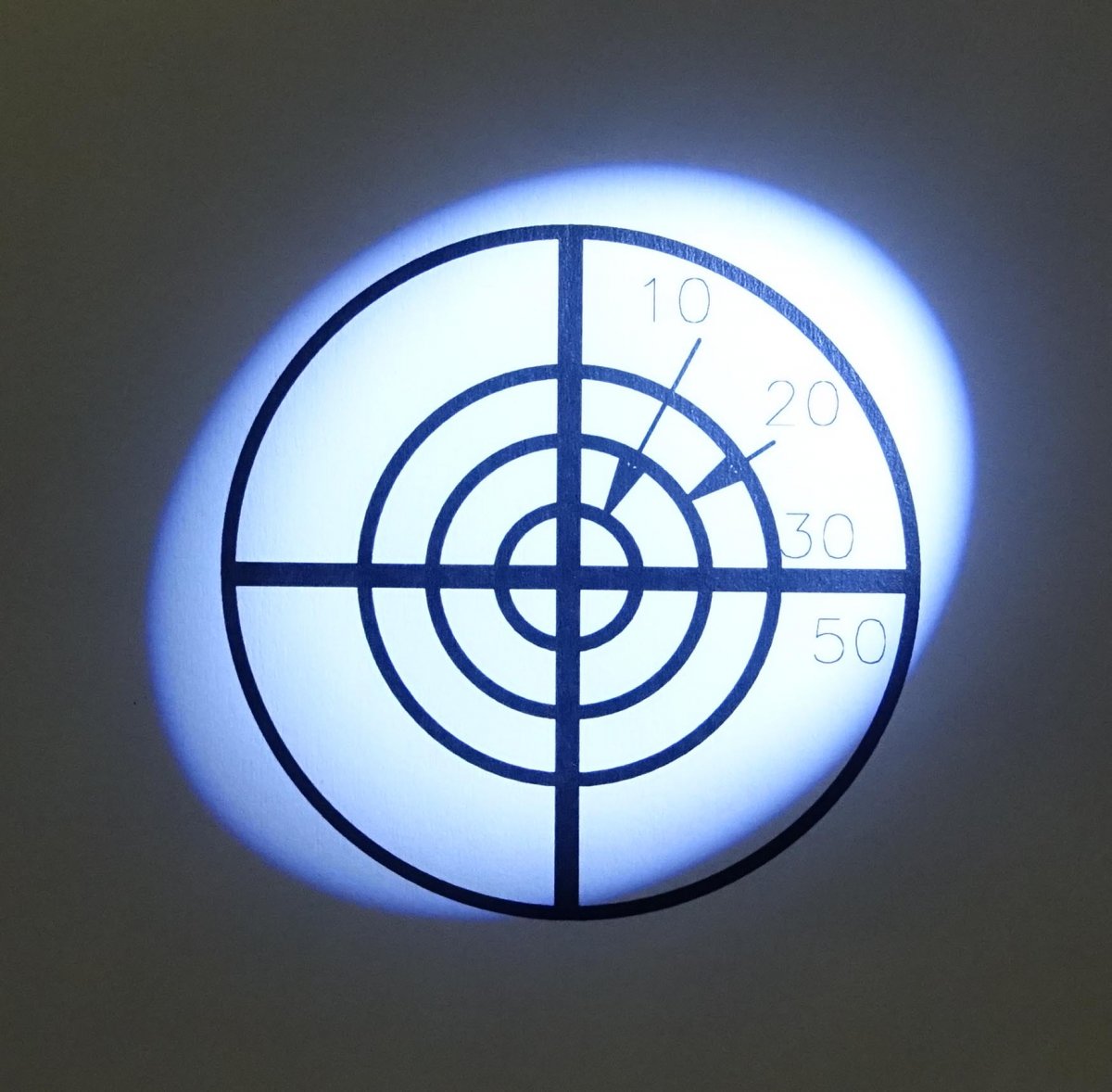
    Snoot wide open, f/8, iso400, 1/80sec, range 10cm.  Target circles 10, 20, 30, 50 cm diameter.
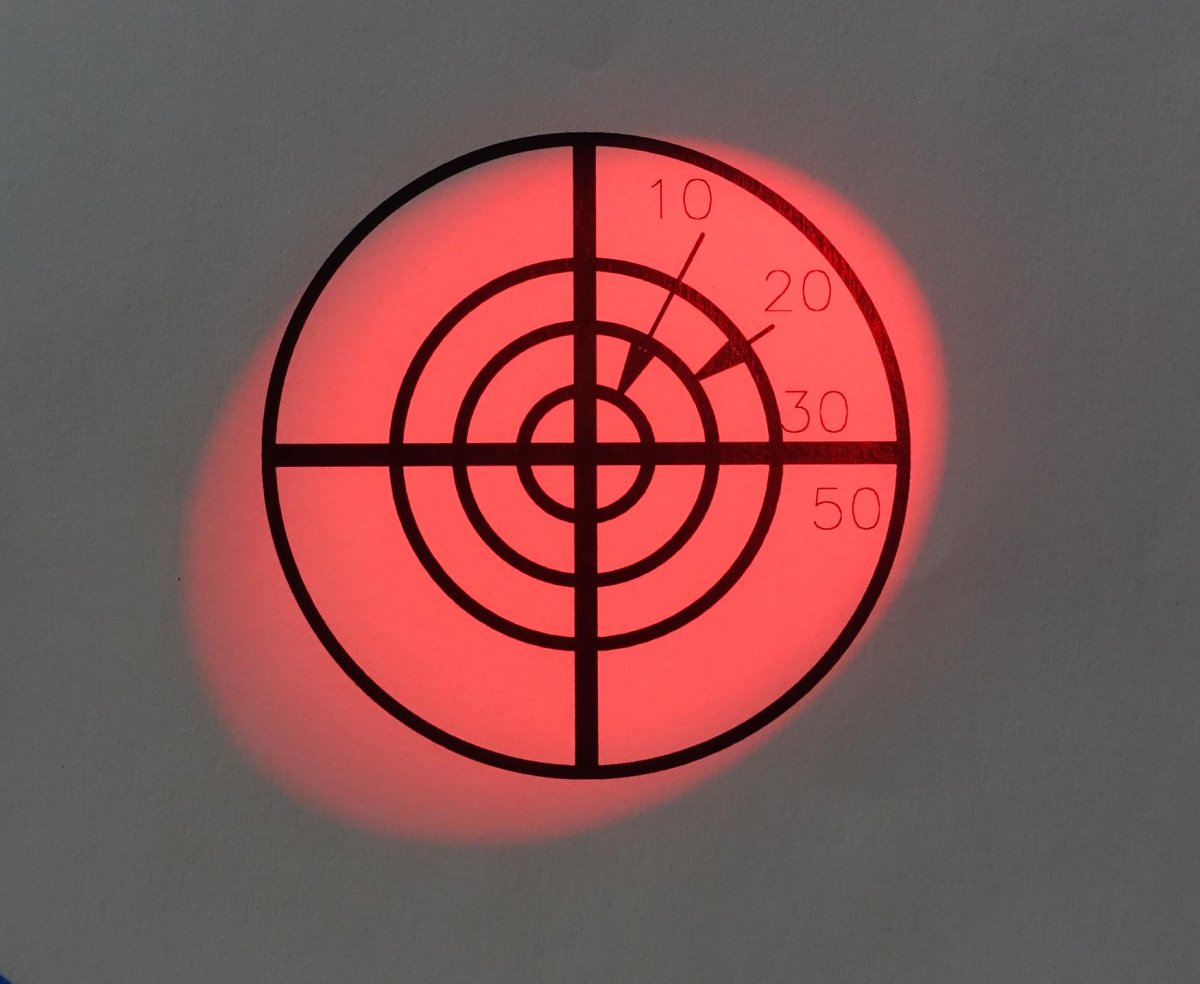
    1076769362_redwideopenrange10cm.thumb.jpg.01dc89af06c5918c12d20463c312133d.jpg

    Red beam with above conditions, 1/30sec
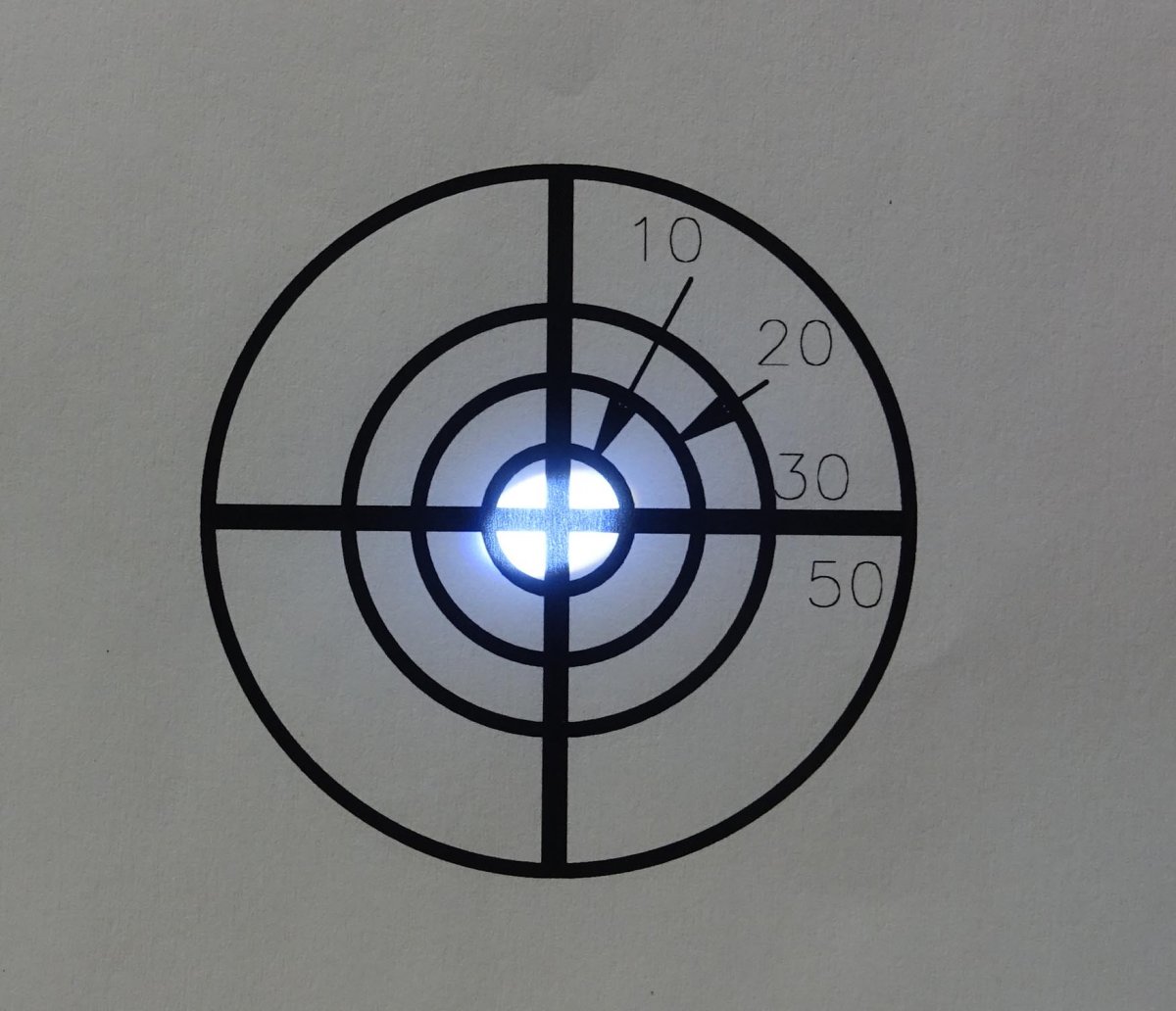
     

    2040517492_5mmaperture5cmrangeatfocus.thumb.jpg.7429b708f89beb832b17aeeac64a9f6b.jpg

    Snoot aperture 5mm, f/8, iso400, 1/20sec, range 5cm for optimum beam focus on target.

     

    Edited by davec13o2 — additional information
Ultralight Control Systems

Account

Navigation

Search

Search

Configure browser push notifications

Chrome (Android)
  1. Tap the lock icon next to the address bar.
  2. Tap Permissions → Notifications.
  3. Adjust your preference.
Chrome (Desktop)
  1. Click the padlock icon in the address bar.
  2. Select Site settings.
  3. Find Notifications and adjust your preference.