Skip to content

Classifieds / Archived topic

Sea & Sea MDX 5D Mark II and ports

Started by DavidSD619 ·

  • 3Posts
  • 3Replies

Read-only discussion

Sea & Sea MDX 5D Mark II and ports

3 posts
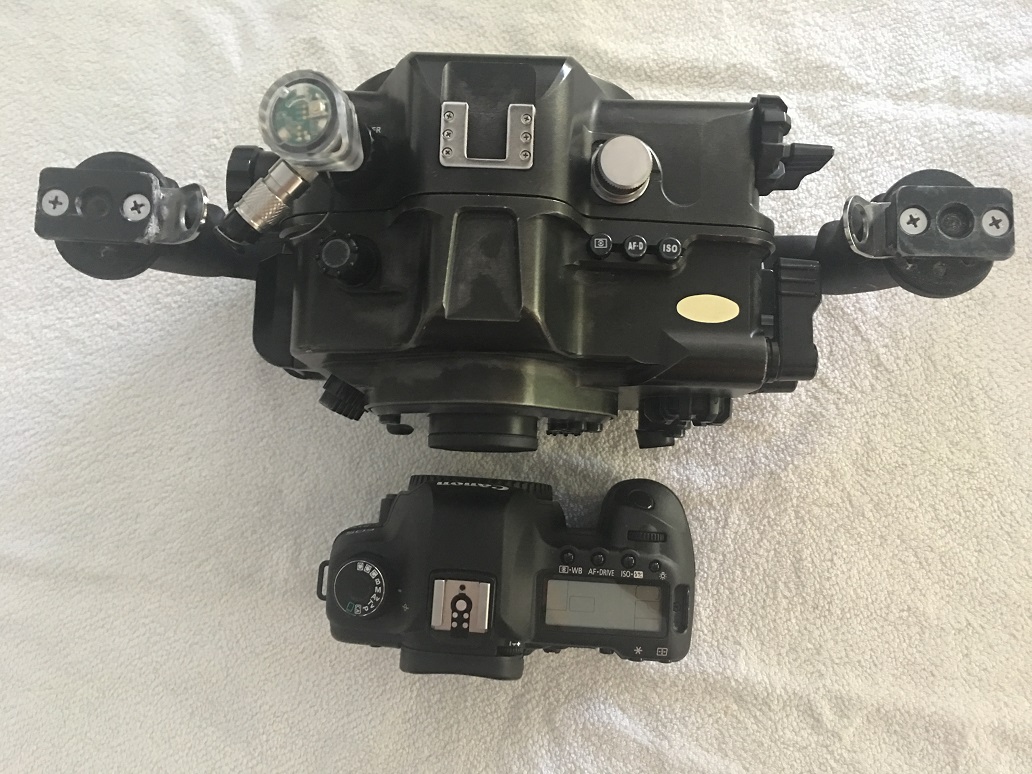
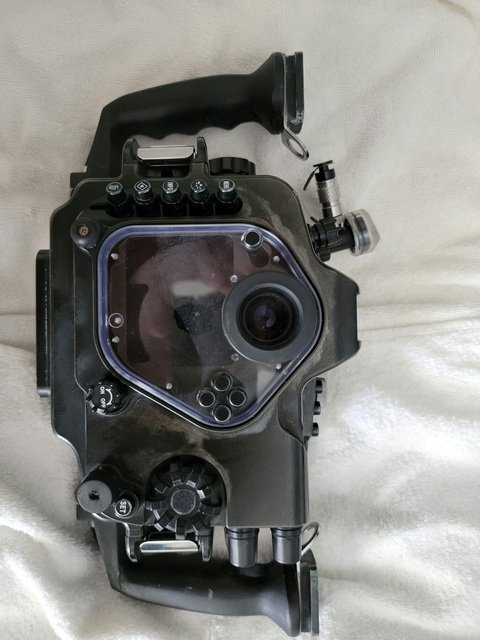
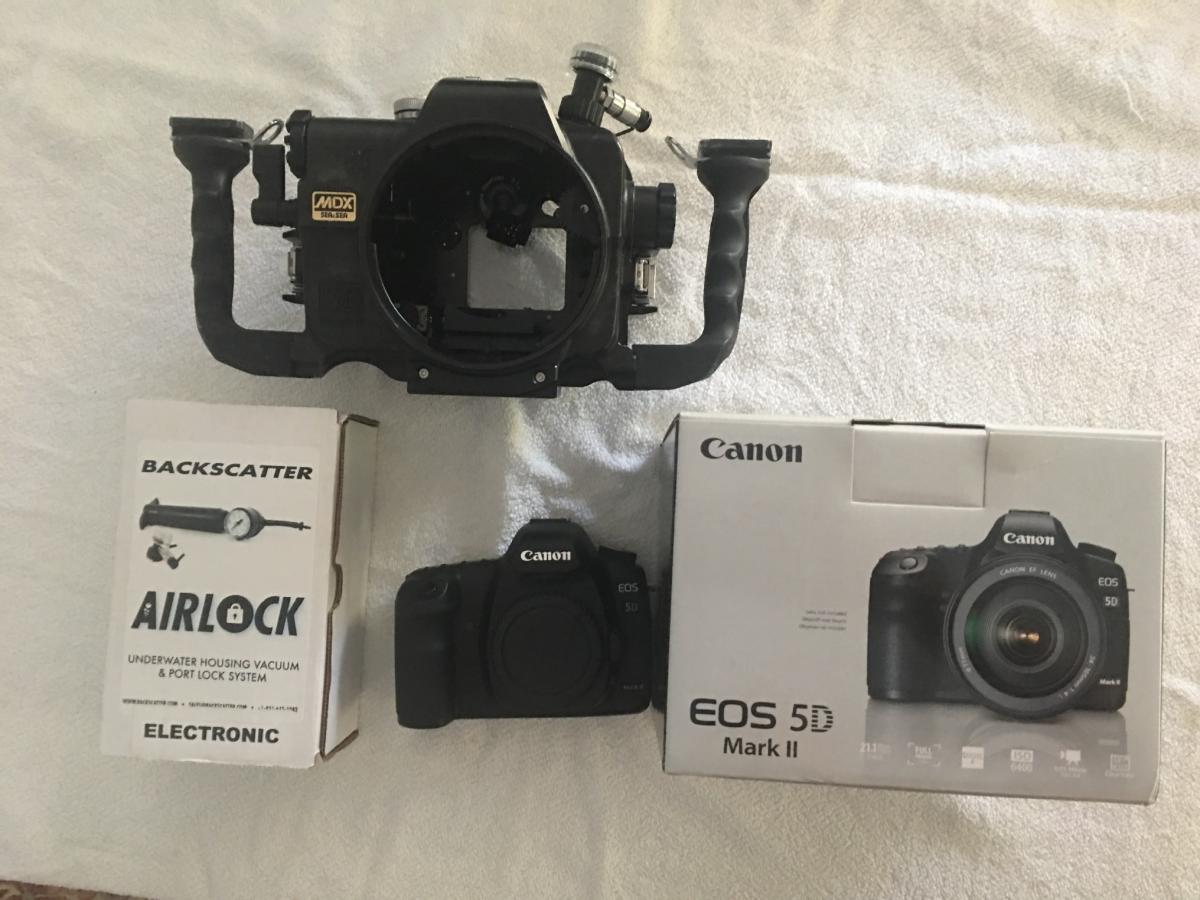
  1. Sea & Sea MDX Housing for Canon 5D mark II.  Has Back Scatter vacuum system installed.    $1000

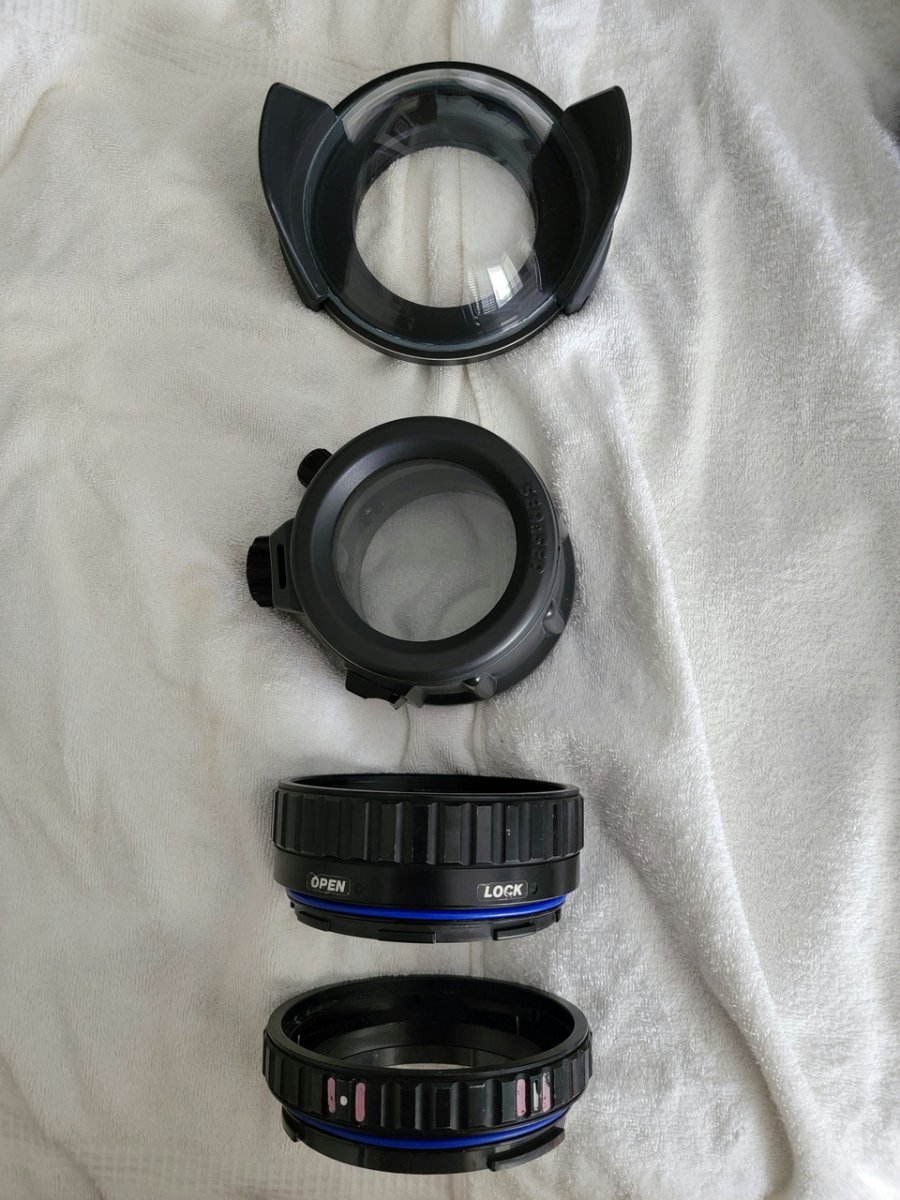
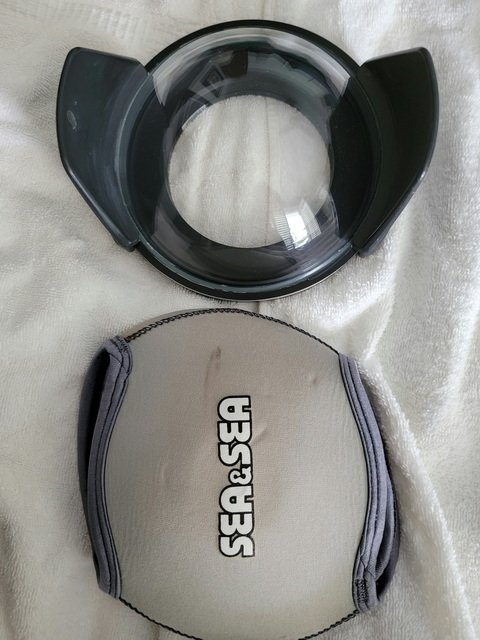
    Sea & Sea NX Compact Dome Port port  (small scuff, doesn't effect photos can be buffed out)      $200

    Sea & Sea NX Custom Flat Port (port hotshoe type holder broken)     $100

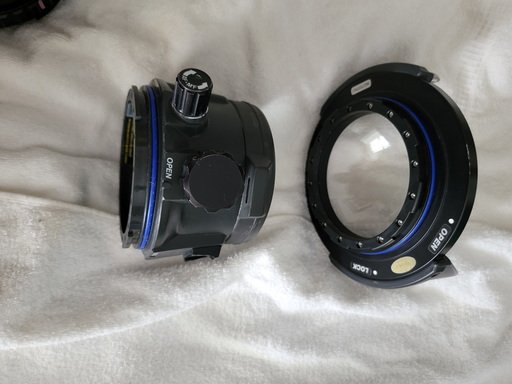
    Sea & Sea Extension Ring 40        $75

    Sea & Sea Extension Ring 20      $75

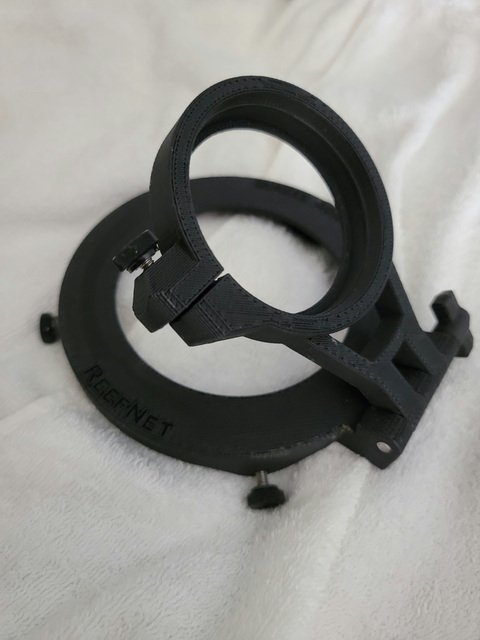
    Reefnet Subsee holder for Sea & Sea Custom Flat Port $75 (subsee not included)

    Canon 5D Mark II Body , Battery, charger  $500 

    Everything for $1800

    Canon 5D+ Sigma 15mm + Compact Dome port gives excellent wide angle shots

    Canon 5D+ Canon 100mm Macro + Ring 40 +Custom Flat Port gives excellent Macro shots

    Anything on my website taken before 2016 was taken with these combinations
    http://www.davidkleinfelt.com

    post-3277-0-40445300-1475256103_thumb.jpgpost-3277-0-99629900-1475256449_thumb.jpg20210602_144444.jpg.210103daac5e9330547f458916b5bf29.jpg20210602_144404.thumb.jpg.b11cadac13bb3ee8dfd87caebbf07d5c.jpg

    20210602_144526.jpg.83ebb32efd503f253196178f4dfc1259.jpg20210602_144606.jpg.faca931a4c5e3dbcd396f0bbcb9923ea.jpg

    20210602_144150.jpg.0600825e8da7df18a045ea9500a97234.jpg


    Edited by DavidSD619
  2. Still available.

  3. Kit is sold

Turtle

Account

Navigation

Search

Search

Configure browser push notifications

Chrome (Android)
  1. Tap the lock icon next to the address bar.
  2. Tap Permissions → Notifications.
  3. Adjust your preference.
Chrome (Desktop)
  1. Click the padlock icon in the address bar.
  2. Select Site settings.
  3. Find Notifications and adjust your preference.